
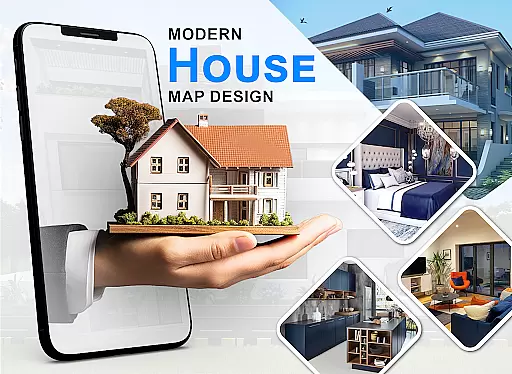
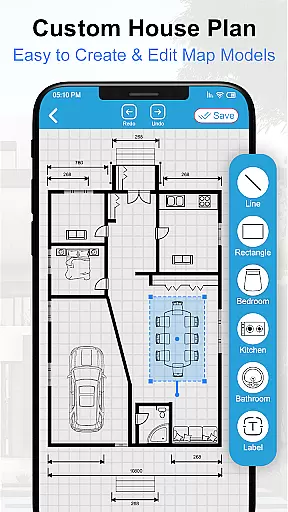
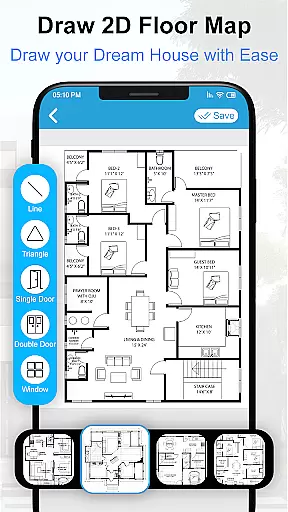
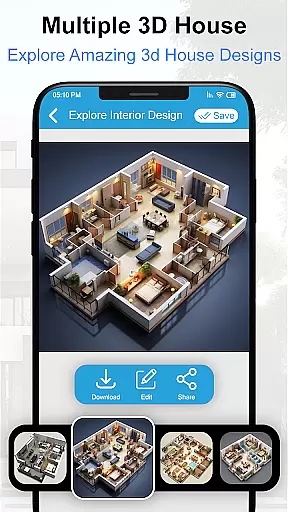
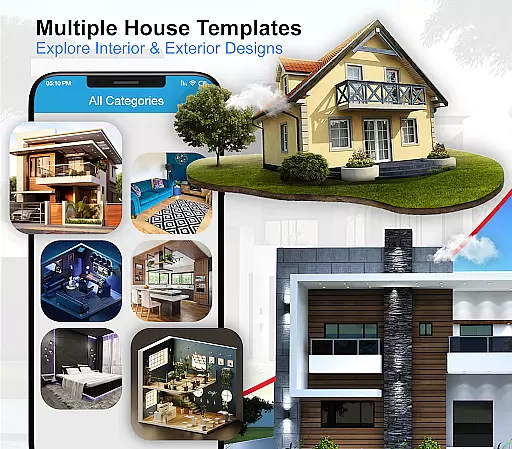
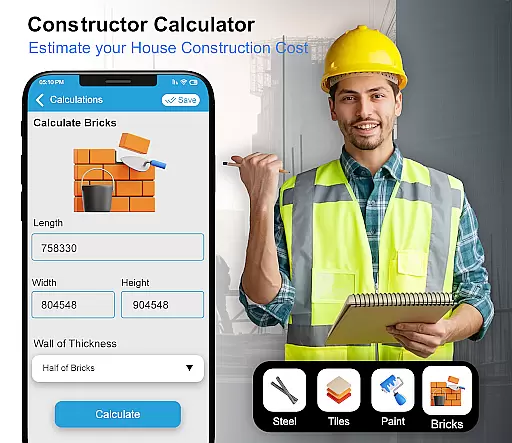
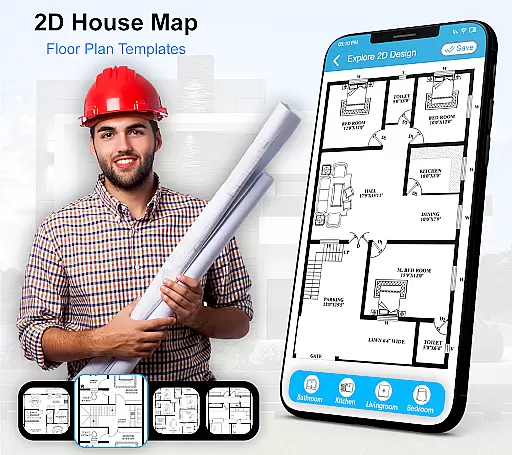
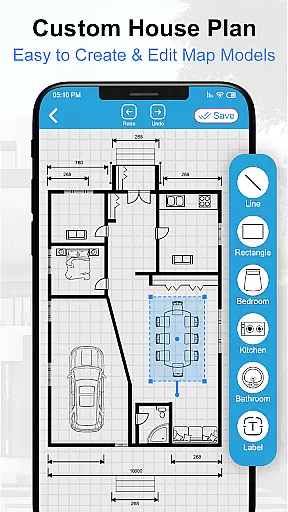
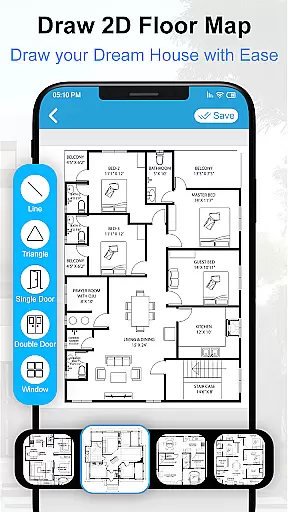
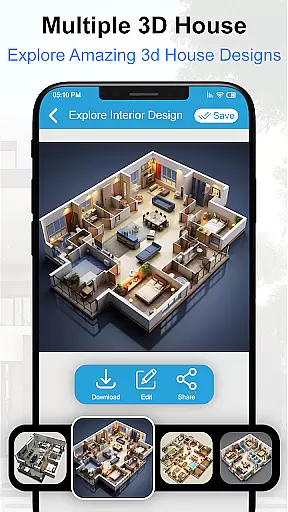
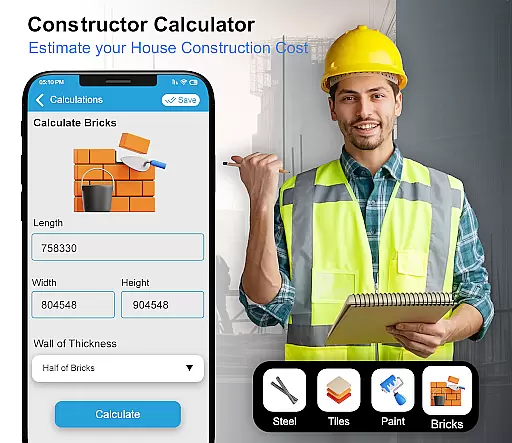
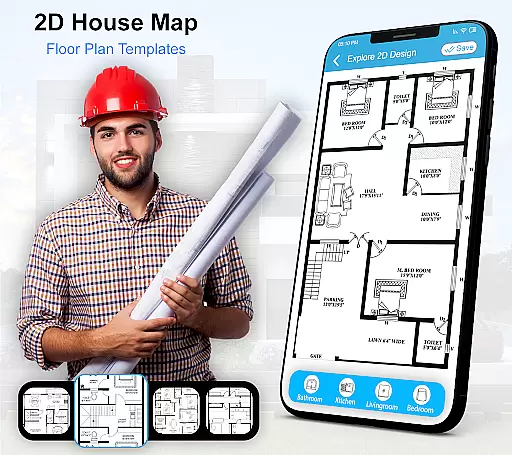
House Design 3D Floor Plan App is a powerful home planning tool that allows users to create detailed architectural blueprints and interior designs for their dream homes. The app provides an intuitive interface for drawing precise floor plans, designing room layouts, and visualizing spaces in 3D.
With its comprehensive library of design elements including furniture, kitchen layouts, and bathroom fixtures, this application serves as an all-in-one solution for both amateur home designers and professionals. Whether you're remodeling your living room or planning a complete house construction, the app's diverse features help bring your ideas to life while maintaining professional design standards.
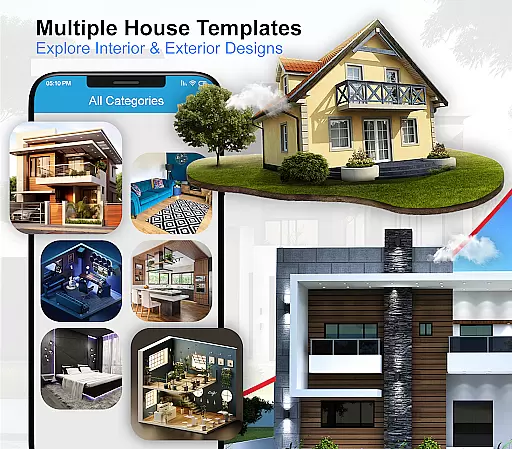
The app offers an impressive array of features designed to simplify the home planning process. Users can create detailed 2D and 3D floor plans using precise measurement tools and drag-and-drop functionality. The extensive library includes thousands of pre-made design templates for various rooms and spaces.
Advanced features include real-time 3D rendering, customizable furniture options, and professional-grade blueprint creation tools. The app also supports multiple layers for complex designs and offers export options for sharing your projects with contractors or clients. These capabilities make it an essential tool for anyone involved in home renovation or interior design projects.
In the realm of house design and home planning, ensuring the authenticity of property listings is paramount. The House Design 3D Floor Plan App addresses this need by providing users with accurate and verified blueprints and design plans for various parts of a home. This includes detailed floor plans for kitchens, drawing rooms, bathrooms, and bedrooms, all of which are essential for anyone looking to either build or renovate their living space.
The app's comprehensive collection of design sketches and furniture layouts ensures that users have access to a wide array of authentic options. These designs are not only varied but also crafted to cater to different tastes and requirements, making it easier for individuals to find something that aligns perfectly with their vision of a dream home.
By offering verified and realistic design plans, the app instills confidence in its users, allowing them to proceed with their construction or renovation projects without any doubt about the legitimacy of the designs they choose. This level of assurance is crucial for avoiding costly mistakes and ensuring that the final outcome meets the homeowneru2019s expectations.
Beyond just offering design plans, the House Design 3D Floor Plan App extends its utility to home management features that assist users in organizing and visualizing their spaces effectively. With functionalities that allow for creating 3D views and architectural plans, homeowners can better understand the spatial arrangements and aesthetic potentials of their homes before committing to any physical changes.
This smart home planner app provides tools for drawing up your own house blueprint, thus empowering users to take charge of their interior and exterior design processes. Whether it's experimenting with different furniture designs or exploring various decor styles, the app equips users with everything needed to craft a personalized and beautiful living environment.
Moreover, the ability to visualize one's dream home in 3D significantly enhances decision-making, as it allows users to foresee how different elements will come together in reality. This feature not only saves time and resources but also makes the entire home design process more interactive and enjoyable, ultimately leading to more satisfactory and informed choices.
User-friendly interface
Comprehensive design library
Real-time 3D visualization
Professional-grade blueprints
Extensive template collection
Requires learning curve
Premium features locked
Occasional performance lags
Limited free resources
Device compatibility issues

Rent on-the-go with TurboTenant’s app made just for renters
 4.50
4.50
Fully control your Philips TV with this all-in-one remote control app.
4.20
Resident Center, powered by Buildium, is designed with simplicity in mind.
4.50
Schlage Lock Company LLC
4.00
Floor Plan Creator Home Design with 2D interior design and 3d view.
3.90
Control your Vivint Smart Home with the next generation Vivint App.
4.30
Plan your remodel AI home renovation easily using planner 5D and home decor AI.
4.40
Apartment finder for apartments for rent. Compare prices, amenities & rentals.
4.50
An easier way to make payments and maintenance requests from anywhere.
3.50
Connect with reliable pros for maintenance services, plumbing, and home design!
4.80
Search for Homes, Rentals, Agents & Schools
4.70
Download today to join the community to help bring lost pets home faster.
4.70
Turn old phones into security cameras, baby monitors, pet cams, and more.
4.70
Find homes for sale and apartments for rent in the best neighborhood.
4.70
The only mappable smart lights for custom decoration.
4.50
Turn your phone into a wifi cam with smart features and umlimited reach.
4.20
USHUD.com helps you find the best homes for sale in your area
4.00
Find paints using a Color Muse & ColorSnap® Match
3.60
Unlock AI-based barcode scanning and support the development of Grocy Android
4.3


User Reviews