
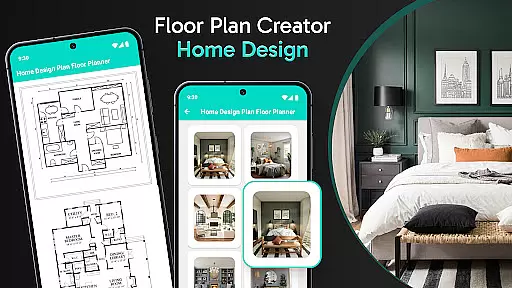


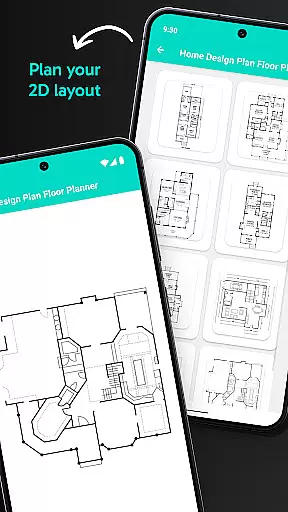
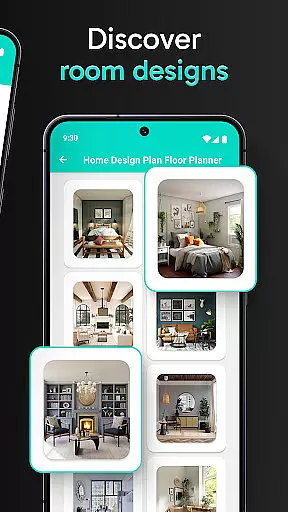
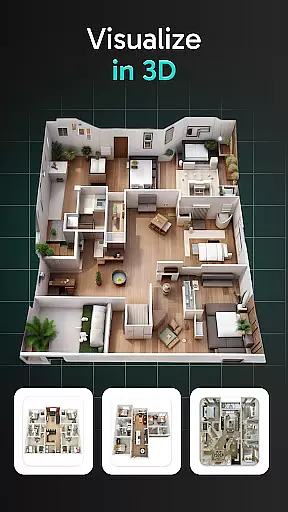
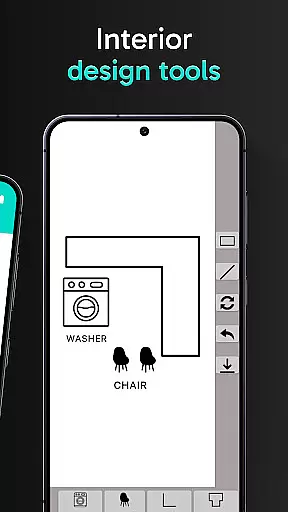
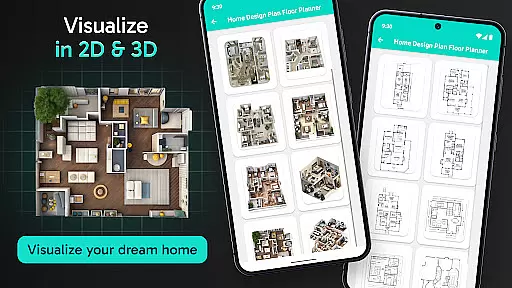
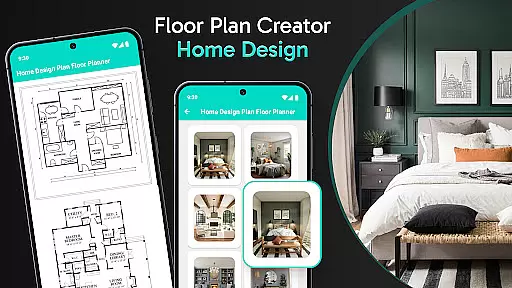

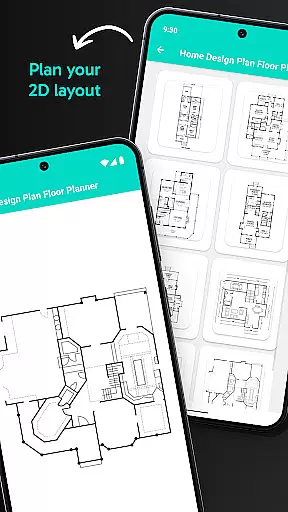
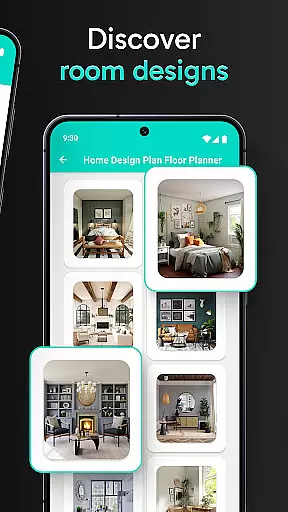
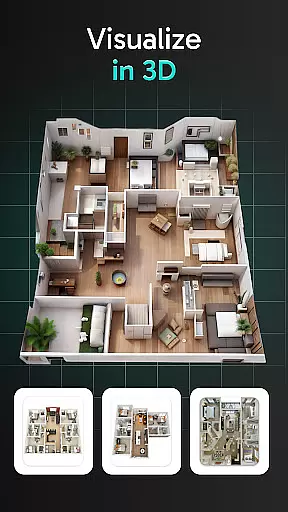
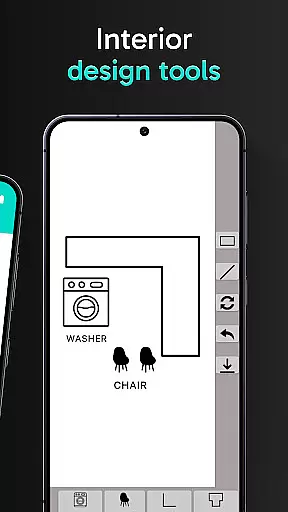
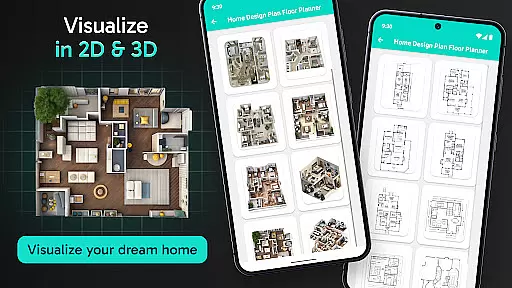
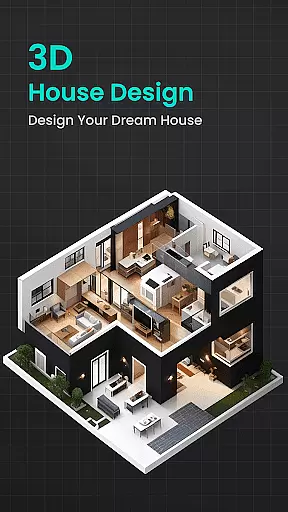
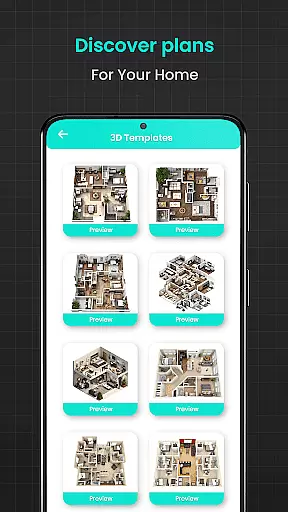
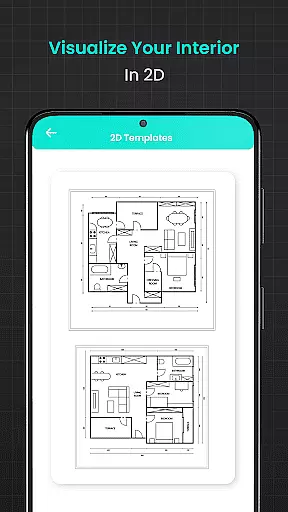
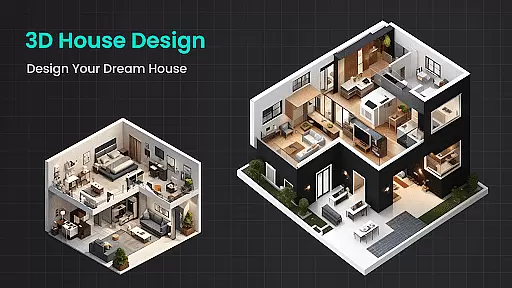
Floor Plan Creator Home Design is a comprehensive home design application that allows users to create detailed 2D house plans and explore 3D interior designs. The app provides an intuitive interface for visualizing layouts, experimenting with color schemes, and planning furniture arrangements.
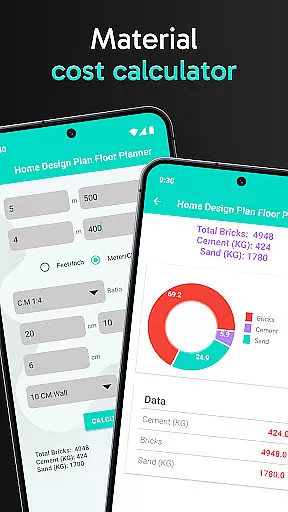
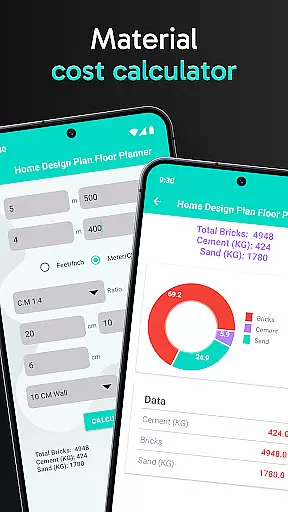
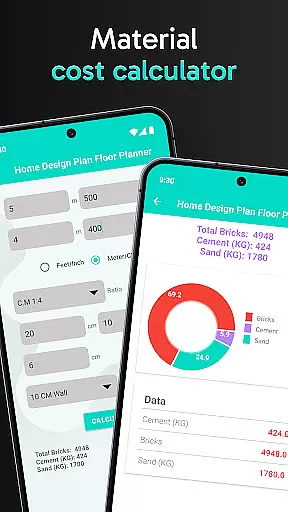
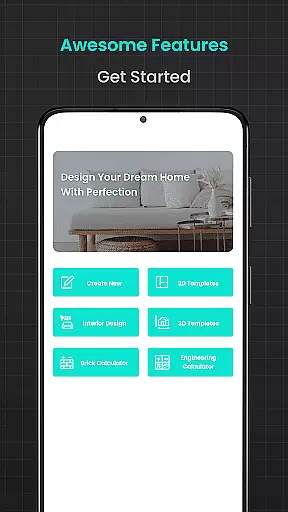
One of the standout features is its collection of calculation tools, including brick, flooring, cement, plastering, asphalt, and steel weight calculators. These tools ensure precise material estimates for various construction needs, making it especially valuable for both DIY enthusiasts and professionals working on projects like 3-bedroom house plans or Barndominium designs.
Whether you're remodeling your home or building from scratch, this app streamlines the process by combining design creativity with practical construction planning. It's suitable for anyone looking to bring their architectural ideas to life while ensuring accuracy in material requirements.
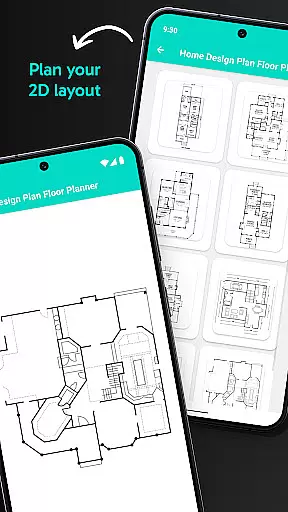
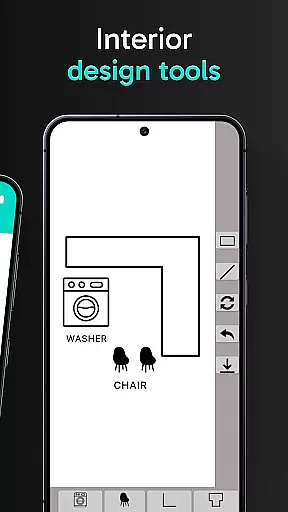
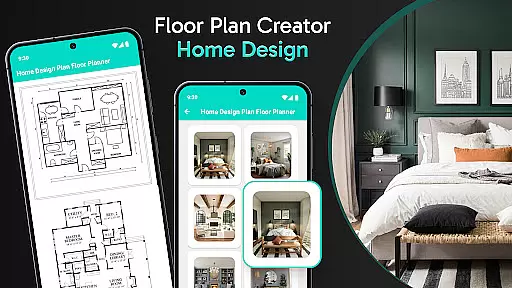
The app offers a robust set of features designed to cater to all aspects of home planning and decoration. Users can start by creating modern 2D house designs using the easy-to-navigate floor plan editor. This feature supports everything from basic room layouts to intricate house front elevation designs.
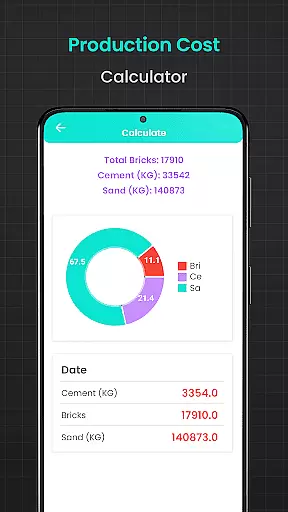
Beyond design, Floor Plan Creator includes advanced calculators such as the brick calculator, flooring calculator, and cement calculator, which are essential for estimating materials needed for foundations, walls, and more. Additionally, tools like the plastering calculator and asphalt calculator help refine finishing touches, ensuring professional-quality results.
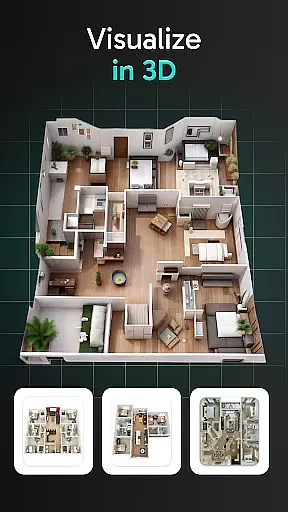
For those interested in structural integrity, the steel weight calculator and water sump tank calculator provide critical data for engineering components. With support for 3D visualization, users can also experiment with interior decor, making this app a one-stop solution for all home design needs.
In the realm of home design and renovation, having accurate and reliable information is crucial. Floor Plan Creator Home Design ensures property listing authenticity by providing users with precise tools for creating detailed and realistic floor plans. This app eliminates guesswork by offering calculators for materials such as bricks, flooring, cement, plaster, asphalt, steel, and water sump tanks.
Each calculator within the app is designed to give you exact estimates, ensuring that your project planning is based on verified data. Whether you're working on a modern 2D house design or estimating quantities for a 3-bedroom house plan, the app's advanced charts and graphs support your decision-making process with credible information.
Users benefit from the peace of mind that comes with knowing their designs are based on authentic calculations. The accuracy provided by Floor Plan Creator Home Design not only saves time and resources but also enhances the overall quality of the home design process. With this tool, both DIY enthusiasts and professionals can embark on projects with confidence, knowing they have a reliable partner in their design journey.
Beyond just designing floor plans, Floor Plan Creator Home Design offers an array of home management features that cater to various aspects of home planning and decoration. The app provides a comprehensive suite of calculators that assist in managing material requirements efficiently, making it an all-in-one solution for home design and decoration projects.
With functionalities ranging from brick and flooring calculators to cement, plastering, asphalt, steel weight, and water sump tank calculators, users can manage every detail of their construction or renovation project. These features allow for meticulous planning and resource allocation, which is essential for maintaining budget control and timeline adherence.
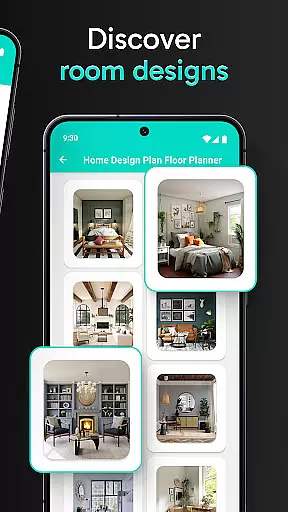
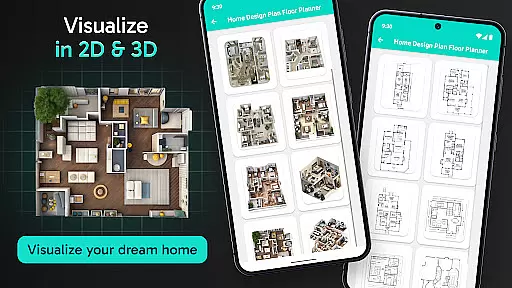
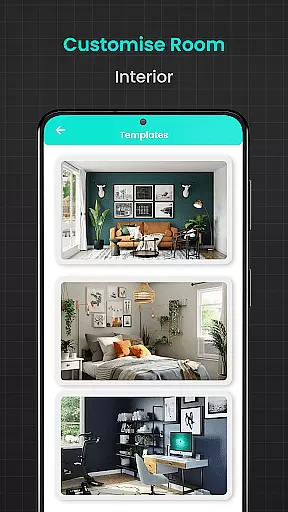
The ability to visualize designs in both 2D and 3D further enhances the home management aspect of the app. Users can experiment with furniture placements, color schemes, and decor options, ensuring that the final outcome aligns with their vision. By integrating these sophisticated tools, Floor Plan Creator Home Design empowers users to take full control of their home improvement endeavors, delivering professional-grade results every step of the way.
User-friendly interface
Accurate material calculators
Supports 2D and 3D design
Wide template selection
Ideal for DIY and pros
Steep learning curve
Limited free features
Occasional bugs
High system requirements
No offline mode

Map-based search app for apartments and homes for rent.
 4.60
4.60
Unlock AI-based barcode scanning and support the development of Grocy Android
4.4
The official app for Home Assistant. Control your home anywhere in the world.
4.30
Tailored Care Guides For Houseplants, Indoor Plants, Garden Plants & Flowers.
4.60
Design house plans in 2D & 3D, style furniture, and preview renovation layouts
3.70
Convert your Phone to HiSense Smart TV Remote Control
4.70
Schlage Lock Company LLC
4.00
Night Owl Protect helps you secure, protect, and connect your world!
4.60
A Smarter Home in Seconds
4.70
MLS-powered real estate app to find homes for sale & apartments for rent
4.70
Your guide to apartments & rental homes. Find your next place to rent with AG.
4.60
Make Renting Easy
4.40
AI Home Designer & Room Planner: Decorate your interior space with AI
4.40
Control your Vivint Smart Home with the next generation Vivint App.
4.30
Turn your phone into a wifi cam with smart features and umlimited reach.
4.20
Samsung remote app helps control all Samsung Smartthings TVs. Fast and Stable!
4.10
This Fire TV Remote control's your Fire TV Device and Insignia Fire TV Remote
3.70
An awesome mobile app for Home Security Surveillance - uses ZoneMinder
3.20
Universal TV remote Control for Roku TV brands via WiFi remote
4.1


User Reviews