
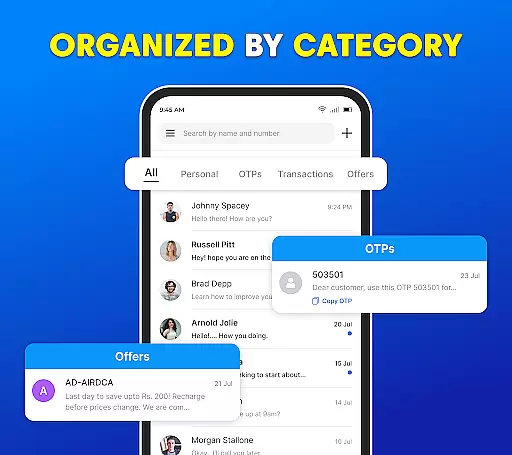
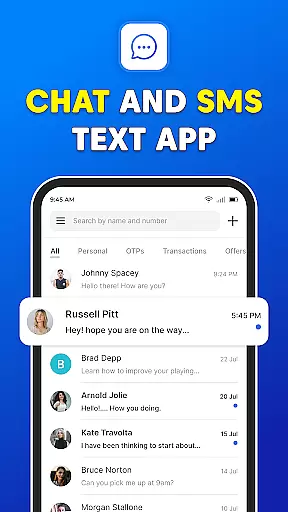
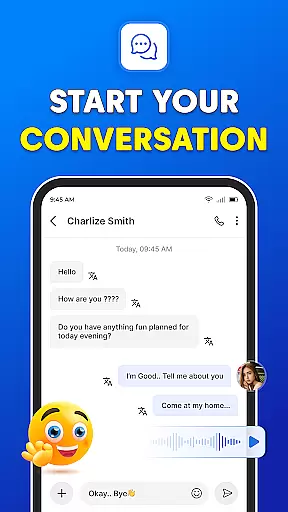
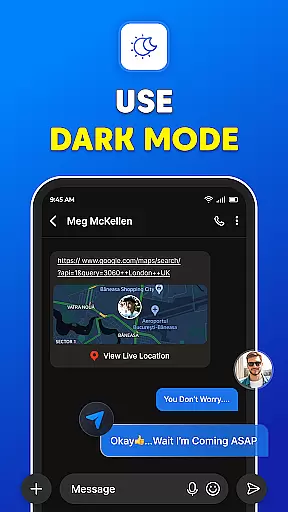
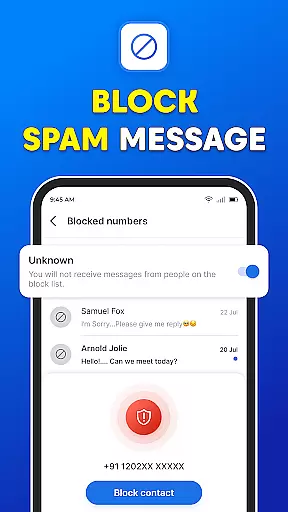
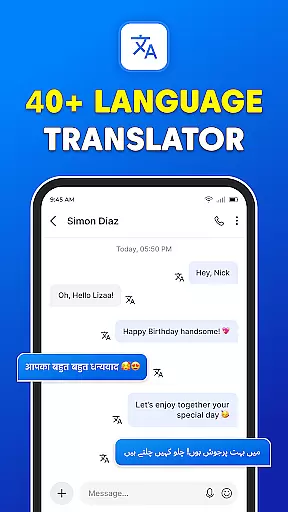
Messages: SMS Text Messenger is a comprehensive communication app designed for seamless private messaging. The app allows users to send text messages (SMS, MMS), share multimedia content such as pictures, GIFs, videos, audios, and stickers, all while ensuring end-to-end encryption for privacy. Available on both smartphones and tablets, this free messaging tool does not require an internet connection for basic functionality, making it reliable in various situations.
Beyond simple texting, Messages supports group chats, file sharing, and voice calls, providing a versatile platform for staying connected with friends and family. Its powerful features include instant access to your SMS inbox after phone calls, scheduled messaging, backup and restore options, and a visually comfortable dark mode. Whether replacing an outdated text app or looking for a more robust messaging experience, Messages offers a complete solution for modern communication needs.
Messages: SMS Text Messenger stands out with its rich feature set tailored for efficient and secure communication. One of its core strengths is the support for multimedia messaging, enabling users to effortlessly share pictures, GIFs, videos, audios, and stickers. The app also provides end-to-end encryption, ensuring that private conversations remain confidential, whether through one-on-one chats or group discussions.
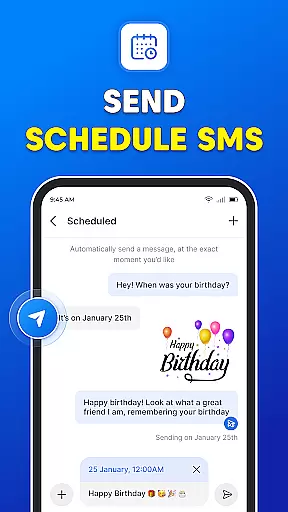
The app includes advanced functionalities like scheduled messaging, which allows users to plan and automate message delivery, and backup and restore capabilities to prevent data loss. Additionally, its integration with phone call logs enables users to quickly respond to messages after calls, enhancing productivity. With a user-friendly interface, Messages combines essential texting features with innovative tools like dark mode, creating a balanced experience for both casual and power users.
Real-time messaging speed and reliability are crucial for any communication app, ensuring that messages are delivered instantly and consistently. The Messages app excels in this area by providing a seamless experience where users can send text messages, multimedia content, and even stickers without delay.
The app supports end-to-end encryption, which not only secures the content of the messages but also enhances delivery reliability. This means that whether you're sending a simple text or a large video file, the integrity and speed of the message remain uncompromised.
Moreover, the Messages app offers features like group chats and voice calls, all designed to keep you connected with friends and family without any lag. The ability to instantly access your SMS inbox right after every phone call further emphasizes its commitment to real-time communication.
Users benefit from consistent message delivery even across different devices such as smartphones or tablets. This cross-device reliability ensures that no matter where you are or what device you use, your conversations continue without interruption.
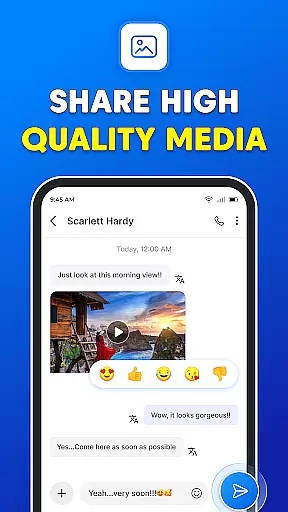
Media sharing support is an essential feature for modern messaging apps, allowing users to share various types of content effortlessly. The Messages app provides robust media sharing capabilities, enabling users to exchange pictures, GIFs, emojis, videos, audios, and stickers seamlessly within their conversations.
This app stands out by offering easy sharing options for multimedia content, making it convenient for users to enrich their communication with visual elements. Whether it's a funny GIF or an important document, the app handles different file formats efficiently, ensuring they reach the recipient intact and quickly.
In addition to basic media sharing, the Messages app includes advanced features like group chats where multiple participants can share media simultaneously. This creates a dynamic and engaging environment for collaborative discussions among friends, family, or colleagues.
Furthermore, the backup and restore functionality ensures that shared media is never lost. Users can retrieve deleted or lost messages anytime, preserving valuable memories and important information exchanged through the platform.
User-friendly interface
End-to-end encryption
Multimedia sharing
Scheduled messaging
Free to use
No internet-based chat
Limited customization
Basic voice calls
Ads in free version
Device compatibility

Pure modern IRC experience for Android
 3.70
3.70
Radio communication simulator for gaming communities
4.5
Messenger for SMS - texting message app, faster, simpler & safer, for you.
4.70
Manage BoostMobile Account
4.60
Our Black Friday sale is here. Unlock special discounts on Proton Mail now.
4.30
Create a secure hotspot on-the-go with Portable WiFi - Mobile hotspot.
4.40
2nd Phone Number Line for Anonymous Texting, Calling, and Picture Messages
4.30
Call & Text Anywhere With A Canadian Number.
3.60
FolderSync enables easy sync of files between cloud storage and Android devices.
4.60
Build your web browser around you with private search, and more.
4.60
An agentic AI browser for Android, built by Perplexity
4.50
Fast and mini browser with Ad Blocker,Video Downloader and Video Player
4.40
Manage your data, talk & text - affordable phone plans & data usage made simple
4.30
Chill zone on your phone: relax with fun reels & hype shorts!
4.20
BiP is a fast, secure, free messaging and HD video calling app!
4.10
Send SMS and chat messages easily with a fast text messaging app for Android.
4.10
Federated instant messaging for your mobile device (Jabber, XMPP, Snikket)
4.10 3.90
3.90
TeamSpeak - Secure Chat for Gaming & Business
3.10


User Reviews