
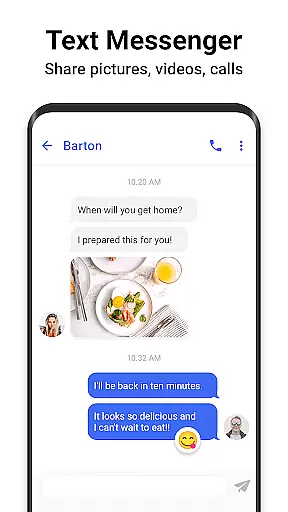
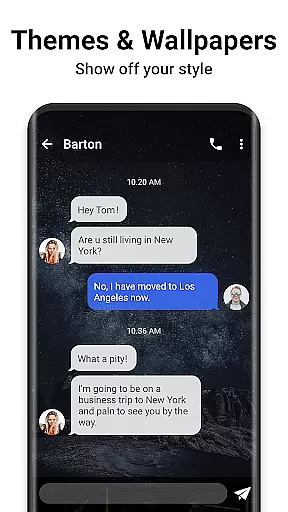
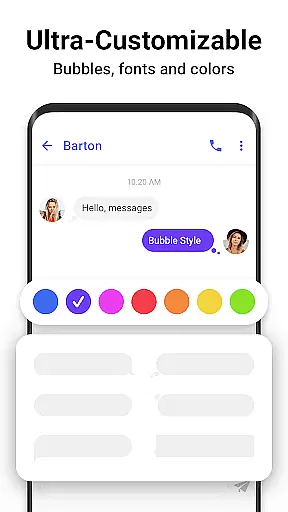
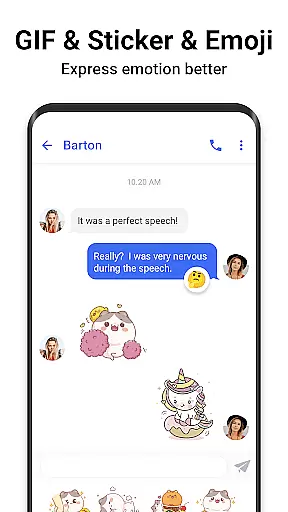

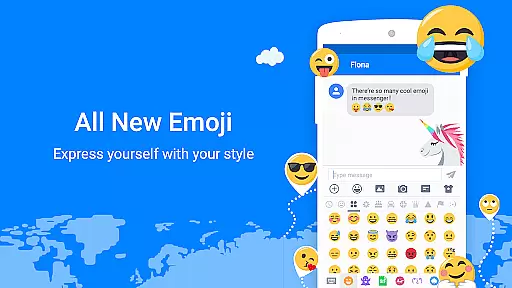

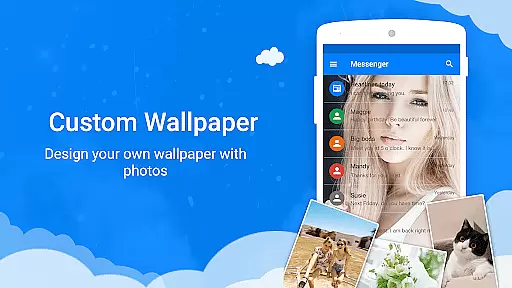

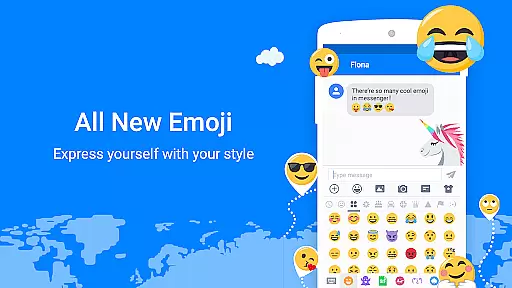

Messenger SMS is a feature-rich texting app that redefines communication with its extensive customization options and advanced security features. The app supports countless emojis, themes, fonts, wallpapers, ringtones, and more, allowing users to personalize their messaging experience completely. With over 3000 free new emojis, stickers, and GIFs, it adds fun and creativity to every conversation.
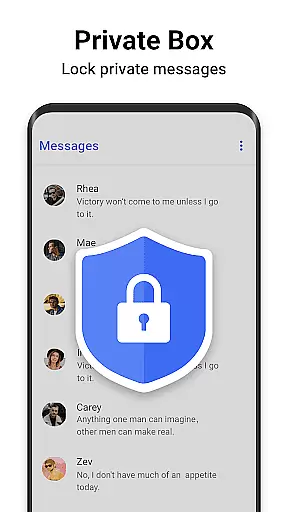
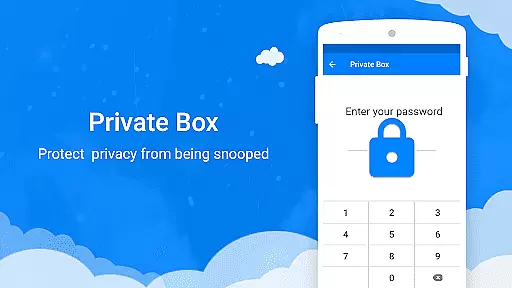
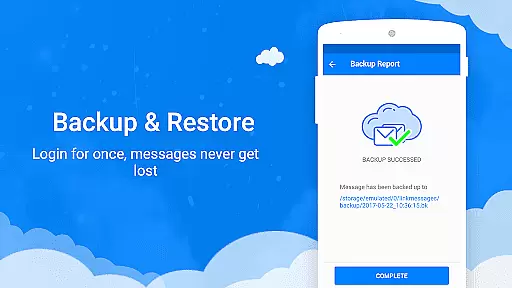
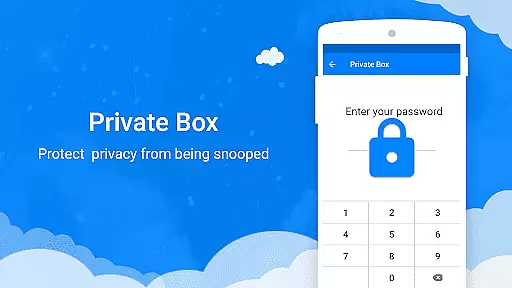
Designed for seamless interaction, Messenger SMS enables users to stay connected through multimedia sharing and group chats. Its robust privacy features include a private box, message blocker, and backup & restore functionality, ensuring user data remains secure and accessible. Whether you're looking to customize your chat interface or protect your private conversations, this app offers everything you need in a modern texting solution.
Messenger SMS stands out with its comprehensive feature set tailored to enhance user engagement and privacy. The app's Funny Emoji Messenger includes over 3000 free emojis, emoticons, and funny faces, making conversations lively and expressive. Users can also share trending GIFs and unique Emoji Art directly within messages, adding a dynamic touch to their chats.
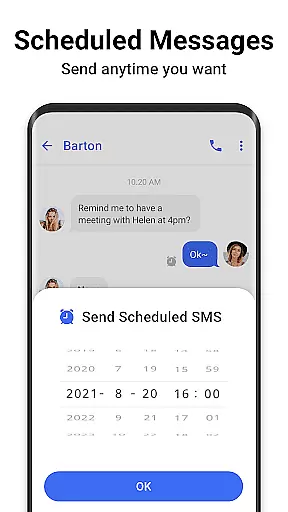
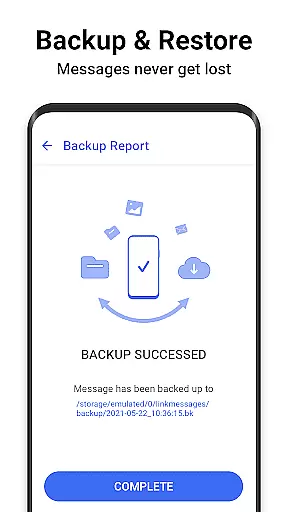
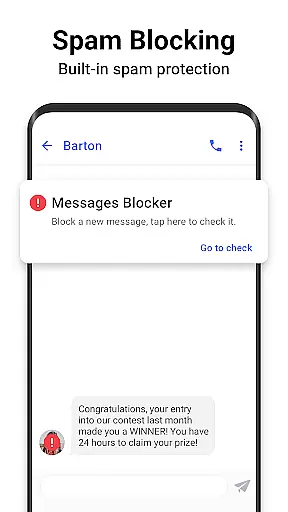
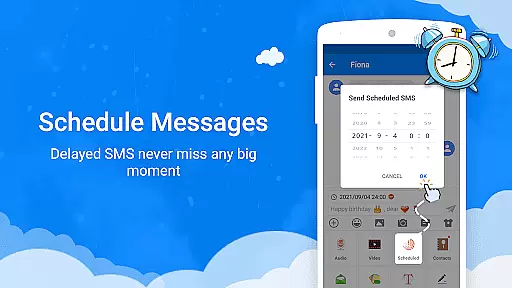
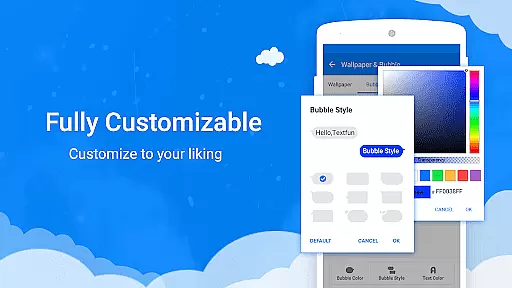
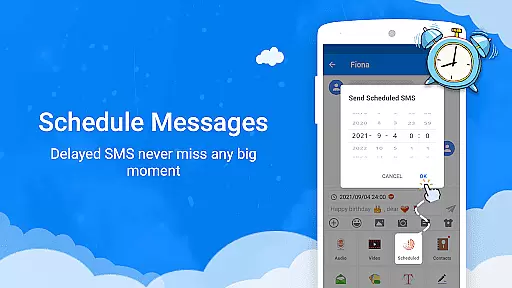
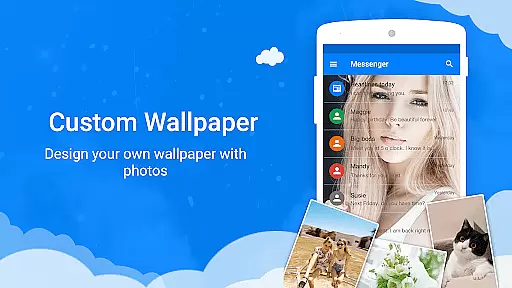
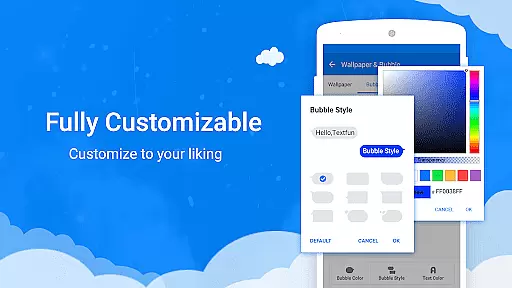
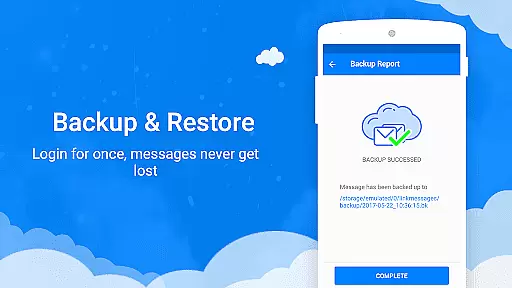
The app provides extensive customization options, from messaging themes and wallpapers to texting bubbles and fonts. Users can create a personalized chat environment that suits their style. Security is prioritized with features like the Private Messenger Box, which encrypts messages and contacts, and the SMS Blocker, which prevents spam messages from consuming storage space. Additionally, the Backup & Restore function ensures no message is ever lost, while the Scheduled Message feature helps users never miss important moments.
Real-time messaging speed and reliability are crucial for any communication app, ensuring that messages are delivered instantly and consistently. Messenger SMS excels in this area by providing a robust infrastructure that supports rapid message delivery across various network conditions.
The app employs optimized data transmission protocols that minimize latency while maximizing delivery success rates. This ensures that whether you're sending a simple text or a media-rich message like photos or videos, the content reaches the recipient without delay. The app's architecture is designed to handle high volumes of messages efficiently, maintaining performance even during peak usage times.
For users, this means seamless communication experiences. You can stay connected with friends and family without worrying about message delays or failures. The app also provides delivery confirmations, giving you peace of mind that your messages have been successfully received.
Moreover, Messenger SMS incorporates intelligent error handling and retry mechanisms. If a message fails to send due to temporary network issues, the app automatically attempts to resend it once the connection is restored. This reliability ensures that important communications are never lost, making Messenger SMS a dependable choice for both casual and critical messaging needs.
Media sharing support is an essential feature for modern messaging apps, allowing users to exchange various types of content beyond plain text. Messenger SMS offers comprehensive media sharing capabilities that enhance communication by enabling the exchange of images, audio files, videos, and more.
The app supports multiple file formats, ensuring compatibility with different types of media. Whether you want to share memorable photos, important audio recordings, or entertaining video clips, Messenger SMS handles these files seamlessly. The app optimizes media transmission to balance quality and speed, ensuring that files are delivered quickly without compromising their integrity.
Users benefit from intuitive media sharing interfaces within conversations. Simply tap to attach files from your device or capture new content directly through the app's integrated camera and audio recording features. The app also provides previews for shared media, allowing recipients to view content without downloading it first.
Furthermore, Messenger SMS implements efficient compression algorithms that reduce file sizes without significantly affecting quality. This optimization helps conserve mobile data usage while maintaining fast transfer speeds. With robust media sharing support, Messenger SMS empowers users to communicate more expressively and effectively, enriching their messaging experiences with diverse content types.
User-friendly interface
Extensive customization
Advanced privacy controls
Rich media sharing capabilities
Comprehensive backup solutions
Occasional bugs reported
High storage usage
Limited cross-platform support
Ads in free version
Complex settings for beginners

Pure modern IRC experience for Android
 3.70
3.70
Enables Plus features of Quick Search.
4.1
فیلتر شکن قوی پرسرعت کلید جدید برای اندرویدسریع ترین وی پی ان برای همه اپراتورها
4.70
At select facilities, you now have an easy way to video visit your loved ones!
3.30
Connect and browse the internet with a fast VPN proxy server and IP blocker.
4.50
Official NDI app: turn your phone into a professional live-streaming IP camera.
3.20
Manage and Fund Calling Accounts and Schedule and Join Video Sessions
3.60
Manage your mobile phone plan, check unlimited 5g data usage and track rewards
4.50
BE PRIVATE
Anonymous. No Trace. Fast.
4.20
Create a secure hotspot on-the-go with Portable WiFi - Mobile hotspot.
4.40
Manage your data, talk & text - affordable phone plans & data usage made simple
4.30
Our Black Friday sale is here. Unlock special discounts on Proton Mail now.
4.30
Enjoy secure messaging & calling. Safe Messenger: group chats, calls, messages.
4.20
Messenger app for faster and simpler SMS text messaging, and personalized themes
4.10
Messages is Private SMS Messenger 2023 with text message, instant messaging.
4.00
Tether to Windows, OS X, Linux PCs or Android tablets. No root. No tether fees.
3.90
Caller ID, Spam Call & SMS Blocker
3.80
A Browser with powerful ad blocker to help focus on what really matters.
3.00
Watchgram for Telegram: Experience seamless Telegram messaging on your watch
1.80


User Reviews