
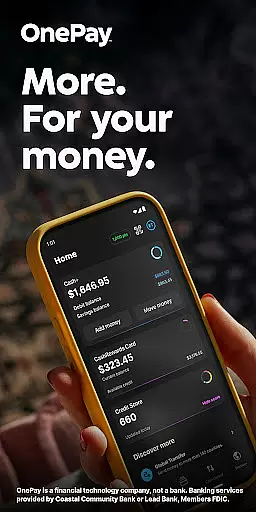
OnePay - Mobile Banking is a comprehensive financial technology application that offers users an innovative way to manage their finances. As a non-bank financial service provider, OnePay partners with established banking institutions like Coastal Community Bank and Lead Bank to deliver FDIC-insured banking services. The app provides users with versatile tools for managing accounts, earning rewards, and accessing credit-building programs.
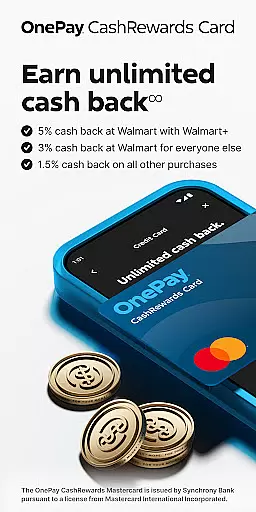
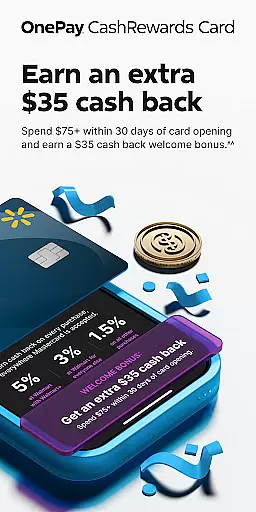
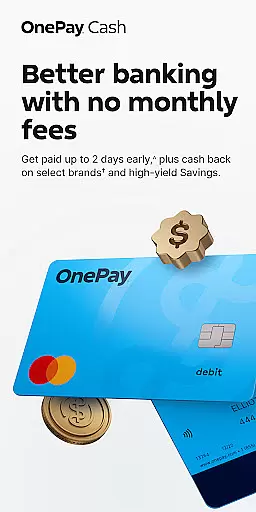
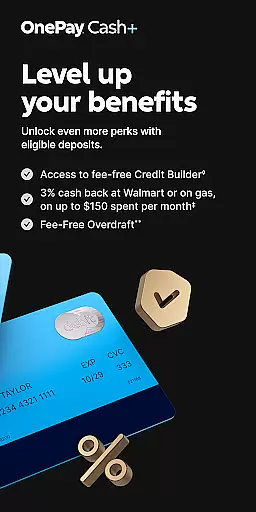
The core functionality of OnePay includes mobile banking services through its CashRewards Mastercard and Debit Card programs. Users can earn cash back on purchases in the form of OnePay Points, which are redeemable as deposits into their OnePay Cash account. The app also features Savings Backup and Fee-Free Overdraft services, giving users peace of mind when managing their daily expenses. Additionally, OnePay's Credit Builder Program helps users establish or improve their credit scores through responsible payment practices.
This application is particularly useful for individuals seeking a modern approach to banking, allowing them to handle various financial transactions directly from their mobile devices. Whether it's receiving direct deposits, making purchases, or building credit, OnePay streamlines these processes while offering valuable rewards and protections.
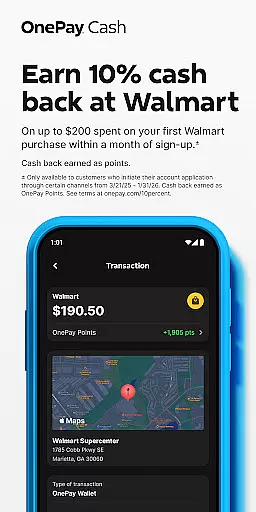
OnePay - Mobile Banking distinguishes itself through several key features that enhance the user experience. First and foremost, the app offers a robust rewards system where users can earn cash back on purchases in the form of OnePay Points. These points are redeemable as deposits into their OnePay Cash account or other available options, providing tangible value for everyday spending.
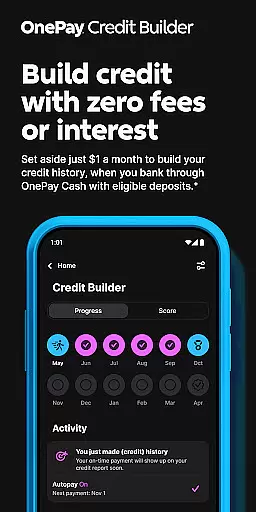
Another significant feature is the Credit Builder Program, which allows users to improve their credit scores by making regular payments on a 12-month loan. This program gives users flexibility in choosing their monthly payment amounts, with a minimum of $1, while the remainder is automatically paid from the loan proceeds held in their Credit Builder lockbox. Additionally, OnePay provides Savings Backup and Fee-Free Overdraft services, ensuring that eligible transactions are covered even when funds are low.
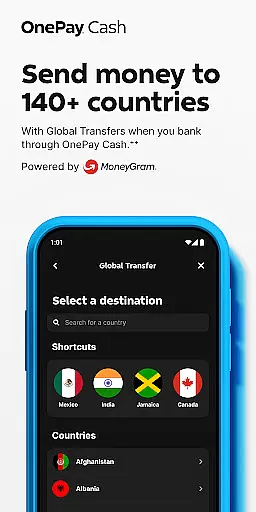
The app also supports direct deposits, global transfers, and bill payments, all within a secure and user-friendly interface. With partnerships that include major financial institutions and Mastercard, OnePay delivers reliable banking services that cater to both personal and business needs. These features collectively create a comprehensive financial management tool that adapts to various user scenarios.
Account and fund security is a critical aspect of any financial application, ensuring the safety of users' personal and financial information. OnePay u2013 Mobile Banking employs advanced encryption protocols to protect data during transmission, safeguarding against unauthorized access. The app also incorporates multi-factor authentication, requiring users to verify their identity through multiple methods before accessing sensitive account details.
In addition to these protective measures, OnePay provides real-time fraud monitoring. This feature analyzes transaction patterns and flags any unusual activity, immediately alerting users to potential security threats. Such proactive monitoring helps prevent fraudulent transactions, offering peace of mind to users who rely on the app for their banking needs.
By prioritizing security, OnePay ensures that users can manage their finances with confidence. The combination of encryption, multi-factor authentication, and fraud detection creates a robust security framework. This comprehensive approach not only protects user accounts but also reinforces trust in the platform, making it a reliable choice for mobile banking.
A seamless transaction experience is essential for any mobile banking application, and OnePay excels in providing users with efficient and intuitive tools for managing their finances. The app supports a wide range of transaction types, including direct deposits, bill payments, and global transfers. Each transaction is processed quickly, often with immediate confirmation, allowing users to manage their funds without delay.
OnePay also offers detailed transaction histories, enabling users to track their spending and monitor account activity effortlessly. These records are presented in an organized manner, with filters and search functions that make it easy to find specific transactions. Additionally, users receive real-time notifications for each transaction, keeping them informed about their account status at all times.
The app's user-friendly interface further enhances the transaction experience. With clear navigation paths and straightforward instructions, even those new to mobile banking can execute transactions with ease. By combining speed, transparency, and usability, OnePay delivers a superior transaction experience that meets the demands of modern banking customers.
User-friendly interface
Flexible payment options
Comprehensive rewards program
Secure banking services
Global transaction support
Limited to eligible users
Requires direct deposit
Spending caps apply
Overdraft coverage limits
Credit approval needed

Earn cash & save money daily. Access instant cash advances* - no credit check!
 4.50
4.50
The simplest way to budget, bank, save and invest.
4.50
Your insurance, anytime, anywhere
4.00
Simple & secure international money transfers - for personal & business needs.
4.80
Real-time tracking: Stocks, Indices, Futures, Commodities, ETF, & Funds prices.
4.60
Access State Farm accounts, policies, ID cards and more
4.60
Navigate your unique financial path confidently with help from Credit Karma.
4.70
Make Real Cash by Playing Games! Fetch Playful Rewards, Win & Triumph
4.50
Send money and bitcoin easily. Invest, bank and do more with your money
4.70
BA Financial Calculator PRO – Perfect for CFA/FRM/CPA and finance professionals
4.90
Easy budgeting planning on a calendar!
4.80
Money App - Earn Cash back, Fast Cash Advance, Personal Loan Offers, Banking
4.70
Currency Converter (200+ currencies) with live exchange rates and offline mode.
4.70
The all-in-one app to save, earn, travel, and put more money in your pocket
4.50
Put crypto to work & earn rewards. Stake crypto like Ethereum, Solana & Cardano
4.40
Read and extract public data on NFC Contactless banking card (VISA, MasterCard
4.30
Venmo is the fun and easy way to pay and get paid.
4.10
Bitcoin gpu app helps you remote mine using your cell phone easily .
3.60
StockTiles lets you view prices & charts of your favorite stock assets
2.30


User Reviews