

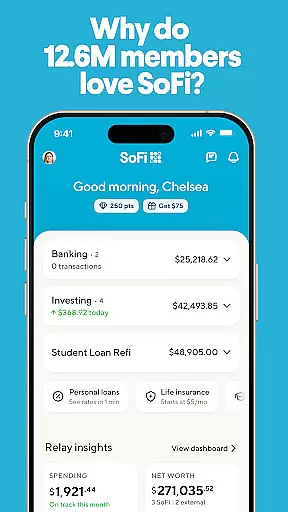
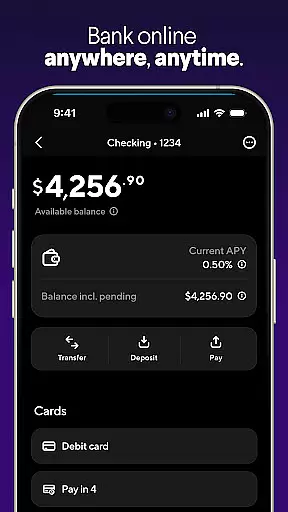

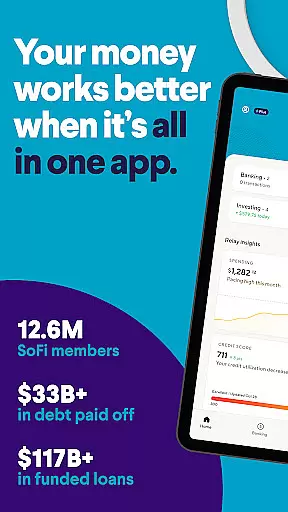
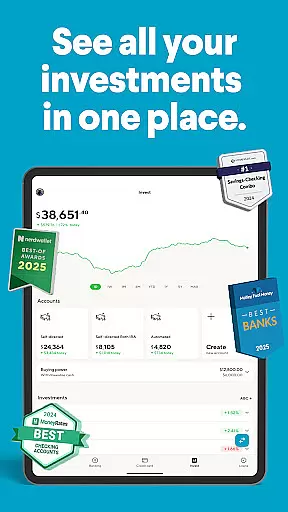
SoFi is a comprehensive mobile banking and investing application that simplifies financial management. It offers instant money transfers, digital check deposits, online bill payments, budgeting tools, high-yield savings accounts, and commission-free stock trading (other fees may apply). With over 12.6 million members, SoFi provides an all-in-one platform for banking, investing, and saving.
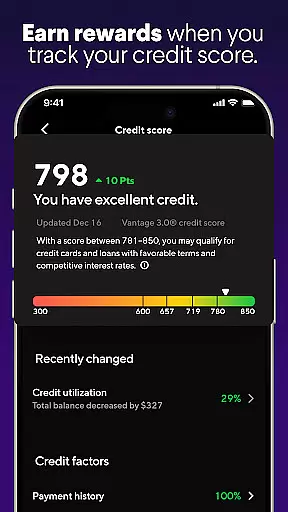
The app features mobile banking with no account fees or minimum balance requirements, early direct deposit access, and seamless fund transfers. It also includes stock trading capabilities, automated investing, and fractional share investments starting at $5. Additionally, users can benefit from high APY savings accounts, personal loans, credit score tracking, and robust budgeting tools to manage their finances effectively.
SoFi's security measures include bank-level encryption and instant notifications for suspicious activity, ensuring user data protection. The app is suitable for individuals seeking an integrated financial solution that combines banking, investing, and money management in one convenient platform.
SoFi stands out with its diverse range of features designed to enhance personal finance management. The mobile banking section offers fee-free checking accounts, early direct deposit access up to two days in advance, and free fund transfers. These features provide users with flexibility and control over their daily banking needs.
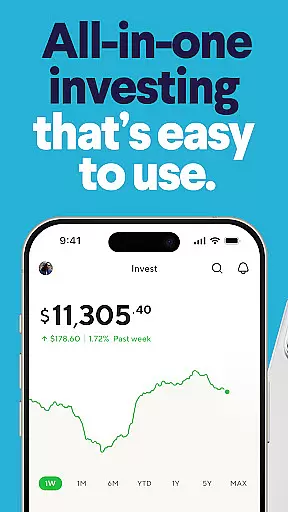
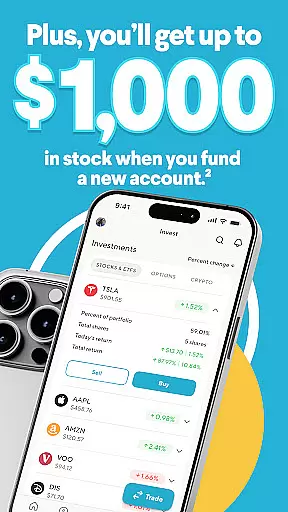
In the investing domain, SoFi allows users to trade stocks and ETFs without commission through SoFi Securities (other fees apply). It supports fractional share investments starting at $5, enabling users to build diversified portfolios even with limited capital. Automated investing through SoFi Wealth offers digital portfolio management, catering to both novice and experienced investors.
Additional notable features include high-yield savings accounts with competitive APY rates, Savings Vaults for organizing funds, and instant transfers between accounts. The app also provides personal loan options, credit score monitoring, budgeting tools with automatic categorization, real-time spending alerts, and dedicated customer support available seven days a week.
Account and Fund Security is a critical feature for any financial application, ensuring that users' personal and financial information remains protected at all times. SoFi employs bank-level encryption to safeguard data, providing users with peace of mind when conducting transactions or accessing account details.
The app includes instant notifications for suspicious account activity, which serves as an early warning system for potential security threats. This proactive approach allows users to take immediate action if unauthorized access is detected, further securing their funds and personal information.
In addition to encryption and real-time alerts, SoFi offers fraud alerts and a dedicated financial support team available 7 days a week. Whether through chat or phone support, users can quickly resolve any security concerns, making sure their accounts remain safe from fraudulent activities.
By combining advanced security measures with accessible customer support, SoFi ensures that its users can manage their finances with confidence, knowing that their accounts and funds are secure from unauthorized access and potential threats.
The Transaction Experience in mobile banking applications defines how easily and efficiently users can perform financial operations. SoFi simplifies this process by enabling users to send money instantly, deposit checks digitally, and pay bills online without incurring extra charges, streamlining everyday banking tasks.
With features like direct deposit, users can get paid up to two days early, providing immediate access to their funds when they need it most. This not only enhances cash flow management but also improves overall satisfaction with the banking experience, as users feel more in control of their finances.
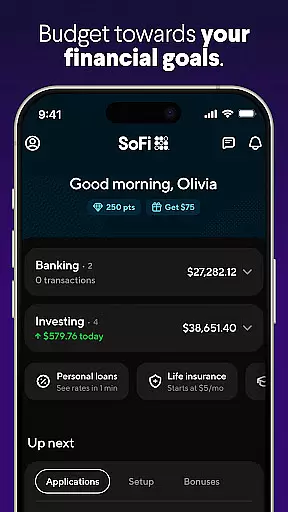
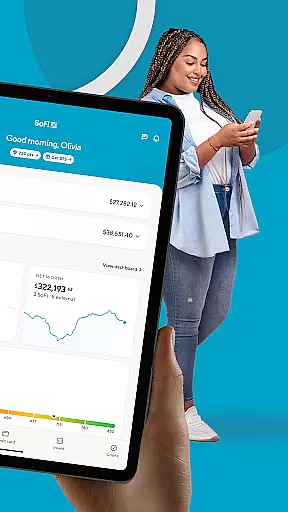
SoFi's budgeting tools automatically categorize spending across all linked accounts and provide real-time alerts, helping users maintain their budget and avoid unnecessary fees. These insights allow for smarter financial decisions and better money management over time.
Overall, SoFi's transaction experience combines speed, convenience, and smart financial management tools, empowering users to handle their banking needs efficiently while maintaining full visibility and control over their financial activities.
User-friendly interface
High-yield savings
No-fee banking
Early direct deposit
Comprehensive investing
Limited international use
Investment fees apply
Requires direct deposit
No physical branches
Occasional bugs

Secure, simple money transfer app. Send money to Mexico and worldwide fast.
 4.80
4.80
Bitcoin gpu app helps you remote mine using your cell phone easily .
3.60
Secure Amex Account Access: View Balance, Make Payments, Redeem Rewards & more
3.60
Debt pay off. Build credit history. AI budget tool. Loan offers.
4.60
Change the way you money with Credit Genie
4.30
Loan Calculator, Mortgage Calculator, Compound Interest Calculator
4.70
Military retirement pay estimation calculator
4.70
Navigate your unique financial path confidently with help from Credit Karma.
4.70
Pay, bank & build credit.
4.70
BA Financial Calculator PRO – Perfect for CFA/FRM/CPA and finance professionals
4.90
Join 12M+ users. Instant cash advances, personal loans, build credit, save money
4.80
Managing your money just got easier. Get the new Mobile app.
4.70
“Money Manager” is an optimized application for personal asset management.
4.70
Get a cash advance instantly. File taxes & cover unexpected bills in minutes.
4.60
Save, spend & get paid faster²
4.50
Trade NFL, NBA, Crypto, Tech
4.50
Get, Earn, and Save Money
4.30
Mine Bitcoin in the cloud! Earn BTC daily with high-speed mining power.
4.30
Expenses, Bills, Budget and Accounts - All seamlessly integrated in one app!
3.80


User Reviews