
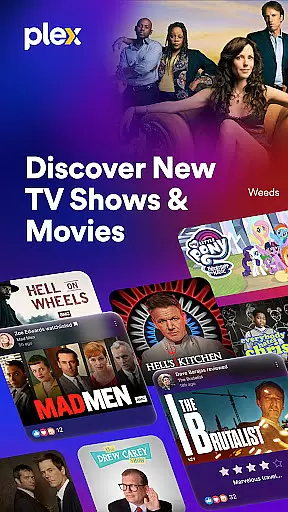
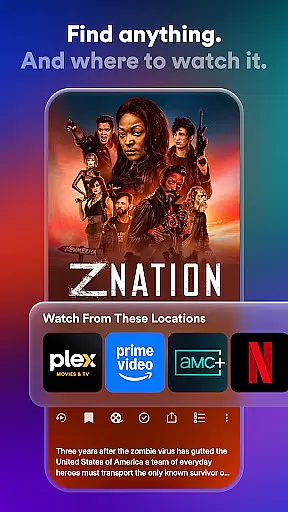
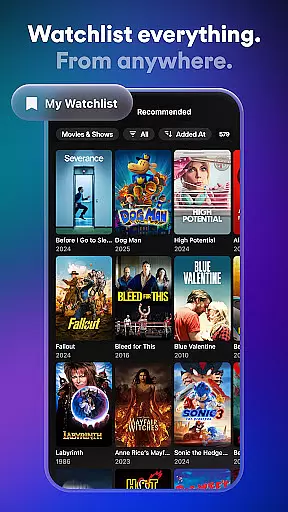
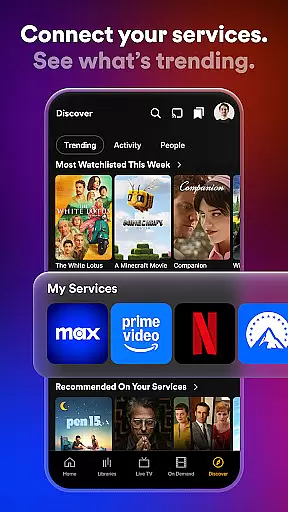
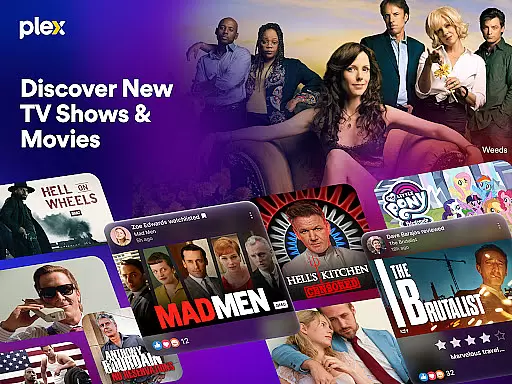
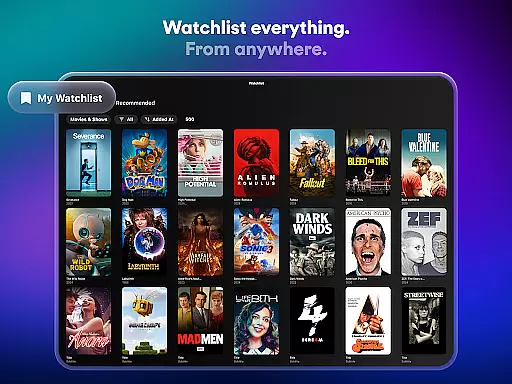
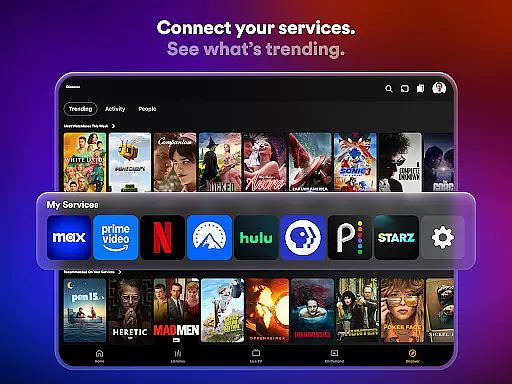
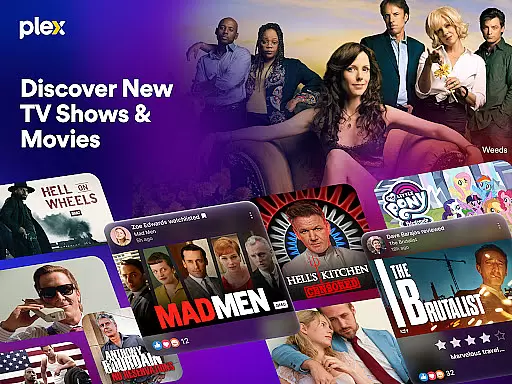
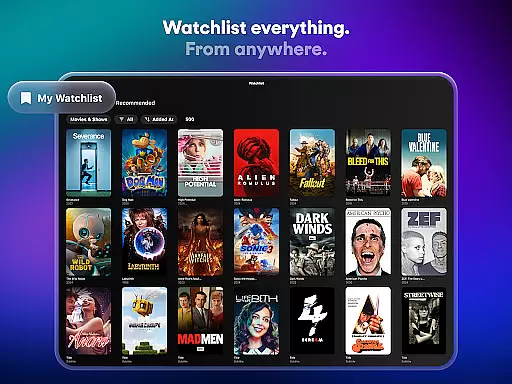
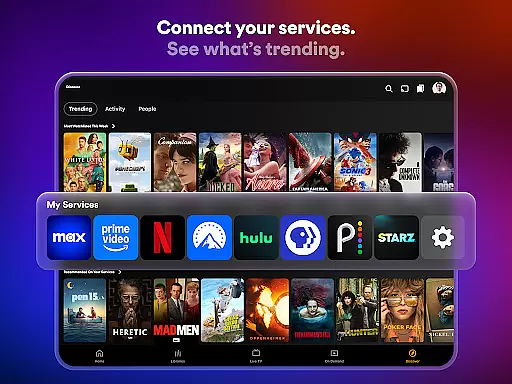
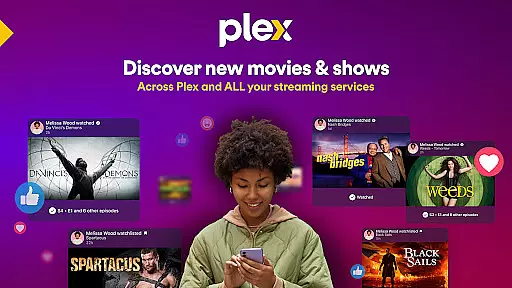
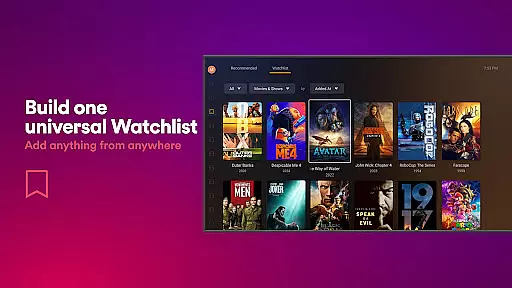
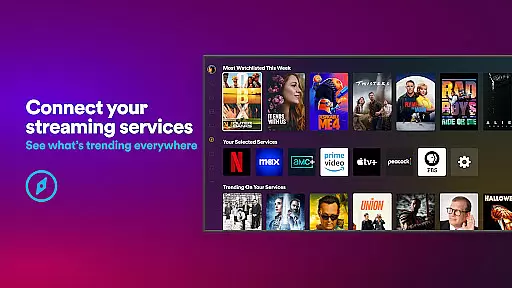
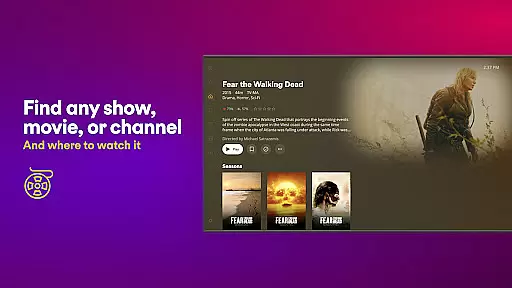
Plex is the ultimate entertainment app that combines streaming, personal media management, and social features in one platform. With Plex, users can discover new movies and TV shows, organize their personal media collections, and access free live TV channels across multiple devices. The app's universal Watchlist allows seamless tracking of desired content regardless of streaming platform.
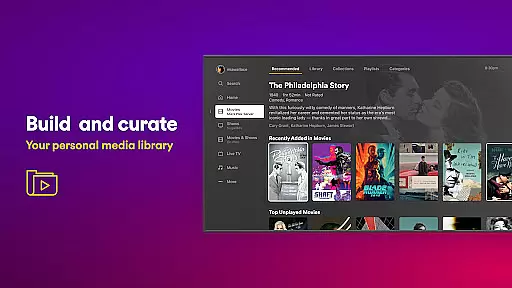
Beyond its core streaming capabilities, Plex offers a personal media server solution that automatically organizes users' digital media libraries. The platform supports social interactions through friend connections, content sharing, and review systems. Whether watching free live TV, renting new releases, or managing personal media collections, Plex provides an all-in-one entertainment solution for modern viewers.
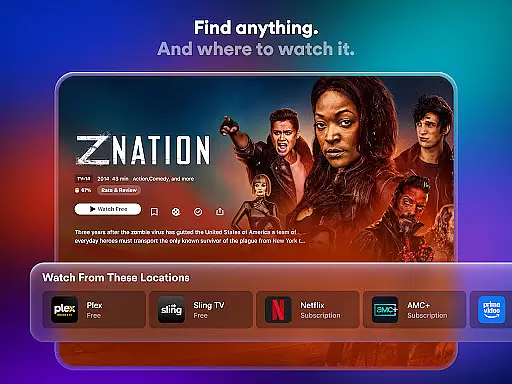
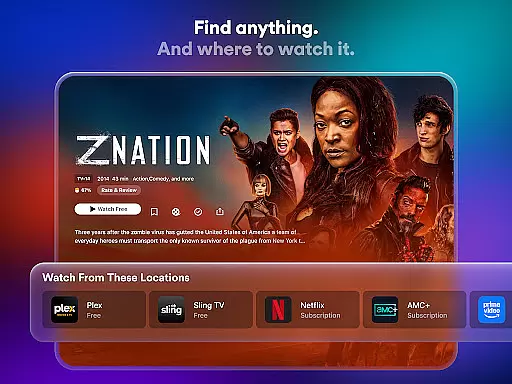
Plex distinguishes itself through its comprehensive feature set that caters to various entertainment needs. The universal Watchlist functionality enables users to save content from different streaming services in one place, while the integrated search helps find where specific titles are available. The app's personal media server automatically categorizes and organizes users' digital media files into easily navigable collections.
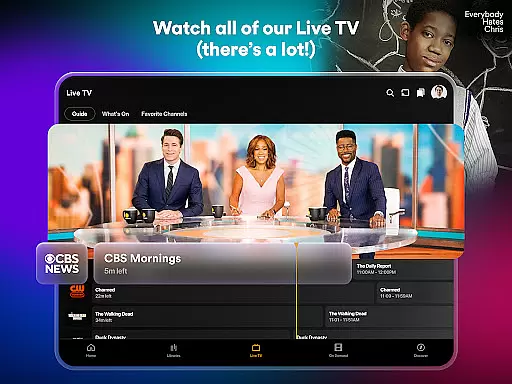
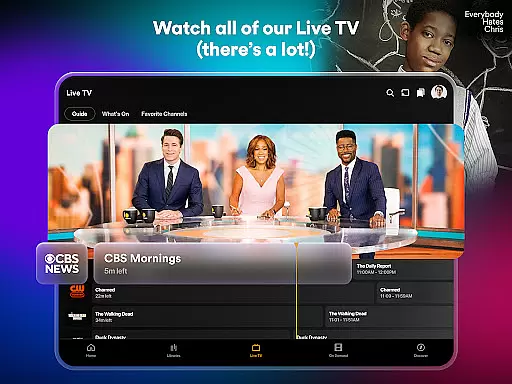
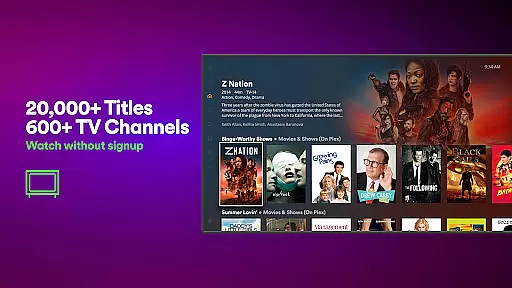
The platform's free live TV offering includes over 600 channels covering sports, news, kids' programming, and more. Plex Rentals provides access to recent theatrical releases and classic films for affordable rental prices. Social features allow users to connect with friends, share viewing recommendations, and engage with community reviews. This combination of streaming, organization, and social capabilities makes Plex a versatile entertainment hub.
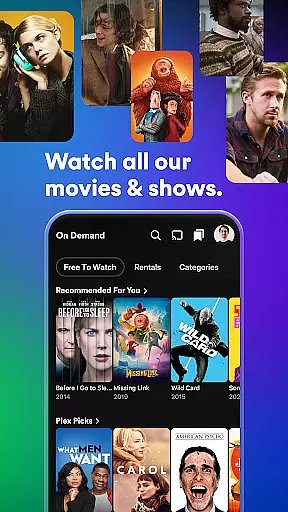
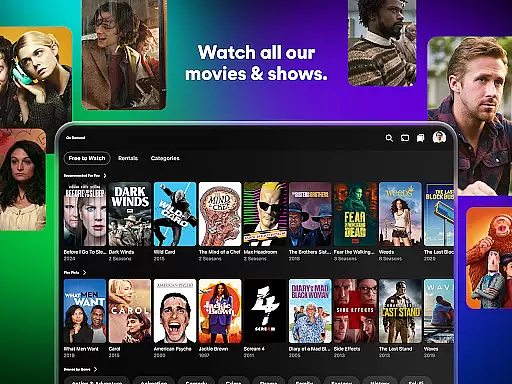
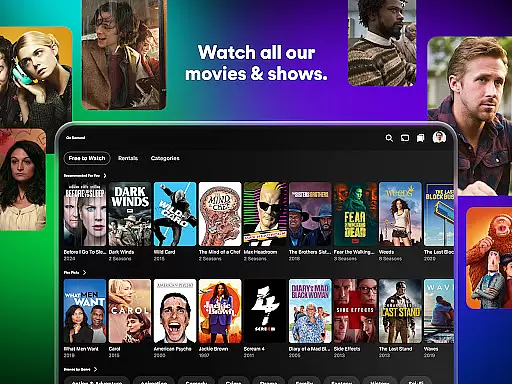
Plex stands out in the entertainment category by offering an extensive range of content that caters to diverse tastes. With over 600 channels and thousands of free movies and TV shows, users can explore a vast library of options spanning various genres and languages.
The platform ensures content freshness by providing access to newly released movies through Plex Rentals, allowing users to enjoy recent hits like Dune 2 and Civil War shortly after their theatrical runs. This feature keeps the content library up-to-date and engaging for users who crave the latest cinematic experiences.
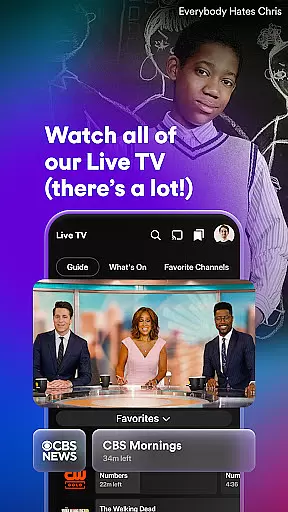
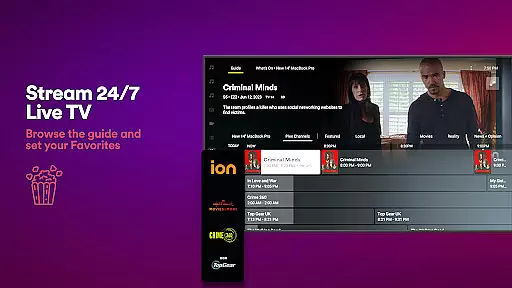
In addition to its expansive streaming offerings, Plex also supports live TV streaming with popular channels such as The Hallmark Channel, FOX Sports, and PBS Antiques Roadshow. This integration of live TV with on-demand content enhances the overall variety available to users, ensuring there's always something new to watch.
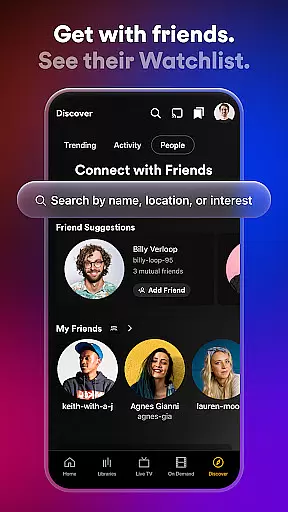
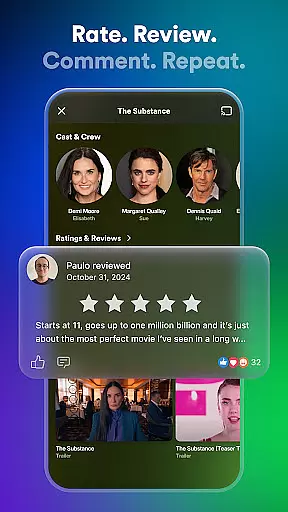
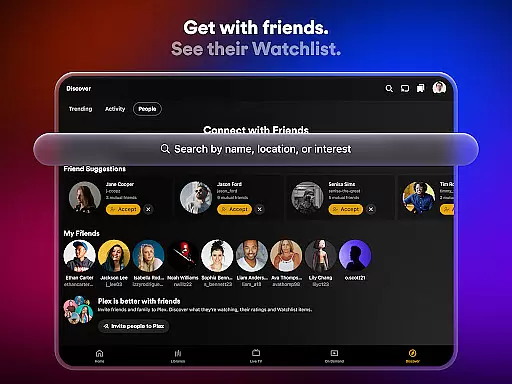
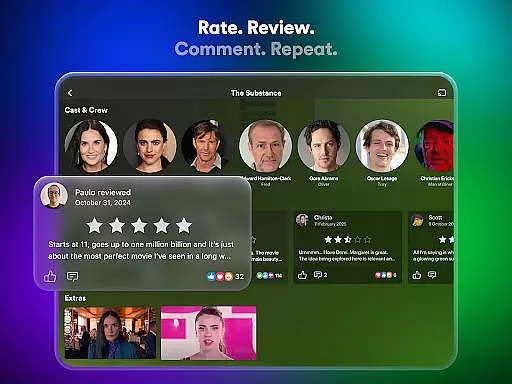
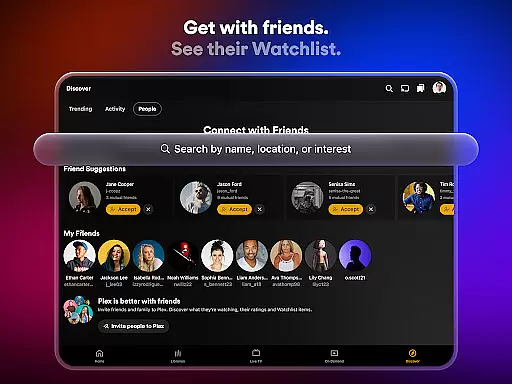
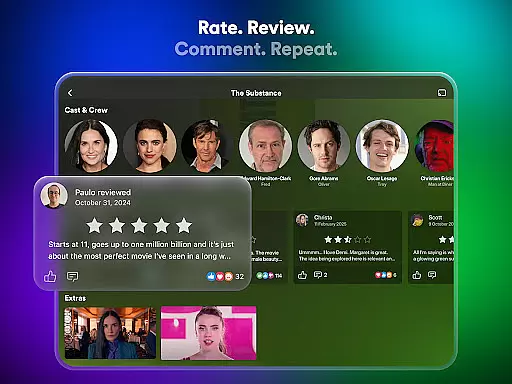
Plex excels in maintaining high levels of user engagement through its comprehensive set of features designed to keep viewers connected. By integrating social elements such as movie reviews, shared Watchlists, and friend activity feeds, Plex creates a community-driven environment that encourages regular interaction.
The universal Watchlist functionality allows users to save any show or movie from anywhere, creating a personalized queue that keeps them coming back to the platform. This feature not only helps users track what they want to watch but also provides recommendations based on their saved preferences, increasing session durations.
Furthermore, Plex's offline viewing capabilities and personal media server functions enable uninterrupted access to content, contributing to better user retention. Users can download their favorite shows and movies for offline viewing, ensuring they remain engaged even without internet connectivity. These features collectively work to maintain long-term user interest and loyalty.
User-friendly interface
Comprehensive media management
Free live TV options
Social sharing features
Cross-platform compatibility
DRM content limitations
ISO format unsupported
Advanced features require premium
Server setup necessary
Ads in free version

Journey to the world’s oldest rainforest and meet its Indigenous Custodians.
 4.4
4.4
Fire effects for your Philips Hue lights
4.20
Create and play realistic-looking mock Emergency Alert System messages.
4.30
Chat with AI characters! Anime, games, roleplay & more.
4.50
Series,Películas y Telenovelas
4.50
Catch the latest episodes of The Voice or live stream NFL games with The NBC App
4.20
Watch New Episodes & Live TV
3.80
Your Avatar, Endless Fun
4.60
World's largest dedicated anime collection
4.70
Original short dramas with diverse genres for a rich viewing experience!
4.80
The JBL Portable app works with JBL portable Bluetooth speakers.
4.60
Tarot & Oracle Card Readings
4.50
Stream Online TV - Watch Live IPTV Playlist & Channel with Built-In Player
4.50
Underrated short-drama gems that hit hard and keep your heart hooked.
4.50
Come and watch short dramas, reels with diverse genres!
4.40
Real ghost box scanner with echo, reverb, EMF, & multi-stream channels.
3.80
NFL, NBA, NHL, MLB, local sports coverage, shows, movies & news!
3.20
Disney Stickers: Zootopia 2
4.0
Christmas Globe: Transform your Wear OS device into a festive timekeeper!
4.3


User Reviews