
ReadEra is a versatile eBook reader app that supports multiple formats including PDF, EPUB, Microsoft Word, Kindle, DJVU, FB2, TXT, ODT, and CHM. It offers an ad-free reading experience with no in-app purchases or registration required, making it ideal for users who want to read books offline without interruptions.
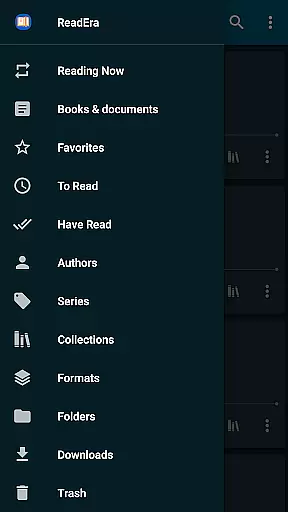
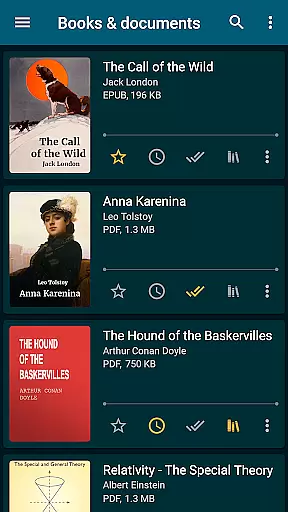
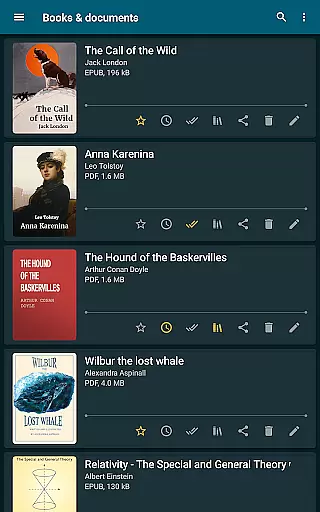
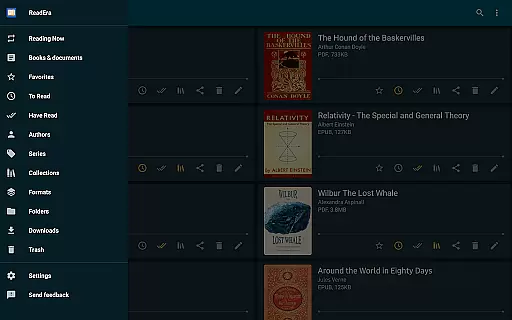
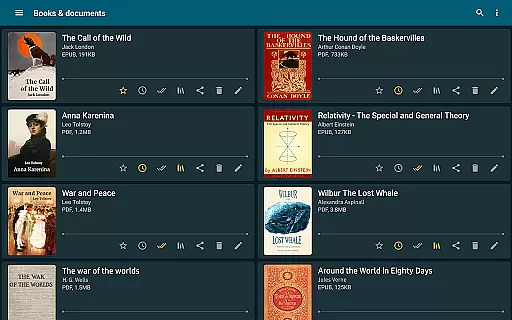
The app provides advanced features such as automatic book detection, margin cropping for PDFs, single-column mode for scanned PDFs, and customizable reading settings. With its comprehensive library management system, users can organize their eBooks by authors, series, and collections, ensuring a well-organized digital library.
ReadEra is perfect for students, professionals, and avid readers who need a reliable tool to manage and read various document types on the go. Its ability to handle large files and offer convenient navigation options makes it a valuable asset for anyone looking to optimize their reading experience.
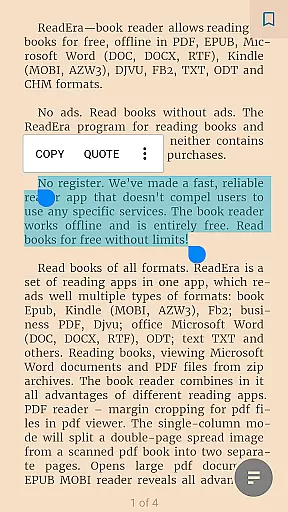
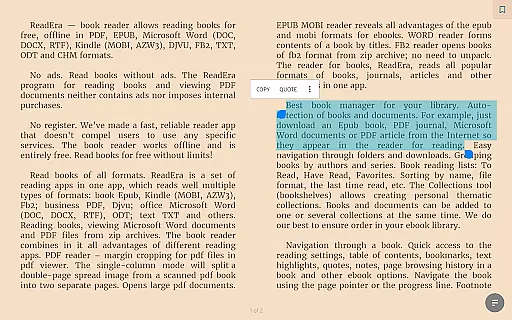
ReadEra stands out with its extensive format support, accommodating PDF, EPUB, Microsoft Word, Kindle, DJVU, FB2, TXT, ODT, and CHM files. This ensures that users can access all their documents in one place without needing multiple apps. The app's advanced PDF viewer includes margin cropping and single-column modes, enhancing readability for scanned documents.
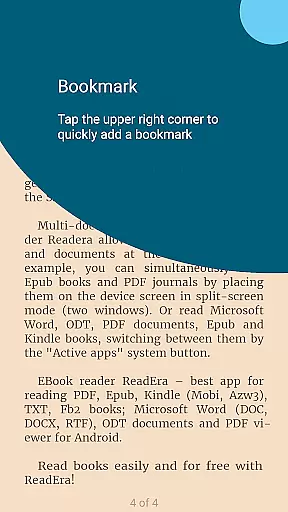
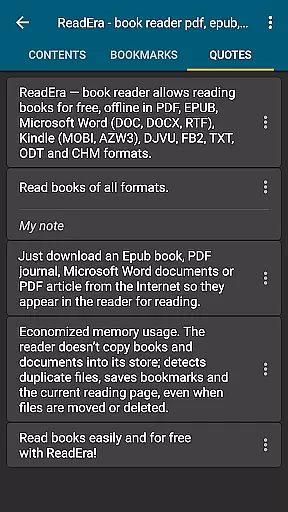
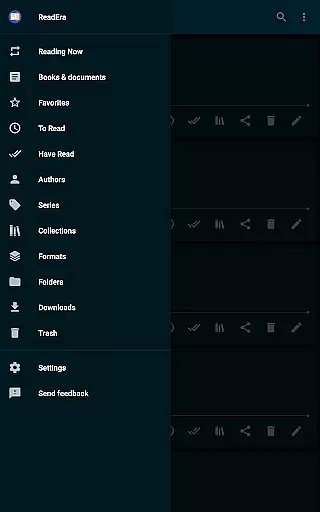
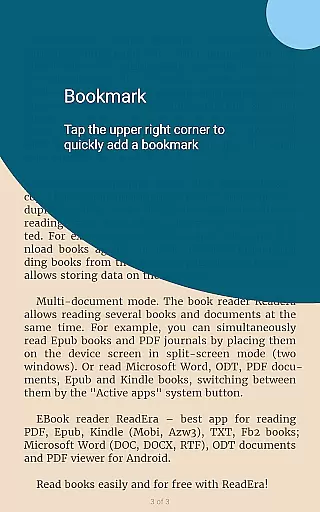
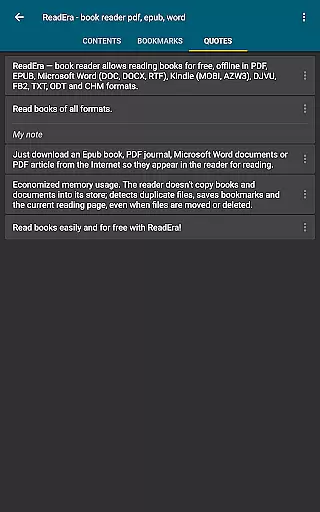
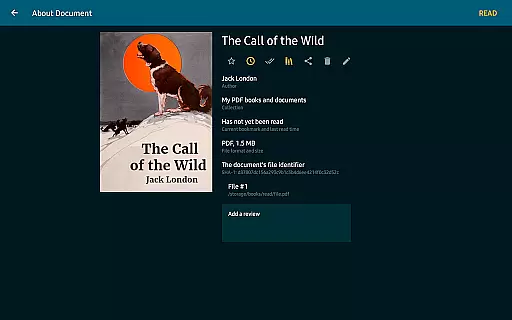
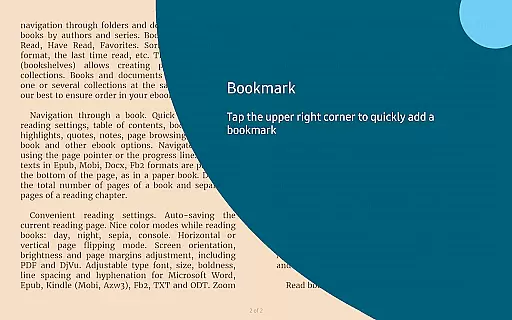
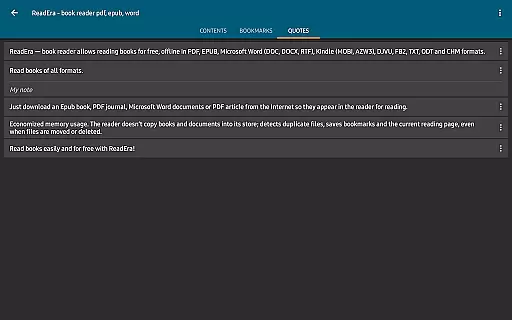
One of ReadEra's key strengths is its powerful library management system. It automatically detects books and documents, organizes them by authors and series, and allows users to create personalized collections. The app also remembers reading positions, bookmarks, and highlights even if files are moved or deleted, providing a seamless reading experience.
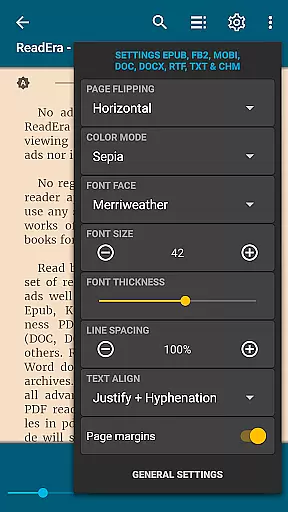
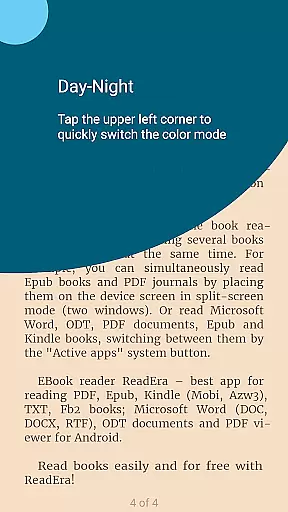
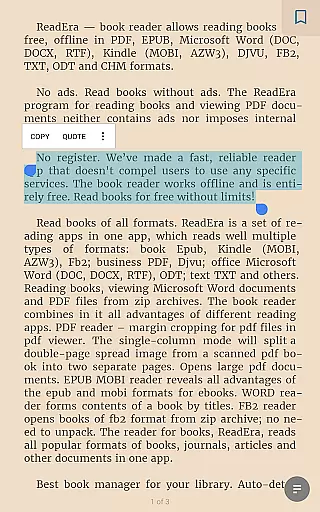
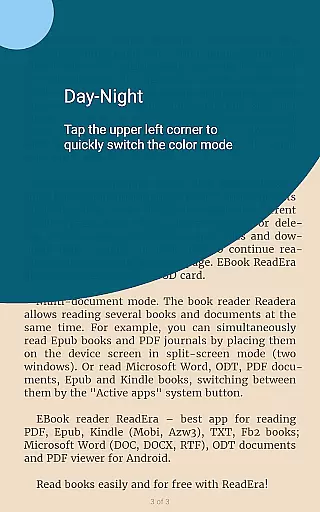
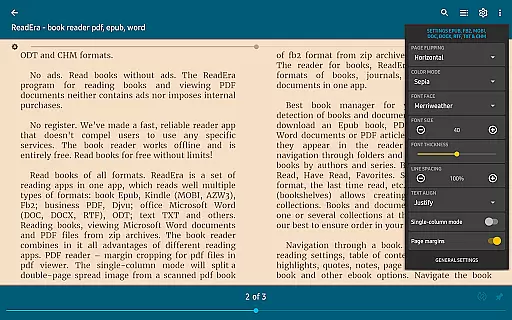
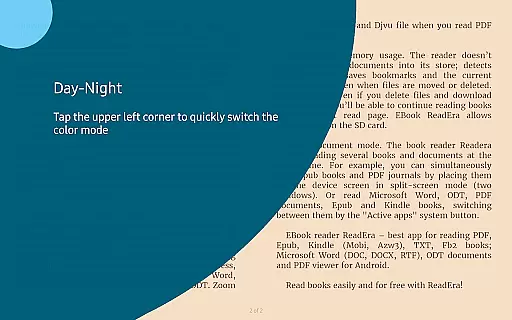
Customization is another highlight, offering various color modes, page flipping options, and adjustable fonts. Users can tailor the reading environment to their preferences, whether they're reading during the day or night. Additionally, the multi-document mode lets users read several books simultaneously, either in split-screen or by switching between active apps.
ReadEra offers an extensive e-book library that supports a wide range of formats including PDF, EPUB, Microsoft Word, Kindle, DJVU, FB2, TXT, ODT, and CHM. This diversity allows users to access books from various sources without compatibility concerns.
The application ensures copyright authenticity by enabling users to import their legally acquired e-books directly into the app. By supporting multiple formats, ReadEra caters to different user preferences and needs, ensuring that readers can enjoy content from libraries, publishers, or personal collections.
Users benefit from having all their e-books consolidated in one place, making it easier to manage and read their digital library. The app's ability to handle large documents and zip archives further enhances its utility as a comprehensive reading tool.
One of ReadEra's standout features is its exceptional format compatibility. The app supports an array of document types such as PDF, EPUB, MOBI, AZW3, DOC, DOCX, RTF, ODT, and more, providing users with unparalleled flexibility in reading materials.
This broad format support means that whether users are accessing academic papers, professional documents, or leisure reading, they can do so within a single application. The inclusion of specialized features for each format, like margin cropping for PDFs and footnote display for EPUBs, demonstrates ReadEra's commitment to delivering an optimal reading experience across different file types.
By eliminating the need for multiple apps to handle various document formats, ReadEra simplifies the digital reading experience while maintaining high standards of quality and functionality.
User-friendly interface
Multi-format support
Offline functionality
No ads or in-app purchases
Advanced library management
Limited cloud integration
No built-in store for new books
Occasional performance issues
Complex settings for beginners
Interface not highly modern

"Five Dr. Seuss titles in one omBook!"
 4.60
4.60
Novels, audiobooks, ebooks & fanfiction. Read anytime, anywhere!
3.40
Shop over 13 million new and used books at up to 80% off list price
4.20
Read the romance stories on the go. Take my breath away, The Spoiled Girl
4.30
Liturgy of the Hours totally off-line
4.80
What’s that bird? Just answer 5 questions, snap a photo, or record its song!
4.90
King James Bible read offline, AI Priest, Bible Quiz, Guiding Prayers & Plans
4.80
Daily thoughts, meditations, and prayers for living a sober life in recovery.
4.90
ARC Raiders Companion: Map, Quests, ARC/Item Info. Track everything instantly!
4.00
Bible Study App with Audio Book, Verse of the Day, and Devotionals.
4.80
Learn Thai with 195,000+ entries, crisp Thai sounds, big text; works offline.
4.80
8 Dr. Seuss short stories in 1 app!
4.70
Daily Devotional Widgets & Hourly Verses. Listen to Bible & Watch Holy Stories
4.70
Find, discuss, and organize your world of books and shows.
4.60
The Original & Authentic Crystals, Gemstones, Rocks & Minerals Encyclopedia.
4.60
Cute bedtime story for kids
4.30
KJV Bible works offline with Audio, Hebrew & Greek lexicon (concordance) & more!
4.20
Knots 360 Pro ( 3D ) shows you animated 192 knots in 3D perspective
4.10
Sea tide predictions for all coastal U.S. locations.
4.4


User Reviews