

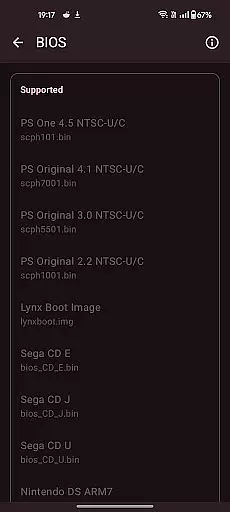
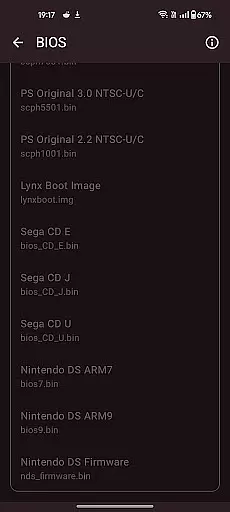
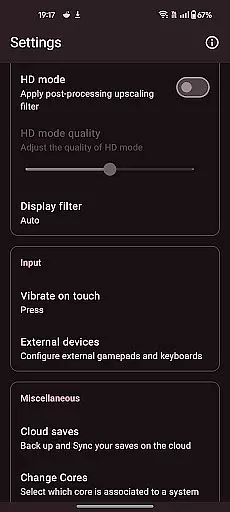
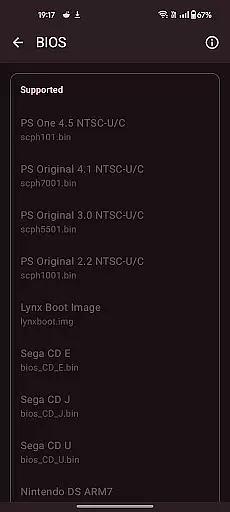
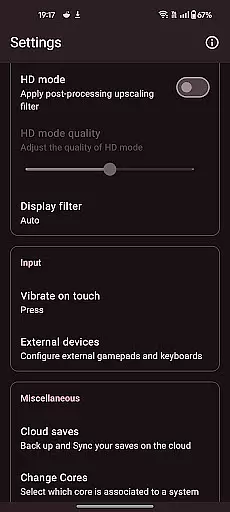

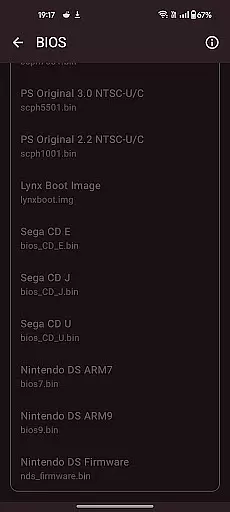
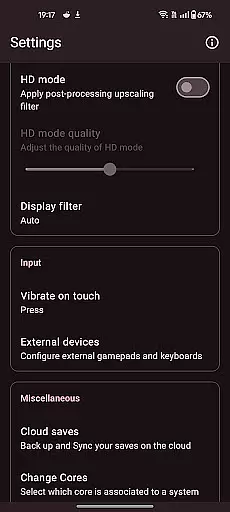
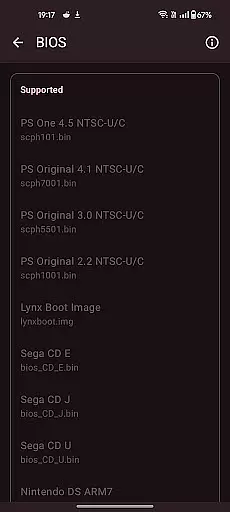

Retro emulator classic is a versatile all-in-one emulator designed for Android users who want to relive the nostalgia of retro gaming. This app supports a wide range of systems including Atari, Nintendo, PlayStation, Sega, and more, making it an ideal choice for retro gaming enthusiasts. Whether you're playing on a phone, tablet, or TV, Retro emulator classic offers smooth performance, an intuitive interface, and absolutely no ads.
The emulator comes with key features such as automatic save & restore states, ROM scanning, optimized touch controls, quick save/load slots, video filters, fast-forward support, cloud save sync, and gamepad compatibility. These features ensure that users can enjoy their favorite games seamlessly while customizing their experience according to their preferences.
Retro emulator classic stands out due to its extensive compatibility with various gaming systems like Atari 2600, NES, Game Boy, PlayStation, and many others. The app's automatic save and restore states allow gamers to pick up where they left off without hassle. Additionally, the ROM scanning and library indexing feature helps organize your game collection efficiently.
One of the notable aspects is the fully customizable touch controls which cater to different play styles. With support for zipped ROMs, video filters, fast-forward functionality, and local multiplayer options, this emulator provides a rich and immersive gaming experience. Moreover, being 100% ad-free enhances user satisfaction by providing uninterrupted gameplay sessions.
Arcade authenticity and nostalgia are at the core of Retro emulator classic, providing users with an immersive experience that captures the essence of retro gaming. This app supports a wide range of classic systems, including Atari, Nintendo, PlayStation, Sega, and more, ensuring that every cherished game from the past is accessible on modern Android devices.
The app's meticulous attention to detail in emulating original hardware guarantees that each gaming session feels as authentic as playing on the original consoles. With features like video filters and display simulation, users can enjoy both LCD and CRT effects, enhancing the nostalgic atmosphere while maintaining the convenience of contemporary technology.
For enthusiasts who appreciate the tactile sensation of traditional controls, Retro emulator classic offers full customization of touch controls, allowing players to tailor their interface for optimal comfort and performance. This dedication to preserving the genuine arcade feel makes it a must-have for any retro gaming aficionado.
Control responsiveness is a critical aspect of Retro emulator classic, ensuring that every action translates seamlessly into gameplay. The app provides optimized touch controls with extensive customization options, enabling users to adjust virtual buttons and joysticks according to their preferences. This level of personalization enhances the overall gaming experience by offering precise control schemes tailored to individual play styles.
In addition to customizable touch controls, Retro emulator classic supports external gamepads and tilt-stick functionality, catering to players who prefer physical controllers. These options not only improve accuracy but also offer a versatile gaming setup suitable for various scenarios, whether you're at home or on the go.
Furthermore, the app includes fast-forward support and quick save/load features with multiple slots, allowing gamers to manage their progress efficiently without interrupting the flow of play. Such responsive and intuitive controls ensure that Retro emulator classic stands out as a top choice for arcade enthusiasts seeking both authenticity and convenience.
User-friendly interface
Wide system compatibility
Customizable controls
Cloud save synchronization
No advertisements
Requires powerful hardware
No included games
Complex setup process
Limited customer support
Occasional bugs

A retro-flavoured infinite scroller Glyph toy for the Nothing Phone (3)
 4.1
4.1
Sit back and relax! Tap to move the black hole, and swallow weapons to win.
4.20
Catch ghosts, shoot monsters and defeat bosses in this RPG idle shooting game.
4.70
Granny keeps you locked in her house.
4.30
PC Engine/TurboGrafx-16 Emulator
4.50
Reach high, and shine in the neon world in 3D!
4.1
Mine & Craft Block Mini World! Survival Crafting and Building & Creative Online.
4.30
Stack the blocks as high as you can!
4.30
This app is a very fast emulator
3.40
Master the skies in this epic airplane shooting game! Join the air force now!
4.80
R-TYPE game
4.60
Merge bowmasters to win the bow and arrow war! Play the fun archery game!
4.60
Hit as hard as you can and make the penguin learn to fly! Arcade jumping game
4.50
The precise emulator of 8 bit handheld... Now even better!
4.50
Millions of crafters have smashed billions of blocks! Now you can join the fun!
4.40
Running game: dance in a twerk battle and become the twerk hero in our fun race!
4.30
Genesis/Mega Drive/CD & Master System/Mark III Emulator
4.30
Dig yourself a way to gold, diamonds and success with this addictive mining game
3.90
Restore peace and order in the city
3.20


User Reviews