
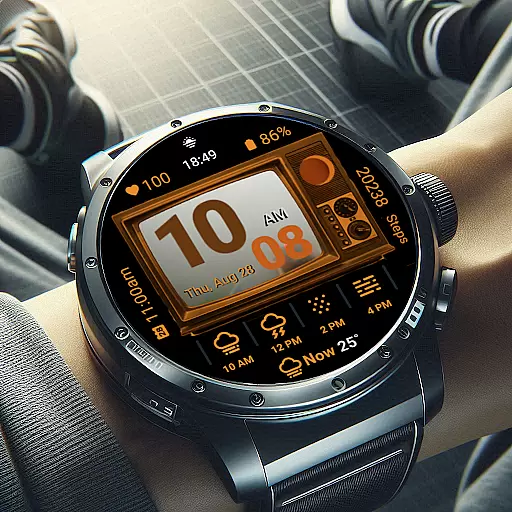
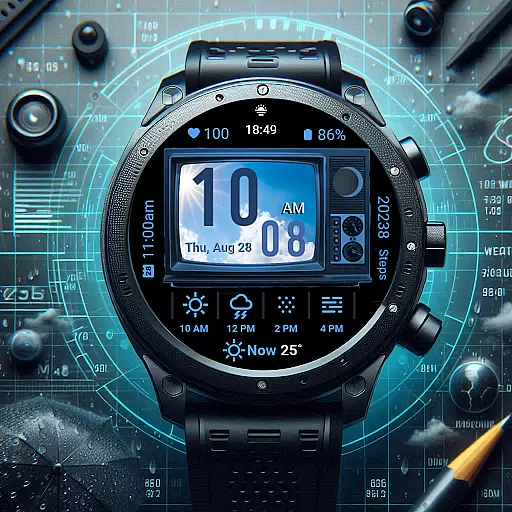
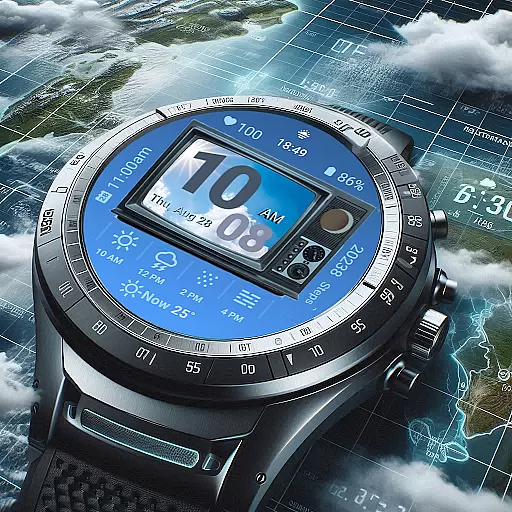
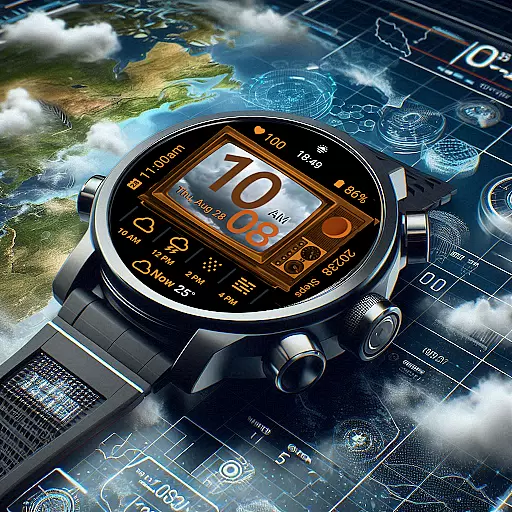
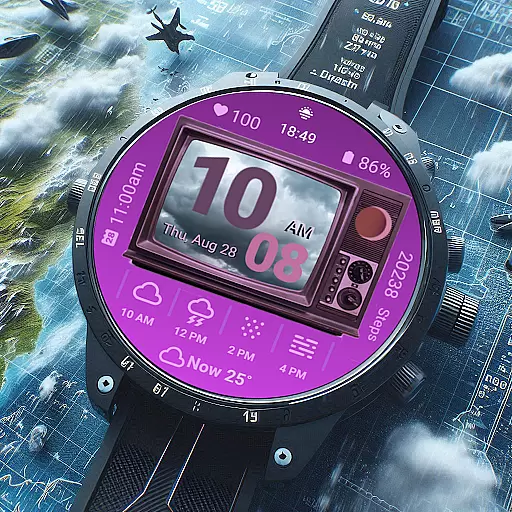
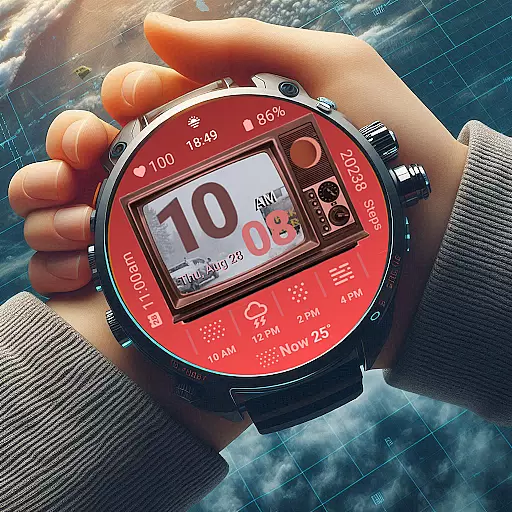
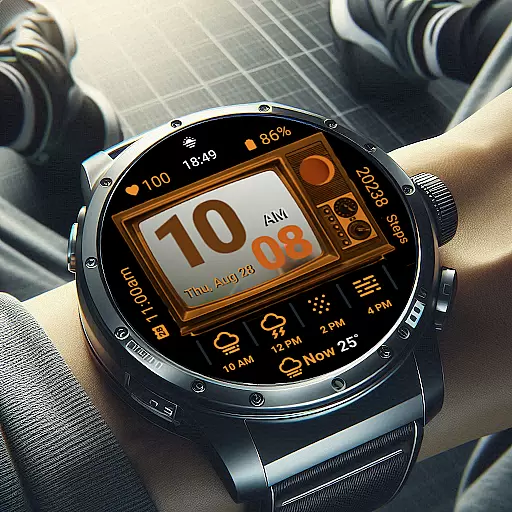
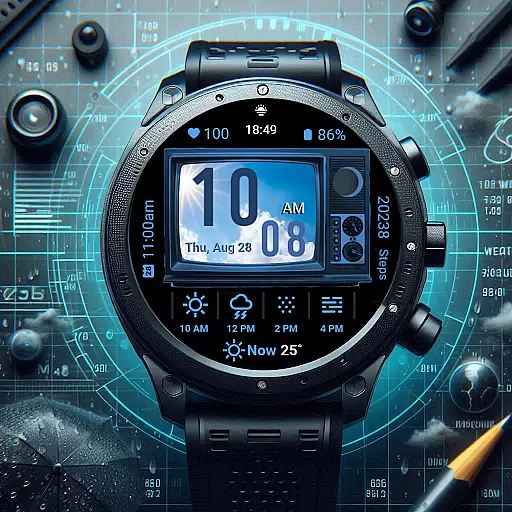
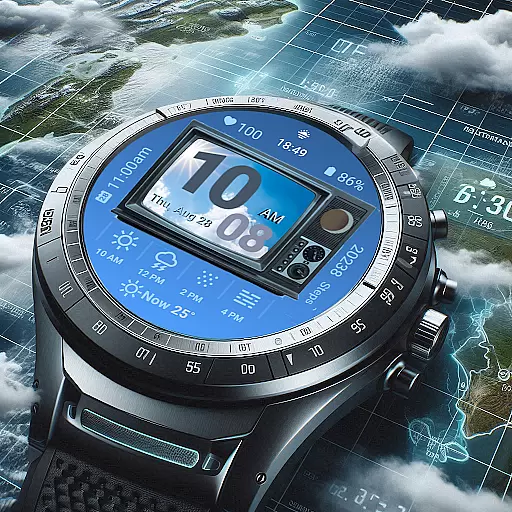
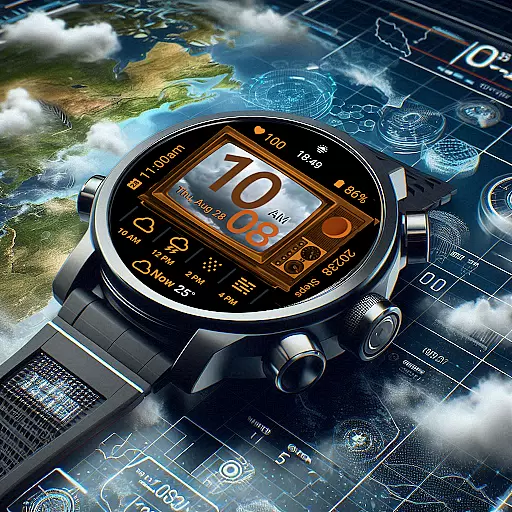
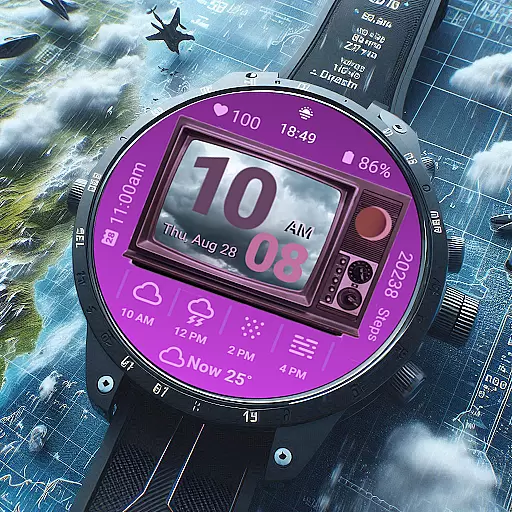
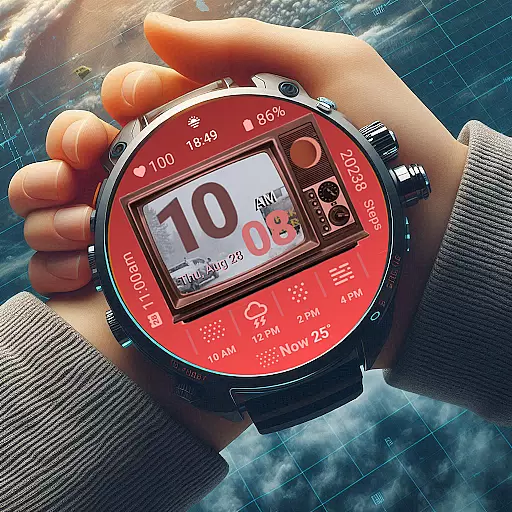
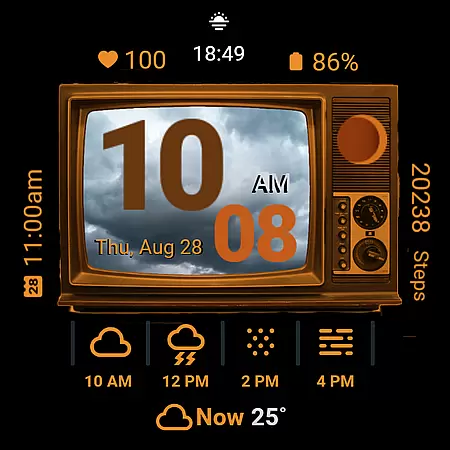
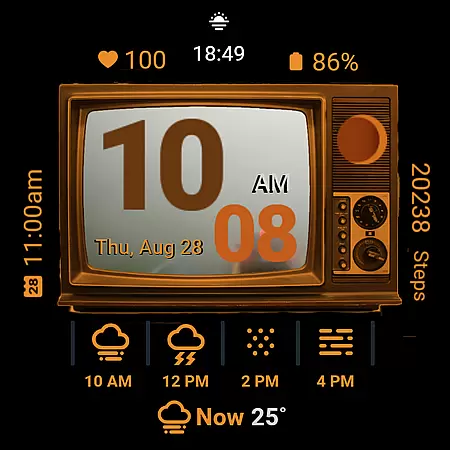
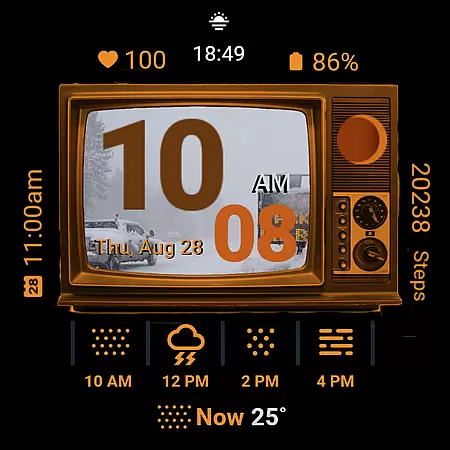
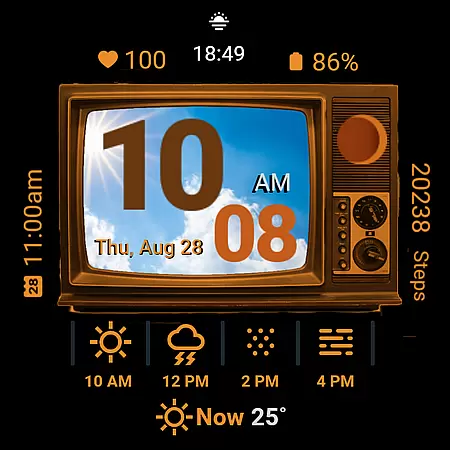
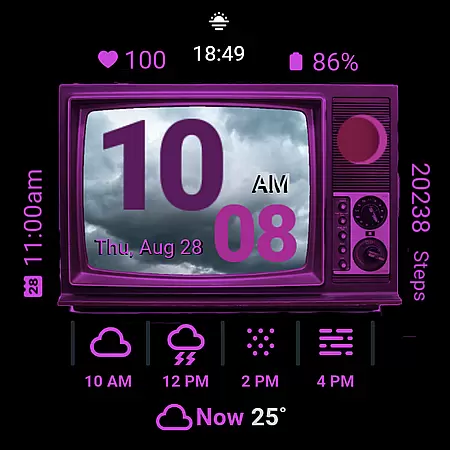
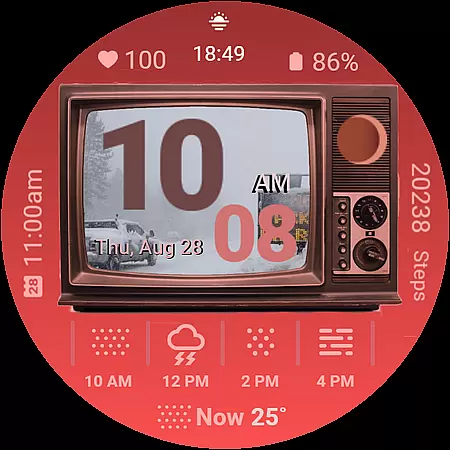
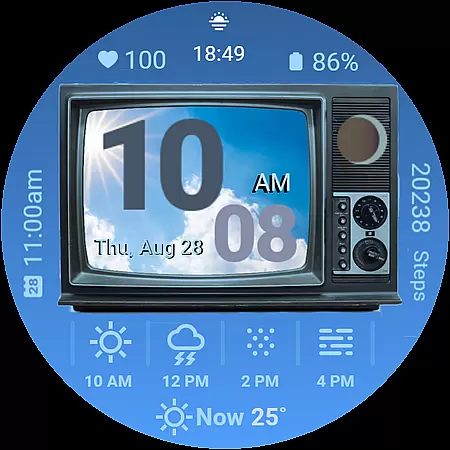
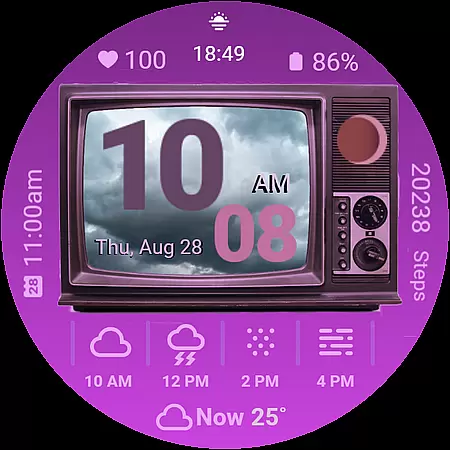
Retro Weather TV Watch Face is a unique Wear OS watch face that combines vintage aesthetics with modern functionality. Designed to resemble a classic TV screen, it displays real-time updates on weather, health metrics, and daily schedules in a nostalgic format.
Key features include a retro TV display, weather photo display, digital time in 12/24HR formats, moon phase tracking, next event reminders, step counter, heart rate monitor, battery status, date and day display, customizable colors, and ambient mode support. This combination of style and utility makes it ideal for users who appreciate both form and function.
Whether you're monitoring your fitness goals or simply enjoying the retro vibe, Retro Weather TV Watch Face offers a delightful blend of old-school charm and cutting-edge technology, ensuring you stay informed while expressing your personal style.
Retro Weather TV Watch Face stands out with its distinctive vintage TV design, offering users a unique visual experience. The watch face showcases real-time weather images, adapting to current conditions while maintaining its classic aesthetic.
Functionality is enhanced through multiple features such as digital time display (in both 12 and 24-hour formats), moon phase tracking, next event reminders, step counting, heart rate monitoring, and battery status indicators. Users can also customize colors to suit their preferences and benefit from ambient mode support for always-on display.
Additional conveniences include shortcut buttons for quick access to settings and calendar functions. These thoughtful design elements ensure that Retro Weather TV Watch Face not only looks great but also provides practical utility for everyday use.
Forecast accuracy and data credibility are essential for any weather application, ensuring users receive reliable and trustworthy information. Retro Weather TV Watch Face excels in this area by providing real-time updates on weather conditions, temperature, and newly added features like moon phase tracking.
The watch face pulls data from credible sources, delivering precise weather forecasts directly to your wrist. By integrating with Wear OS, it ensures that the displayed information is not only visually appealing but also accurate and up-to-date.
For users, this means they can confidently plan their day, dress appropriately for the weather, and stay informed about environmental changes without needing to check their phones constantly. The ambient mode support further enhances accessibility, offering an always-on experience that keeps critical data visible at a glance.
Temporal and spatial forecast range refers to the watch's ability to provide timely and geographically relevant weather updates. Retro Weather TV Watch Face offers comprehensive coverage by utilizing advanced GPS and location services to ensure forecasts are tailored to the user's current position.
In addition to localized weather data, the watch face displays future weather predictions, helping users prepare for upcoming changes in climate. This includes detailed breakdowns of daily schedules, steps counters, heart rate monitors, and battery statuses, all within a retro-themed interface.
By combining classic aesthetics with modern technology, Retro Weather TV Watch Face delivers a unique blend of style and functionality. Users benefit from having crucial information readily available, enhancing both convenience and peace of mind as they navigate through their day.
Unique retro design
Real-time weather updates
Customizable color options
Comprehensive health tracking
Ambient mode support
Limited to Wear OS
May drain battery faster
No advanced analytics
Interface might feel cluttered
Requires frequent updates

Ultimate weather forecast + moon phase for Wear OS 5+ (Pixel, Galaxy, et al.)
 4.70
4.70
An unofficial app version of the National Weather Service (Weather.gov)
3.90
Room Temperature Thermometer meter shows indoor, outdoor temperature, humidity.
4.40
NOAA radar, weather forecasts, hurricane tracking & customizable alerts.
4.50
Arrive safely! Travel weather forecasts for your entire trip at time of arrival.
3.60
Weather - Local weather forecast, weather daily & hourly, weather radar
4.80
Accurate Local Weather Forecast, let you easily understand the nearby weather!
4.20
Digital Weather Watch Face for Wear OS 5+
4.1
Your ultimate app for real-time weather information!
4.70
A professional, comprehensive and accurate weather forecast app
4.90
Live local weather updates: various widgets & radar maps & hourly forecast.
4.70
Nuts Weather, your ideal choice for knowing weather forecast & weather radar
4.70
weather forecast, weather radar, weather widget in one local weather app
4.70
Check room temperature with this indoor thermometer. thermostat & hydrometer
4.70
Live weather forecast for your everyday life
4.60
Industry leading whitetail movement predictor & hunting app.
4.60
Local forecast, alerts, rain, snow and wind radar, air quality & weather widget
4.60
Weather radar map, storm tracker, local forecast, live rain alerts & daily news.
4.60
Weather watch face for Wear OS 5+
4.40


User Reviews