
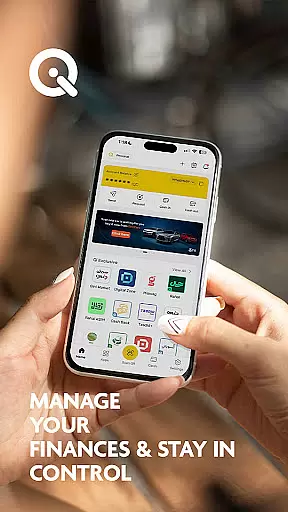
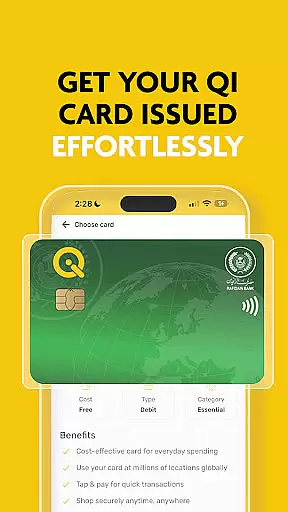
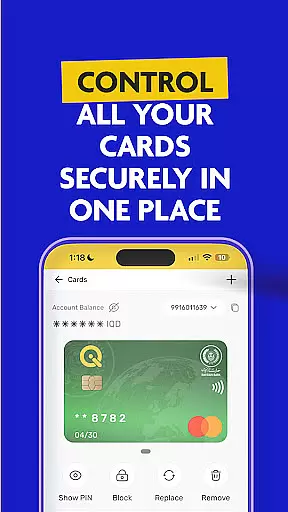

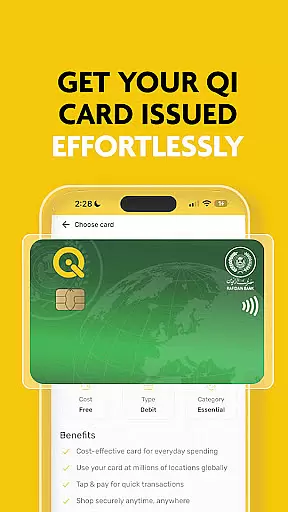
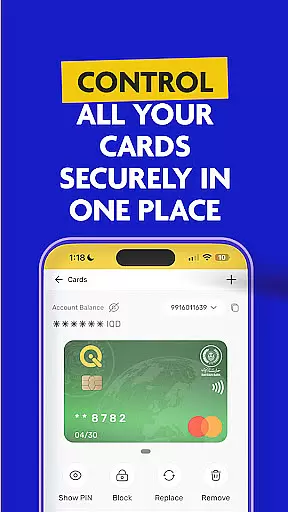

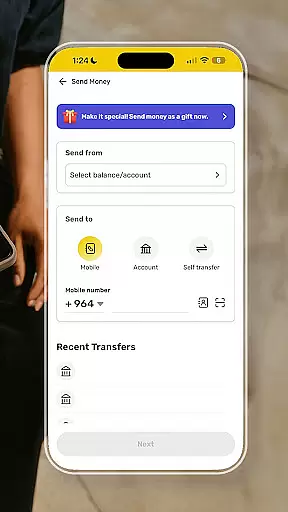
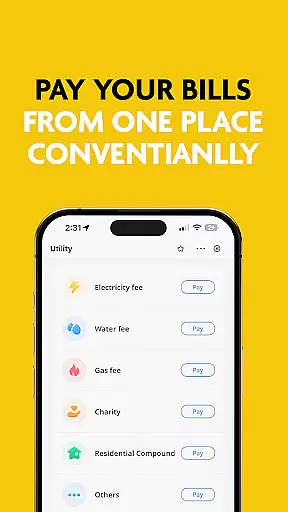
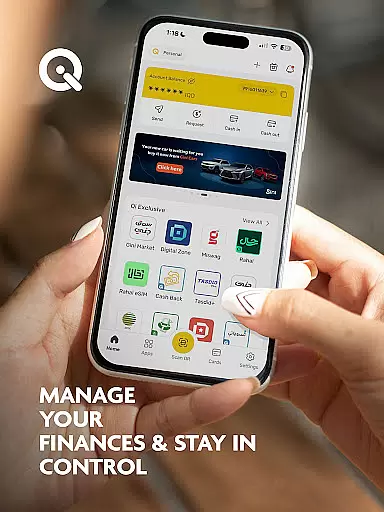
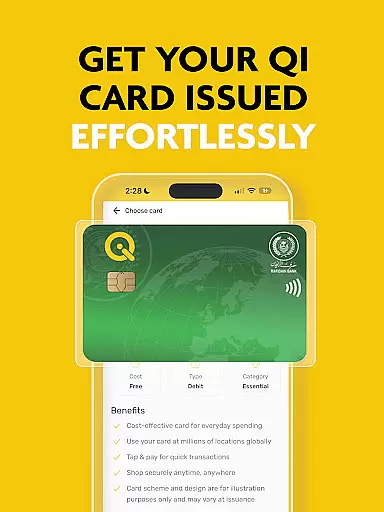
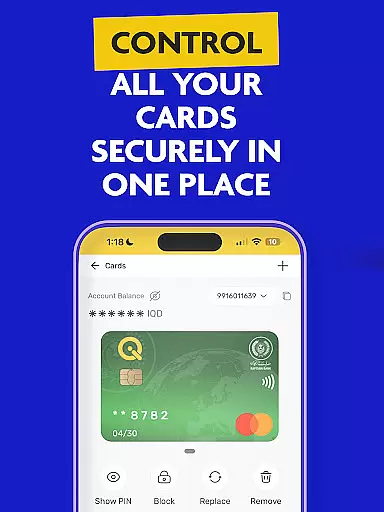

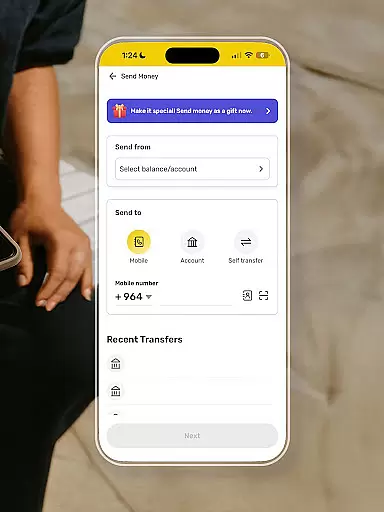
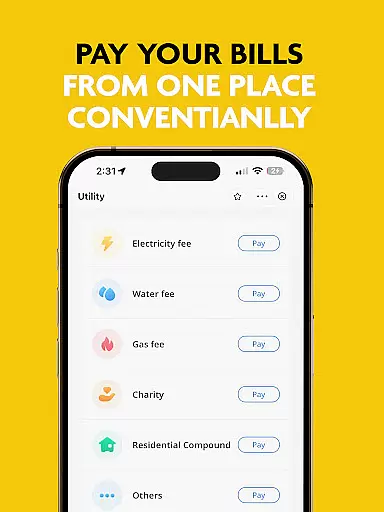
SuperQi is a comprehensive financial super-app designed specifically for users in Iraq, offering an all-in-one solution for digital transactions. The app enables seamless cashless payments through features like money transfers, QR code payments, and bill payments. It also provides access to Qi Bank accounts, e-commerce services, mobile recharges, and digital billing.
One of the standout features of SuperQi is its integration with MasterCard and Visa, functioning as a digital wallet and payment gateway. Users can apply for Rafidain Bank loans, use installment services, and even transfer money via Western Union. With a wide network of trusted merchants across various sectors such as groceries, household essentials, and travel, SuperQi simplifies daily financial management while ensuring top-notch security for all transactions.
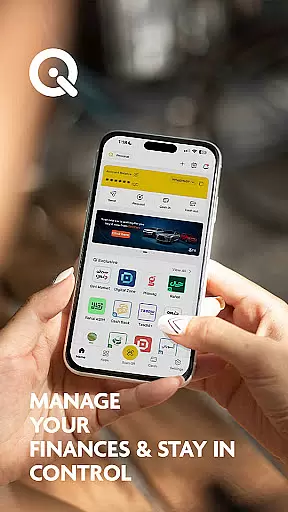
The app's anytime, anywhere accessibility makes it ideal for users who need to manage their finances on the go. Whether you're paying bills, shopping online, or handling banking tasks, SuperQi streamlines these processes into one convenient platform, enhancing both efficiency and security.
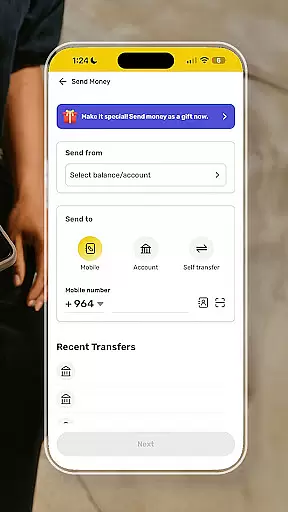
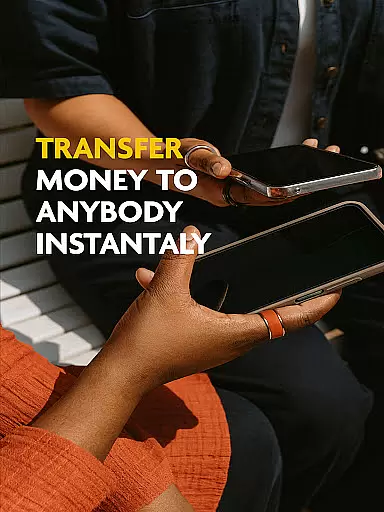
SuperQi offers a robust set of features that cater to diverse financial needs. One key aspect is its secure transaction system, which incorporates advanced security protocols to protect user data and ensure safe money transfers. The app allows users to easily move funds between different cards or accounts, making personal finance management straightforward and efficient.
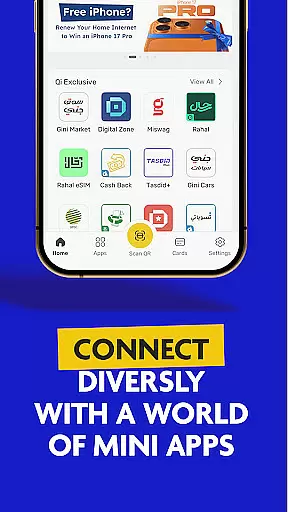
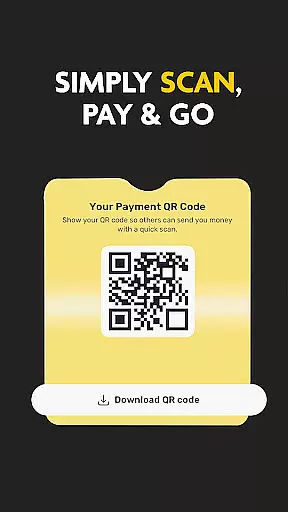
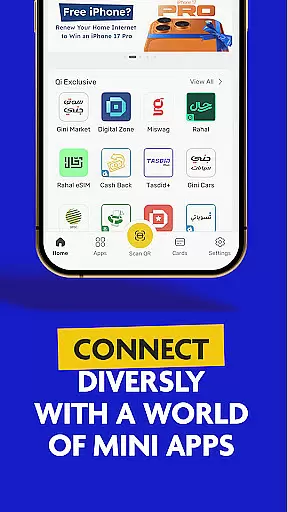
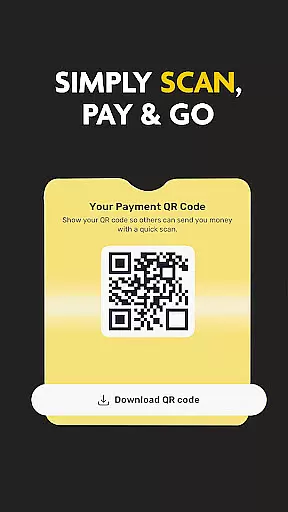
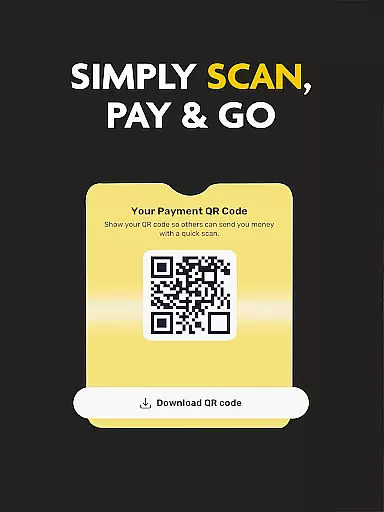
Another notable feature is the 'Scan to Pay' functionality, enabling swift transactions through QR code scanning. This method not only speeds up the payment process but also enhances convenience for users. Additionally, SuperQi includes mini-apps that cover various aspects of daily life, from shopping to utility payments, creating a holistic super-app experience.
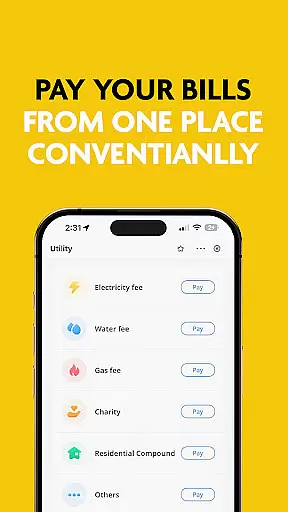
For bill payments, SuperQi provides a one-tap solution that ensures instant and secure processing. The app's extensive merchant network spans multiple industries, allowing users to fulfill all their purchasing needs within a single platform. This combination of security, versatility, and ease of use establishes SuperQi as a leading financial tool in the Iraqi market.
In the realm of digital finance, security is paramount. SuperQi employs advanced encryption protocols to ensure that all transactions are safeguarded against unauthorized access. This commitment to security extends to user data, which is protected through stringent privacy measures.
Users can manage their Qi Bank accounts with confidence, knowing that their financial information is secure. The app's robust authentication processes prevent unauthorized access, providing peace of mind for users who need reliable financial tools.
The significance of fund security cannot be overstated. With features like secure transactions and one-tap bill payments, SuperQi ensures that every financial activity is protected. This dedication to safety empowers users to conduct their daily transactions without worry.
By integrating with trusted services such as MasterCard, Visa, and Western Union, SuperQi offers a comprehensive security framework. Users benefit from a seamless experience where their funds and personal information remain protected at all times.
A smooth transaction experience is essential for any financial application. SuperQi excels in this area by offering features like scan-to-pay and easy money transfers between accounts. These functionalities streamline the payment process, making it faster and more convenient for users.
The app supports a wide network of merchants across various sectors, allowing users to make purchases ranging from groceries to travel bookings effortlessly. This extensive merchant coverage enhances the overall transaction experience by providing multiple options for cashless payments.
Real-time notifications and effortless organization of daily essentials contribute to an efficient transaction journey. Users can track their spending, manage bills, and handle other financial tasks from a single platform, ensuring they stay informed about their financial activities.
With anytime, anywhere access, SuperQi delivers a reliable transaction experience. Whether users are transferring money or paying bills, they enjoy the convenience of managing their finances on-the-go, reinforcing the app's role as a comprehensive lifestyle partner.
User-friendly interface
Secure transactions
Wide merchant network
Comprehensive financial tools
Convenient QR payments
Limited international support
Occasional bugs reported
Requires stable internet
Learning curve for new users
Some features region-locked

Over 180 currencies conversion rates with live exchange rates and offline mode.
 4.60
4.60
Companies owe you money.
4.80
Easily invest, save, and plan—all in one app.
4.60
Car Insurance Made For You.
4.50
No credit check, no interest, no worries.
4.70
Invest, bank & save in one app. Trade stocks, earn high APY & budget smarter.
4.00
Manage your credit card account with the Credit One Bank mobile app.
4.70
All expenses at a glance.
4.80
Powerful Money Manager, Expense & Savings Tracker, Budget Planner - Pro Version
4.70
Check EBT, SNAP, WIC balances, manage food stamps, and save money with benefits
4.80
Wells Fargo Mobile allows you to access your investment and bank accounts.
4.80
“Money Manager” is an optimized application for personal asset management.
4.70
Pay, bank & build credit.
4.70
Banking, Budgeting & Investing
4.60
Real-time tracking: Stocks, Indices, Futures, Commodities, ETF, & Funds prices.
4.60
The US Debt Clock .org App gives you a Real-Time glimpse of US Financial Stats
4.60 4.50
4.50
Earn cash & save money daily. Access instant cash advances* - no credit check!
4.50
Trade NFL, NBA, Crypto, Tech
4.50


User Reviews