
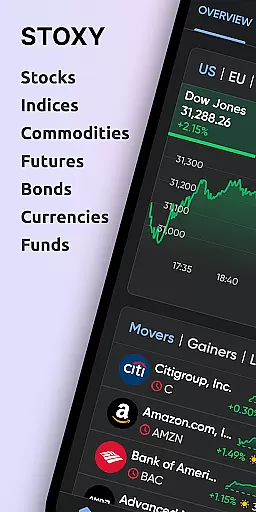

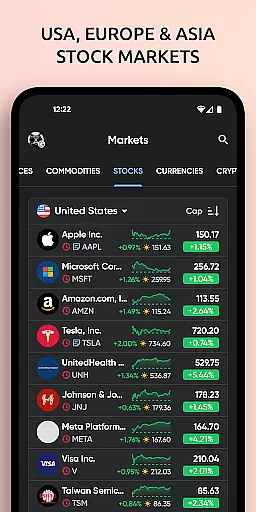
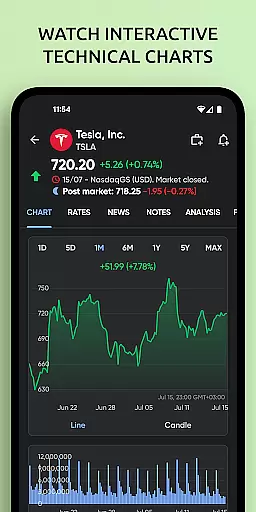

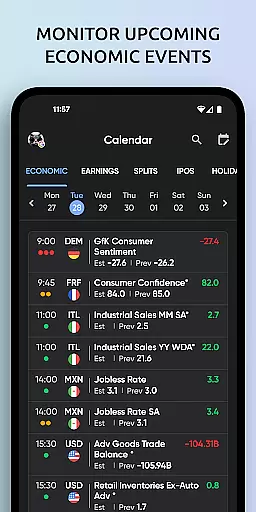
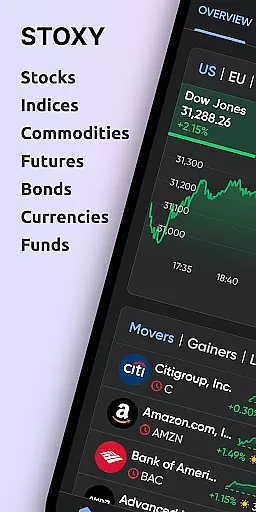
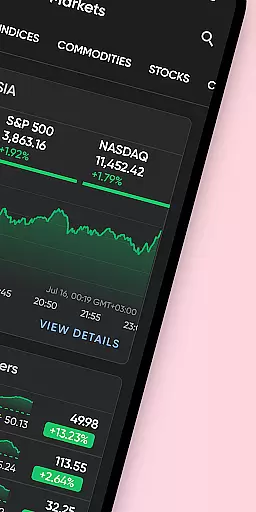
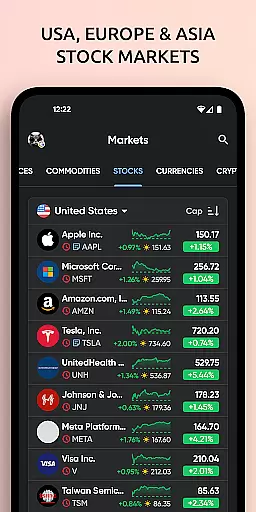

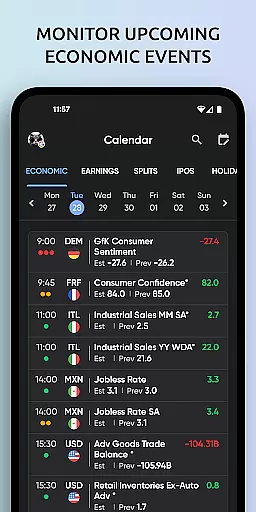
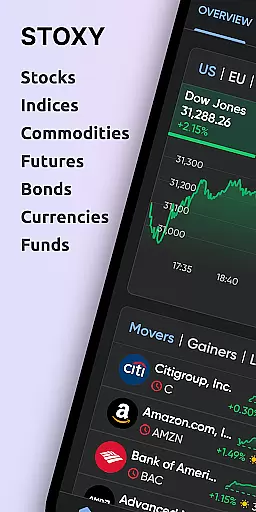
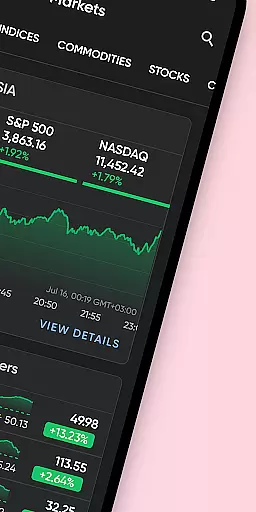
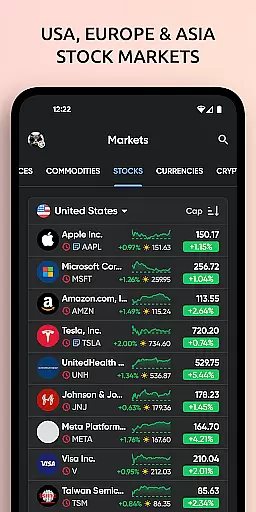
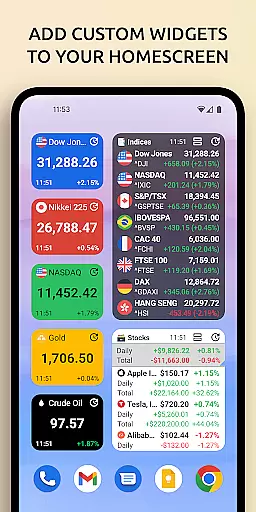
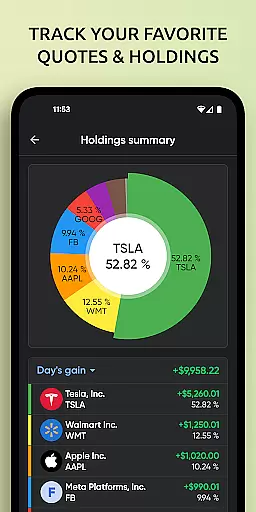
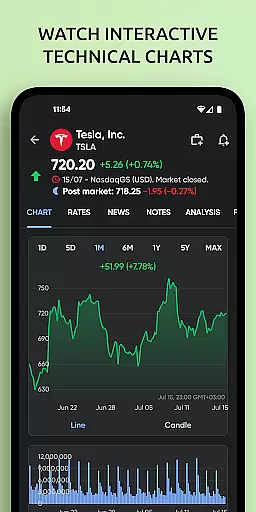

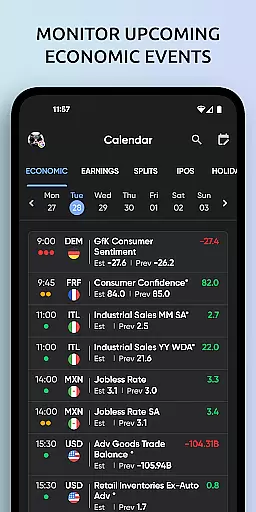
Stoxy PRO is a comprehensive stock market tracking and investment management application designed for both novice and experienced investors. The app provides real-time data from over 50 global exchanges, including major ones like NYSE and NASDAQ, allowing users to monitor stocks, ETFs, commodities, futures, mutual funds, bonds, and cryptocurrencies all in one place. With its powerful analytics tools, dynamic charts, and personalized alerts, Stoxy PRO ensures that users can make informed decisions about their portfolios.
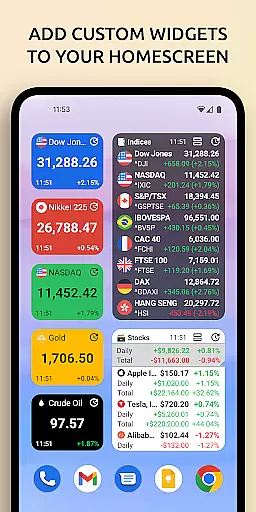
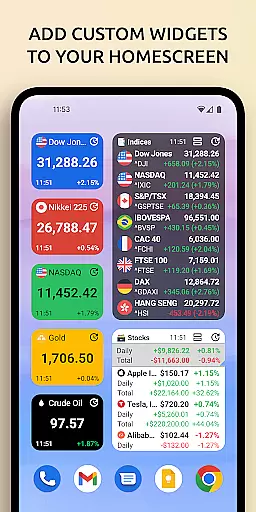
In addition to real-time stock prices, the app offers advanced stock screeners, dividend calendars, earnings alerts, and IPO notifications. Users can also access curated financial news and insights, helping them stay ahead of market trends. The inclusion of home screen widgets and cloud sync functionality further enhances accessibility and convenience, making Stoxy PRO an indispensable tool for modern investors who require up-to-the-minute information at their fingertips.
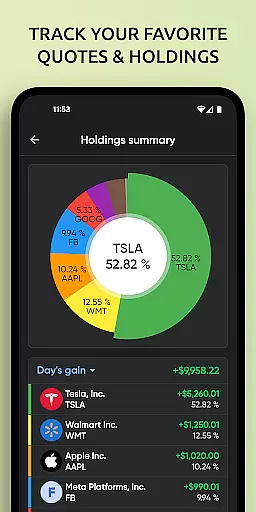
Stoxy PRO stands out with its robust feature set tailored for smart investing. One of its key features is the real-time data access covering more than 50 global exchanges, enabling users to track world indices, commodities, futures, and currencies effortlessly. The app's comprehensive portfolio management allows seamless monitoring of various asset classes, providing instant updates on gains, losses, and other critical metrics through intuitive analytics.
Another highlight is the suite of powerful tools such as advanced stock screeners, which help users discover new investment opportunities by filtering assets based on industry, country, or market cap. Additionally, the app includes market breadth indicators, dividend and earnings calendars, and custom alerts for significant portfolio changes. These features collectively empower users to manage their investments proactively while staying informed with breaking news and analysis from trusted sources, all aggregated within the app for maximum convenience.
When it comes to financial applications like Stoxy PRO, account and fund security is of utmost importance. The app ensures that all user data is encrypted using industry-standard protocols, safeguarding sensitive information from unauthorized access. This level of security provides peace of mind for investors who need to focus on their strategies without worrying about potential breaches.
Stoxy PRO implements multi-factor authentication, adding an extra layer of protection to user accounts. By requiring more than just a password to access the account, even if login credentials are compromised, unauthorized users will not be able to gain entry. This feature demonstrates the app's commitment to maintaining a secure environment for managing investments.
In addition to encryption and authentication measures, Stoxy PRO also offers features such as session monitoring and automatic logouts after periods of inactivity. These proactive steps help prevent unauthorized transactions by ensuring that only active, attentive users can make changes to their portfolios. Such safeguards are essential in today's digital age where cyber threats are prevalent.
By prioritizing account and fund security, Stoxy PRO allows investors to track the stock market with confidence. Users can set personalized alerts for significant portfolio changes and receive instant notifications, knowing that their financial activities within the app remain protected against common security risks.
A seamless transaction experience is crucial for any finance application, and Stoxy PRO excels in providing users with efficient tools to manage their investments. With real-time data access from over 50 global exchanges, including major ones like NYSE and NASDAQ, investors can execute trades based on up-to-the-minute information, ensuring they never miss a critical market movement.
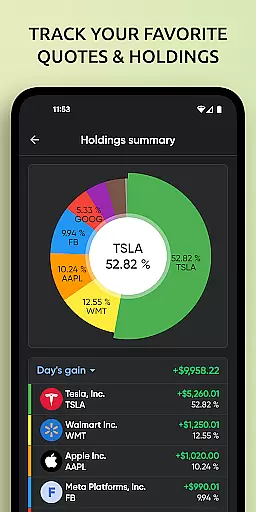
The comprehensive portfolio management system in Stoxy PRO enables users to monitor various asset classes such as stocks, ETFs, commodities, futures, mutual funds, bonds, and cryptocurrencies. This diverse tracking capability allows for quick decision-making and execution of transactions across different investment types, streamlining the overall trading process.
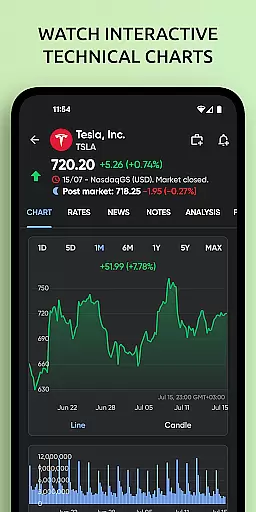
Dynamic charts and graphs further enhance the transaction experience by offering visual insights into portfolio performance. Investors can analyze trends, allocations, and historical data at a glance, empowering them to make informed decisions swiftly. The interactive nature of these visual tools contributes significantly to an intuitive and responsive transaction environment.
Custom alerts and notifications keep users informed about important events affecting their investments, such as price changes or upcoming dividends. By receiving instant push notifications, investors using Stoxy PRO can act promptly on new information, making the entire transaction experience not only efficient but also highly personalized to individual investment strategies.
User-friendly interface
Real-time global data
Comprehensive analytics
Customizable alerts
Cloud sync functionality
Premium subscription cost
Complex for beginners
Limited free features
Occasional data delays
High system requirements

Secure, simple money transfer app. Send money to Mexico and worldwide fast.
 4.80
4.80
Need help before payday? Get cash advances with no interest or credit checks.
4.60
BTC, Crypto, Stocks & Options.
4.20
Change the way you money with Credit Genie
4.30
Check EBT, SNAP, WIC balances, manage food stamps, and save money with benefits
4.80
All expenses at a glance.
4.80
The US Debt Clock .org App gives you a Real-Time glimpse of US Financial Stats
4.60
Navigate your unique financial path confidently with help from Credit Karma.
4.70
Trade NFL, NBA, Crypto, Tech
4.50
Easy budgeting planning on a calendar!
4.80
Powerful Money Manager, Expense & Savings Tracker, Budget Planner - Pro Version
4.70
Cash Advance, Credit Cards, Credit Lines, Score Monitoring, Saving, Budgeting
4.70
Payday cash advance & Instant cash advance: Borrow money instantly, Get cash now
4.60
Easily invest, save, and plan—all in one app.
4.60
Manage and cancel subscriptions, lower bills, track expenses, create budgets.
4.60
The all-in-one app to save, earn, travel, and put more money in your pocket
4.50
Get up to 500, get paid early, earn interest and find work with no hidden fees.
4.40
Expenses, Bills, Budget and Accounts - All seamlessly integrated in one app!
3.80
Bill Manager is a simple app to help you keep track of your upcoming bills.
4.3


User Reviews