
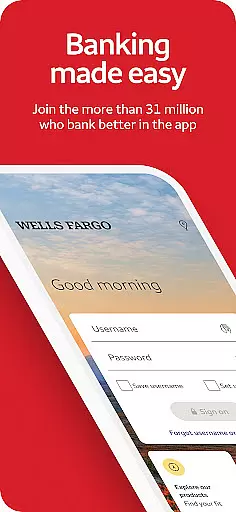
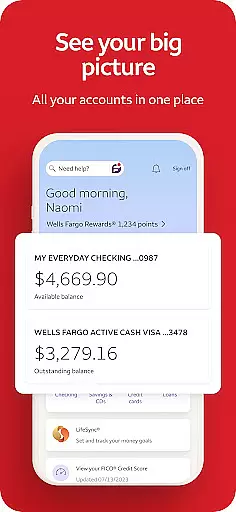
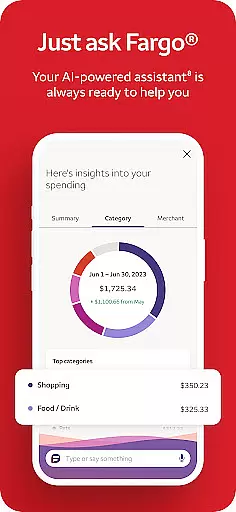
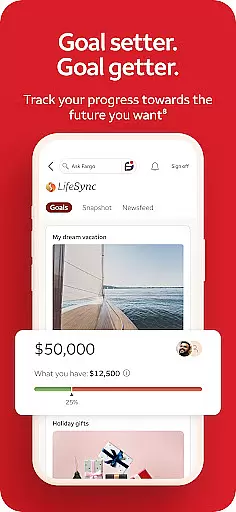
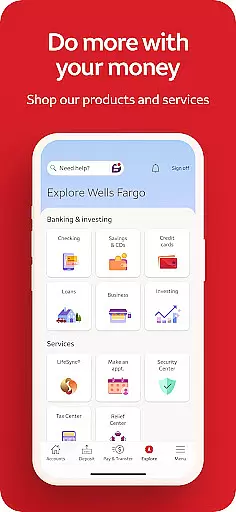
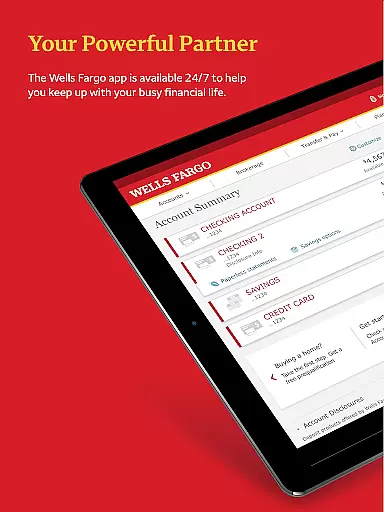
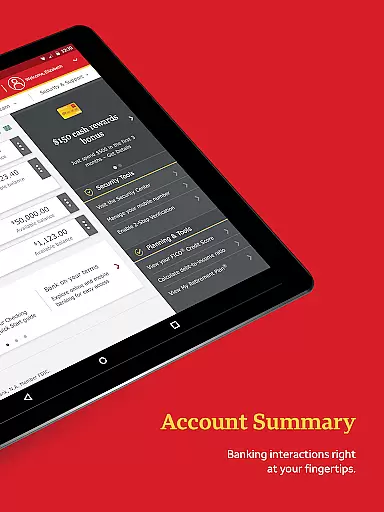
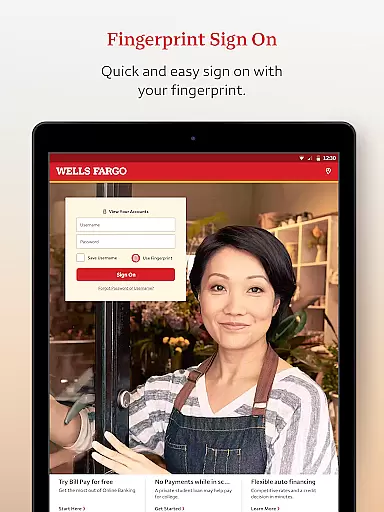
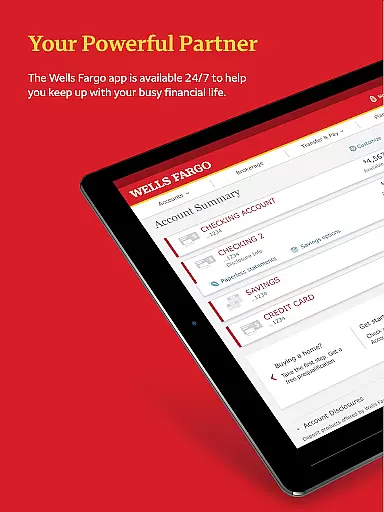
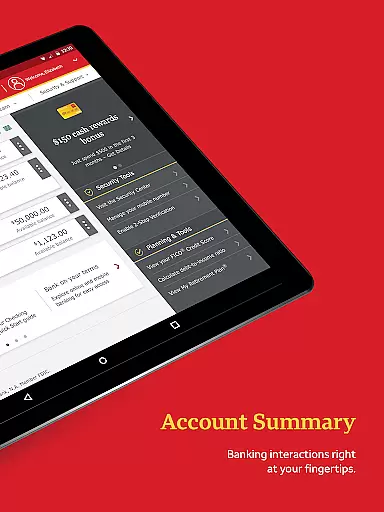
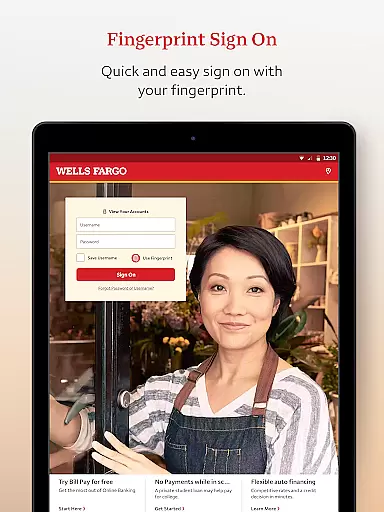
Wells Fargo Mobile is a comprehensive financial management application designed to provide users with seamless access to their banking, credit, and investment accounts. The app supports biometric authentication, enabling secure and quick login through fingerprint or facial recognition on compatible devices. Users can conveniently manage their finances by reviewing account balances, transaction history, and even controlling card settings such as activation, deactivation, and digital wallet integration.
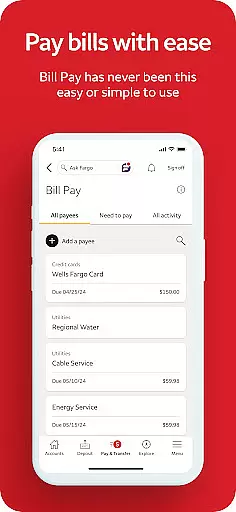
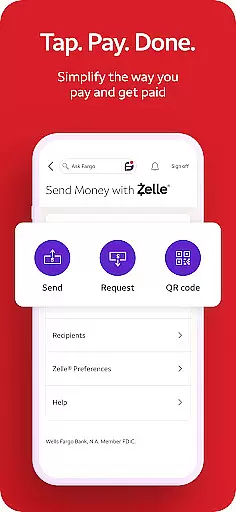
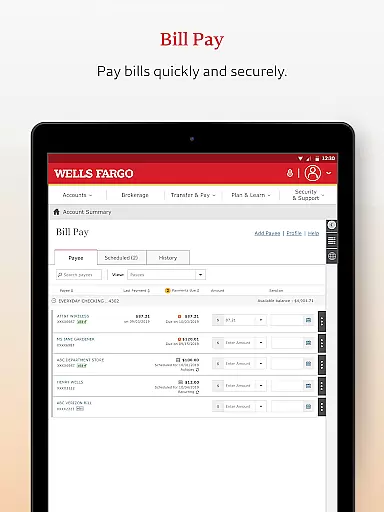
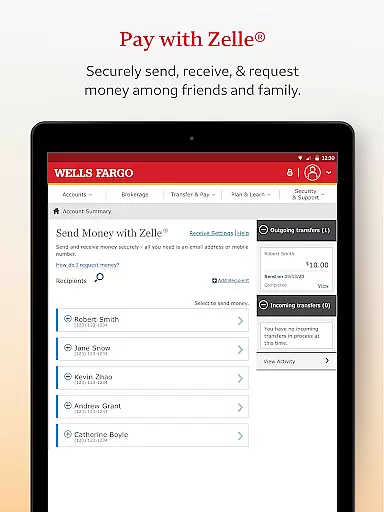
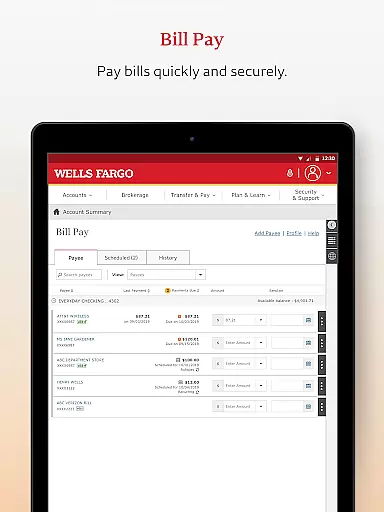
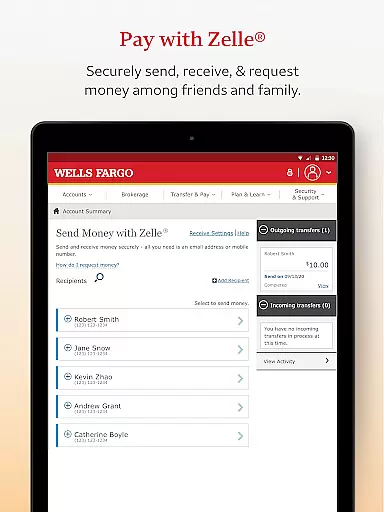
In addition to account management, the app allows users to deposit checks via their smartphone camera, transfer funds between accounts, pay bills, and send money to friends and family using Zelle®. It also offers investment tracking features, providing real-time market data and portfolio monitoring for WellsTrade® accounts. With integrated security features like fraud reporting and customizable alerts, Wells Fargo Mobile ensures users maintain control over their financial safety while enjoying the convenience of mobile banking.
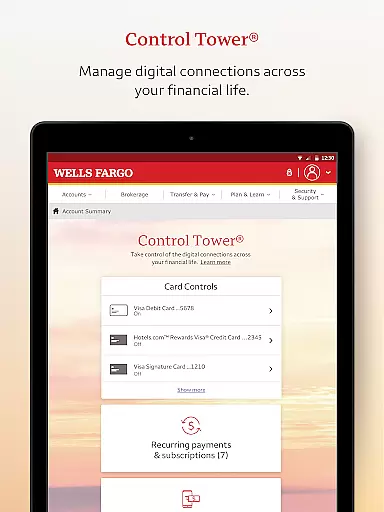
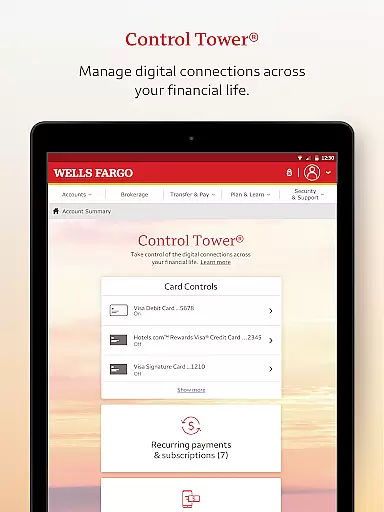
Wells Fargo Mobile stands out with its robust set of features tailored for modern banking needs. One of the key highlights is the Biometric Sign On functionality, which streamlines the login process while maintaining top-notch security standards. This feature is complemented by Card Settings, allowing users to activate or deactivate cards, add them to digital wallets, and manage recurring payments effortlessly.
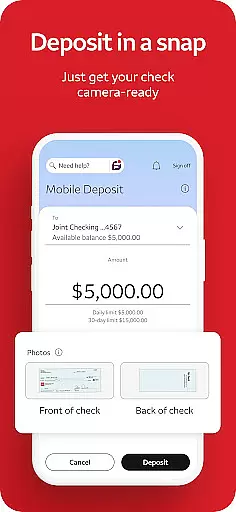
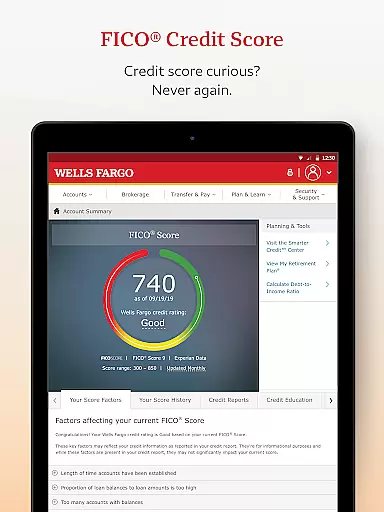
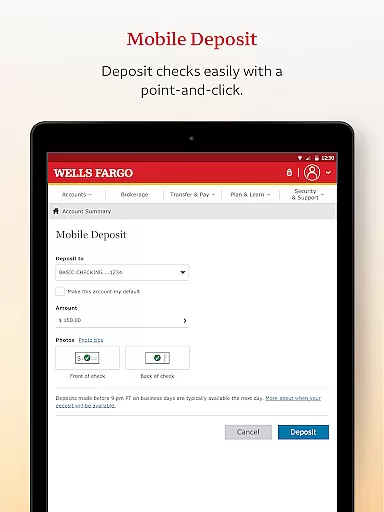
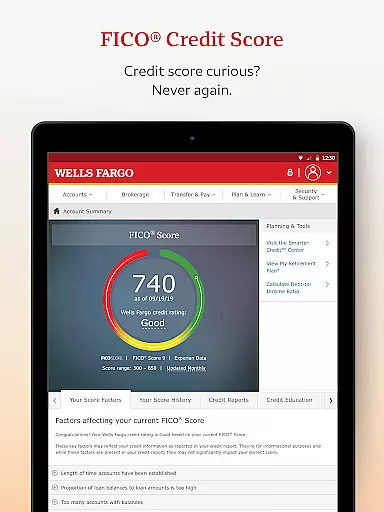
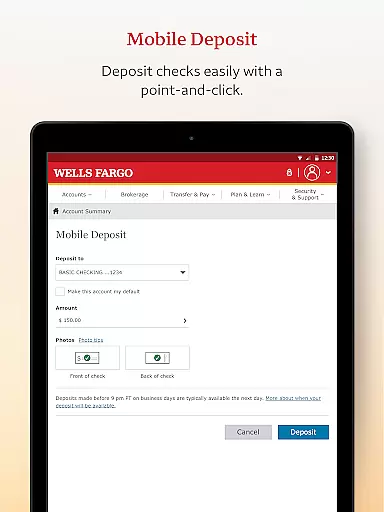
The app's Deposit Funds feature lets users deposit checks instantly using their smartphone cameras, with deposits viewable in real time. For those managing investments, the app provides detailed insights into account holdings, real-time quotes, and market trends. Additionally, users can make seamless transfers between Wells Fargo accounts and external banks, pay bills, and utilize Zelle® for person-to-person payments. These capabilities are further enhanced by proactive security measures, including fraud alerts and FICO® Credit Score access, ensuring a safe and informed banking experience.
In the realm of mobile banking, security is paramount. Wells Fargo Mobile ensures Account and Fund Security through advanced features like Fingerprint Sign On and Biometric Sign On, available on eligible devices. These authentication methods provide a seamless yet secure way to access your cash, credit, and investment accounts.
The app goes beyond simple login credentials by offering users the ability to manage alerts and receive notifications for suspicious card activities. This proactive approach allows users to act swiftly in case of unauthorized transactions, adding an extra layer of protection to their financial assets.
Furthermore, Wells Fargo Mobile provides access to your FICO Credit Score, empowering you with critical information about your credit standing. By having this data at your fingertips, you can make informed decisions regarding your financial health while monitoring any fluctuations that might indicate fraudulent activity.
Overall, these comprehensive security measures ensure that users can manage their funds with confidence, knowing that their accounts are safeguarded against unauthorized access and potential fraud.
A smooth transaction experience is crucial for any banking application, and Wells Fargo Mobile excels in this area. The app allows users to transfer funds effortlessly between their Wells Fargo accounts and other financial institutions, subject to terms and conditions. This flexibility ensures that managing multiple accounts is both convenient and efficient.
Additionally, the integration of Zelle within the app enables users to send and receive money using just a U.S. mobile phone number or email address. This service simplifies person-to-person payments, making it easy to split bills or reimburse friends without needing to know complex banking details.
For those who need to deposit checks, the app offers a feature to do so using the Android camera. Users can instantly view the processing deposit in their account, streamlining what could otherwise be a time-consuming process. This instant feedback enhances user satisfaction by providing immediate confirmation of successful deposits.
By combining these functionalities, Wells Fargo Mobile delivers a robust transaction experience that prioritizes convenience, speed, and reliability, ensuring users have full control over their financial activities from anywhere at any time.
User-friendly interface
Secure biometric login
Comprehensive account management
Instant check deposit
Integrated investment tools
Limited to Wells Fargo customers
Some features require enrollment
Device compatibility issues
Occasional syncing delays
No international wire transfers

Currency Converter, Exchange Rates, Widgets
 4.90
4.90
Earn cash & save money daily. Access instant cash advances* - no credit check!
4.50
Easily invest, save, and plan—all in one app.
4.60
Change the way you money with Credit Genie
4.30
The Citi Mobile® App lets you manage your accounts virtually anytime, anywhere
4.80
All expenses at a glance.
4.80
Join 12M+ users. Instant cash advances, personal loans, build credit, save money
4.80
Earn money as a tester with Testerup, get cash testing apps and games
4.20
Make Real Cash by Playing Games! Fetch Playful Rewards, Win & Triumph
4.50
BA Financial Calculator PRO – Perfect for CFA/FRM/CPA and finance professionals
4.90
Currency Converter (200+ currencies) with live exchange rates and offline mode.
4.70
“Money Manager” is an optimized application for personal asset management.
4.70
Powerful Money Manager, Expense & Savings Tracker, Budget Planner - Pro Version
4.70
Cash Advance, Credit Cards, Credit Lines, Score Monitoring, Saving, Budgeting
4.70
Send money and bitcoin easily. Invest, bank and do more with your money
4.70
Early payday & cash advances with no-fee mobile banking!
4.60
Registration of your debts and Mdionatk and assembled, as well as a significant reports
4.30
Read and extract public data on NFC Contactless banking card (VISA, MasterCard
4.30
StockTiles lets you view prices & charts of your favorite stock assets
2.30


User Reviews