
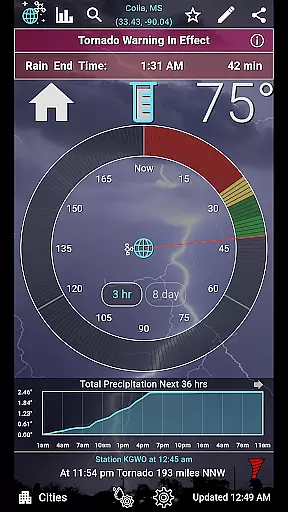
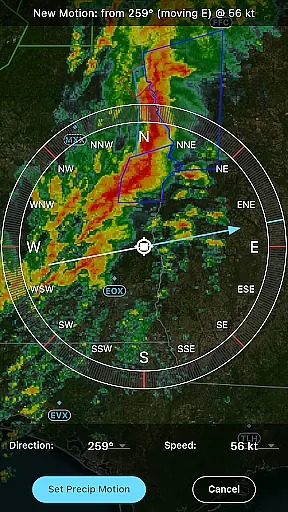
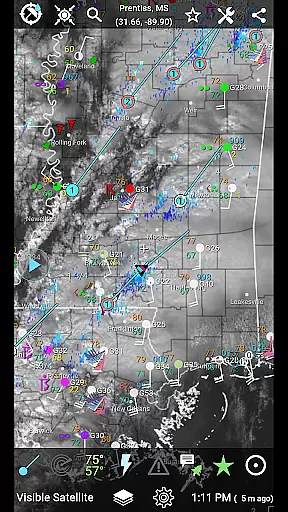
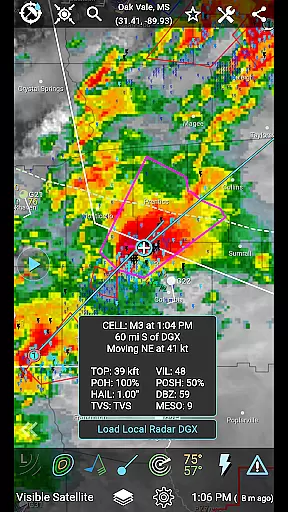
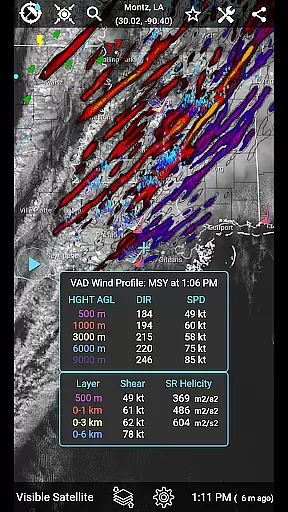
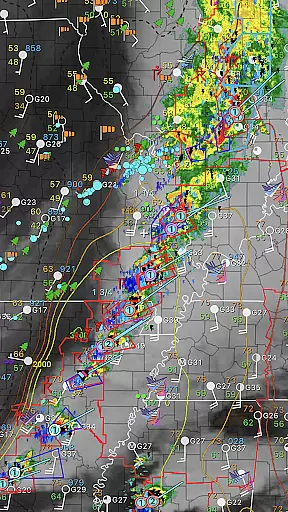
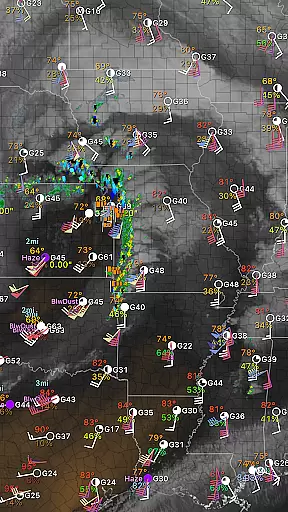
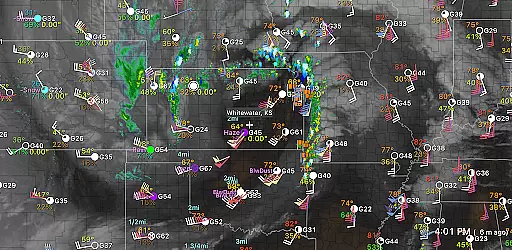
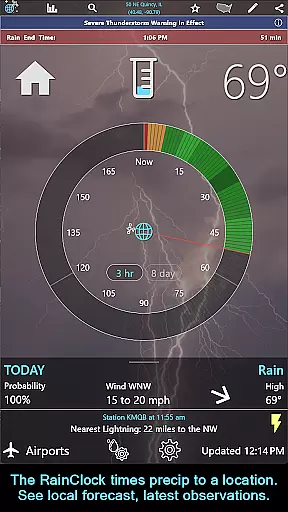
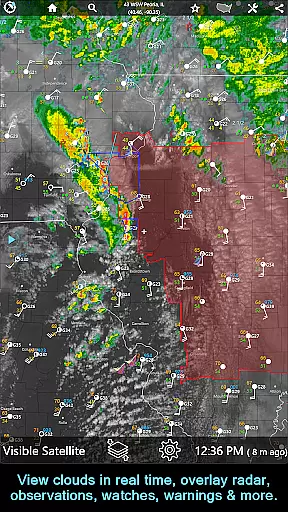
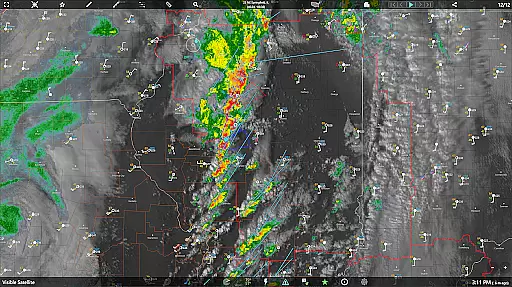
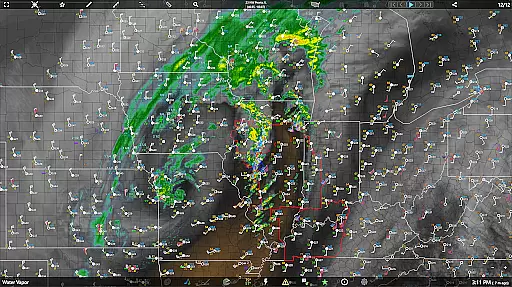
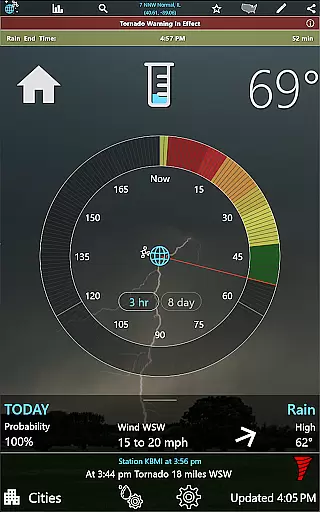
RainAware is a comprehensive weather application designed to provide users with detailed and localized weather information. The app offers a one-time-purchase version that includes essential features such as the Rain Clock, which predicts precipitation up to 3 hours in advance, and interactive graphs for temperature and wind speed. Users can receive notifications for incoming rain or severe weather and view satellite and radar imagery over a broad regional domain.
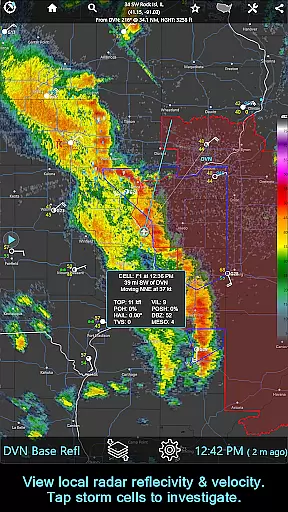
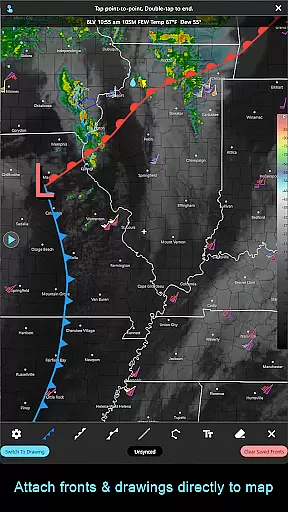
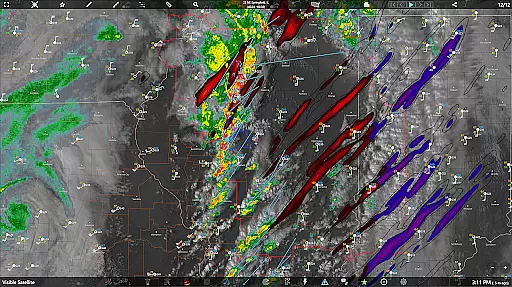
For those needing more advanced features, a subscription version is available, offering cross-platform compatibility across iOS, macOS, and Android. This version provides access to national radar products, storm cell tracking, and environmental fields. With additional tools like drawing fronts on the weather map and longer animation loops, RainAware caters to both casual users and weather enthusiasts who require precise and timely weather data.
RainAware stands out with its robust feature set tailored for weather monitoring. The standard version includes the Rain Clock, which gives precise precipitation timing, and interactive graphs displaying temperature, wind speed, and cloud cover forecasts. Notifications are highly customizable, allowing users to define alert conditions based on proximity and duration of precipitation.
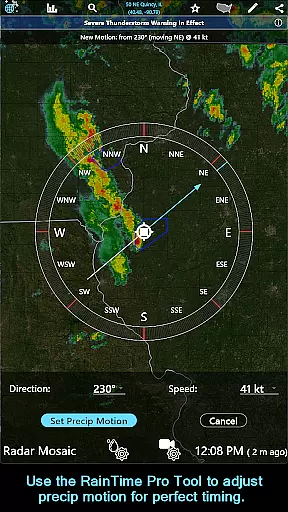
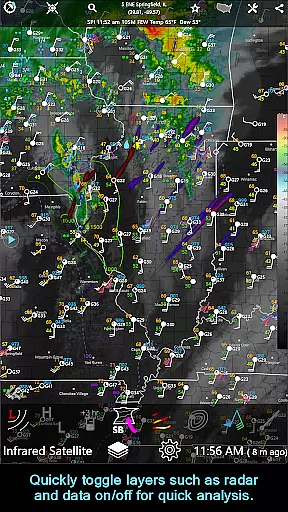
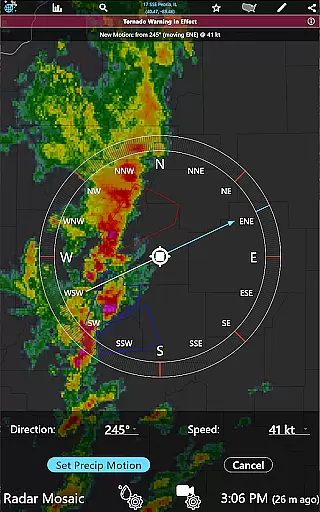
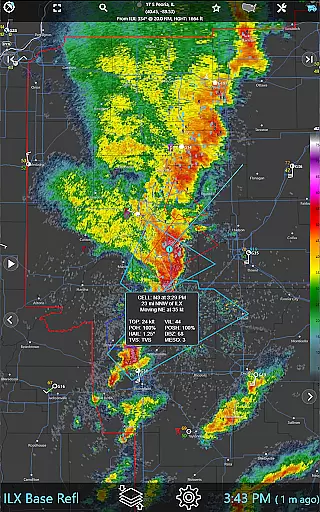
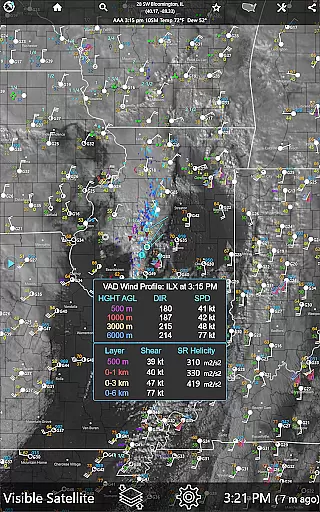
The subscription version enhances these capabilities with advanced tools such as the RainPro Tool for refining precipitation motion and the ability to plot storm cells with filtering options. Users can access surface observations from thousands of stations and enjoy faster data updates. These features collectively ensure that RainAware not only meets basic weather information needs but also supports in-depth weather analysis and forecasting.
When it comes to weather applications, forecast accuracy and data credibility are paramount. RainAware sets a high standard in this aspect by providing users with precise precipitation timing and detailed weather notifications. The app's Rain Clock feature predicts precipitation up to three hours in advance, giving you clear information on when rain will start and end.
The application uses reliable meteorological data sources to ensure that the forecasts provided are as accurate as possible. Users can trust the notifications they receive regarding incoming rain or severe weather conditions, allowing them to plan their day with confidence. With configurable alert settings, including proximity boundaries and alert frequency, RainAware ensures that its users are not only informed but also in control of how they receive their weather updates.
Interactive graphs further enhance the credibility of the data presented. These graphs offer visual representations of temperature, wind speed, cloud cover, and precipitation types over the next 36 hours. This level of detail empowers users to make informed decisions based on comprehensive and trustworthy weather information.
RainAware excels in providing extensive temporal and spatial forecast ranges, ensuring users have access to weather information that spans both time and geography. The app offers an impressive range of forecasting tools, including the Forecast Clock, which concisely displays the next eight days' weather in a Today/Tonight format, complete with sunrise, sunset, and moon phase details.
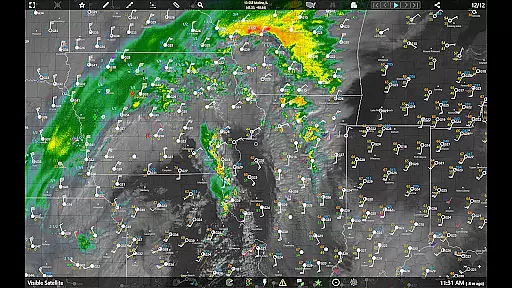
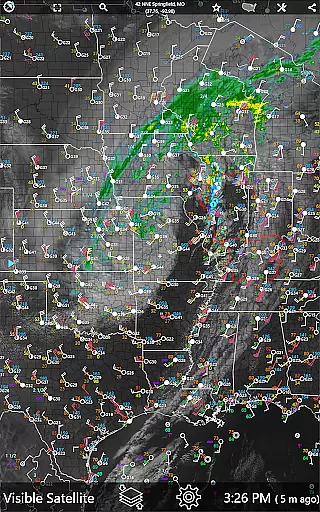
In terms of spatial coverage, RainAware provides satellite and radar imagery over a large regional domain. Users can move this domain to view weather maps in different locations, making it a versatile tool for travelers or those interested in weather patterns beyond their immediate vicinity. The landscape mode enhances this experience with added pan and zoom controls, allowing for a more detailed exploration of weather maps.
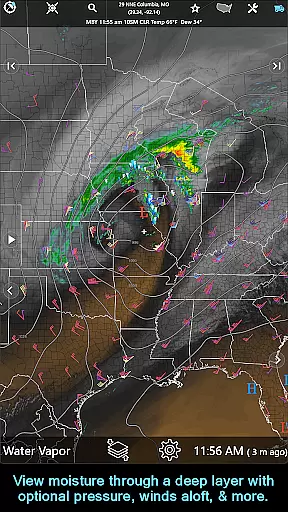
For users requiring even broader coverage, the subscription version unlocks the ability to view the entire weather map without regional constraints. Additional features such as the RainPro Tool and National Radar Products extend the forecast range and depth, offering advanced insights into precipitation motion, storm cells, and environmental fields. This comprehensive approach ensures that RainAware remains a valuable resource for both casual users and weather enthusiasts seeking detailed spatial and temporal forecasts.
User-friendly interface
Accurate rain predictions
Customizable alerts
Cross-platform support
Advanced weather tools
Subscription cost
Complex for beginners
Limited free features
Regional focus
High data usage

Moon phase calendar with live wallpaper, lunar widget, & 3D simulation.
 3.60
3.60
The most accurate weather app, hourly and daily weather, severe weather alerts
4.50
Accurate Thermometer: indoor & outdoor temperature, humidity, pressure, and wind
4.50
Room Temperature Thermometer meter shows indoor, outdoor temperature, humidity.
4.40
My Aurora Forecast is the app for Northern Lights and Aurora Borealis alerts.
4.60
Road weather, live radar, wind, snow, and conditions along your driving route.
4.70
View weather widget and map. Wind direction and speed. Tides times and waves
4.70
Analog Weather Watch Face for Wear OS 5+
4.10
Weather radar map, storm tracker, local forecast, live rain alerts & daily news.
4.60
Local weather forecast app, your personal 7*24 local weather forecast assistant.
4.90
Accurate weather forecast, daily weather changes are easy to grasp
4.90
Hurricane Tracker, Rain Map
4.80
The reliable and trusted global air quality, wildfire, pollen, PM2.5 forecast
4.70
Your ultimate app for real-time weather information!
4.70
Accurate, beautiful weather with landscapes depicting weather, sky, season.
4.50
Weather watch face for Wear OS 5+
4.10
Retro TV-style digital watch face with weather, heart rate, steps & events!
4.4
Get instant weather & temperature predictions right on your Wear OS smartwatch!
4.2
Dynamic weather watch face with glass effect, bold time & 7 complications.
4.0


User Reviews