
Weather Pro is a comprehensive weather forecasting application designed to provide users with accurate and real-time weather updates. The app offers detailed weather information including air quality, UV index, and activity recommendations, ensuring users can plan their day effectively.
One of the standout features of Weather Pro is its multi-city tracking capability, allowing users to monitor weather conditions in various locations effortlessly. With additional tools like weather radar and severe weather alerts, users can stay informed and prepared for any meteorological changes.
Whether planning a trip or managing daily activities, Weather Pro ensures that users have all the necessary weather information at their fingertips, enhancing safety and convenience.
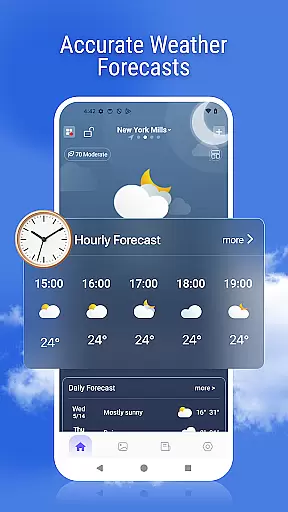
Weather Pro boasts an array of advanced features tailored to meet diverse user needs. The app provides highly accurate hourly and daily forecasts for any location worldwide, ensuring users are always prepared for the weather ahead.
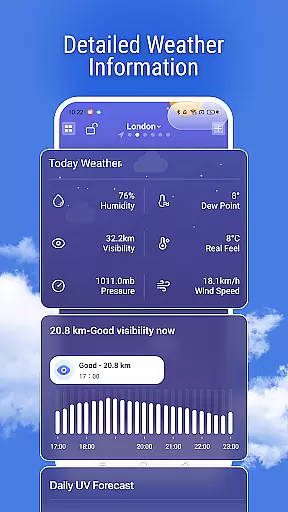
In addition to basic forecasts, Weather Pro offers detailed insights such as air quality, health index, and sunrise & sunset times. These features help users make informed decisions about their outdoor activities and overall well-being.
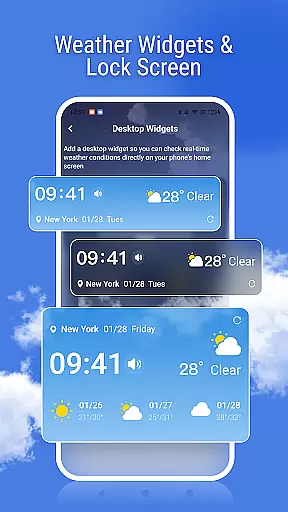
The app also includes dynamic weather backgrounds and customizable widgets, providing both aesthetic appeal and functional ease. Users can access quick weather updates directly from their home screen, making Weather Pro an indispensable tool for everyday use.
Weather forecasting is only as reliable as the data it relies on, and Weather Pro excels in this area. The app uses advanced algorithms and trusted meteorological sources to ensure that users receive the most accurate weather forecasts possible.
With real-time updates and comprehensive data sets, Weather Pro provides detailed information such as air quality, UV index, and health advisories. This ensures that users are not only aware of the temperature but also of environmental factors that could affect their daily activities.
Users can trust Weather Pro to keep them informed about sudden weather changes with severe weather alerts. These notifications are designed to prioritize safety by giving ample warning ahead of time, allowing for necessary preparations.
The credibility of the forecast extends to long-term predictions, making it easier for users to plan trips or outdoor events days in advance. With its commitment to accuracy, Weather Pro stands out as a dependable tool for both immediate and future weather planning.
Understanding weather patterns over time and space is crucial for effective planning, and Weather Pro offers extensive coverage in both dimensions. The app delivers hourly forecasts for the present day and expands to provide detailed predictions up to several days ahead.
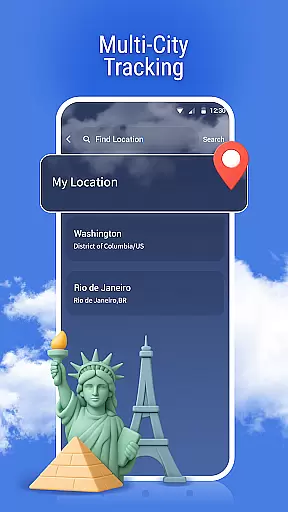
For spatial coverage, Weather Pro supports multiple city tracking, enabling users to stay updated on weather conditions across different locations worldwide. Whether traveling for business or leisure, this feature ensures you're never caught off guard by unexpected weather changes.
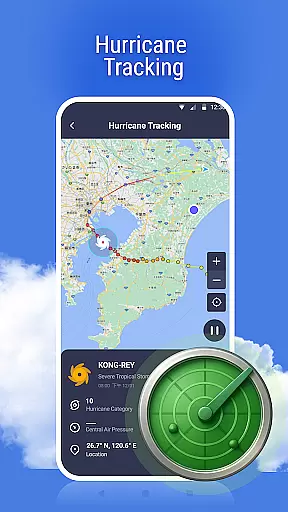
In addition to multi-city tracking, the app includes interactive radar maps that visually depict weather movements. This allows users to see how storms or rain systems are progressing geographically, offering an intuitive understanding of temporal shifts.
By combining wide-reaching spatial data with extended temporal forecasts, Weather Pro equips users with the tools needed to make informed decisions based on comprehensive weather insights.
User-friendly interface
Accurate forecasts
Multi-city tracking
Severe weather alerts
Dynamic backgrounds
Premium subscription required
Limited free features
Occasional ads
Data usage concerns
Regional limitations

A powerful tool for ultimate weather awareness
 3.50
3.50
The reliable and trusted global air quality, wildfire, pollen, PM2.5 forecast
4.70
Your ultimate app for accurate local weather information!
4.60
weather forecast, weather radar, weather widget in one local weather app
4.70
3D Animation Weather Icon
4.00
Detailed weather info and moon phase, subtle animation, customizable
4.4
Aviation weather made simple. Visual decoder for METAR & TAF
4.90
All-in-one weather radar launcher with rain, temperature maps & local forecast.
4.30
Live NOAA weather app to track storm, rain, wind, lightning & real local updates
4.20
NOAA forecast & radar for your exact location.
4.80
My Tide Times Pro is the only tide tables and forecasts application you'll need.
4.80
Live weather forecast for your everyday life
4.60
NOAA radar, weather forecasts, hurricane tracking & customizable alerts.
4.50
Accurate Weather App: various widgets, real-time storm radar, hurricane tracker.
4.50
Accurate, beautiful weather with landscapes depicting weather, sky, season.
4.50
Weather watch face for Wear OS 5+
4.40
14-day & 24-hour Forecast | Real-time Alert | Accurate & Fast
4.40
Accurate weather forecast and beautiful weather & clock widgets
4.20
Accurate Local Weather Forecast, let you easily understand the nearby weather!
4.20


User Reviews