



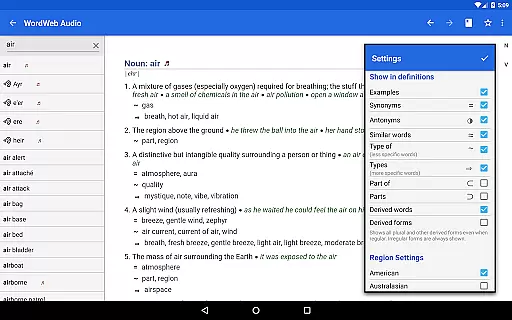
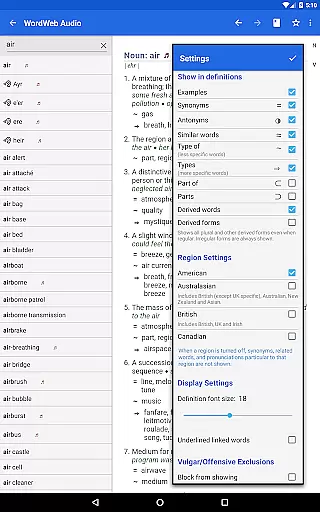
WordWeb Audio Dictionary is an essential reference tool for anyone looking to enhance their English vocabulary. This offline dictionary and thesaurus app provides users with comprehensive word definitions, synonyms, related terms, and professionally recorded pronunciations. With a vast database of 285,000 words and phrases, it supports various forms of English including North American, British, and Australian.
The app's intelligent search functionality offers spelling suggestions, sounds-like matches, and often-confused words. Additional features include bookmark support, history tracking, and the ability to drill down on any word within a definition. Its offline capability makes it especially valuable for users who need reliable access to language resources without requiring an internet connection.
Whether you're a student, professional, or language enthusiast, WordWeb Audio Dictionary helps improve pronunciation, enriches vocabulary, and aids in better communication. The inclusion of usage examples and audio pronunciations ensures users can learn correct pronunciation and context effectively.
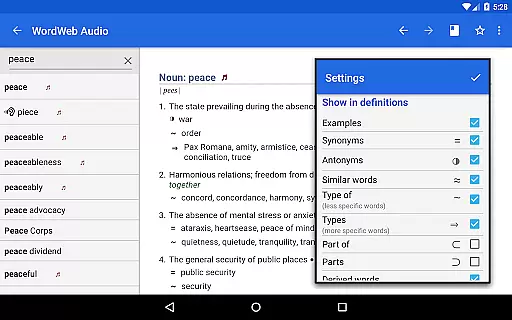
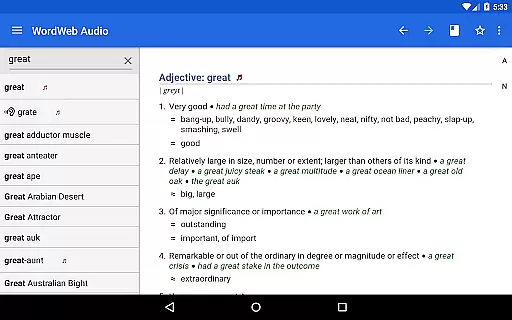
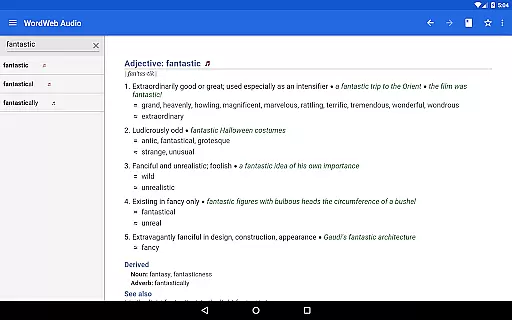
WordWeb Audio Dictionary stands out with its extensive feature set tailored for comprehensive language learning. The app includes 70,000 professionally recorded audio pronunciations alongside 85,000 text pronunciations, ensuring users can hear and see how words are pronounced. It also offers 70,000 usage examples, providing real-world context for each word.
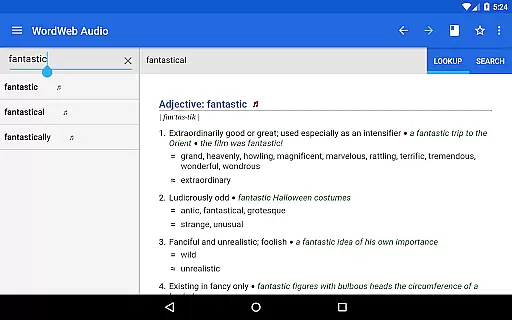
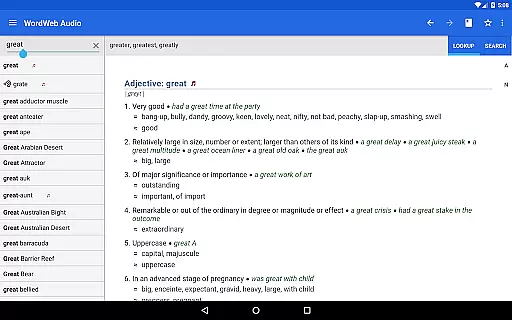
One of the key highlights is its intelligent word entry system that suggests possible correct spellings as you type. The app also lists words that sound similar or are commonly confused, aiding in accurate word selection. Users can filter search results by parts of speech such as nouns, verbs, adjectives, and adverbs, allowing for more precise queries.
Additional functionalities include alphabetical listing, pattern-matching search, and full bookmark support. These features ensure that users can efficiently navigate through the vast database of words and easily return to previously searched terms. The offline mode adds convenience, making it accessible anytime, anywhere without needing an internet connection.
WordWeb Audio Dictionary offers an extensive offline library comprising 285,000 words, phrases, and derived forms, ensuring users have access to a vast repository of English vocabulary without needing an internet connection. This expansive collection includes not only common words but also proper nouns and abbreviations, catering to diverse linguistic needs.
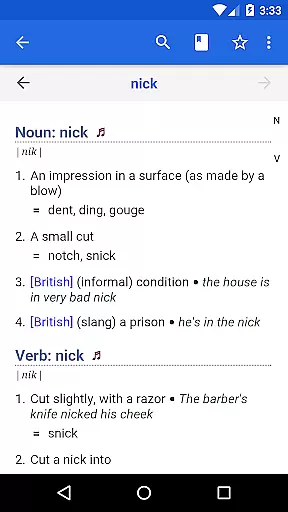
The dictionary's credibility is reinforced by its inclusion of 225,000 word sense definitions and 70,000 usage examples, all crafted with precision and authority. These elements are crucial for users seeking accurate and reliable language references, making the app a trustworthy tool for both casual learners and professionals.
In addition to textual content, the app provides 70,000 audio pronunciations, professionally recorded to guide users in mastering correct pronunciation. This feature significantly enhances the learning experience by offering auditory examples that complement written definitions, thus supporting better language acquisition and confidence in spoken English.
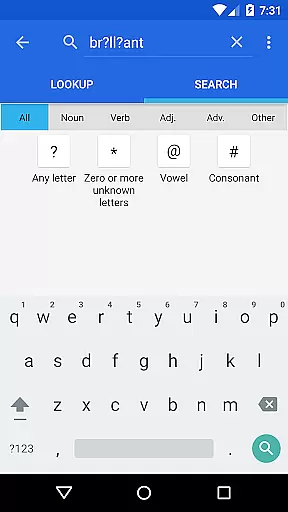
One of WordWeb Audio Dictionary's standout features is its versatile format compatibility, accommodating various user preferences and technological environments. The app supports multiple search functionalities, including alphabetical listing, spelling suggestions, and pattern-matching searches using wildcards like *, ?, vowel, and consonant indicators, which cater to different querying styles.
Furthermore, the app allows filtering of search results by grammatical categories such as noun, verb, adjective, and adverb, providing tailored outcomes that align with specific linguistic inquiries. Such detailed search capabilities ensure that users can efficiently navigate the extensive database and pinpoint desired information with precision.
For enhanced usability, WordWeb integrates seamlessly with other applications, enabling users to look up words directly from third-party apps by selecting the text and choosing WordWeb from the pop-up menu. This cross-app functionality underscores the app's adaptability and commitment to delivering a smooth, integrated user experience across different platforms and devices.
Comprehensive word database
Offline accessibility
Audio pronunciations
Intelligent search
User-friendly interface
Large storage requirement
No integrated grammar guide
Limited visual aids
Premium version cost
Occasional slow load times

Offline dictionary for learning Cantonese as a second language
 4.90
4.90
Mirror Bible - eye-opening paraphrase translation of the NT by Francois du Toit
4.30
Improve your vocabulary and grammar with the 15 biggest Oxford Dictionaries.
4.30
Read aloud texts, audiobooks, PDFs or any eBook with text to speech AI audio
4.60
Enjoy your favorite books
3.50
Liturgy of the Hours totally off-line
4.80
What’s that bird? Just answer 5 questions, snap a photo, or record its song!
4.90
Build family tree & discover DNA, family history heritage, origins and ancestors
4.60
Read the Quran in Arabic alongside its translation, with color coded Tajweed.
4.50
The dynamic dictionary/reference app for piano chords and scales!
4.80
“I am the Lorax. I speak for the trees.”
4.80
A lightweight reader for comics and mangas files (.cbr, .cbz, .cbt, .pdf, ...)
4.80
Watch real short episodes in just minutes— addictive, you won't be able to stop!
4.70
7 Languages, Google, Wiki, Vocabulary.com, Cambridge & Urban Dictionary!
4.50
Research your family history to explore ancestors and search for your heritage
4.50
Bible Spiritual Companion
4.40
Shop over 13 million new and used books at up to 80% off list price
4.20
“There was one last piece of cake. My little sister said ‘Me too!’”
4.00
Read popular romance books and web novels on the fantastic ebook reader
3.50


User Reviews