
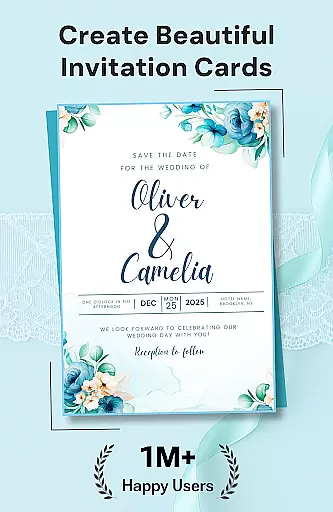
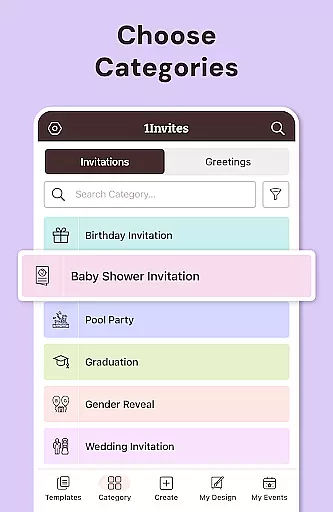



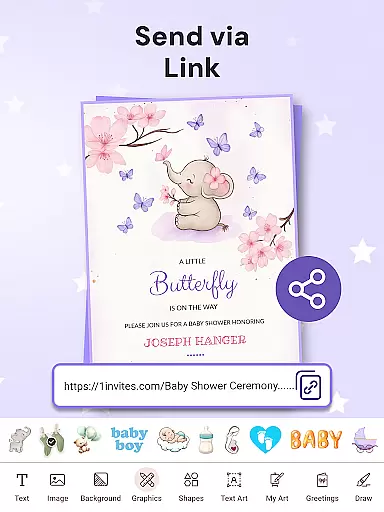
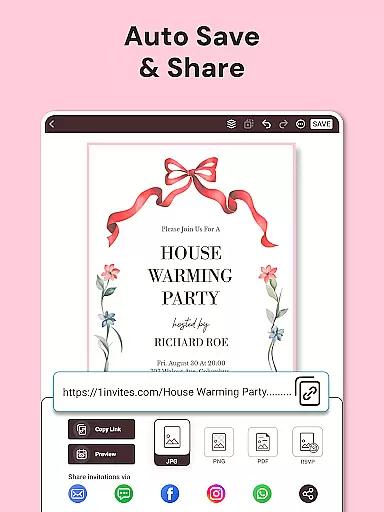
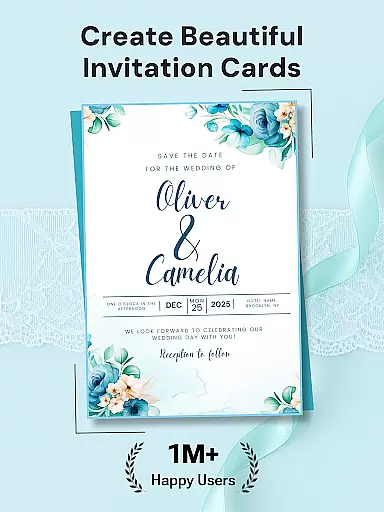

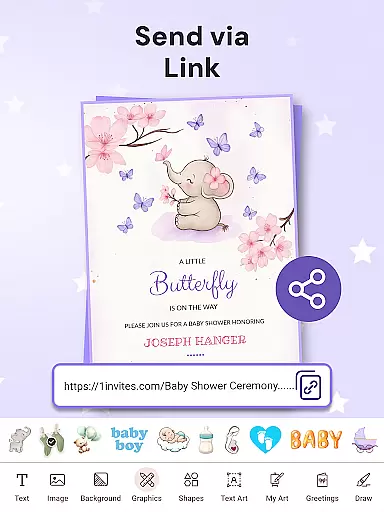








1Invites is a comprehensive event planning application that combines professional invitation design with smart RSVP management. The app offers over 20,000 customizable templates for various occasions, including weddings, birthdays, and corporate events. Its intuitive editor allows users to personalize invitations with ease, while the built-in RSVP tracker ensures real-time response collection.
Designed for both casual and professional event planners, 1Invites eliminates the need for separate design tools and manual guest list management. With features like clickable PDF links, automatic reminders, and detailed guest tracking, the app streamlines the entire invitation process. Whether you're organizing an intimate gathering or a large-scale celebration, 1Invites provides all necessary tools in one convenient platform.
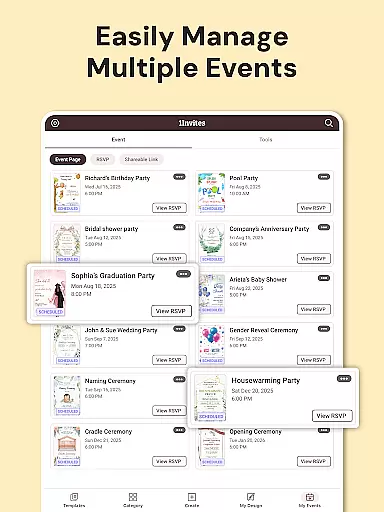
The app's value extends beyond simple invitation creation by offering complete event management capabilities. From managing dietary preferences to tracking plus-ones, 1Invites helps users maintain organized and stress-free event planning. This makes it particularly useful for wedding planners and corporate event organizers who require both aesthetic appeal and functional efficiency in their event preparations.
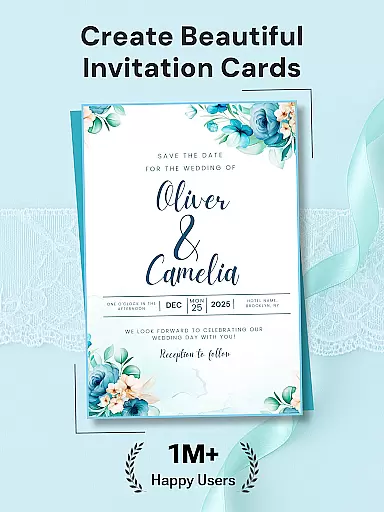
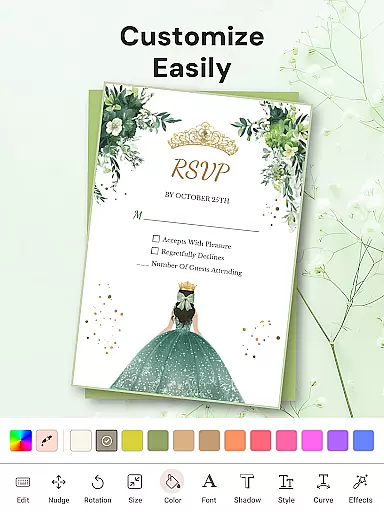
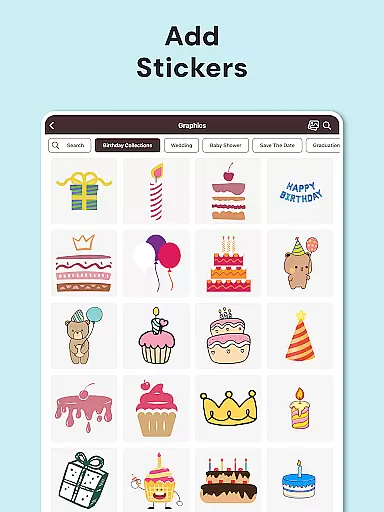
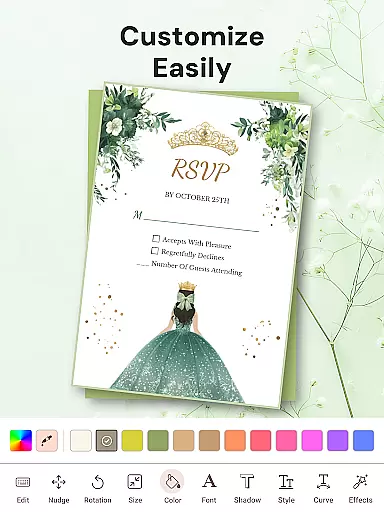
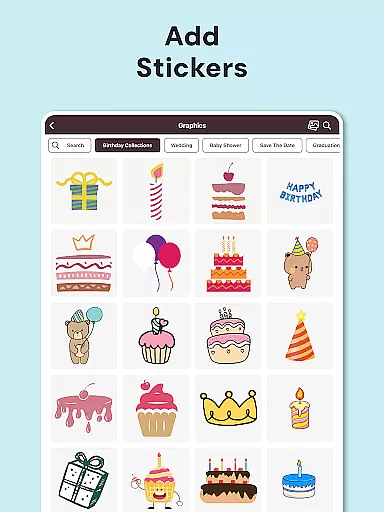
1Invites distinguishes itself through its extensive feature set tailored for event professionals and enthusiasts alike. The application's core strength lies in its vast library of over 20,000 premium templates, each designed for different event types and styles. These templates are complemented by a robust editing suite that includes fonts, stickers, frames, and decorative elements, enabling users to create truly unique invitations without requiring graphic design expertise.
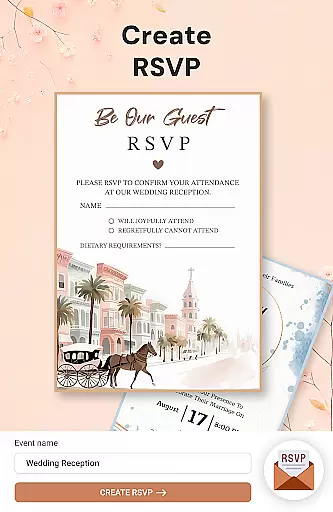
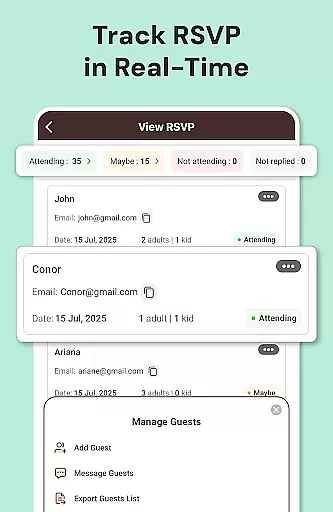
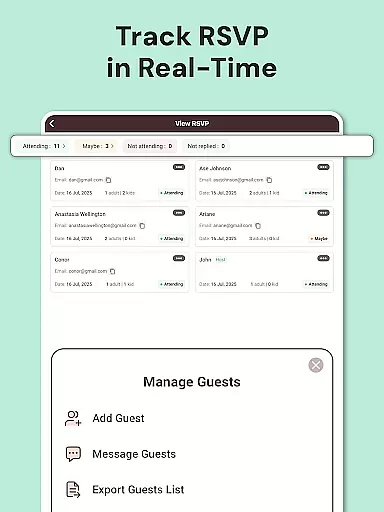
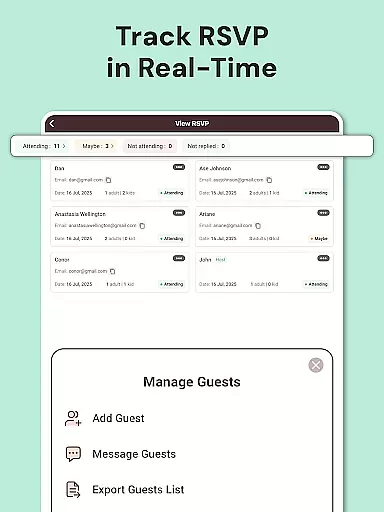
Beyond its design capabilities, 1Invites incorporates sophisticated event management tools. The RSVP tracking system automatically categorizes responses into attending, declined, and pending categories, providing clear visual indicators for each status. The smart PDF functionality allows users to embed multiple interactive links within their digital invitations, directing recipients to maps, websites, or gift registries. Additionally, the app's guest list manager maintains detailed records of attendees' preferences and special requirements.
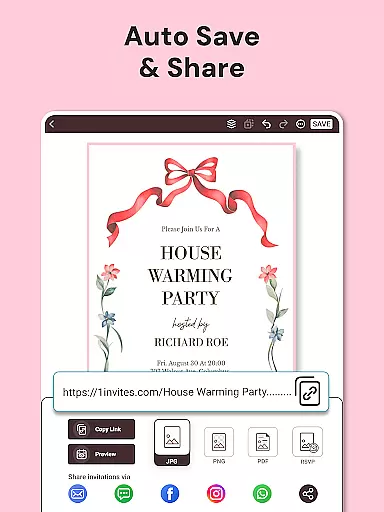
What sets 1Invites apart from competitors is its seamless integration of design and management features. Users can switch between creating beautiful invitations and managing complex guest lists without leaving the app. The inclusion of photo editing tools, multiple export options, and automated reminder notifications demonstrates the app's commitment to providing a complete event planning solution. These features collectively contribute to a more efficient and enjoyable event preparation experience.
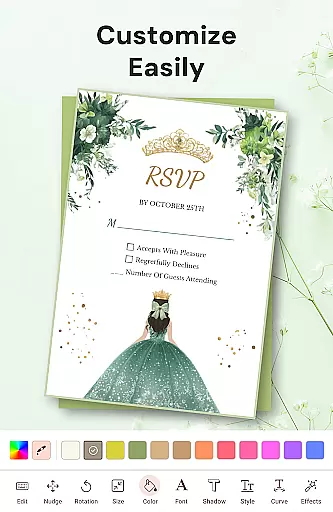
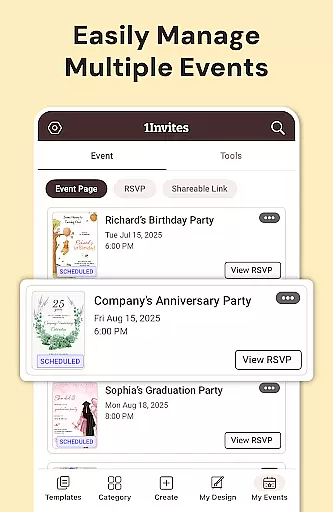
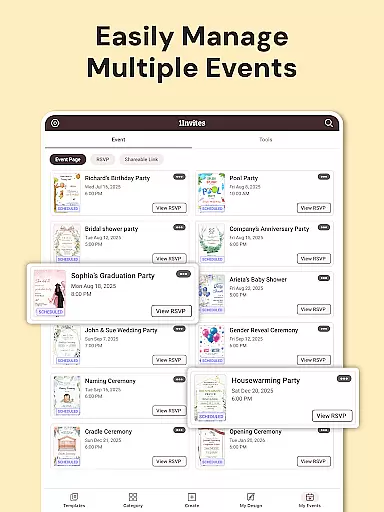
Task creation and detail customization are essential features for any event planning application. With 1Invites, users can effortlessly create comprehensive event profiles that include all necessary details such as date, time, venue, and guest lists. This level of detail ensures that every aspect of the event is accounted for in one centralized location.
The app provides an intuitive interface that allows users to customize each event's specifics with ease. Whether it's adjusting the layout to fit personal aesthetics or inputting unique requirements for the occasion, 1Invites supports a wide array of customizations. This flexibility empowers users to design invitations and manage events that truly reflect their personal or brand identity.
By integrating features like RSVP tracking and smart links within the event creation process, 1Invites adds a layer of sophistication to task management. Users benefit from real-time updates and can easily monitor who has responded and who hasn't, streamlining follow-ups and ensuring accurate headcounts.
Ultimately, the ability to create and customize event tasks with 1Invites leads to more organized and successful events. Planners can focus on the enjoyable aspects of event coordination while the app takes care of the intricate details, making the entire process smooth and stress-free.
Reminder settings play a crucial role in event planning by ensuring timely communication with guests. In 1Invites, this feature is designed to keep both event planners and attendees informed and up-to-date with the latest event information. By setting automated reminders, users can maintain consistent engagement with their invitees without manual follow-ups.
The reminder functionality within 1Invites is highly customizable, allowing users to tailor notifications according to their specific needs. Event planners can schedule reminders for pending RSVPs, important deadlines, or last-minute changes. This adaptability not only enhances user experience but also significantly reduces the chances of missed responses or forgotten tasks.
Moreover, the app's smart notification system intelligently tracks guest interactions and adjusts reminders accordingly. For instance, if a guest responds to an invitation, the system automatically updates the reminder schedule to prevent unnecessary notifications. This efficient handling of reminders helps maintain a polite and considerate relationship between hosts and guests.
In summary, the reminder settings in 1Invites contribute greatly to the overall success of event management. By automating and personalizing the reminder process, users can ensure maximum participation and preparedness, leading to well-attended and smoothly run events.
User-friendly interface
Extensive template library
Real-time RSVP tracking
Smart PDF functionality
Comprehensive event tools
Premium features locked
Occasional performance lag
Limited free templates
Subscription required
Learning curve present

PheedLoop Go! is the mobile event app for events powered by PheedLoop.
 4.40
4.40
The Ultimate Tournament Hub
4.70
Browse events, find transportation, keep up with the latest news from your team
4.0
The Official Football Ticketing App for Fans in Qatar
4.1
Text message invitations for birthday party, wedding, graduation, baby shower +
4.60
RAISE-365 makes fundraising easy and fun!
3.20
Microsoft Ignite is an event that showcases latest advancements in technology
4.00
Birthday Greetings provides Birthday Card, Frames, Gifs & Father's day Wishes
4.80
Discover events, experiences, and things to do near you - Anytime, Anywhere!
4.70
Fantasy of Lights Event App
5.00
Design Invitations & Cards for Any Occasion
4.80
Plan your wedding for free on the go: vendors, budget, website and checklists!
4.80
Find Live Event Ticket Deals to Sports, Concerts, Festivals, & Comedy For Less!
4.80
Listen Full Quran MP3 Offline - Qibla Compass, Salah Timing & 99 Names of Allah
4.60
Invitation Card Maker, Design & share wedding, birthday & party invites fast
4.40
Track birthdays, habits & goals. Unlimited countdowns and count-ups
4.20
Instant photo sharing for every occasion
3.80
The Official App
3.70
The official app of the Carmel Christkindlmarkt!
4.3


User Reviews