
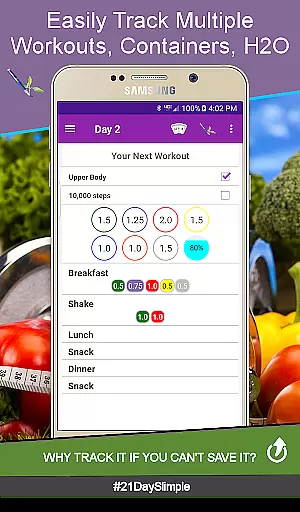
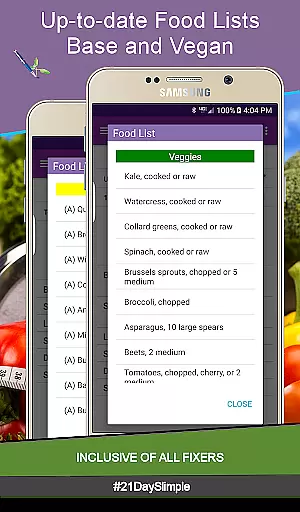
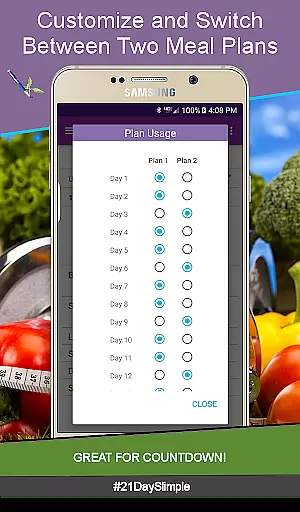
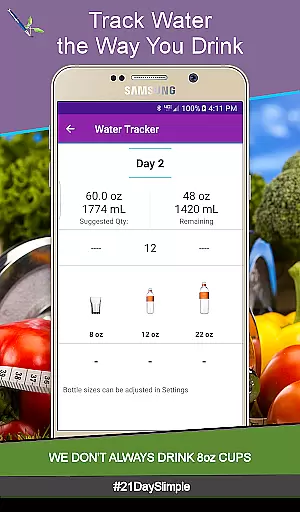
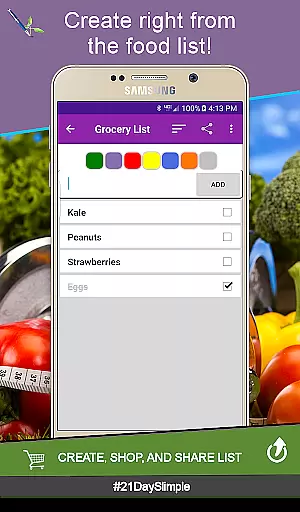
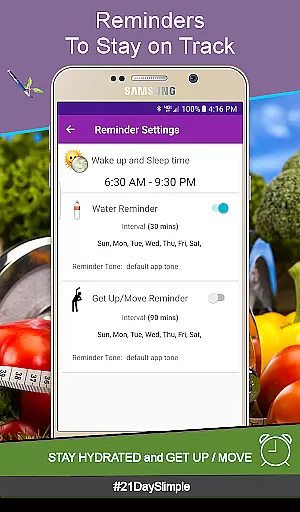
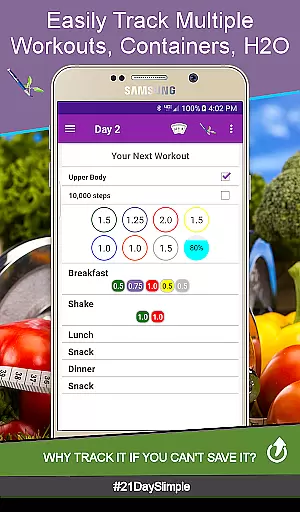
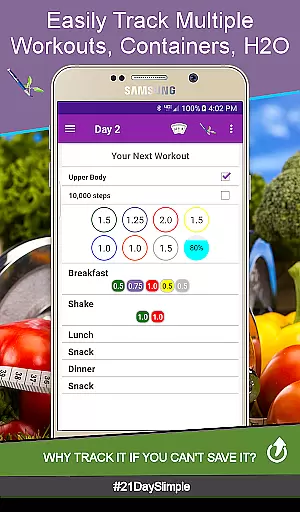
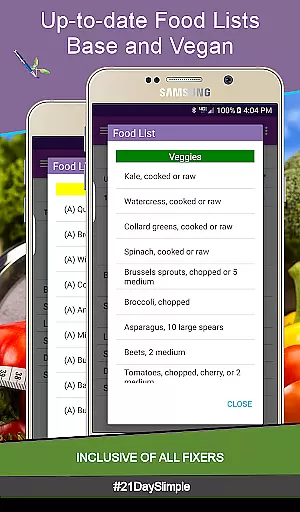
Personalized planning is a cornerstone of the 21 Day Slimple app, designed to cater specifically to individual fitness journeys. This feature allows users to customize their workout schedules and meal plans according to their unique preferences and goals.
The app offers two distinct 21-day schedulesu2014base and extremeu2014to accommodate varying fitness levels. Users can seamlessly switch between these cycles, ensuring that their exercise routine evolves with their progress. Additionally, the inclusion of Bring the Heat - Country/Deluxe (30-day) schedule provides an extended challenge for those seeking further advancement.
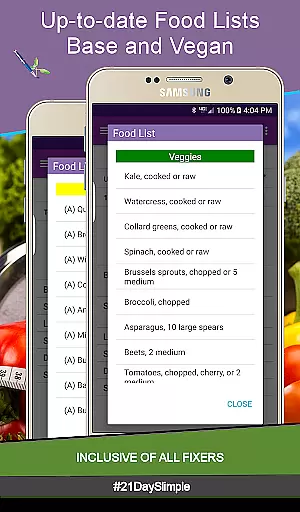
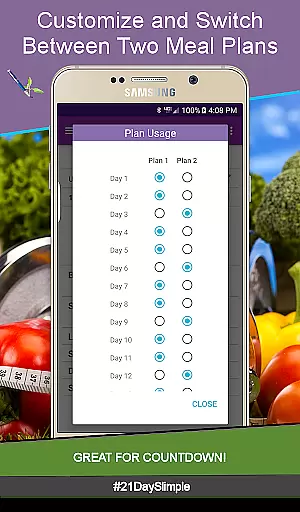
Meal planning is equally flexible, with options to switch between two different meal plans throughout the cycle. This adaptability supports users participating in Countdown Competitions or boot camps, as well as those gradually adjusting their portion sizes. The ability to edit container portions anytime enhances this personalized approach, allowing for precise tracking of nutritional intake.
By leveraging these personalized planning tools, users gain a tailored experience that maximizes their potential for success. The app's comprehensive customization empowers individuals to take control of their fitness journey, making it easier to achieve desired outcomes efficiently and effectively.
Progress visualization is a pivotal aspect of the 21 Day Slimple app, transforming raw data into actionable insights through engaging graphical representations. This feature enables users to track their achievements visually, providing motivation and clarity on their path to better health.
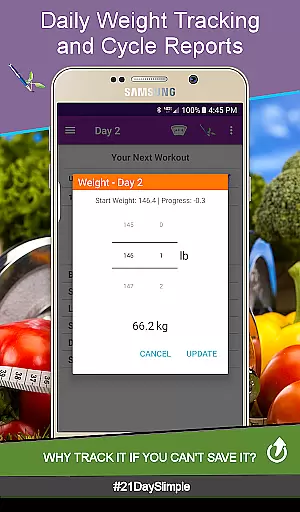
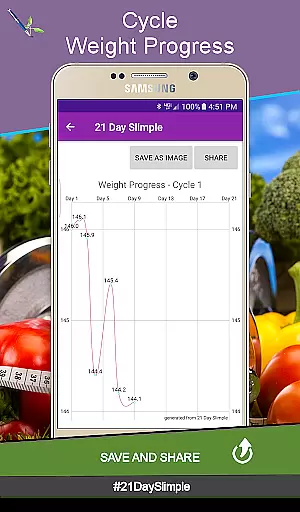
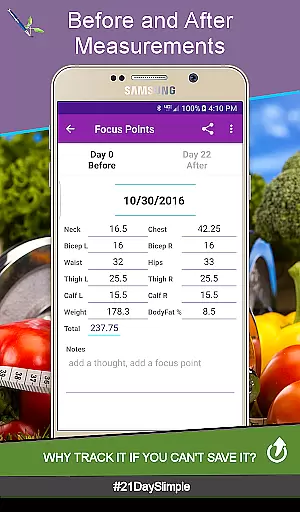
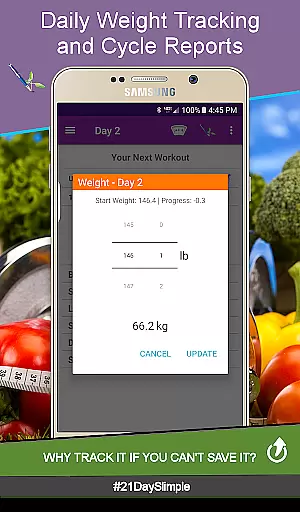
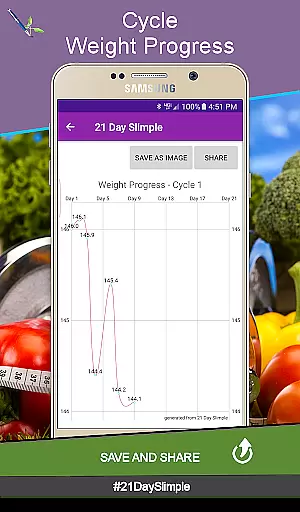
The app includes robust weight and measurement tracking functionalities. Users can log daily weights and instantly view progress charts that illustrate trends over time. These visual aids help identify patterns and celebrate milestones, reinforcing commitment to personal fitness goals.
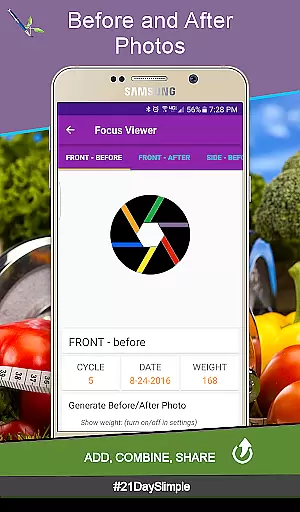
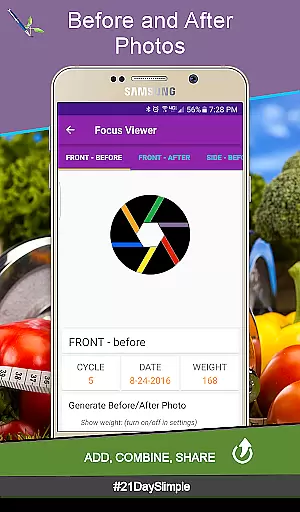
A standout feature is the before-and-after photo comparison tool. Users can capture and store images at different stages of their journey, flipping between them to observe physical transformations. Combining these photos creates compelling visual narratives that can be shared with friends or within the community, fostering accountability and encouragement.
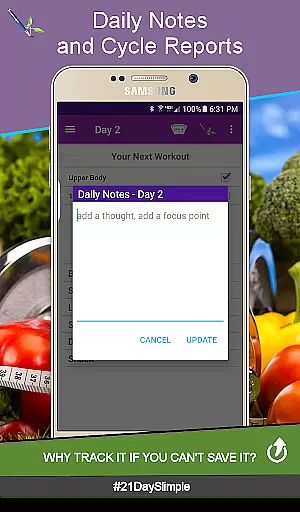
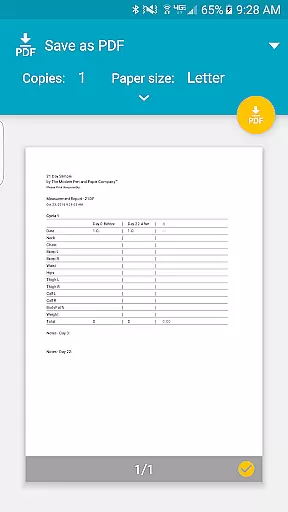
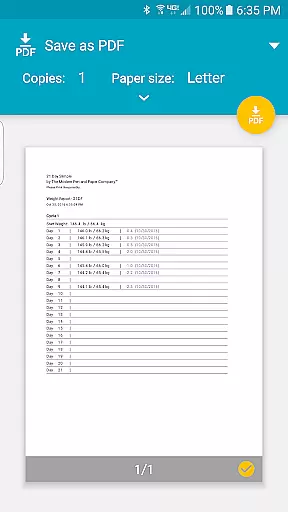
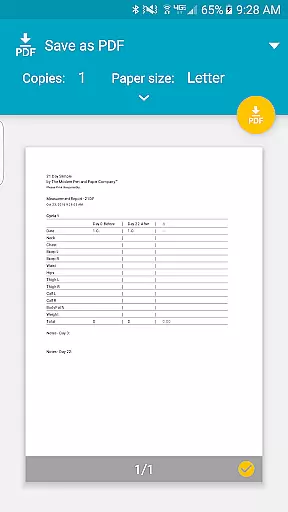
Furthermore, detailed reports such as Cycle Measurement Reports and Cycle Weight Reports offer comprehensive summaries of progress. These documents consolidate data into easy-to-understand formats, highlighting improvements in various metrics. By presenting clear evidence of advancement, the appu2019s progress visualization tools inspire continued dedication and effort towards achieving optimal wellness.

SportWerks - Workout Tracker for Wear OS Watches
 3.90
3.90
For Absolute Novices to Strength Training. Simple. Effective.
4.40
Pack of 66 calming lullabies for smooth fall asleep and relaxation
4.10
Meditation app, head space app provides calm music to help you meditate & sleep
5.00
Histamine intolerance, low FODMAP diet and irritable bowel syndrome (IBS)
4.00
Step Counter, track steps when you walk or run
4.70
Walk, track, and burn calories with step counter & GPS walking tracker
4.20
Drink water reminder app. Track water intake. Smart simple hydration tracker.
4.70
Workouts for everyone
4.70
You deserve easy access to important insurance information. Download for FREE.
4.70
Build Healthy Habits!
4.60
Memory, mind & logic exercises. Puzzle games, IQ & brain test for kids & adults
4.50
Pilates, Calisthenics, Yoga
4.50
Your Health Has Met Its App (℠)
3.90
Understand your body’s most meaningful messages and transform your health.
3.90
Turn your steps into cash, gift cards & rewards with our step counting pedometer
3.80
3D Body Measurement System
3.60
The Wear OS BeechBand app is designed to alleviate anxiety and other conditions
4.4
Using Recognise™ has been shown to reduce pain and improve performance.
4.3


User Reviews