
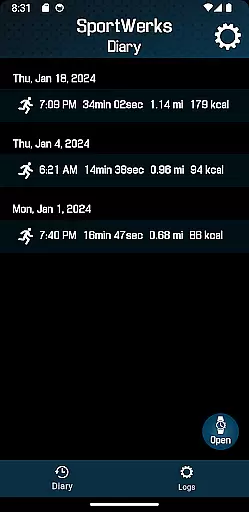
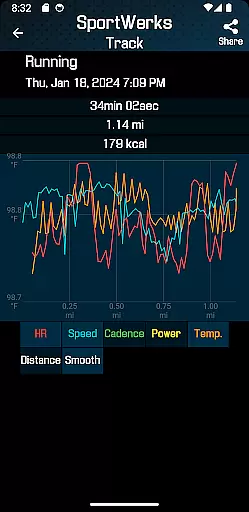
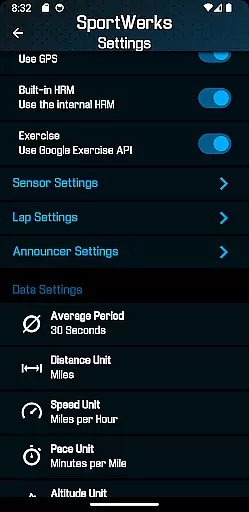
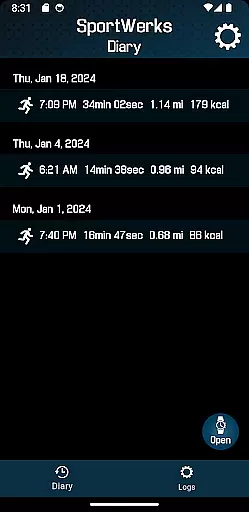
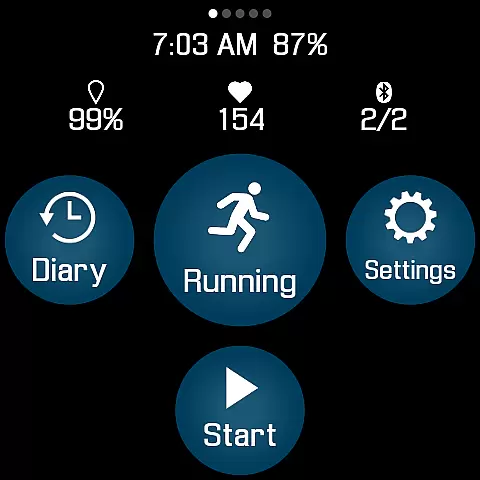
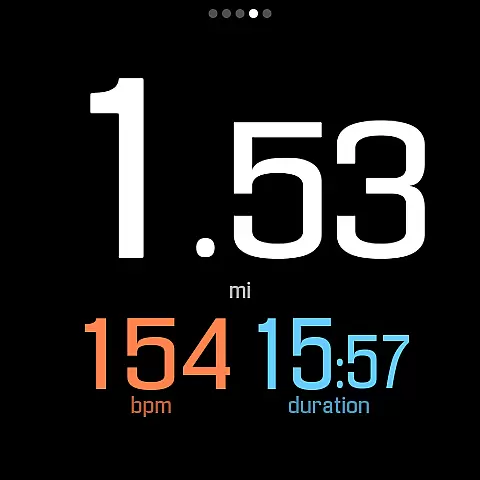
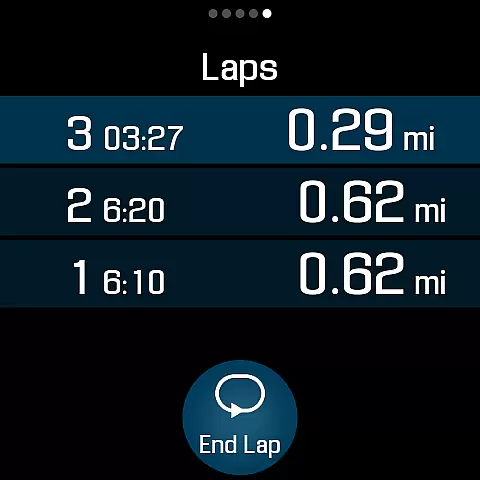
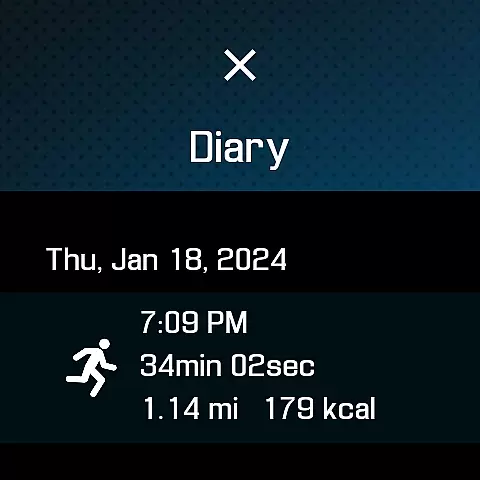
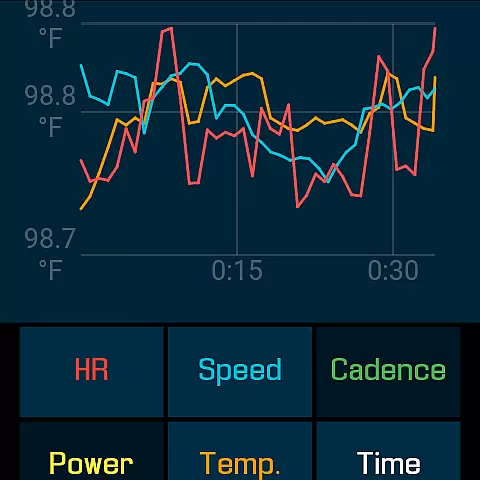
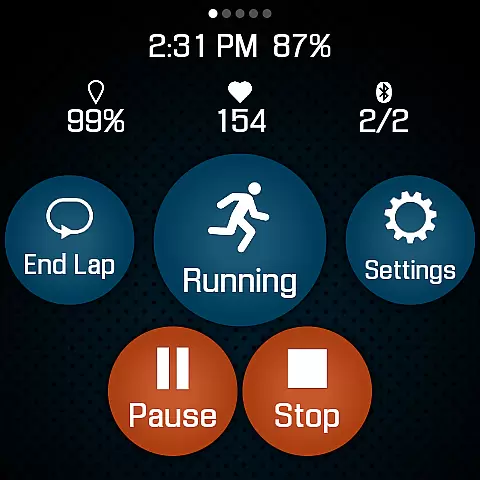
SportWerks is a comprehensive workout tracker designed specifically for Wear OS watches, offering users the ability to customize their fitness tracking experience. This app allows you to tailor your watch screen to display the workout data you need, presented in large, easy-to-read numbers. Whether you're running, cycling, or swimming, SportWerks provides accurate tracking of all your activities.
One of the standout features of SportWerks is its seamless integration with popular fitness platforms like Strava, FinalSurge, and TrainingPeaks. After completing a workout, the app automatically uploads your data to these platforms or generates a .FIT file for use with other fitness management systems. With support for multiple workout types from the Google Exercise library and compatibility with leading Bluetooth-Low-Energy (BLE) devices, SportWerks ensures that every aspect of your workout is captured accurately.
The app's value extends beyond just tracking; it enhances your workout by providing real-time feedback through audio notifications. You can set specific lap distances or time intervals for updates, allowing you to stay focused on your activity without needing to check your watch constantly. Suitable for athletes who demand precision and flexibility, SportWerks is an essential tool for optimizing your training regimen.
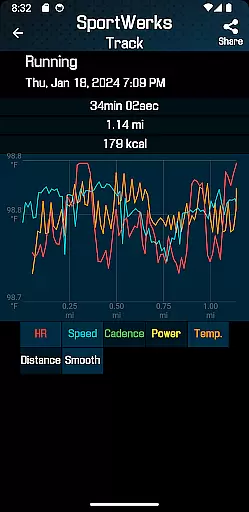
SportWerks stands out with its extensive feature set tailored for fitness enthusiasts. The app supports a wide range of workout types from the Google Exercise library, including running, walking, cycling, hiking, swimming, and more. Each activity is tracked with precision, capturing vital metrics such as heart rate, location, stride rate, pace, power, and elevation. This detailed tracking ensures that users have a complete overview of their performance.
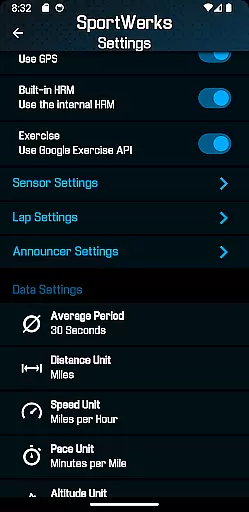
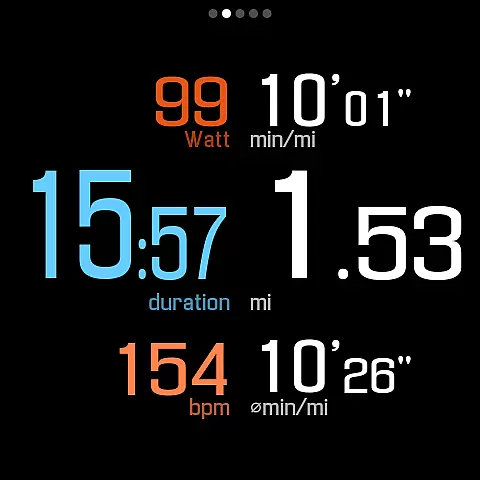
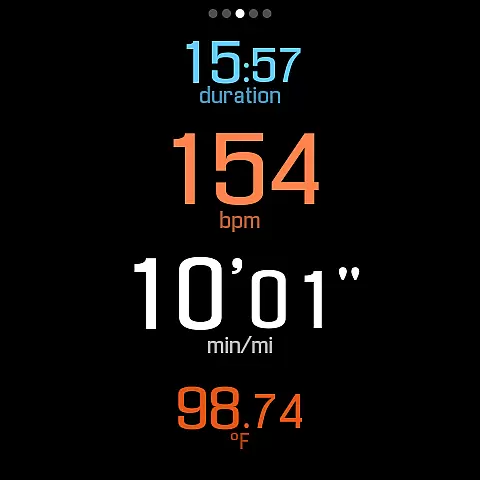
Customization is at the core of SportWerks' functionality. Users can choose from multiple workout screens, each displaying different sets of data values. Whether you prefer a 6-value, 4-value, or 3-value layout, the app allows you to toggle between these views effortlessly. Additionally, SportWerks connects to various BLE devices from top fitness brands like Stryd, CORE, Wahoo, Polar, and Suunto, ensuring compatibility with your existing gear.
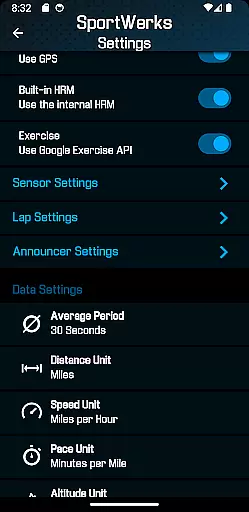
Beyond tracking, SportWerks offers practical tools for managing your fitness data. The app automatically syncs workouts to platforms like Strava, FinalSurge, and TrainingPeaks, while also generating .FIT files for broader compatibility. A companion Android app lets you adjust settings in real-time and manage your files. With customizable lap distances, timed announcements, and audio feedback options, SportWerks empowers users to optimize their workouts efficiently.
Personalized planning in fitness applications refers to the ability to tailor workouts according to individual preferences and goals. SportWerks - Workout Tracker excels in this area by offering users the flexibility to customize their workout screens, displaying data that aligns with their specific needs during exercise sessions.
The app supports a wide range of activities from the Google Exercise library, including running, cycling, and swimming, allowing users to track various aspects of their workouts such as heart rate, location, and power. This versatility ensures that each user's plan is personalized to their chosen activity and performance metrics.
SportWerks goes beyond basic tracking by integrating with popular fitness platforms like Strava and TrainingPeaks. Users can automatically send their workout data to these services or export it as a .FIT file, facilitating seamless integration into any fitness management system they prefer.
With real-time adjustments possible through its companion app, SportWerks empowers users to modify settings on-the-fly, ensuring their workout experience remains aligned with their evolving fitness journey.
Progress visualization is a critical component of any fitness app, providing users with tangible evidence of their achievements and motivating them to continue their fitness journey. SportWerks - Workout Tracker offers robust progress visualization features that display workout data in an easily digestible format.
Users can view detailed statistics about their workouts, including heart rate, pace, and elevation, all presented with large, easy-to-read numbers on customizable screens. This clarity helps users understand their performance at a glance without needing to divert attention from their activity.
In addition to real-time feedback, SportWerks provides post-workout analysis through .FIT files compatible with various fitness platforms. These files serve as visual records of each session, enabling users to track improvements over time and celebrate milestones reached.
Furthermore, the app's ability to announce data at set intervals via watch speaker or headset ensures users remain informed about their progress without interrupting their workout flow, enhancing the overall visualization experience.
User-friendly interface
Wide device compatibility
Automatic data syncing
Real-time audio feedback
Comprehensive workout tracking
Limited to Wear OS
No iOS companion app
Premium features may require payment
Occasional bugs reported
Complex setup for beginners

Live Heart Rate Pro - Real Time Heart & Workout Data For Wear OS & Bluetooth BLE
 3.20
3.20
Relax to calm sounds, white noise, music, guided meditation and bedtime stories
4.40
Create powerful subliminal audio with custom affirmations and background music.
4.00
Easy reconstitution calc for mixing peptides and creating protocols
4.70
Period Tracker, the easiest way to track your periods!
4.50
Measure real-time wrist & ambient temperature with your Galaxy Watch (Wear OS)
3.20
Wall Pilates at home & Pilates workout for beginners for core and weight loss.
4.80
3D Body Measurement System
3.60
Your Health Assistant
3.90
Home workouts for fitness & fast bodybuilding at home - no equipment needed.
4.90
Show your support for the development of FitNotes - Gym Workout Log
4.90
Load the bar with this barbell & plate calculator. It's leg day, not brain day!
4.70
Get lasting results with Chair Yoga, Wall Pilates, and Walking workouts!
4.60
Binaural Beats - Fully Customizable Waves - Pure Sound - No Loops
4.50
FODMAP, Gluten, Allergy, Vegan
4.50
Point, scan, and unlock truth in every bite.
4.50
Grow with self-tests and personal routine.
4.30
Walk, track, and burn calories with step counter & GPS walking tracker
4.20
Dexcom G7 Continuous Glucose Monitoring
3.70


User Reviews