
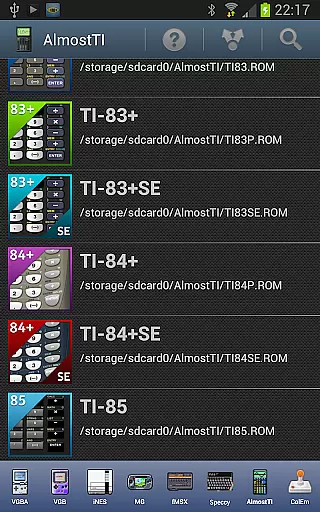
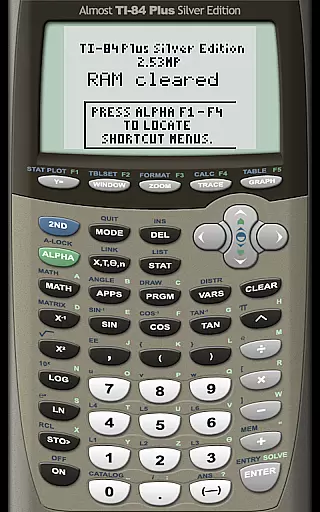
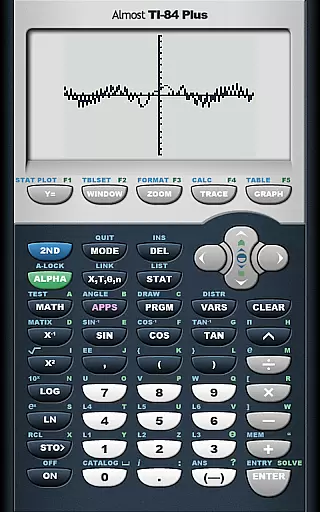
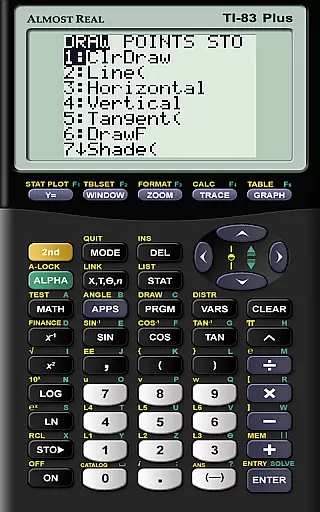
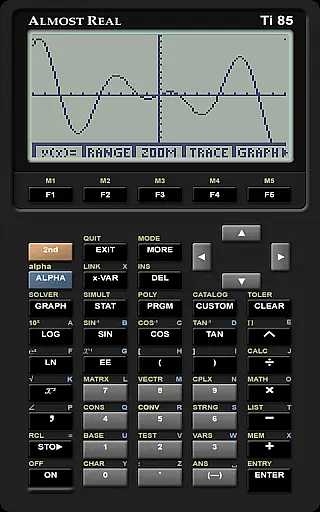
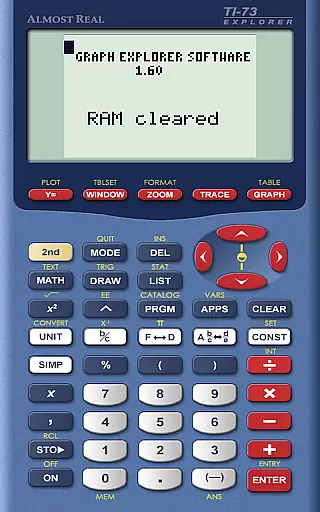
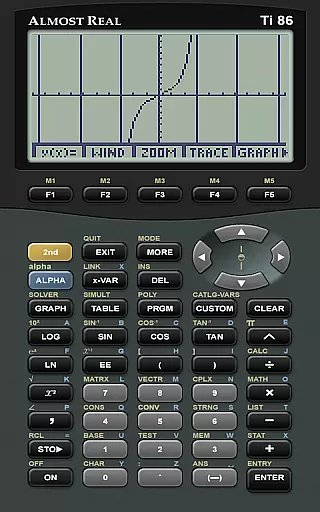
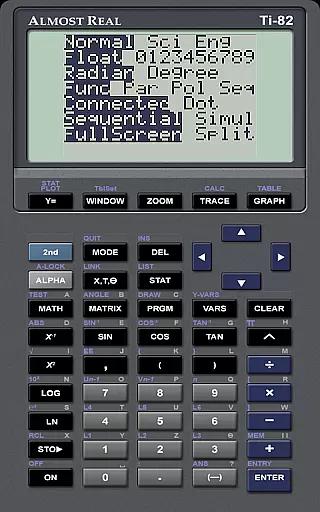
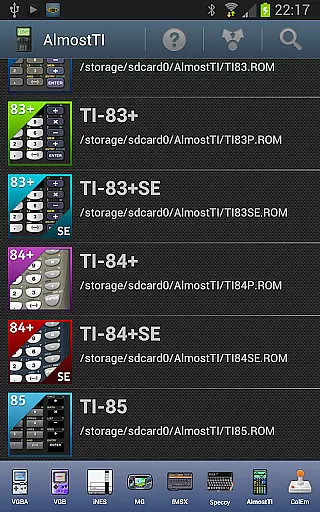
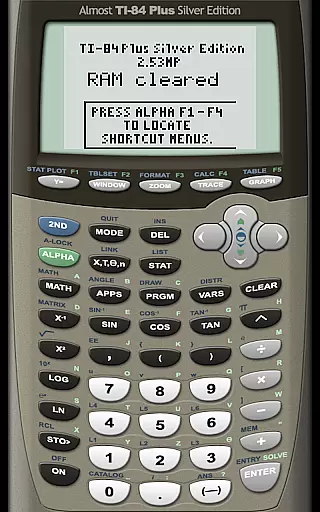
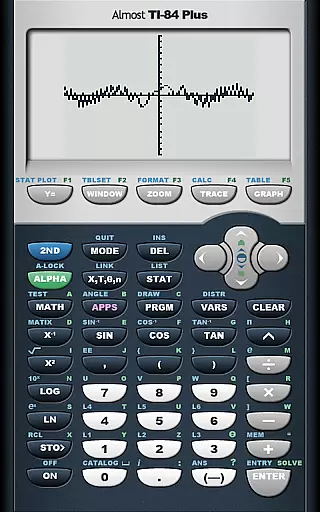
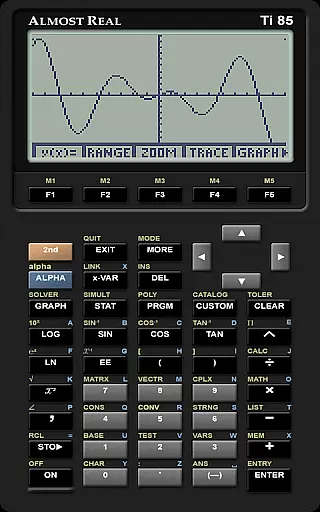
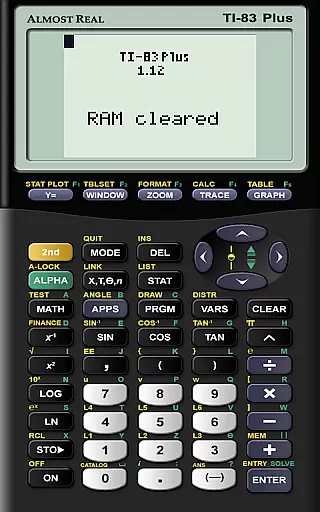
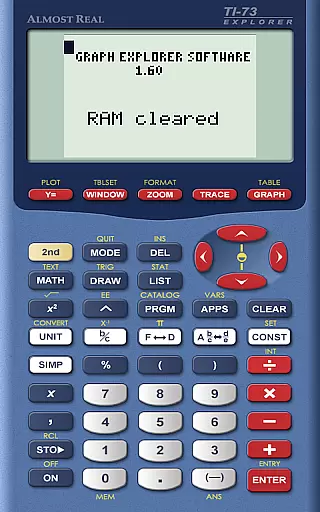
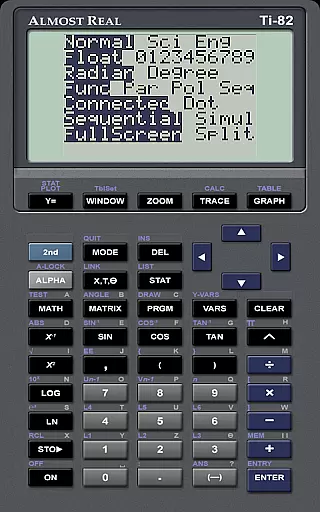
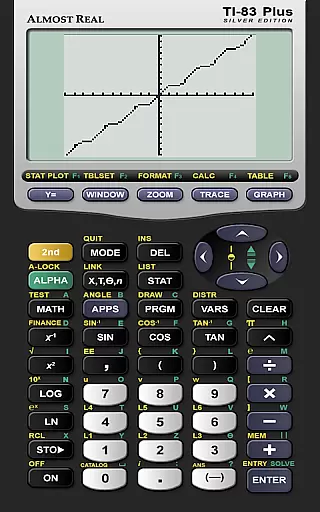
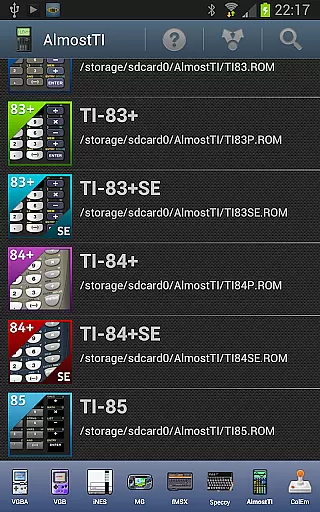
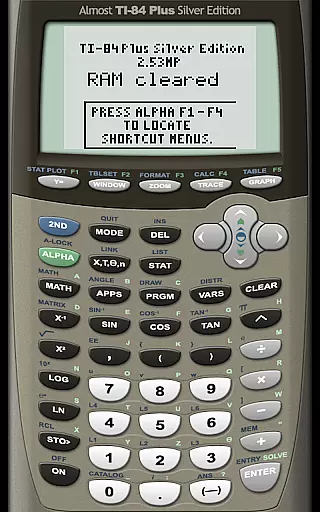
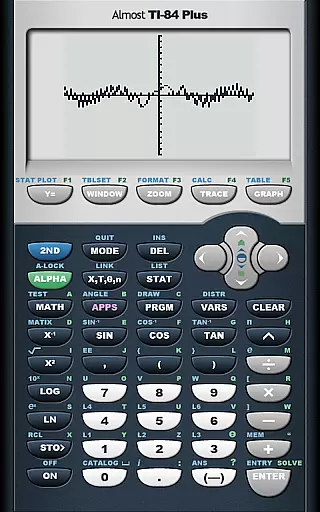
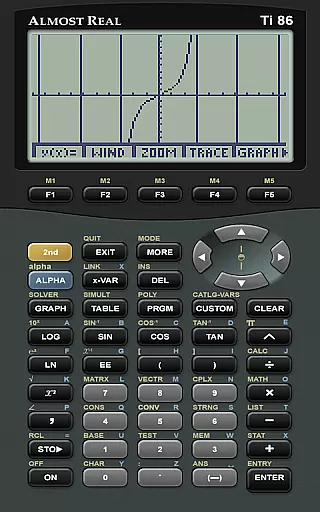
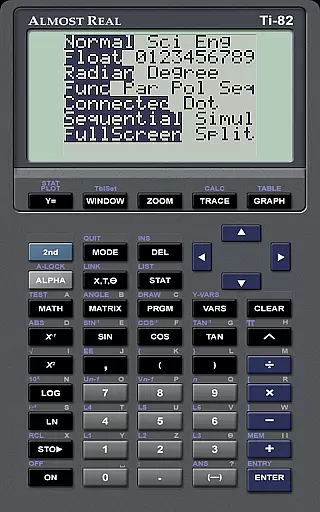
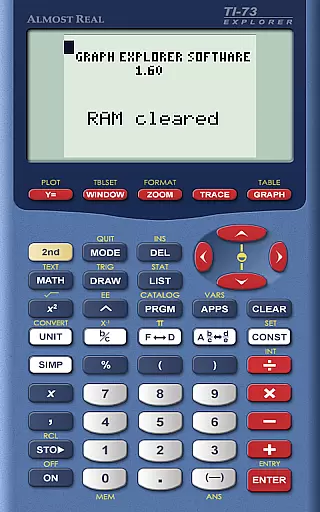
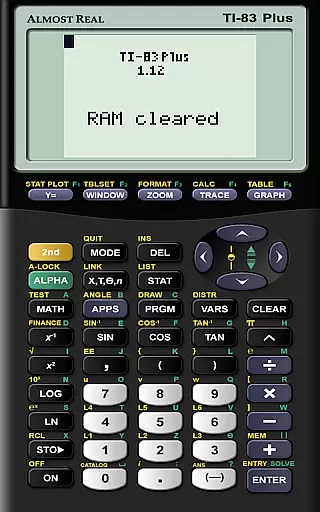
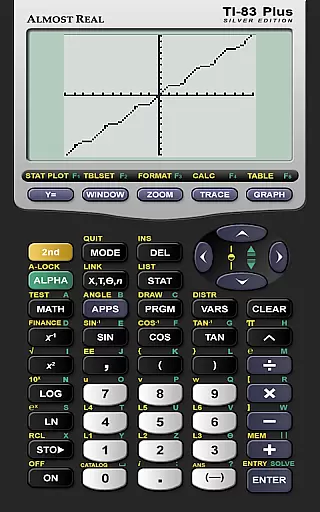
AlmostTI is an advanced educational application that transforms your Android device into a fully functional Texas Instruments graphing calculator. This app supports multiple models including TI-84+, TI-83+, and TI-82, among others. It allows users to emulate the exact experience of using these calculators, making it ideal for students and professionals who require precise mathematical tools.
Apart from its emulation capabilities, AlmostTI offers the ability to save calculations at any point and switch between previously saved tasks. This feature ensures that users can efficiently manage complex computations without losing progress. Whether you are in a classroom setting or working on advanced mathematical projects, AlmostTI provides a reliable and versatile solution.
AlmostTI stands out with its comprehensive emulation of various Texas Instruments calculators, including popular models like TI-84+ and TI-83+. The app requires users to provide their own ROM files, ensuring compliance with intellectual property rights. This setup not only replicates the calculator's interface but also its functionality, providing an authentic experience.
One of the key features of AlmostTI is the ability to save and retrieve calculation states. Users can store their work at any stage and return to it later, which is particularly useful for lengthy or intricate mathematical problems. Additionally, the app supports tablets, offering a larger display that enhances visibility and interaction, making it a powerful tool for education and professional use.
When it comes to educational applications like AlmostTI, content accuracy is paramount. This app provides a faithful emulation of Texas Instruments graphing calculators, including models TI-84+, TI-83, and others. The precision in replicating the calculator's interface and functions ensures that students and educators can rely on AlmostTI for their mathematical computations.
The app does not come with pre-installed ROMs, respecting the intellectual property rights of Texas Instruments. Instead, users are encouraged to dump the ROM from their physical calculators, ensuring that the digital version mirrors the original device accurately. This approach guarantees that all calculations performed within the app adhere strictly to the algorithms used by actual Texas Instruments calculators.
By using AlmostTI, learners gain access to an authentic calculator experience which is crucial for learning and mastering complex mathematical concepts. The ability to save and retrieve calculation sessions further enhances the educational value, allowing users to build upon previous work seamlessly.
AlmostTI offers personalized learning paths by enabling users to emulate different models of Texas Instruments calculators. Depending on the user's current educational needs or curriculum requirements, they can choose to emulate a simpler model like the TI-81 or opt for more advanced functionalities provided by the TI-84+ Silver Edition. This flexibility caters to various levels of math education, from basic arithmetic to calculus and beyond.
The feature that allows saving calculations at any point means that learners can tailor their study sessions according to their pace and style. They can revisit past problems, modify existing calculations, or start fresh ones, effectively creating a customized learning journey that adapts as they progress through different topics.
Moreover, the support for multiple ROM files implies that if a student owns several physical calculators, they can consolidate these into one platform. This consolidation simplifies the management of resources while providing a consistent environment for practicing mathematics across different devices and scenarios.
User-friendly interface
Supports multiple TI models
Save and load calculations
Tablet support for larger display
Active community and support
Requires external ROM files
No built-in ROMs provided
Complex setup for beginners
Limited to TI calculators
Dependent on third-party resources

An aviator’s preparation, study and test tool for FAA Knowledge Exams.
 3.90
3.90
Learn Words Daily in Just Minutes - Boost Your Language Skills Fast!
4.60
Latest TLC Practice Questions! Multiple languages available!
4.50
Welcome to the Speak Navajo Language Application - Volume 1
4.50
Explore numbers the Starfall way!
4.00
For medical training - Visualize complex vein maps and structures in real-time.
4.10
Stack the States makes learning about the 50 states fun!
4.70
The "Go To" app for Airmen studying for promotion to SSgt and TSgt
4.30
Plant identifier: Identify plants, trees, weeds, flowers. Disease diagnosis.
4.30
Hebrew Vocab
4.90
2026 DVSA Driving Theory Test revision with Hazard Perception + Highway Code
4.60
The Only Official DVSA Theory Test Kit App
4.50
The Fighter Verses Bible memory system helps you memorize God's Word.
4.50
Practice Casino Roulette Payouts for Table Game Dealers and Croupiers
4.40
An aviator’s preparation, study and test tool for FAA Knowledge Exams.
4.10
Your guide to thousands of satellites and spacecraft in orbit around Earth!
3.90
Our most popular app series returns, better than ever!
3.90
The official CCM Glossary app, including 700+ terms and definitions.
2.90
Grazing Risk Monitoring Service
4.0


User Reviews