
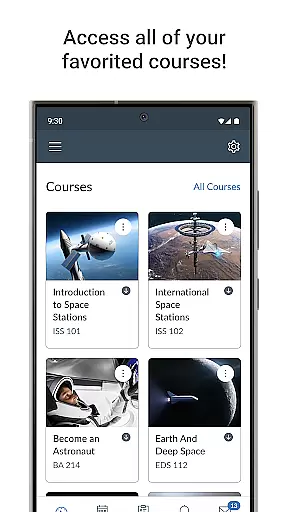
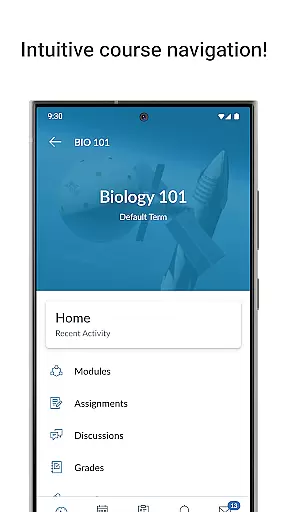
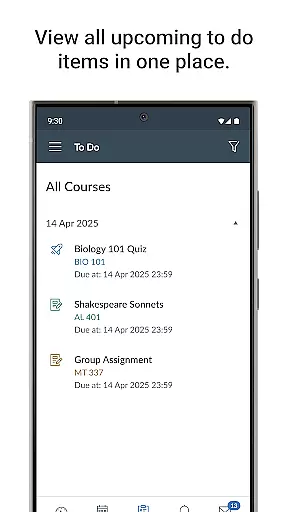
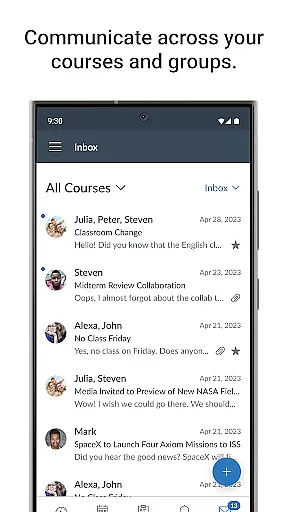
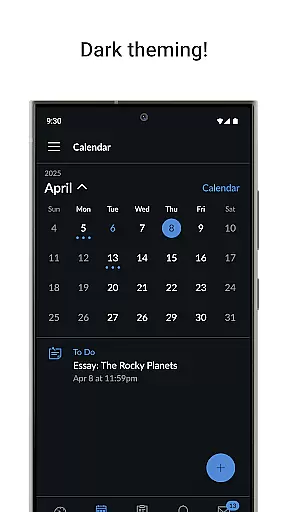
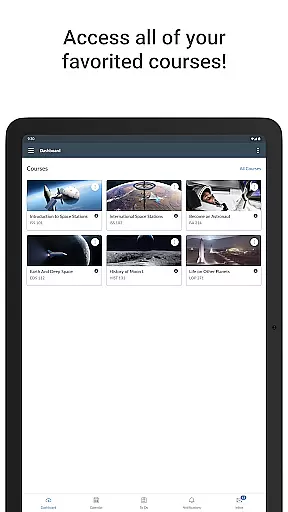
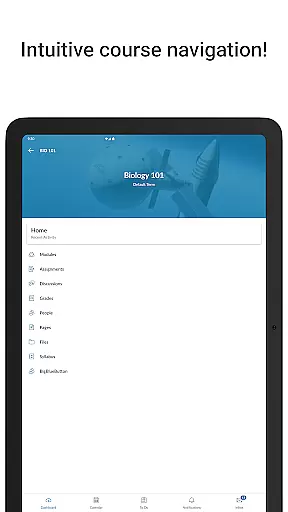
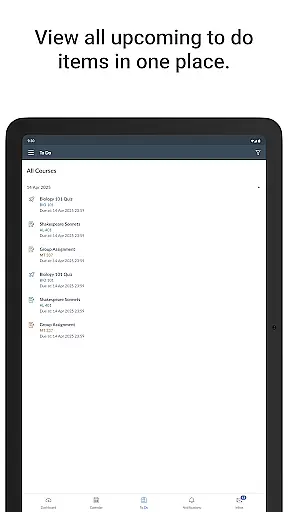
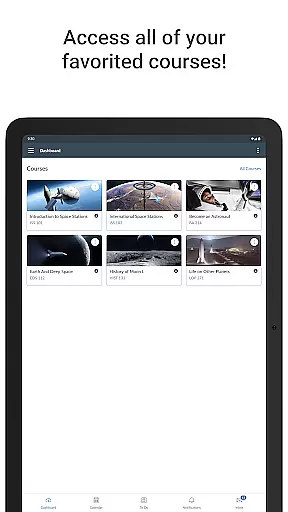
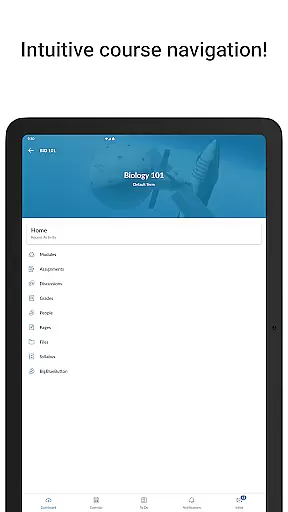
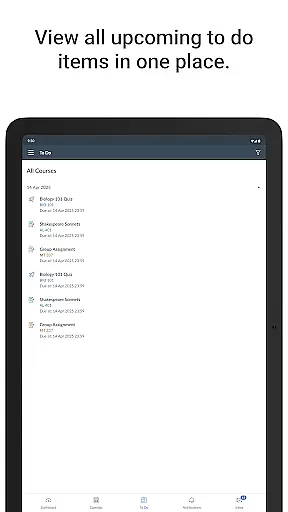
Canvas is a leading educational app designed to enhance the learning experience for students and educators alike. This mobile application allows users to access their courses from any device, providing essential tools for academic success. With Canvas, students can view grades, submit assignments, and manage coursework through an integrated to-do list and calendar.
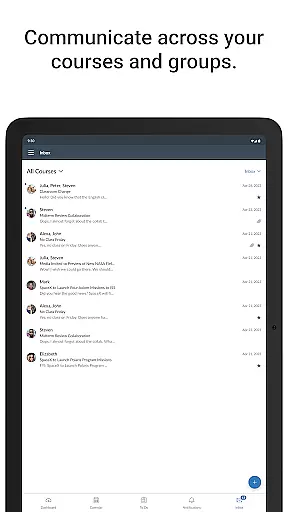
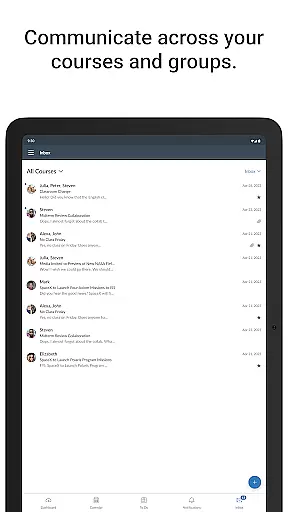
The app also facilitates communication by enabling message exchanges, discussion posts, and notifications for new grades and updates. Whether watching instructional videos or taking quizzes, Canvas ensures that learners stay engaged and informed throughout their educational journey. Its comprehensive functionality makes it an indispensable tool for modern education.
Canvas offers a robust set of features tailored to meet the needs of both students and teachers. One of its standout capabilities is the ability to access course materials and submit assignments directly from a mobile device. This flexibility supports a dynamic learning environment where deadlines are met with ease.
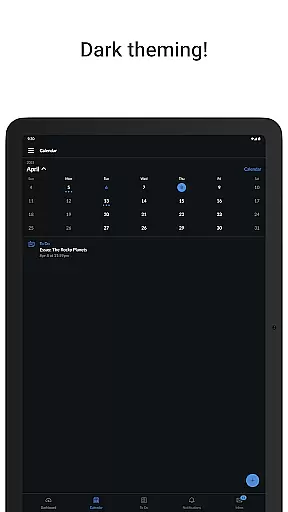
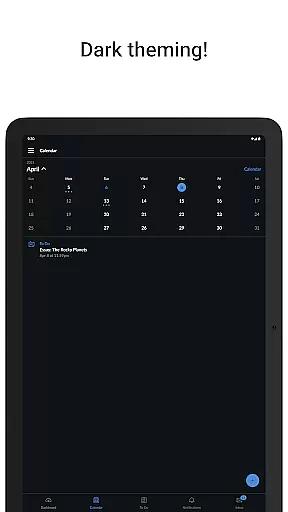
Additionally, Canvas includes a messaging system that fosters interaction between peers and instructors. The app's calendar and to-do list functionalities help users keep track of important deadlines and events. With push notifications for grades and updates, students remain constantly informed about their academic progress. These features collectively contribute to a seamless and efficient educational experience.
In the realm of education, content accuracy and authority are paramount. Canvas ensures that all course materials, assignments, and assessments delivered through its platform are precisely as provided by the educators. This guarantees that students receive the authentic educational content necessary for their learning journey.
Canvas employs a robust system to facilitate the seamless integration of educator-uploaded content directly into the mobile application. This includes lecture notes, reading materials, videos, and quizzes, all maintained in their original format and quality. The app serves as a conduit, ensuring that no information is lost or altered in transition from desktop to mobile platforms.
For students, this means they can confidently access course materials anytime, anywhere, without worrying about missing or inaccurate information. The reliability of the content allows learners to focus on their studies, assured that they are receiving the same level of quality and precision as if they were using the desktop version.
The authority of content is further reinforced by Canvas's secure submission and feedback system. Students can submit assignments and take quizzes knowing that their work is being assessed based on accurate data and that their grades will be a true reflection of their efforts. This builds trust in the educational process facilitated by the Canvas app.
Canvas supports personalized learning paths by offering features that allow both instructors and students to tailor the educational experience according to individual needs. Instructors can design courses that adapt to the pace and learning style of each student, providing a more customized and effective learning journey.
Through Canvas, students have the ability to navigate their courses at their own speed, revisiting materials and practice quizzes as needed. The app provides tools such as to-do lists and calendars that help learners manage their study schedules effectively, ensuring they meet deadlines while accommodating their unique learning preferences.
Moreover, Canvas incorporates interactive elements like discussions and video submissions, which enhance engagement and cater to diverse learning styles. These features enable students to interact with course content and their peers in ways that resonate best with them personally, fostering a more engaging and personalized learning environment.
By leveraging these capabilities, Canvas not only facilitates personalized education but also empowers students to take charge of their learning process. This approach helps improve outcomes by addressing the specific needs and preferences of each learner, making education more accessible and impactful.
User-friendly interface
Comprehensive course management
Real-time notifications
Integrated communication tools
Cross-device compatibility
Limited offline functionality
Occasional syncing issues
Advanced features require subscription
Interface can be complex for new users
Dependent on institution's adoption level

One of the most engaging and innovative ABC apps on the market.
 4.30
4.30
Deal Craps (Practice Craps Payouts)
3.80
Master the NRP with 700+ questions, rationales, and updated NREMT scenarios.
3.00
Explore numbers the Starfall way!
4.00
Hasbro's Classic Board Game - Make Cavity Sam better or get the buzzer!
3.50
Our most popular app series returns, better than ever!
3.90
Discover Your Place in the Universe
4.70
Snap a dog photo to identify its breed instantly. Fast, accurate and easy to use
3.40
Memorize anything efficiently with AnkiDroid! Many pre-built decks available.
4.80
Prepare for the BCBA / BCaBA exam. Study ABA with the ABA Wizard app.
4.60
Stargazing Guide App. Stars and constellations map. Solar system planets finder.
4.60
THE ESTABLISHED "GO TO" ARMY BOARD PREPARATION APP!
4.30
The FE Clock is a way to track sun & moon around the circle of the earth.
4.30
Your guide to thousands of satellites and spacecraft in orbit around Earth!
3.90
Explore the City of the Sun in Augmented Reality
3.70
Flashnote Derby is the fun way for kids to learn music notes and memorize them.
3.40
The official CCM Glossary app, including 700+ terms and definitions.
2.90
Your best partner for learning Japanese words. Based on a best-selling textbook.
2.90
Your best partner for learning Japanese words. Based on a best-selling textbook.
2.80


User Reviews