
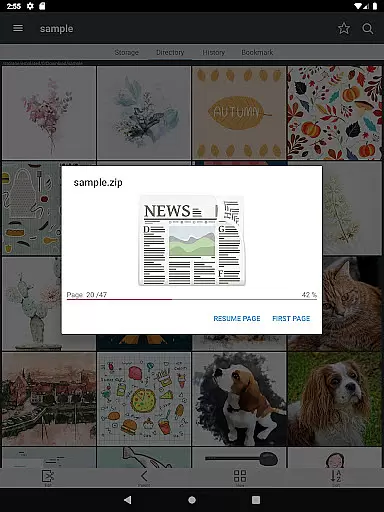
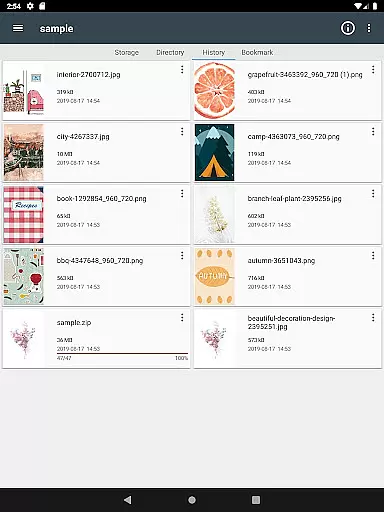
ComicScreen is a versatile comic reader and manager designed for comic enthusiasts who require both functionality and ease of use. This app supports various compressed file formats including zip, rar, cbz, cbr, and pdf, making it easy to access your favorite comics in one place. Additionally, ComicScreen supports multiple image formats such as jpg, png, gif, bmp, tiff, webp, and avif, ensuring compatibility with nearly all comic files you may have.
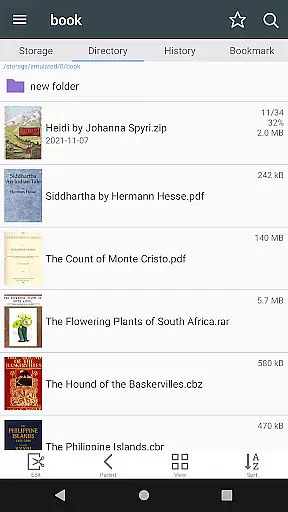
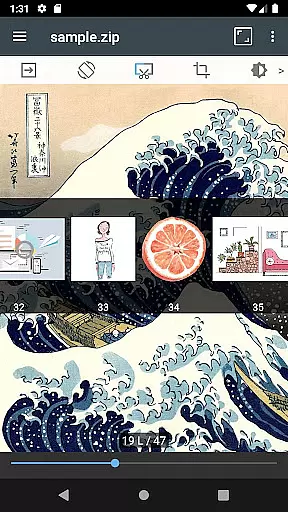
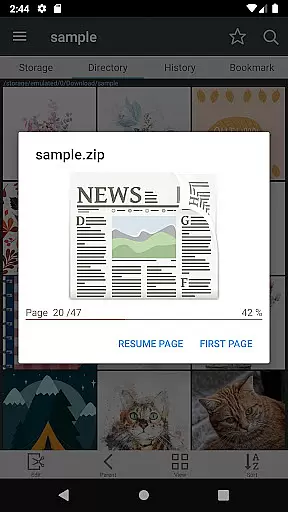
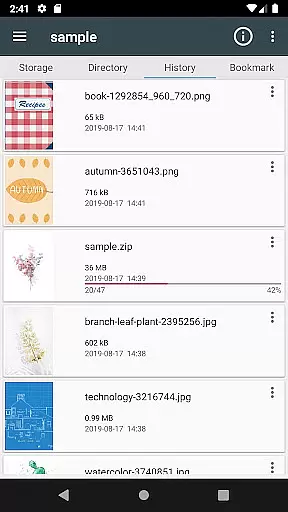
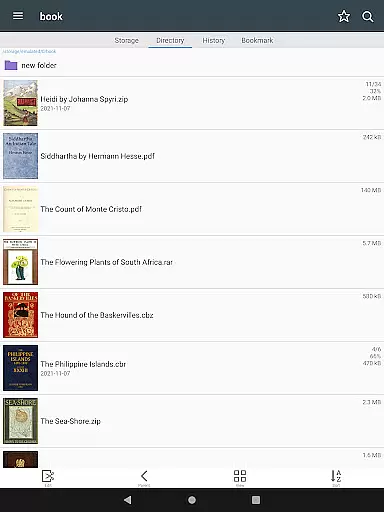
One of the standout features of ComicScreen is its comprehensive file management system. It includes a built-in folder and file explorer that allows users to search, rename, and delete files effortlessly. The app also supports USB-OTG drives and network protocols like SMB and FTP, providing seamless access to your files across different devices. With smooth image scrolling, bookmark previews, and quick zip file viewing, ComicScreen offers an enhanced reading experience tailored to comic lovers.
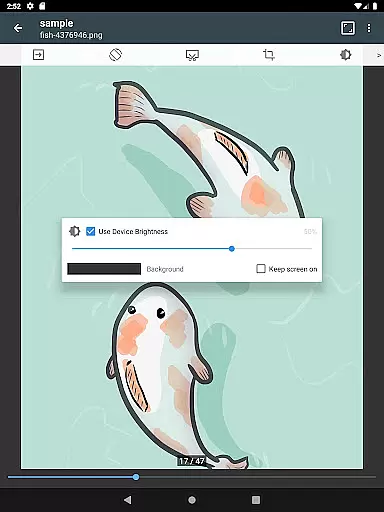
Whether you're at home or on the go, ComicScreen's user-friendly interface and advanced features make it an ideal choice for managing and enjoying your comic collection. Its support for both horizontal and vertical view modes, automatic page sorting, and hardware key navigation ensures that users can customize their reading experience to suit their preferences. ComicScreen is particularly useful for those who need efficient tools for organizing and displaying their digital comics.
ComicScreen boasts a wide array of features designed to enhance the comic reading experience. One of its primary strengths is the extensive support for various file types. Users can enjoy their comics in compressed formats such as zip, rar, cbz, cbr, and pdf, alongside a multitude of image formats including jpg, png, gif, bmp, tiff, webp, and avif. This versatility ensures that no matter the source of your comic files, ComicScreen can handle them with ease.
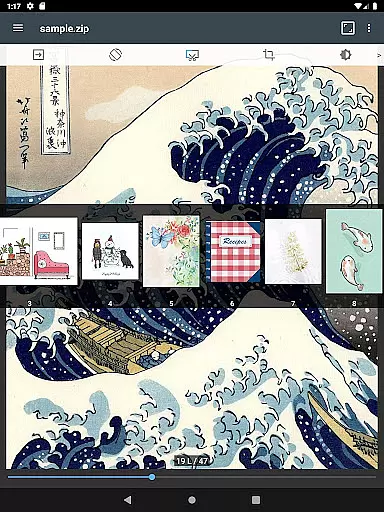
The app also excels in file management and accessibility. ComicScreen includes a robust folder and file explorer that enables users to search, rename, and delete files directly within the app. It supports USB-OTG drives and network protocols like SMB and FTP, allowing for flexible file access and management. Features such as drag & drop functionality, smooth image scrolling, bookmark previews, and zip file quick views further enhance the user experience by providing intuitive and efficient ways to interact with your comic library.
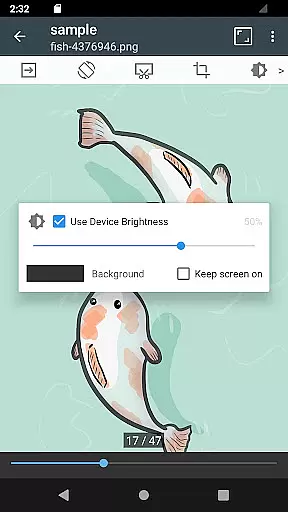
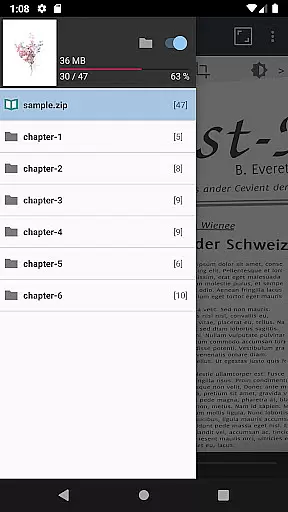
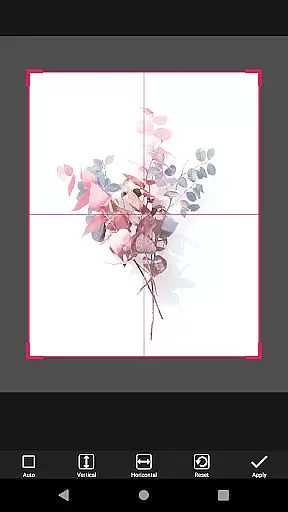
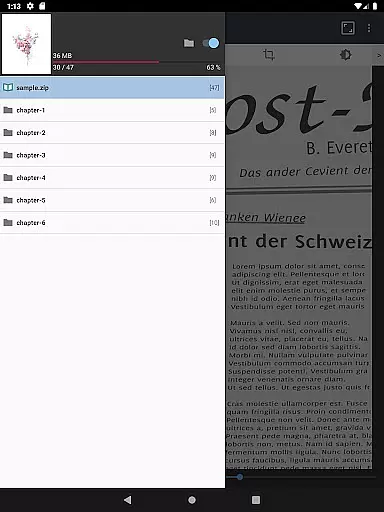
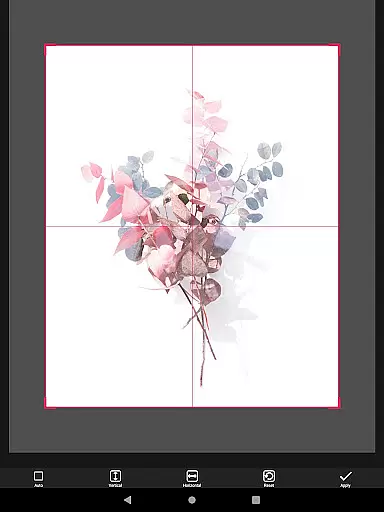
ComicScreen goes beyond basic file handling by offering advanced reading options. Users can choose between horizontal view mode for a two-page spread or vertical view mode for single-page reading. The app automatically sorts pages and supports chapter drawers if a folder exists within a zip file. Additional functionalities like margin cutting and page navigation via hardware keys ensure a customizable and comfortable reading experience. These features collectively make ComicScreen a powerful tool for comic enthusiasts looking to manage and enjoy their collections efficiently.
ComicScreen offers an extensive and versatile comic library that caters to a wide range of preferences. The app supports multiple compressed file types such as zip, rar, cbz, cbr, and pdf, allowing users to access their favorite comics in various formats.
In addition to supporting numerous file types, ComicScreen also handles a broad spectrum of image formats including jpg, png, gif, bmp, tiff, webp, and avif. This ensures that no matter the source or type of your comic files, you can enjoy them without compatibility issues.
The application's comprehensive support extends to its advanced folder and file explorer functionalities. Users can effortlessly search, rename, and delete files, making the management of their comic collection intuitive and efficient.
With features like USB-OTG drive support and SMB, FTP network capabilities, ComicScreen provides seamless access to your comic library across different devices and platforms. This versatility ensures that your comic reading experience is not only rich in content but also flexible in access.
ComicScreen places a strong emphasis on content authenticity and proper licensing. While the app itself does not host any images or compressed files, it provides users with robust tools to manage and display their legally acquired comic collections.
By supporting a wide array of file types and formats, ComicScreen empowers users to organize and enjoy their personal comic libraries. The app's focus on legitimate content management ensures that users can confidently access their legally obtained materials without concern.
Furthermore, ComicScreen includes features such as chapter drawers for folders within zip files and automatic page resorting. These functions enhance the reading experience while maintaining the integrity of the original content structure.
The app's commitment to proper content handling is further demonstrated through its advanced viewing modes and bookmark preview features. Users can enjoy their comics in horizontal view mode (2 pages) or vertical view mode (1 page), all while knowing that their content is being displayed authentically and respectfully.
User-friendly interface
Extensive file support
Advanced reading modes
Efficient file management
Network protocol support
Limited social features
No cloud sync
Occasional bugs
Heavy on storage
Ads in free version

Follow your favorite manga and get notifications for new chapters!
 4.50
4.50
Become a real PKM Card Maker, create or custom any Poke TCG cards and share them
4.10
Instantly create comic-style art with AI.
3.90
A free paradise specially built for comic lovers. When you step into this comic universe full of surprises, it is like opening a door to endless joy. You are immediately immersed in the wonderful world brought by reading and enjoy the infinite charm of reading.
4.5
Create your personalized cartoon comic strips & comic books.
3.20
The anime tv for fans Sud and Dub
4.20
Browse and read all your comics and mangas from YACReaderLibrary
4.20
Pose Tool 3D for the Artists, create any human figure pose quickly for your art.
4.00
+Not your everyday comic. Everyday.
3.50
The pure application on the Manga SWAT website
4.80
Dive into the App for Premium Comics, Webtoons and Manga!
4.80
The most popular comic book reader.
4.80
Instant access to over 30,000 Marvel comics with new issues added every week.
4.70
Comics and stories from Japan
4.60
Read comics, manhwa, manga & novels Official webtoons with daily updates
4.30
Read webcomics & webnovels
4.20
The most powerful and fast image/comics viewer.
4.10
Toomics is a premium comic service with every genre for all readers to enjoy!
4.00
Read manga, comics, and manhwa
4.3


User Reviews