
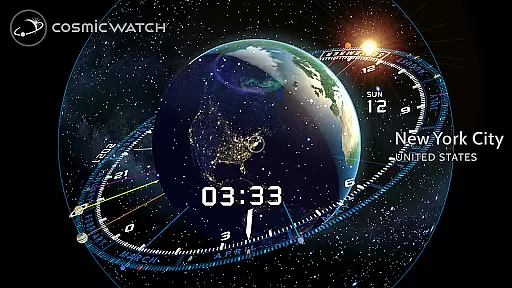
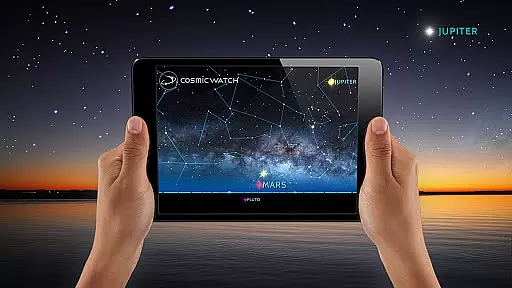
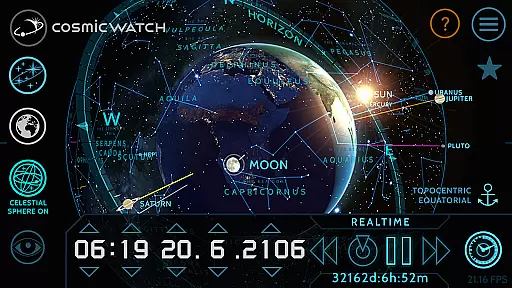
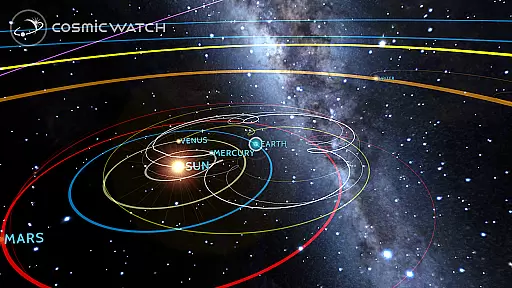
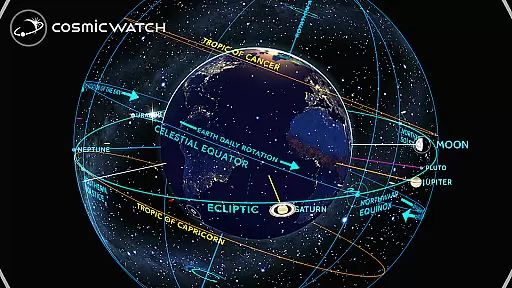
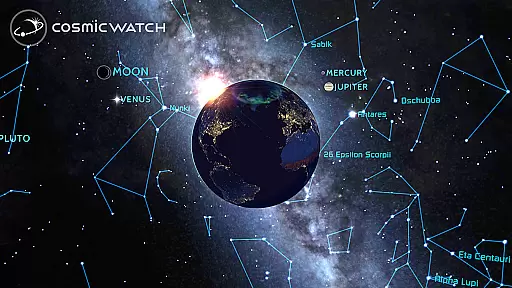
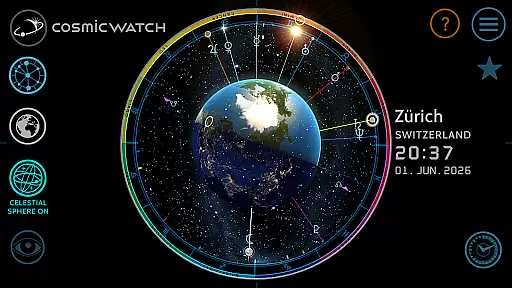
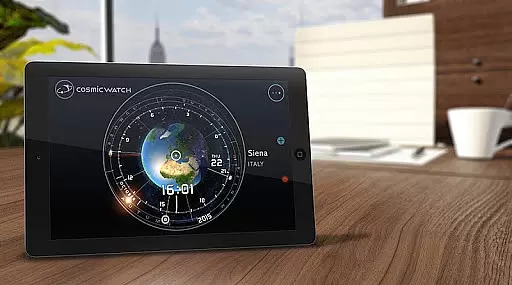
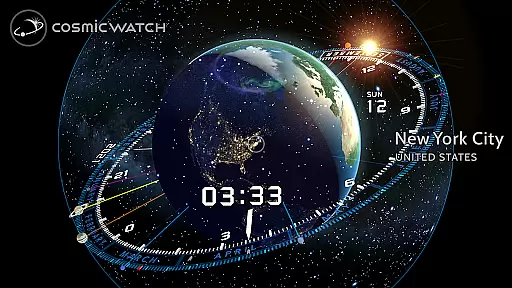
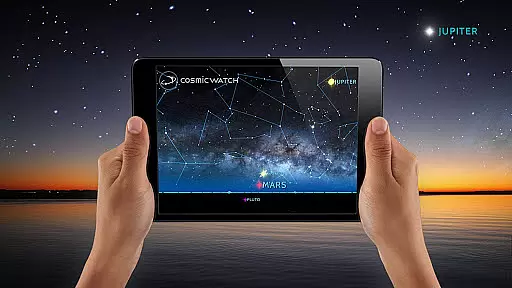
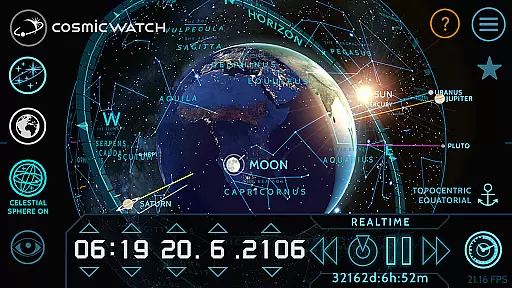
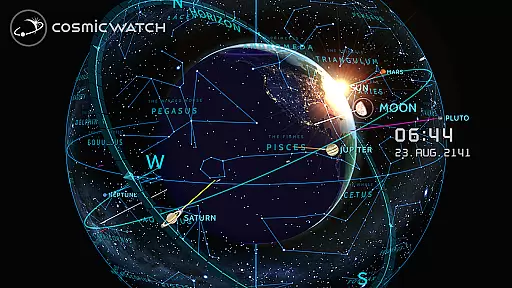
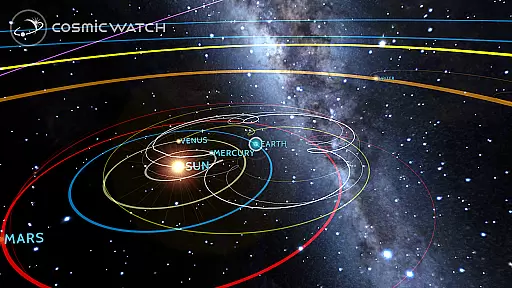
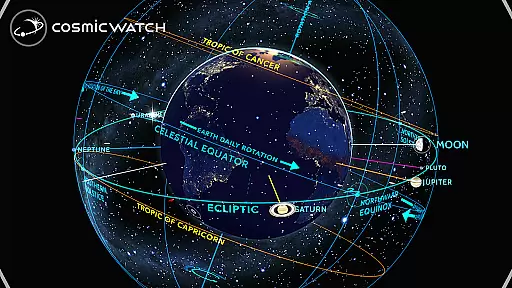
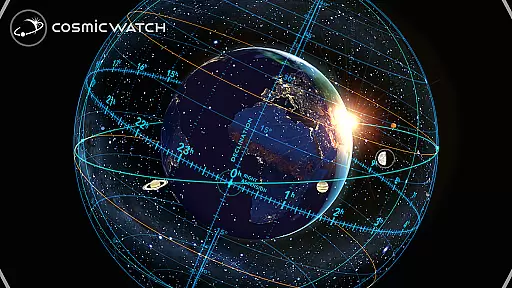
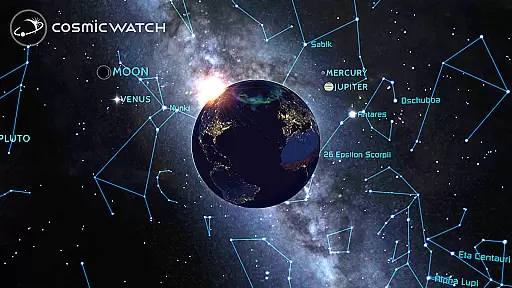
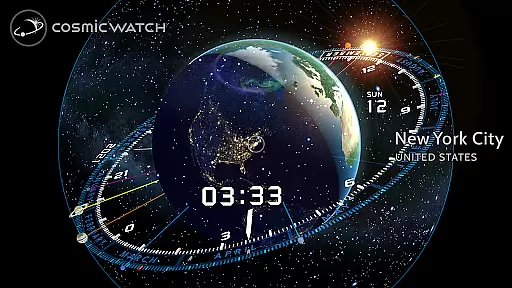
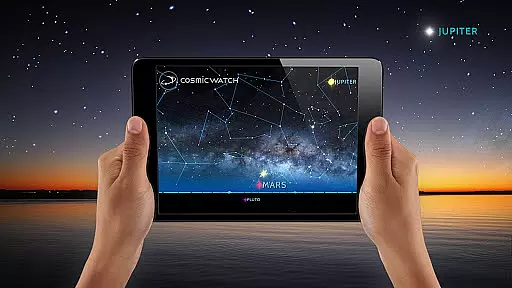
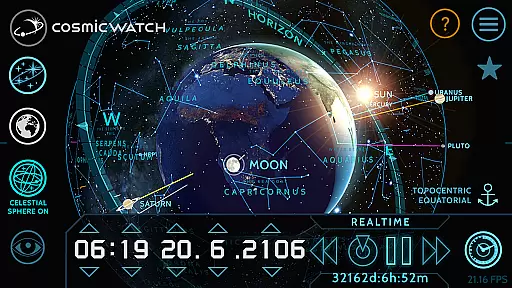
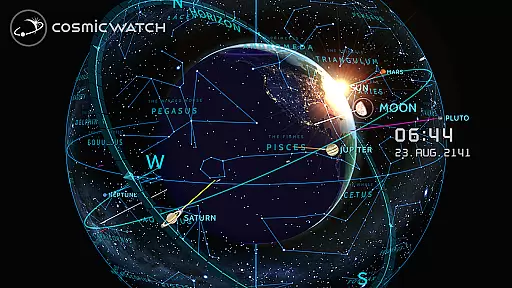
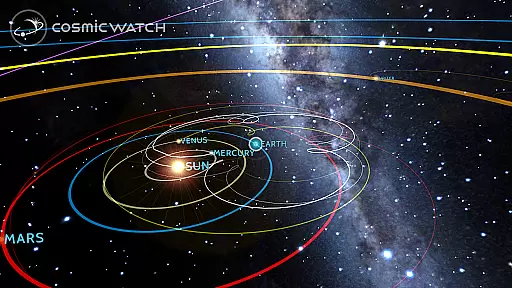
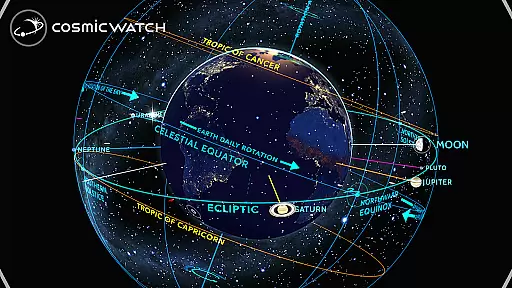
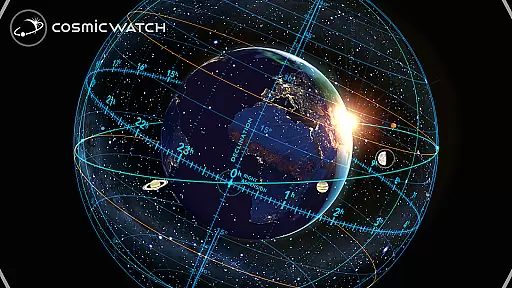
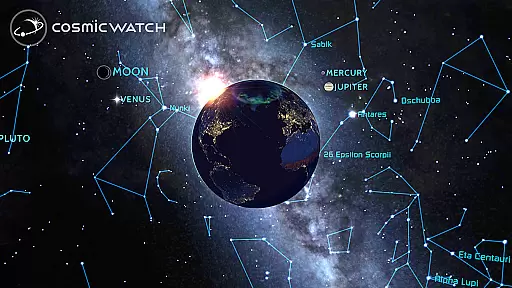
COSMIC WATCH is an innovative educational app that combines a 3D planetarium, augmented reality sky guide, and astronomical clock into one powerful tool. This app allows users to explore the solar system, identify constellations, stars, and planets in real-time, and even travel through time to observe celestial movements. With its stunning graphics and precise visualizations, it serves as both an engaging introduction to astronomy and a sophisticated resource for advanced stargazers.
Designed for all ages, COSMIC WATCH provides users with a unique perspective on their position within the cosmos. Whether you're an amateur astronomer, nature lover, or science enthusiast, this app offers valuable insights into the relationship between time and the movements of the solar system. Its ability to calculate important astronomical events ensures you'll never miss significant cosmic phenomena.
COSMIC WATCH stands out with its comprehensive set of features designed to enhance your understanding of the universe. The app includes a 3D celestial sphere that gives an overview of the entire sky, complete with star maps, constellations, and an astronomical events calculator. Users can switch between different views—sky, earth, and solar system—to gain various perspectives on celestial bodies.
One of the most impressive aspects of COSMIC WATCH is its augmented reality functionality, which lets you point your device at the sky to experience live celestial navigation. Additionally, the interactive astronomical clock and world clock provide real-time information about planetary positions. Informative layers, geocentric and heliocentric views, and a digital compass further enrich the user experience, making it an essential tool for anyone interested in astronomy.
The Cosmic Watch app stands out for its commitment to content accuracy and authority, making it a reliable educational tool for users of all ages. The app provides precise astronomical data, including star maps, constellations, and planetary movements, all rendered in real time with stunning 3D graphics.
Developed by Celestial Dynamics, this app combines basic principles of astronomy with time measurement to offer an immersive journey through space and time. Its powerful features include an AR sky guide, a celestial sphere for an overview of the whole sky, and an astronomical events calculator that ensures users never miss significant cosmic phenomena.
What sets Cosmic Watch apart is its dedication to delivering scientifically accurate information. It offers geocentric and heliocentric views of the solar system, comprehensive representations of planet retrogrades, and many informative layers that enhance understanding. This level of detail and precision makes it not only a playful introduction to astronomy but also a valuable resource for amateur astronomers, professional astronomers, and educators alike.
By using Cosmic Watch, users can explore the earth, sky, and cosmos with confidence, knowing they are accessing meticulously researched and verified content. This positions the app as a must-have for anyone eager to unlock the secrets of the celestial vault while appreciating the beauty and complexity of our universe.
While Cosmic Watch may not offer traditional personalized learning paths like adaptive quizzes or tailored lesson plans, it provides a unique form of personalization through its interactive and exploratory approach to astronomy education. Users can customize their learning experience by choosing different views such as sky, earth, or solar system, allowing them to focus on areas of personal interest or curiosity.
The app's 3D interactive astronomical clock and world clock enable learners to travel through timeu2014past, present, and futureu2014to witness how celestial bodies move and interact. This feature allows users to create their own learning journeys by exploring various astronomical events at their own pace, thus fostering a deeper understanding of complex concepts through hands-on engagement.
Cosmic Watch further enhances personalized learning through augmented reality, where users can point their devices towards the sky to identify constellations, stars, and planets in real time. This immersive experience caters to individual learning styles, whether someone prefers visual exploration or interactive discovery.
Additionally, the app includes many informative layers and notifications about upcoming astronomical events, which serve as prompts for further investigation. These elements encourage users to delve deeper into topics that intrigue them, effectively creating a self-guided and highly engaging educational experience that adapts to each learner's unique interests and pace.
Stunning 3D graphics
Real-time celestial tracking
Augmented reality sky guide
Comprehensive astronomical events
User-friendly interface
High battery consumption
Complex for beginners
Limited offline functionality
Heavy app size
No voice guidance

Test prep for Indiana students
 4.4
4.4
Childcare Management App: Daily sheets, sign in-out, billing and learning tools
4.70
An aviator’s preparation, study and test tool for FAA Knowledge Exams.
3.90
A magical world of fun, building, and learning with Mickey Mouse and more!
4.20
Astronomy Guide to the Night Sky
4.40
Deal Craps (Practice Craps Payouts)
3.80
Intuitive Transformer Lab - By a Lineman, For Linemen & Apprentices
4.50
An aviator’s preparation, study and test tool for FAA Knowledge Exams.
4.10
Your Arts+Culture Guide
4.00
Memorize anything efficiently with AnkiDroid! Many pre-built decks available.
4.80
Gain new skills in 10 minutes
4.70
AI Language tutor: Speak fluently with Lucy’s personalized coaching
4.70
An easy to use yet powerful and full-featured flashcard study app.
4.50
Welcome to the Speak Navajo Language Application - Volume 1
4.50
SkyView®, an augmented reality space app, brings stargazing to everyone!
4.40
Learn math, step-by-step
4.30
Listen, request and record pronunciations in more than 450 languages. Everywhere
3.90
Master the NRP with 700+ questions, rationales, and updated NREMT scenarios.
3.00
Learn and joke with the Silly Turkey!
4.2


User Reviews