
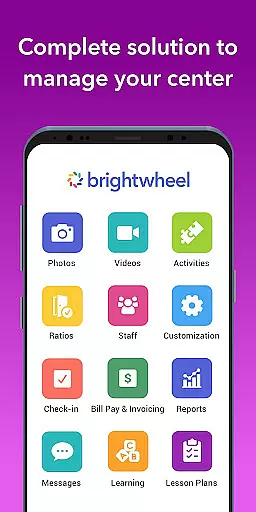
Brightwheel is a comprehensive childcare management software designed to streamline operations for early education providers. This all-in-one platform combines essential tools such as billing, attendance tracking, family communication, lesson planning, and reporting, enabling educators to focus more on children and less on administrative tasks.
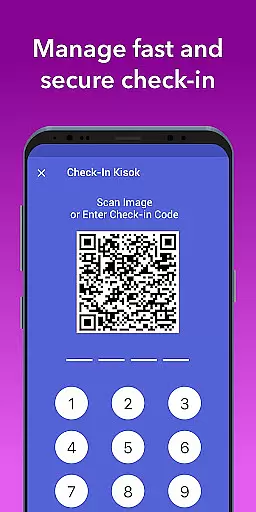
The app's user-friendly design ensures quick setup and ease of use for both staff and families. With features like automated billing, real-time family communication, photo and video sharing, and detailed reporting, Brightwheel enhances operational efficiency while strengthening family connections. Backed by a dedicated support team and robust security measures, it ensures reliable performance and data protection.
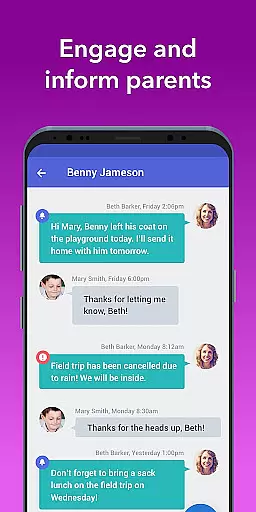
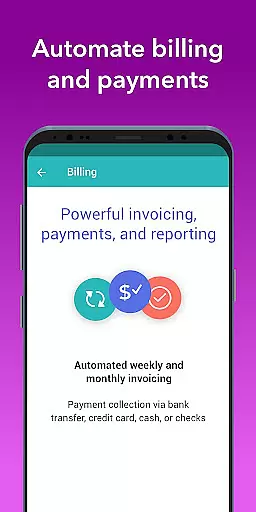
Brightwheel offers an extensive array of features tailored for early education providers. Its all-in-one platform includes automated billing and payments, customizable billing reports, and expense tracking, simplifying financial management. The app facilitates real-time communication with families through centralized messaging, newsletters, and alerts, ensuring everyone stays informed.
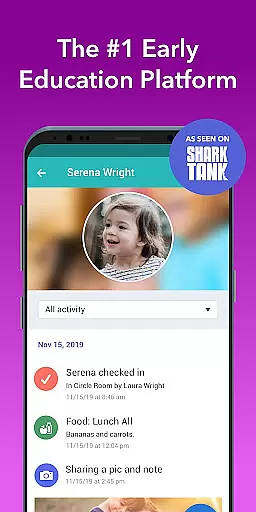
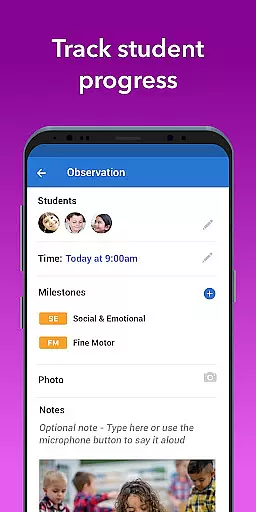
Additional standout features include photo and video sharing, allowing teachers to capture moments and tag students effortlessly. Daily reports on naps, meals, and activities provide families with personalized updates. With tools for lesson planning, assessment, and observation, Brightwheel supports educational growth. Advanced security features like two-factor authentication and compliance with top data protection standards ensure the safety and privacy of sensitive information.
In the realm of early education, content accuracy and authority are paramount. Brightwheel ensures that all educational materials and resources provided through its platform are meticulously vetted by experts in early childhood education. This guarantees that educators have access to reliable lesson plans, assessments, and state standards that align with current best practices.
The app's comprehensive approach includes pre-loaded state standards and a DRDP tool, which allows teachers to make note of student progress and achievements accurately. These features not only support curriculum delivery but also ensure compliance with educational regulations, providing peace of mind for both educators and families.
Furthermore, brightwheel's dedication to quality is reflected in its continuous updates and enhancements driven by customer feedback. This commitment ensures that the content remains relevant, accurate, and authoritative, supporting high-quality learning experiences for children while simplifying administrative tasks for educators.
Brightwheel excels in creating personalized learning paths, an essential feature for catering to the unique needs of each child. By leveraging advanced algorithms and teacher input, the platform crafts individualized educational journeys that adapt to a childu2019s progress and learning style. This personalization enhances engagement and supports better learning outcomes.
Teachers can utilize brightwheel's lesson planning tools to customize and share digital lessons, integrating hands-on learning materials when upgrading to Experience Curriculum. This flexibility empowers educators to tailor their teaching strategies effectively, ensuring that every child receives the attention they need to thrive academically and socially.
Moreover, real-time syncing across all devices means that updates made on one device are immediately available on others, keeping parents informed about their child's development. With these capabilities, brightwheel fosters a collaborative environment where educators and families work together towards nurturing well-rounded individuals ready for future academic success.
User-friendly interface
Comprehensive feature set
Reliable performance
Robust security
Dedicated support team
Limited free features
Premium plan costs
Occasional bugs
Learning curve
Dependent on internet

An easy to use yet powerful and full-featured flashcard study app.
 4.50
4.50
The Only Official DVSA Theory Test Kit App
4.50
Listen, request and record pronunciations in more than 450 languages. Everywhere
3.90
Prepare for the BCBA / BCaBA exam. Study ABA with the ABA Wizard app.
4.60
Our most popular app series returns, better than ever!
3.90
Discover Your Place in the Universe
4.70
Stargazing Guide App. Stars and constellations map. Solar system planets finder.
4.60
Adventures await with Spider-Man and other Marvel characters!
4.10
Educational Activities for 2-8
3.70
The best way to study for your amateur radio license exam.
4.90
Perform physics experiments with your phone. (by the RWTH Aachen University)
4.70
Welcome to the Speak Navajo Language Application - Volume 1
4.50
Astronomy Guide to the Night Sky
4.40
Professional Award-Winning Astronomy Star Map App With Telescope Control
4.40
Turns you phone or tablet into TI graphing calculator (ROM required).
4.20
Designed for Calculator 84 users
4.20
An aviator’s preparation, study and test tool for FAA Knowledge Exams.
4.00
scanner body part for fun Prank friends realistic scan effects
3.00
Hasbro’s classic CANDY LAND game is now a gorgeous interactive storybook app.
2.30


User Reviews