
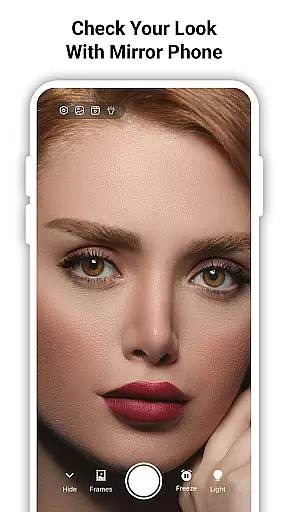
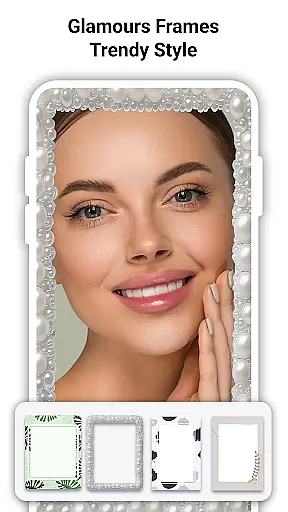
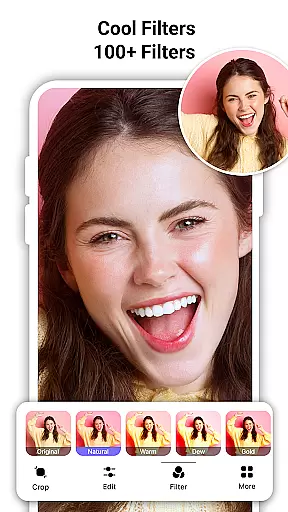
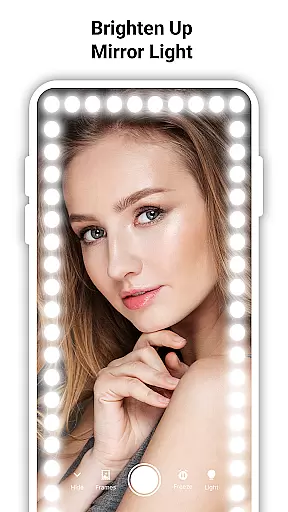
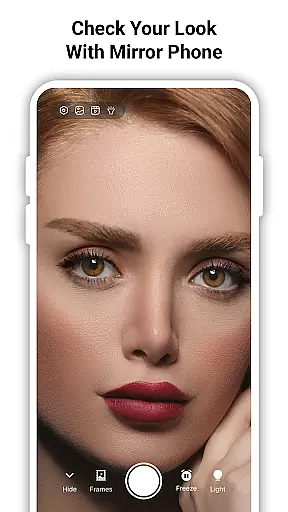
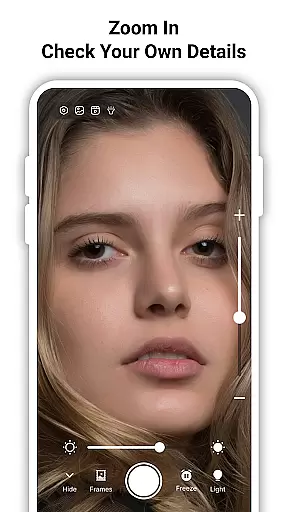
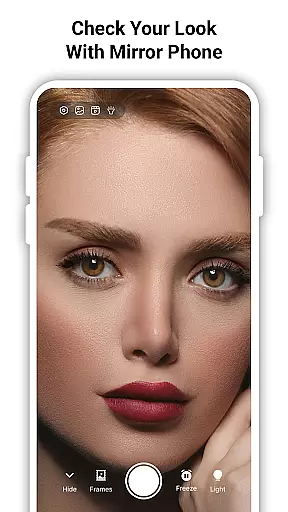
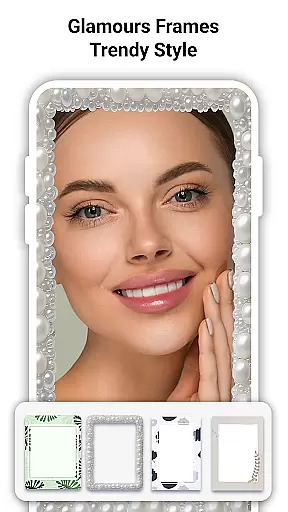
True Mirror: Magnifying Mirror is a versatile beauty tool that transforms your phone into a high-definition mirror with advanced features. The app offers zoom functionality, adjustable lighting, and true reflection mode to ensure you see every detail clearly.
Whether you're applying makeup, checking your skin, or grooming, this app provides the precision and clarity needed for all beauty routines. Its portability makes it an ideal companion for use anytime, anywhere, ensuring you always look your best.
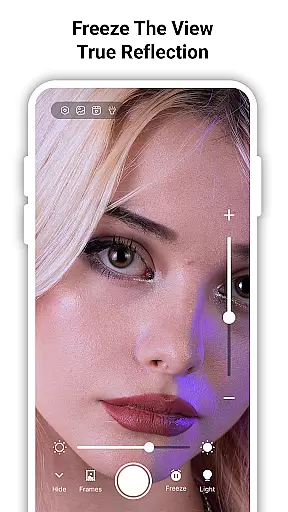
The True Mirror Mode shows your reflection as others see you, making it perfect for makeup corrections and confidence checks. With additional features like selfie capture and freeze frame, it's an all-in-one solution for personal grooming and beauty needs.
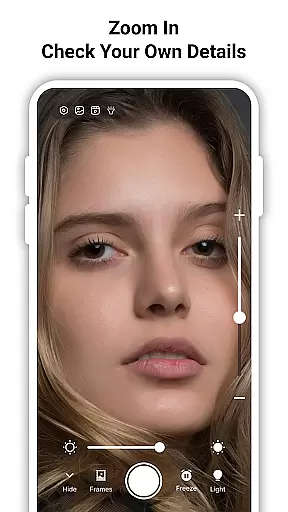
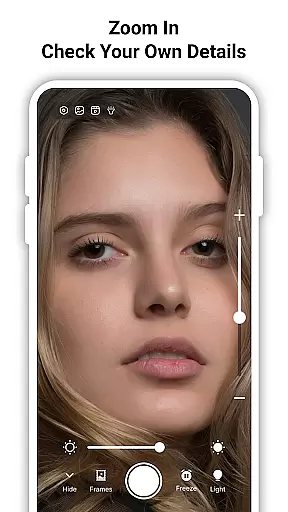
True Mirror stands out with its comprehensive feature set tailored for beauty enthusiasts. The HD magnifying mirror allows users to zoom in on specific areas, capturing every detail with stunning clarity. This is particularly useful for detailed tasks like applying eyeliner or trimming facial hair.
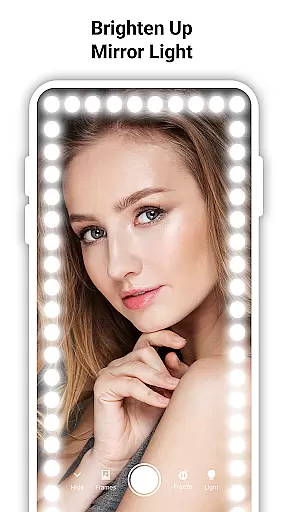
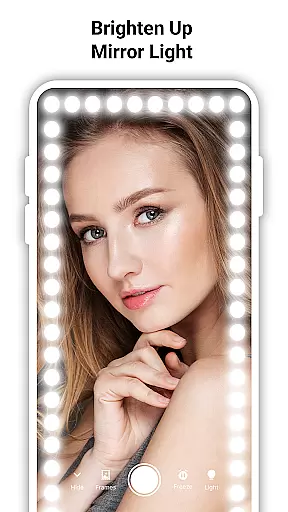
The built-in LED mirror light ensures optimal visibility even in low-light conditions. Users can adjust the brightness to suit their environment, whether at home or on the go. Additionally, the True Mirror Mode displays an unflipped image, offering a realistic view of your appearance.
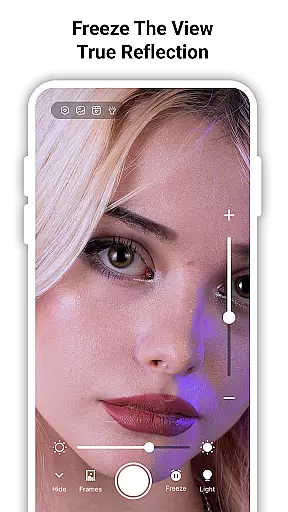
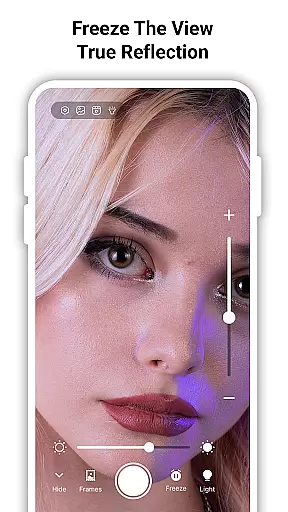
With functionalities such as selfie capture and freeze frame, users can easily take photos or pause their reflection to examine their look. These features make True Mirror an indispensable tool for anyone focused on personal grooming and maintaining their appearance.
True Mirror: Magnifying Mirror offers a comprehensive suite of features that go beyond basic reflection. The app includes an extensive product database that covers various beauty needs, from makeup application to skincare routines.
The depth of this database is evident in its ability to provide users with precise tools for their grooming tasks. Whether you are applying eyeliner or checking your skin, the app's zoom functionality allows you to magnify every detail with accuracy.
Users benefit from adjustable lighting options that simulate different environments, ensuring they can groom effectively regardless of their location. This feature-rich database ensures that all your beauty requirements are met within a single platform.
With True Mirror, you have access to an unflipped image mode, which shows how others truly see you. This enhances the authenticity of your experience and helps in making accurate beauty adjustments.
Personalization is at the core of True Mirror: Magnifying Mirror, allowing users to tailor their experience according to individual preferences. The app provides customizable settings such as zoom levels and lighting adjustments, catering specifically to each user's unique needs.
This personal touch extends to its True Mirror mode, where reflections are not flipped, offering a genuine view of oneself. Such precision ensures that makeup corrections and confidence checks are performed accurately without distortion.
Additionally, the selfie capture and freeze frame features enable users to take quick snapshots for comparison or record-keeping purposes. These personalized options enhance user engagement by providing practical solutions tailored to specific scenarios.
By integrating these advanced personalization techniques, True Mirror stands out as an essential tool for anyone seeking clarity and authenticity in their daily grooming routine.
User-friendly interface
High-definition zoom
Adjustable LED lighting
True reflection mode
Selfie and freeze options
Requires good device camera
May drain battery faster
Limited offline functionality
Ads in free version
Occasional lag

Winter picture editor: Christmas stickers, frames for photos & Christmas cards.
 4.40
4.40
Shop Smarter, Dress Better, and Shine Brighter!
4.10
Your future self face age old or young from camera selfie into beautify videos
4.5
Healthier, more beautiful with Medicube Digital Clinic AGE-R!
4.10
Unique selfie filter camera! Upload live sticker & face filter every week!
4.70
AI Stylist, Try On Millions Of Clothes In Any Brand & Style, AI Clothes Changer
4.70
For businesses, Booksy Biz allows you to manage your schedule & more on the go.
4.60
DSLR Hd camera capture high quality 4k hd picture with filters and blur editor
4.50
Mirror app that shows your image with photo editor, zoom and light!
4.70
Monthly Perfume Subscription
4.70
Beauty camera & Selfie camera for perfect selfie with filter, sticker, makeup
4.70
Top brand haircare & fragrance
4.60
Professional HD Camera App: Capture Bright HD Selfie & Record Stunning Moments
4.40
Hair style app, Face shape finder, Face shape, Hair style, Face shape detector
4.30
Seasonal color palettes for shopping clothes and makeup products with confidence
4.20
Seasonal color palette, my personal color, hair color changer, makeup, wardrobe
4.20
Try on different hairstyles and hair colors, glasses and jackets | Cartoon face
4.10
The Official Voting App
3.90
Your Personal Stylist for Smart Shopping, Beauty & Styling Outfits.
4.2


User Reviews