
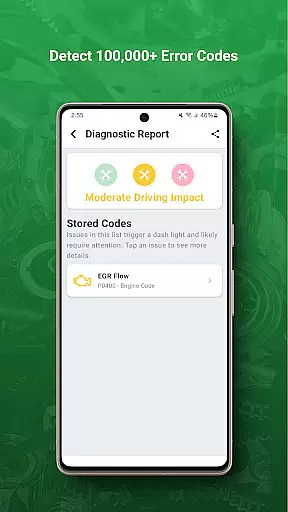
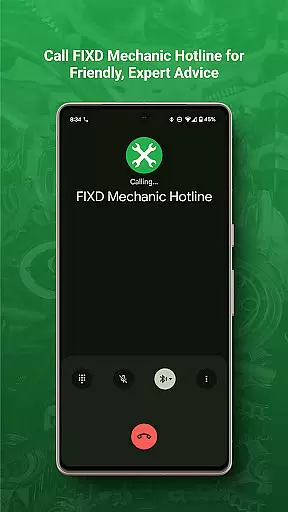
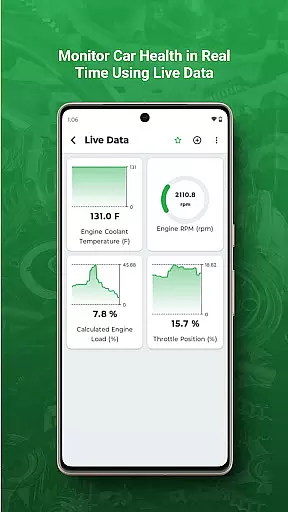
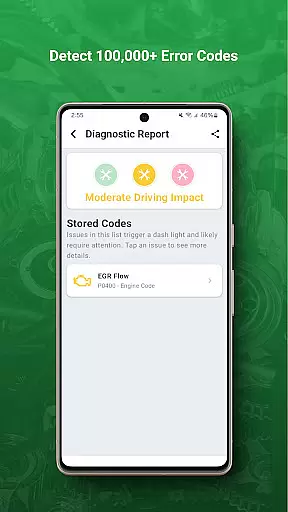
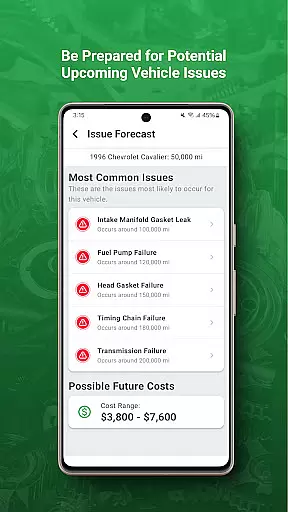
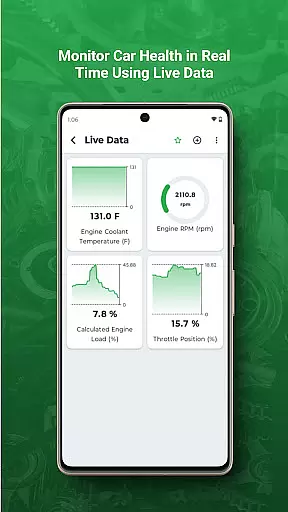
FIXD OBD2 Scanner is a powerful diagnostic tool designed specifically for vehicle owners who want to understand their car's health better. This app works in tandem with the FIXD sensor, translating complex check engine lights into easy-to-understand language.
The application not only deciphers trouble codes but also provides detailed explanations and possible solutions. Additionally, it offers maintenance tracking features that help users stay on top of their vehicle's service schedule, ensuring optimal performance and longevity.
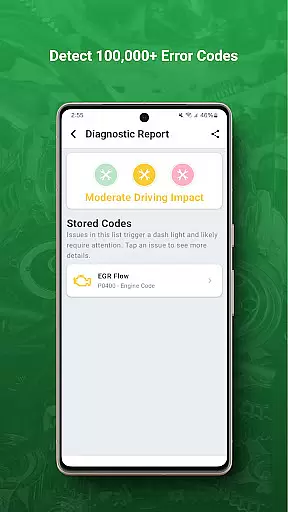
One of the standout features of FIXD is its ability to interpret check engine lights instantly. By connecting the FIXD sensor to your vehicle's OBD-II port, the app retrieves diagnostic information and translates it into simple terms.
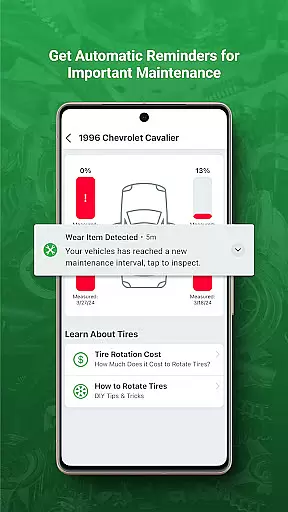
Another key feature is the maintenance tracking system. Users can set reminders for oil changes, tire rotations, and other essential services. The app also includes a history log of all previous scans, allowing users to monitor recurring issues and track repairs over time.
Modern vehicles come equipped with complex onboard diagnostics systems that generate a multitude of error codes when issues arise. FIXD OBD2 Scanner excels in providing detailed vehicle information by decoding these check engine lights and presenting them in an understandable format.
The app utilizes the FIXD sensor that plugs into your vehicle's OBD-II port to gather diagnostic data. It then translates this technical information into simple language, allowing users to understand exactly what is wrong with their vehicle without needing specialized mechanical knowledge.
By offering clear explanations of various trouble codes, FIXD empowers vehicle owners to make informed decisions about necessary repairs and maintenance. This level of detail helps prevent unnecessary trips to the mechanic and enables more educated discussions with automotive professionals when service is required.
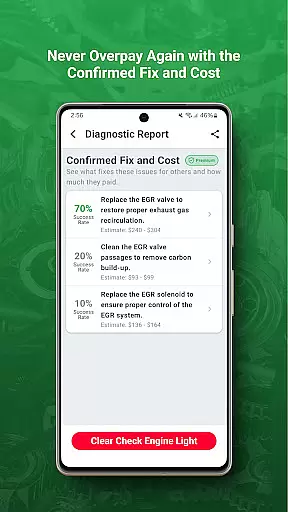
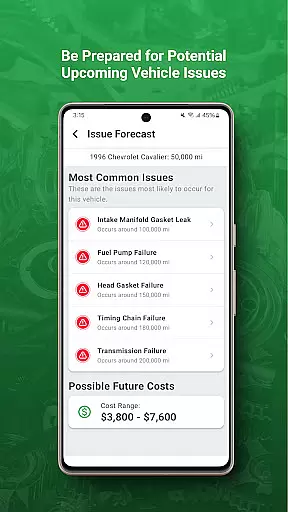
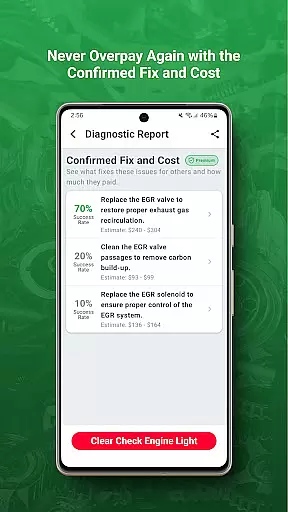
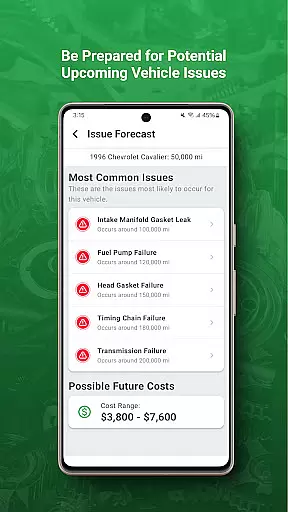
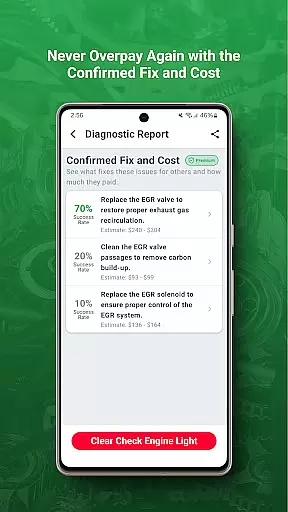
When it comes to vehicle maintenance and repairs, unexpected costs can be a major concern for car owners. FIXD addresses price transparency by not only identifying issues but also providing users with estimated repair costs for common problems.
The application goes beyond simply translating error codes by including a comprehensive database of average repair prices for different makes and models. This feature allows users to anticipate potential expenses and budget accordingly for necessary maintenance or repairs.
With FIXD's price transparency features, vehicle owners can approach service centers with confidence, knowing they have accurate information about typical repair costs. This knowledge helps consumers avoid overpaying for services and facilitates better financial planning for vehicle upkeep.
User-friendly interface
Comprehensive diagnostic reports
Real-time alerts
Maintenance scheduling
Detailed issue explanations
Requires separate FIXD hardware
Limited to OBD-II vehicles
No support for advanced coding
Subscription fees for premium features
Occasional connectivity issues

Theme for Car Launcher
 4.0
4.0
Practice the drills within MotoJitsu Master Riding Program Volume 1 & 2!
4.80
AI Powered - Automotive Mechanic Assistant
4.30
The ExtraMile App allows you to pay for fuel from the comfort of your car!
4.70
Car Sounds Engine Sounds app welcomes Auto Lovers to feel Car Simulator Sound
4.20
Mobile Phone Parking - So easy to park
3.70
1M+ high-quality auto parts at your fingertips. Fitment guaranteed.
4.70
Find Your Local Store or Shop Online for the Car, Truck, or SUV Parts You Need
4.70
Shop, finance, or sell today.
4.80
Buy and sell your boat
4.70
MySubaru: Download. Connect. Love.
4.70
Your go-to app for car, truck & SUV parts, DIY tools, and expert repair help.
4.70
DMV Test Pro offers all the updated FREE DMV tests online.
4.60
Easy connect & control your cars from afar. Remote Lock & unlock car and carplay
4.60
OBDII - ELM327 Terminal tool for 96-00 Volvos
4.50
Instantly redesign your car with AI. From sporty to futuristic, try it all.
4.50
myAudi offers users services and Audi connect services for Audi drivers
4.10
Blink Charging Mobile app makes finding an EV charger an intuitive experience.
3.80
Theme for Car Launcher
4.2


User Reviews