
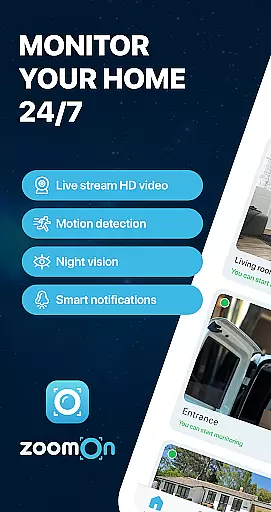
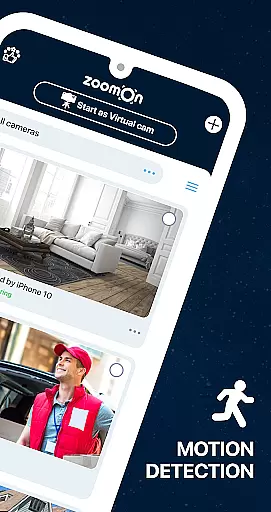
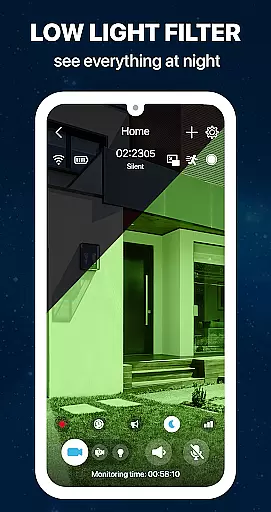
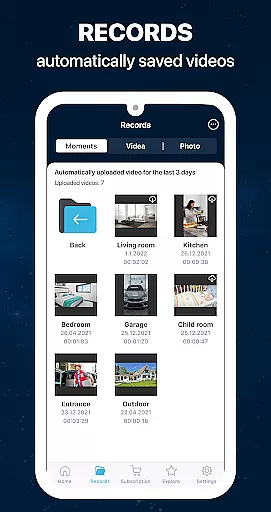
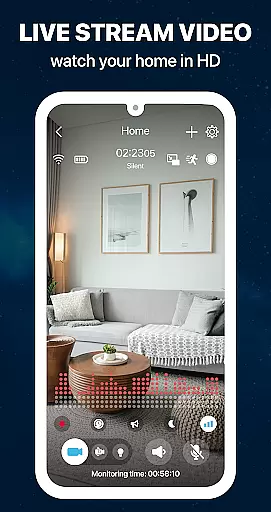
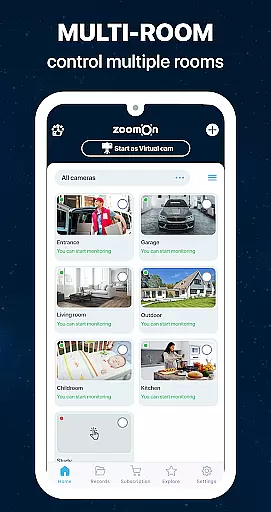
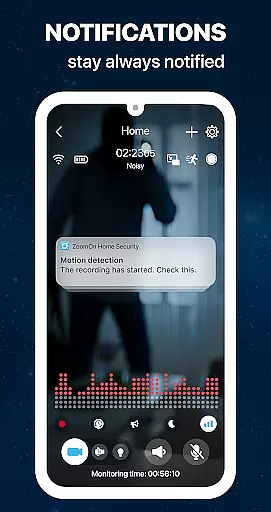
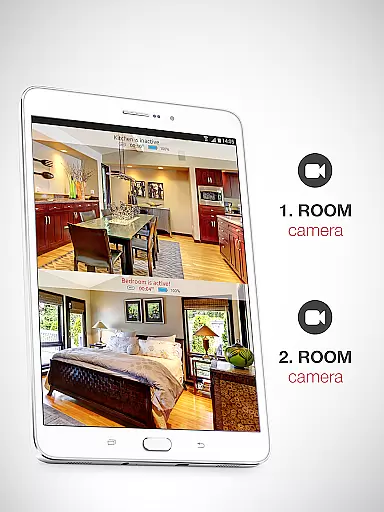
ZoomOn Home Security Camera is a smart home security solution that transforms any two smartphones into a comprehensive monitoring system. The app offers live HD video streaming, unlimited reach across various networks, and advanced features like night mode, motion detection, and two-way audio communication.
This innovative application allows users to repurpose old devices, turning them into functional security cameras. With support for multi-room monitoring, smart notifications, and secure encrypted connections, ZoomOn provides peace of mind for homeowners who need to keep their properties safe while away.
The app's practical use case extends beyond home security - it can serve as a baby monitor, elderly care system, or pet camera. Its compatibility with ONVIF-compliant security cameras and flexible subscription model make it a versatile choice for modern home security needs.
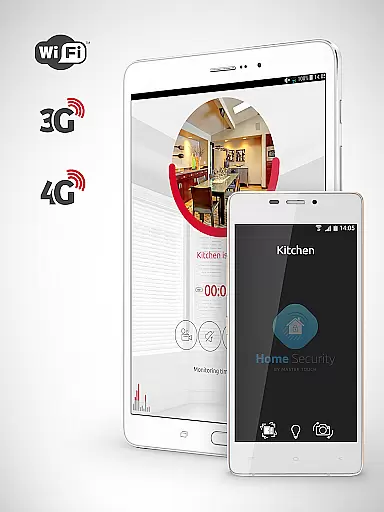
ZoomOn stands out with its comprehensive feature set designed for maximum security and convenience. The app supports full HD live streaming with both front and back camera options, ensuring crystal-clear monitoring quality. Its unlimited network reach across WiFi, 3G, 4G, 5G, and LTE guarantees constant connection regardless of internet disruptions.
Advanced security features include motion and noise detection, smart notifications, and automatic timeline recording. The app's night vision mode with green screen filter and flashlight capability ensures optimal visibility in low-light conditions. Users can benefit from two-way audio communication and precise noise sensitivity customization.
What makes ZoomOn particularly valuable is its ability to create a complete home security ecosystem. The multi-room monitoring capability, combined with time scheduling and low battery alerts, provides comprehensive coverage. The secure private cloud encryption and compatibility with existing ONVIF-compliant cameras demonstrate the app's commitment to both innovation and integration with traditional security systems.
In the context of home security, ensuring the authenticity and reliability of your monitoring system is crucial. ZoomOn Home Security Camera app provides a dependable solution by turning your existing smartphones into a robust home surveillance system. This eliminates the need to purchase expensive dedicated cameras while giving new life to unused devices.
The app ensures property listing authenticity through its multiplatform support and compatibility with ONVIF-compliant security cameras. By allowing users to connect their devices via WiFi, 3G, 4G, 5G, or LTE networks, it guarantees that every corner of your home is monitored accurately. The ability to pair multiple devices across different rooms further enhances the authenticity of the security setup.
Users benefit from smart notifications, motion detection, and noise alerts, which provide real-time updates on their property's status. These features ensure that all activities are captured and reported without fail. With industry-standard encryption securing all communications, you can trust that your data remains private and tamper-proof.
By reusing old devices and transforming them into functional security cameras, ZoomOn not only offers an authentic monitoring solution but also promotes sustainability. This approach allows homeowners to create a comprehensive and reliable security network tailored specifically to their needs.
Effective home management involves having control over various aspects of your living space, including security. ZoomOn Home Security Camera app excels in this area by offering a suite of features designed to enhance home management capabilities. From live video streaming in HD to unlimited reach across multiple network types, the app ensures that users have constant access to their home's status.
One of the standout home management features is the ability to set up time plans and receive low battery alerts. These functionalities allow users to schedule monitoring sessions and be notified when their devices require attention, ensuring uninterrupted surveillance. Additionally, the appu2019s motion and noise detection capabilities enable precise monitoring of specific areas, providing peace of mind.
ZoomOn supports multi-room and multi-owner modes, making it ideal for households with multiple occupants or large spaces. This feature allows different family members to monitor various parts of the house simultaneously, enhancing overall home management efficiency. Furthermore, the audio activity chart and continuous recording options offer detailed insights into what happens in your absence.
By integrating seamlessly with ONVIF-compliant security cameras and using advanced encryption methods, ZoomOn ensures that all data is secure and accessible only to authorized users. This level of security and flexibility makes it an invaluable tool for managing and safeguarding your home effectively.
User-friendly interface
Multi-device support
HD video quality
Secure encryption
Flexible pricing
Requires two devices
Subscription fees
Internet dependent
Limited free trial
Device compatibility

Draw house plans, floor plans 3d & house design with house plan drawing 3d app
 3.60
3.60
The official app for Home Assistant. Control your home anywhere in the world.
4.30
SmartRent - Opening Doors To A Smarter World
4.40
AI Home Designer & Room Planner: Decorate your interior space with AI
4.40
MLS-powered real estate app to find homes for sale & apartments for rent
4.70
Turn old phones into security cameras, baby monitors, pet cams, and more.
4.70
Universal Tv Remote Control for all Tv. Cast for chromecast & all Tv Controller
4.20
An easier way to make payments and maintenance requests from anywhere.
3.50
Houses for Sale & Homes for Rent: Buy Homes, Rent Apartments & Sell Real Estate
4.80
Real estate app to find homes for sale or rent in the right neighborhood for you
4.70
Home Ideas | Renovation Advice | Local Pros. Go From Dream to Home with Houzz.
4.70
Find homes for sale and apartments for rent in the best neighborhood.
4.70
Fire & Power Safety
4.50
3D House Design and AI Room Planner - from floor plans to full interior design.
4.40
Smart AI plant care schedules, Real plant experts, support & Thriving community!
4.20
Our app allows Sunrun customers to monitor systems, pay bills, and get support.
3.80
Design house plans in 2D & 3D, style furniture, and preview renovation layouts
3.70
Unlock AI-based barcode scanning and support the development of Grocy Android
4.1
Universal TV remote Control for Roku TV brands via WiFi remote
4.5


User Reviews