
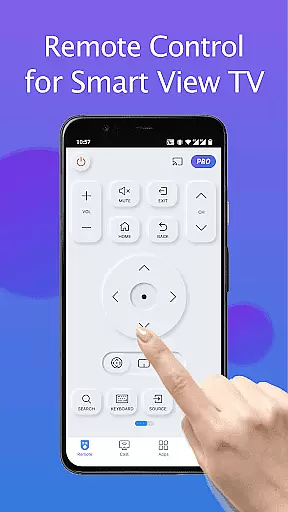
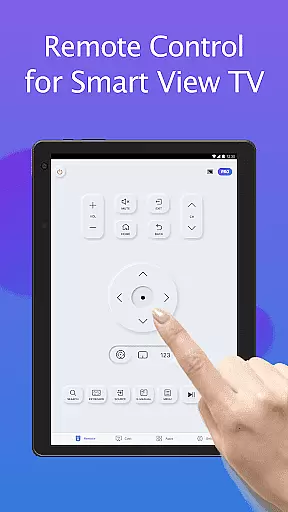
Remote for Smart Samsung TV is a dedicated mobile application designed to replace traditional Samsung TV remotes. This app transforms your smartphone into a comprehensive control center, allowing users to manage their Samsung smart TVs with ease. It supports mainstream Samsung TV models including the 7 series, 6 series, Curved TVs, and K-Series (2016+) Tizen models.
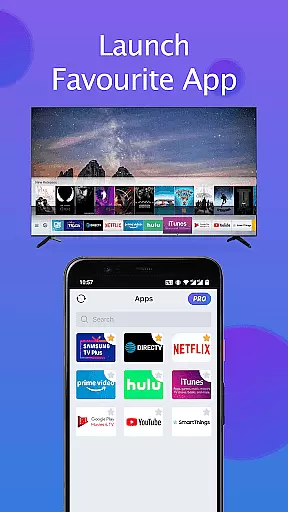
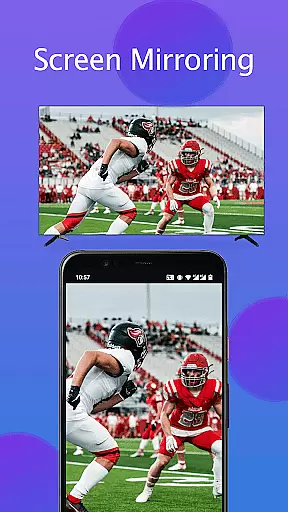
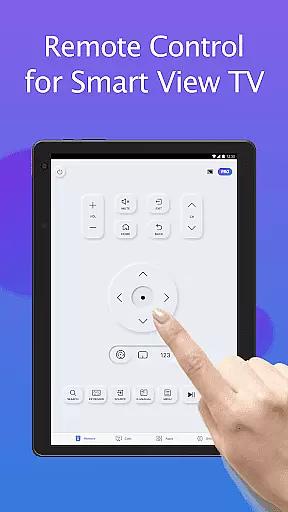
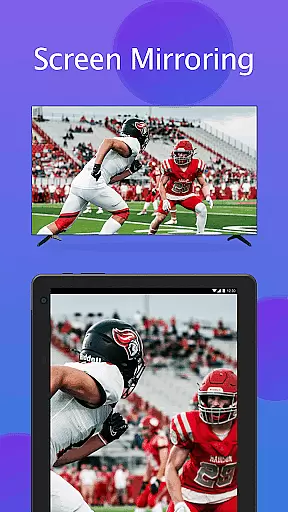
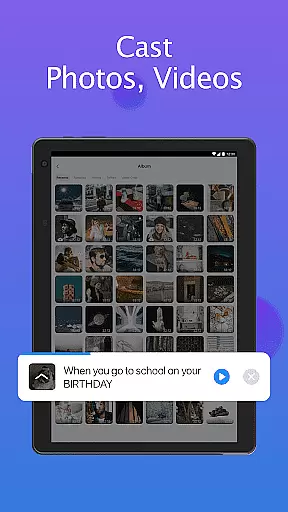
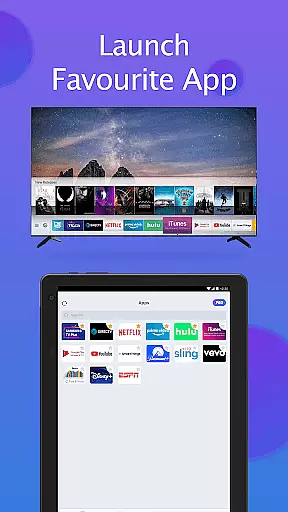
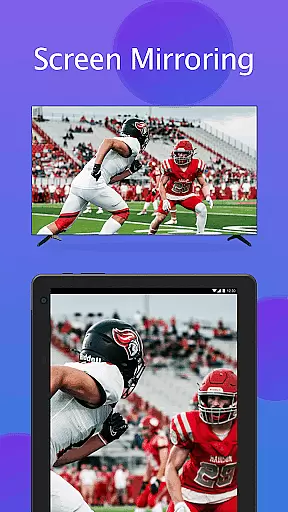
The app offers essential remote functions such as power on/off, volume adjustment, channel navigation, and quick access to favorite apps. Additionally, it features advanced capabilities like screen mirroring in high resolution and casting local media files to the TV. By eliminating the need for physical remotes and constant battery replacements, this app provides an eco-friendly and convenient solution for modern smart home environments.
This Samsung TV remote app stands out with its robust feature set tailored for seamless smart TV management. The app automatically detects Samsung TVs on the same Wi-Fi network, ensuring quick and stable connections. Its integrated keyboard function simplifies text input and search operations on Samsung Smart View TVs, significantly enhancing user convenience.
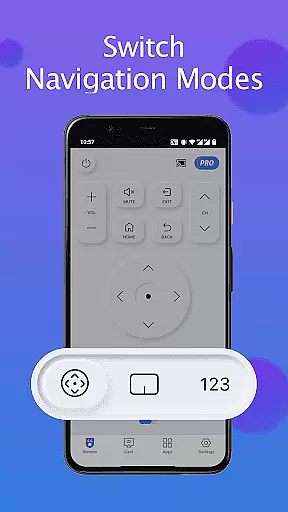
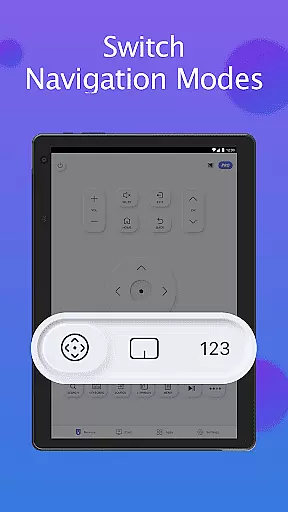
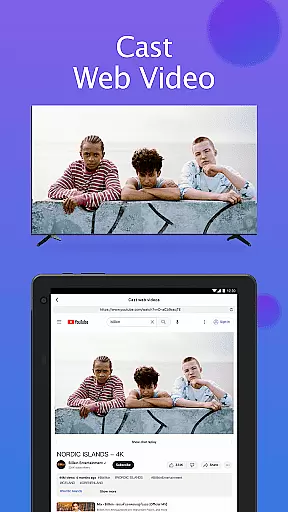
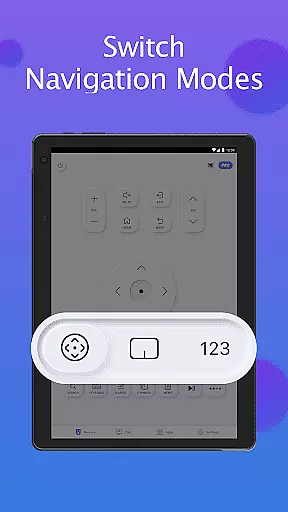
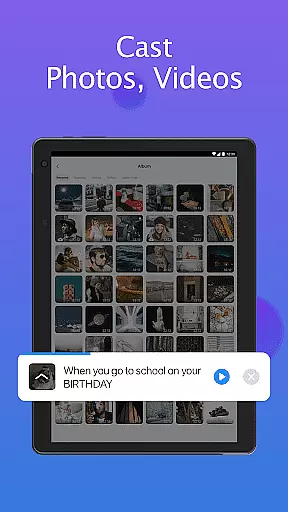
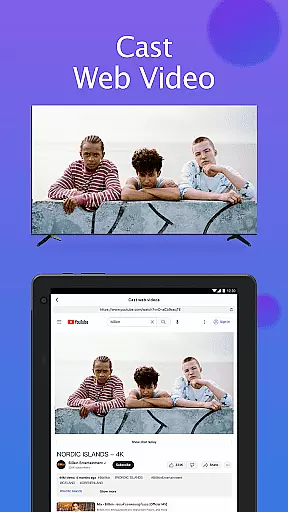
Users can enjoy complete control over their TVs including power management, volume adjustments, channel switching, and navigation mode changes. The app also enables screen mirroring from mobile devices to TVs in high definition, along with casting capabilities for local photos, videos, and web content. These features collectively create a versatile and powerful remote control solution that optimizes the smart TV experience.
In the realm of smart home management, ensuring the authenticity and compatibility of your devices is crucial. The Remote for Smart Samsung TV app provides a reliable solution by accurately detecting and connecting to Samsung smart TVs on the same Wi-Fi network.
This application supports a wide range of Samsung TV models, including the Samsung 7 series, 6 series, Curved TVs, and K-Series (2016+) Tizen models. By auto-detecting your Samsung SmartThings TV, it ensures that users can seamlessly integrate this remote solution into their existing home setup without compatibility concerns.
For users experiencing connectivity issues, the app offers troubleshooting steps such as reinstalling the app, rebooting the TV, or updating to the latest version. These measures help maintain an authentic and verified connection between the mobile app and the corresponding Samsung TV model.
The app's disclaimer clarifies its independent development status while maintaining transparency about potential compatibility limitations with certain TV models. This commitment to honesty helps build trust with users seeking genuine smart home integration solutions.
Beyond basic remote functionality, the Remote for Smart Samsung TV app offers comprehensive home management features that enhance the smart living experience. With its intuitive interface, users can easily power on/off their TV, adjust volume, change channels, and switch navigation modes through simple taps on their mobile devices.
The app includes a convenient keyboard feature that simplifies text input and search functions on Samsung Smart View TVs. This functionality streamlines content discovery and navigation, making it easier for users to find and enjoy their favorite entertainment options.
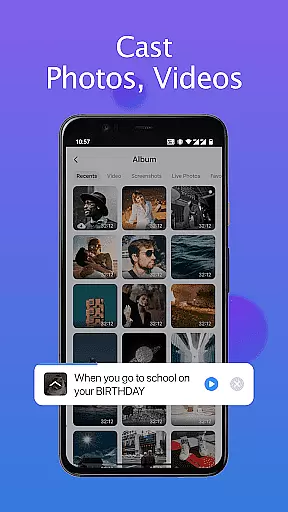
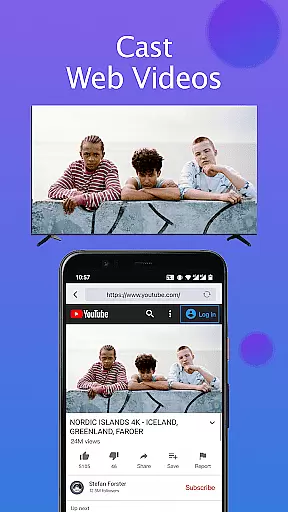
Advanced features include screen mirroring capabilities that allow users to display their phone or tablet content on their Samsung TV in high resolution. Additionally, the app enables casting of local photos/videos and web content directly to compatible Samsung SmartThings TVs, creating a centralized media management system.
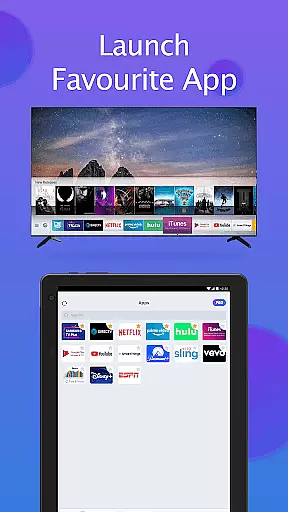
By providing quick access to favorite channels and apps, along with essential TV controls, this application transforms a mobile device into a powerful home entertainment management tool, offering users complete control over their viewing experience from their fingertips.
User-friendly interface
Wide device compatibility
Advanced casting options
Quick device detection
Eco-friendly solution
Limited to Samsung TVs
Wi-Fi dependency
Occasional connectivity issues
No official Samsung support
Model compatibility variations

An awesome mobile app for Home Security Surveillance - uses ZoneMinder
 3.20
3.20
Draw your floor plan smartly. Make house design blueprint with home planner app
3.60
Our app allows Sunrun customers to monitor systems, pay bills, and get support.
3.80
AI-powered home design, interior design, home decor, and room design solutions
4.50
Control Fire TV & mirror your phone screen instantly over Wi-Fi.
3.30
Design your dream home with 3D planning app, Visualize your dream home in 3D.
4.20
Turn old phones into security cameras, baby monitors, pet cams, and more.
4.70
Set up your devices, customize settings, and monitor your home—from anywhere
4.40
Find homes for sale and apartments for rent in the best neighborhood.
4.70
Home Ideas | Renovation Advice | Local Pros. Go From Dream to Home with Houzz.
4.70
Download today to join the community to help bring lost pets home faster.
4.70
MLS-powered real estate app to find homes for sale & apartments for rent
4.70
A Smarter Home in Seconds
4.70
Rent on-the-go with TurboTenant’s app made just for renters
4.50
Plan your remodel AI home renovation easily using planner 5D and home decor AI.
4.40
Find contractors for all home renovation projects. Remodeling, repair, and more.
4.20
AI floor creator to design your dream house, plan rooms & style your home
4.00
PRO Version of GLB AR Viewer
4.4
Universal TV remote Control for Roku TV brands via WiFi remote
4.3


User Reviews