
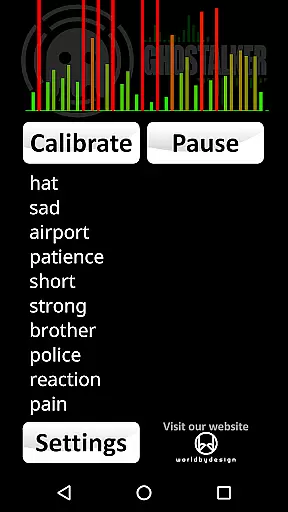


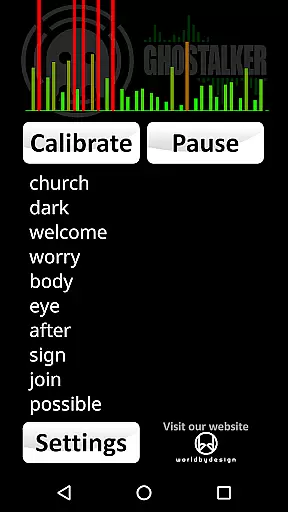

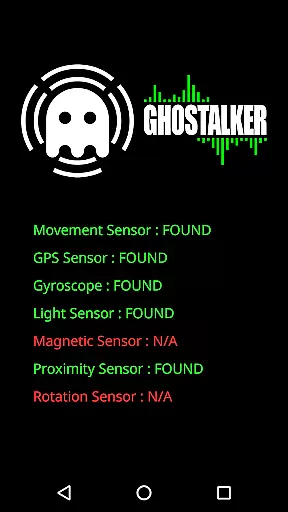
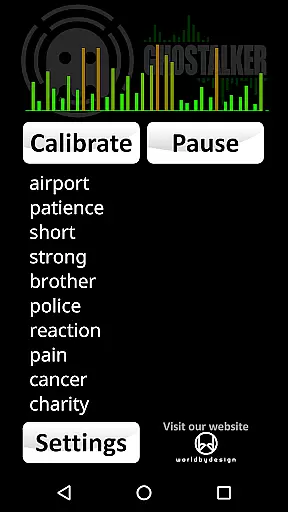
Ghostalker is a unique paranormal investigation app designed to convert environmental energy into spoken words, functioning as a digital 'Spirit Box'. With over a thousand commonly used words in its database, the app utilizes all available sensors on your device - including vibration, rotation, GPS, gyroscope, light, magnetic fields, and proximity - to detect minute changes in energy and translate them into meaningful words. This makes it an ideal tool for both professional investigators and hobbyists seeking to explore paranormal phenomena.
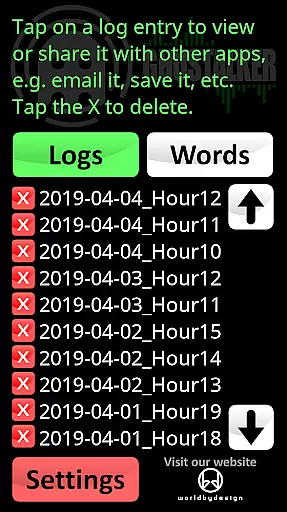
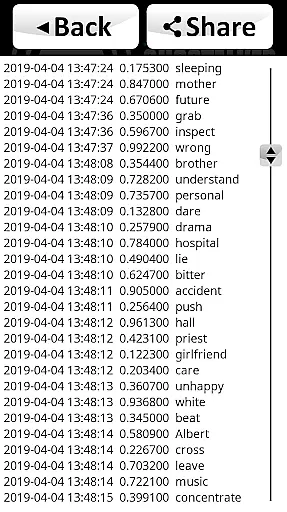
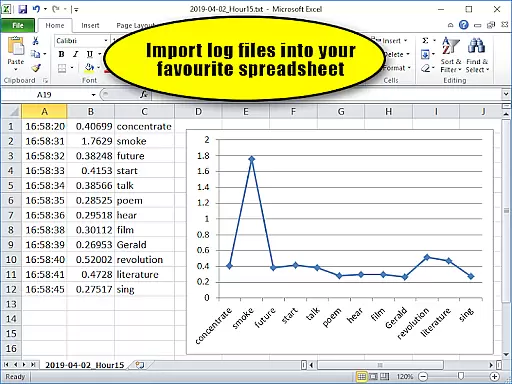
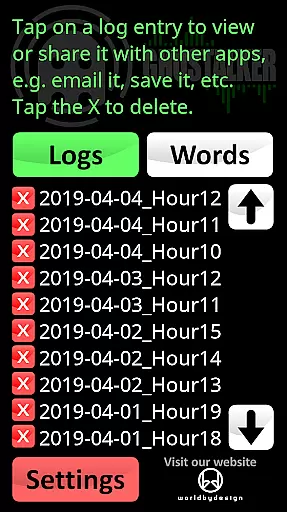
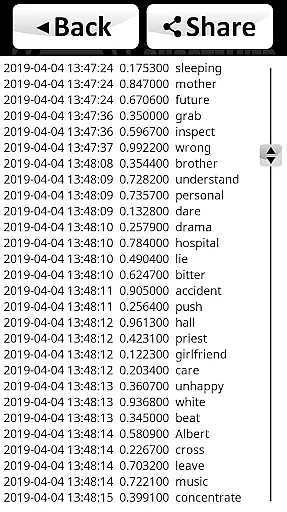
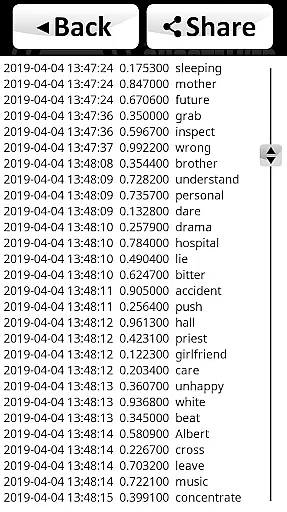
The app offers advanced logging capabilities, storing spoken words along with sensor readings and timestamps in CSV format for future analysis. Users can manage a custom dictionary of up to 10,000 words, allowing personalized response lists. The sensitivity of individual sensors can be adjusted to prevent interference, making it adaptable to various devices and environments. Ghostalker works offline and contains no advertisements, ensuring uninterrupted use even in remote locations.
Ghostalker distinguishes itself through its comprehensive sensor utilization and customizable features. The app intelligently processes raw sensor data from your device's multiple inputs, converting environmental changes into spoken words rather than relying on random selection. This scientific approach provides more authentic results for paranormal investigations.
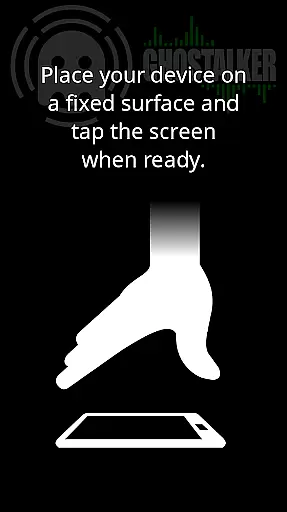
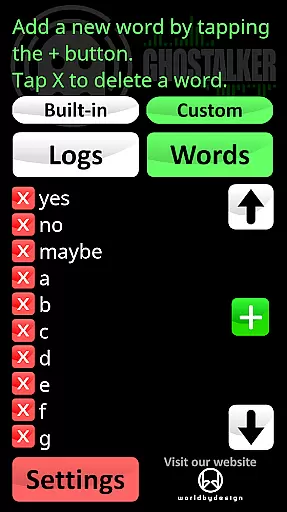
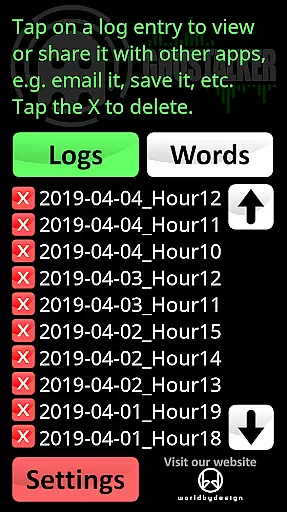
A key feature is the robust logging system that records every spoken word with detailed metadata including timestamp and sensor readings. These logs can be exported in CSV format for analysis in spreadsheet applications. The custom dictionary function allows users to create specialized word lists, while the calibration tool helps minimize background interference. Additionally, the app supports both built-in and user-defined dictionaries, providing flexibility in communication methods with potential paranormal entities.
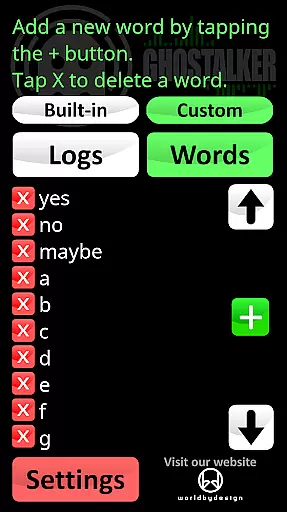
Practical usability is enhanced through various tips and tools. Users can employ the custom dictionary for specific responses like 'yes', 'no', or 'maybe', or create alphabetical/Ouija board-like interactions. The app's offline functionality and interference management make it suitable for extended use in various locations, aligning with paranormal investigators' belief that prolonged operation helps spirits learn to trigger specific words.
Ghostalker offers a unique approach to lifestyle applications by bridging the gap between technology and paranormal investigation. This app caters specifically to enthusiasts, investigators, and those curious about the supernatural, providing tools that are not commonly found in typical lifestyle apps.
The app leverages over a thousand commonly used words and integrates device sensors such as GPS, gyroscopes, and magnetic field detectors to convert environmental changes into spoken words. This feature allows users to interpret these words as potential communications from spirits, making it an invaluable tool for paranormal exploration.
Additionally, Ghostalker includes advanced functionalities like logging, which records spoken words along with sensor data. Users can manage and analyze this data later, offering a comprehensive way to track and study paranormal activities over time.
With further options for custom dictionaries and sensor management, Ghostalker ensures a tailored and interference-free experience, enhancing its utility across different user preferences and environments.
Authenticity and credibility are crucial for applications dealing with specialized fields such as paranormal investigation, and Ghostalker excels in these areas. The app uses actual raw data from device sensors rather than random word generation, ensuring that the words produced are based on real environmental changes.
Ghostalker's developer provides clear instructions and tips for optimal use, demonstrating a deep understanding of both the technical and practical aspects of paranormal investigation. This guidance helps users maximize the app's potential while minimizing false positives caused by sensor interference.
Moreover, the app offers extensive customization options, allowing users to create personalized dictionaries of up to 10,000 words. This level of personalization ensures that the content remains relevant and specific to individual user needs and investigative goals.
By maintaining transparency about its methods and limitations, and by offering resources like free word lists on their website, Ghostalker establishes itself as a credible and authoritative tool in the lifestyle category focused on paranormal research.
User-friendly interface
Comprehensive sensor integration
Customizable word dictionary
Detailed logging capabilities
Offline functionality
Sensor sensitivity varies
No sentence formation
Device compatibility issues
Complex calibration needed
Limited free version

Designed to delight, impress and energize your festive spirit every single day
 4.3
4.3
What is my face shape? Find out your face shape from picture, see fitting frames
3.90
This app is intended to support professional EMDR therapy.
4.50
Material You inspired colors with BIG and Bold looks for Wear OS watches.
4.20
Connect to your Shark ROBOT™ from anywhere using the SharkClean™ App.
3.60
Play. Earn. Repeat. Get rewarded for playing mobile games. Welcome to Mobius!
4.80
Play fun games, complete quick surveys, and earn money. It's fun and easy!
4.40
An Eerie Musical Trigger Toy for Spirits to Play with!
3.50
Remotely monitor the time and temperature of food cooking on your grill.
4.60
Daily lessons from A Course in Miracles with scheduled reminders
4.80
Good magnifier app to see tiny things bigger and more clearly!
4.80
Get the news, events and savings that matter to you with AARP Now.
4.80
A smart Siddur with halachic times
4.60
Going above and beyond known spirit communication
3.60
Falling Fruit is a massive collaborative map of food in our cities.
3.20
The Miracle Box includes methods used by Steve Huff of Huff Paranormal.
3.20
Big bold weather watch face with dynamic backgrounds and 3 complications
4.4
Unique Dark Analog style for Wear OS watches.
4.4
Cute animated Thanksgiving watchface for your WearOS smartwatch
4.4


User Reviews