
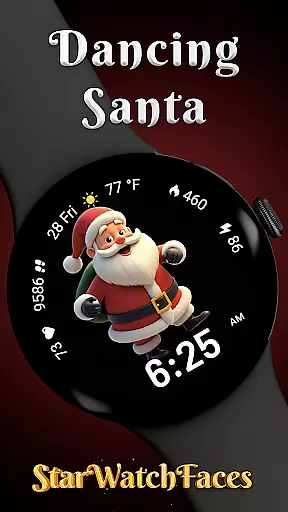
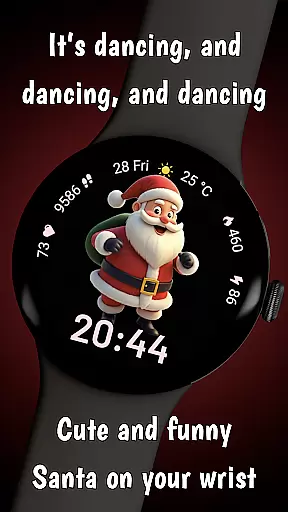
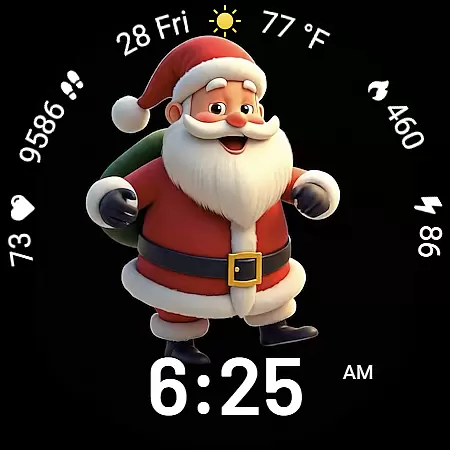
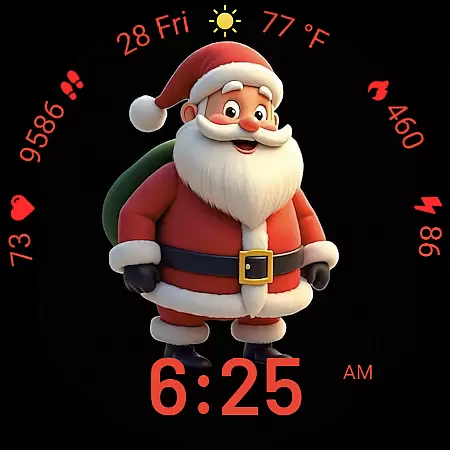
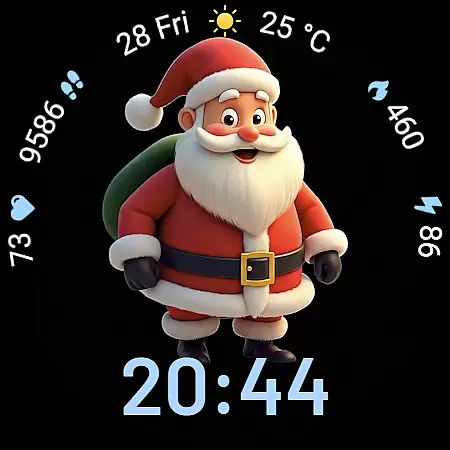
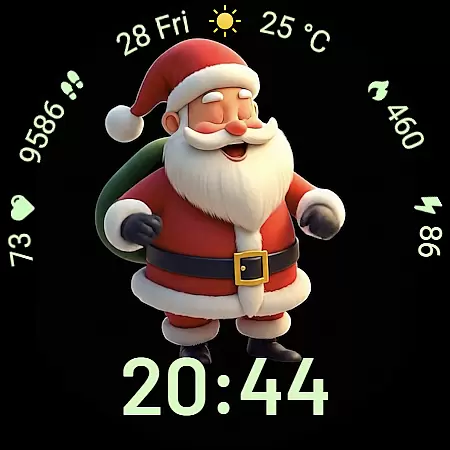
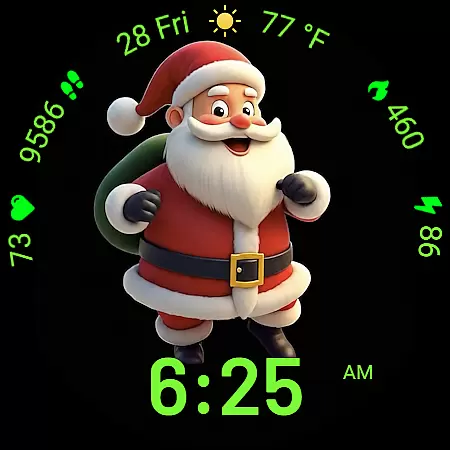
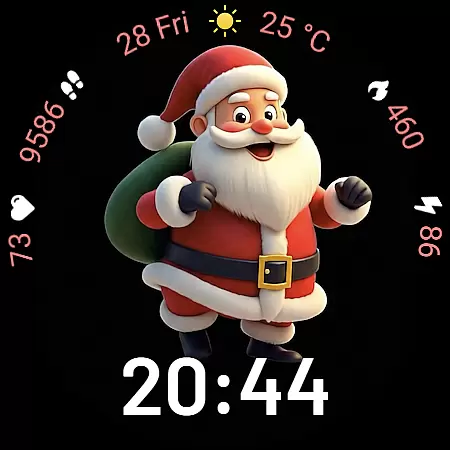
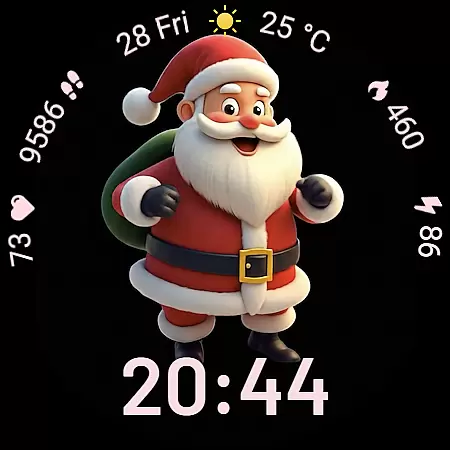
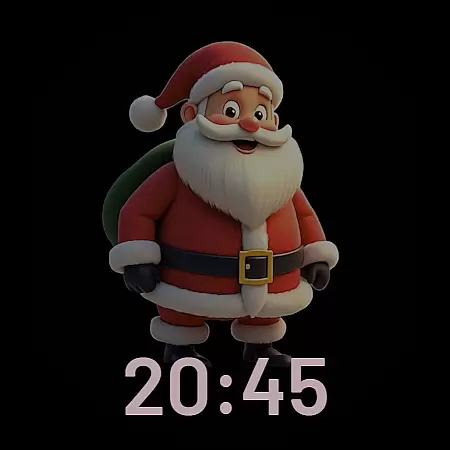
Dancing Santa is a premium Wear OS watchface designed to bring holiday magic and festive spirit to your wrist. Featuring a fully animated dancing Santa, this app combines fun with functionality, offering users an engaging experience. The lively animation is optimized for battery efficiency, ensuring smooth performance without compromising device usability.
Beyond its charming centerpiece, Dancing Santa provides practical utility with features like digital clock display, health tracking metrics, and customizable color themes. Users can personalize their watchface with various font styles, color palettes, and shortcut options, making it both functional and expressive. Whether you're a Christmas enthusiast or simply looking for a unique smartwatch design, this app delivers a delightful blend of holiday cheer and everyday usability.
Dancing Santa stands out with its feature rich design tailored for Wear OS devices. The animated Santa character serves as the visual highlight, bringing playful energy to your wrist while maintaining optimized performance. This thoughtful combination of entertainment and efficiency ensures users enjoy a delightful yet practical watchface experience.
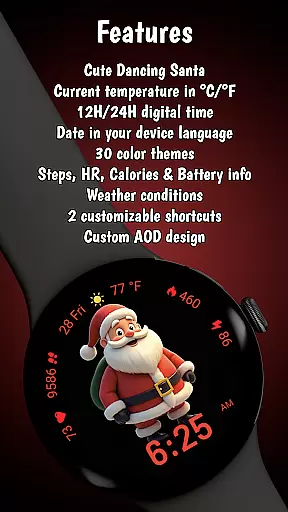
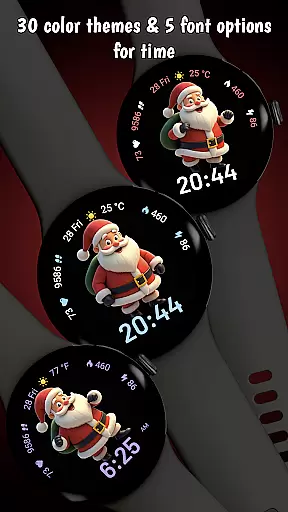
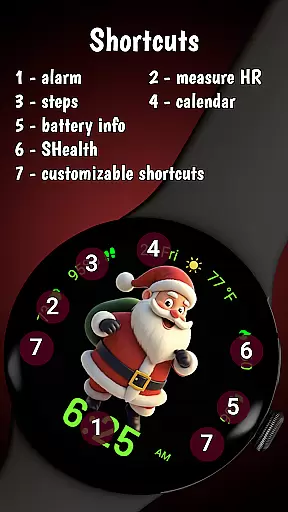
The app offers extensive customization options including 12/24 hour digital clock formats, five distinct font choices, and thirty vibrant color themes. These personalization features allow users to create their perfect holiday look. Additionally, essential health tracking metrics such as step count, calorie burn, and heart rate are seamlessly integrated around the animated display, providing quick access to vital information without cluttering the festive design.
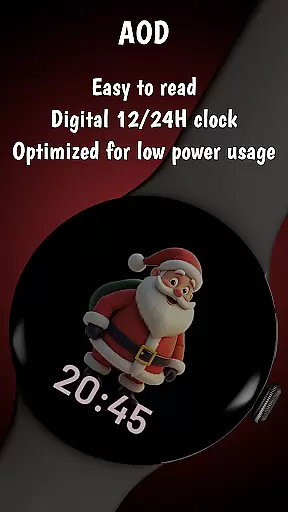
Advanced functionality includes localized date display, Always On Display mode, and customizable shortcuts for quick app launching. The watchface is engineered for optimal performance with careful attention to battery management, ensuring smooth graphics and extended device usage. These professional grade features make Dancing Santa more than just a seasonal novelty - it's a comprehensive smartwatch solution that maintains its charm throughout the year.
Dancing Santa offers a unique take on lifestyle applications by focusing on festive and customizable watch faces for Wear OS devices. This app caters specifically to users looking to infuse their daily tech experience with holiday spirit and personal flair.
The watch face features an animated dancing Santa, digital clock options, and health tracking displays. With 30 vibrant color themes and multiple font choices, it ensures that users can tailor their watch face to match their mood or style preferences. These customization options provide a broad appeal across different user demographics.
Functionality extends beyond aesthetics, integrating practical features like health tracking and localized date settings. This blend of fun and utility ensures that the app is not just a seasonal novelty but a year-round enhancement to the smartwatch experience.
By covering various aspects of personalization and practicality, Dancing Santa demonstrates comprehensive lifestyle category coverage. It successfully combines entertainment, personal expression, and everyday functionality in a single, well-designed package.
The Dancing Santa watch face stands out through its commitment to content authenticity and expert design. Each feature has been carefully crafted to ensure a high-quality user experience that reflects professional expertise in both animation and smartwatch functionality.
Developed specifically for Samsung Galaxy Watches using Wear OS 5 or newer, the application showcases technical proficiency. The ultra-optimized performance and battery efficiency demonstrate the developers' deep understanding of wearable technology constraints and possibilities.
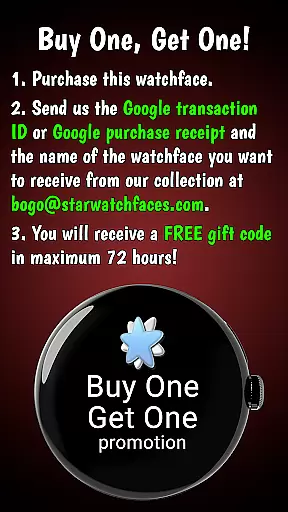
User trust is further established through transparent promotional offers and clear customization instructions. The BOGO promotion and detailed setup guidance reflect a business approach that values customer satisfaction and product accessibility.
This combination of expertly designed features, optimized performance, and trustworthy marketing practices reinforces the app's credibility. Users can be confident they are getting a legitimate, high-quality product created by professionals who understand both their technical and emotional needs.
High quality animation
Extensive customization
Battery optimized
Health tracking integration
Holiday themed design
Limited device compatibility
Some features restricted
Premium price point
Seasonal appeal only
Complex setup required

Digital watch face design. Modern looking, hi-res & battery friendly.
 4.00
4.00
Big bold weather watch face with dynamic backgrounds and 3 complications
4.3
Big bold hybrid watch face with 30 colors, 5 fonts & 5 complications.
4.3
A uniquely designed isometric digital watch face made for Wear OS
4.4
Creativity and savings for kids, beginners and experts in arts and crafts
3.50
An Eerie Musical Trigger Toy for Spirits to Play with!
3.50
A unique and customizable watch face which rotates its layout every minute.
4.80
Subwoofer school’s in session! You’ve now enrolled into KICKER U.
3.80
No more juggling multiple apps, now you can control everything in one place!
4.60
Get roadside help, discounts, travel tools & more — AAA is with you everywhere.
4.80
The Work of Byron Katie— the mobile app for inner peace.
4.40
Zodiac & Horoscope Launcher: Daily Sign Predictions & Astrology
4.40
Fly your Solo like a boss.
4.10
Use your device sensors to detect energy and convert it into spoken words.
4.10
Spirit Communicator is a real paranormal ghost hunting app with many fun modes.
3.90
A watch face with transparency and fluid visuals inspired by liquid glass design
4.0
Cute animated Thanksgiving watchface for your WearOS smartwatch
4.0
Bring the warm colors of fall directly to your wrist with Autumn Leaves!
4.5
Futuristic watchface inspired by Back to the Future: sleek, retro, timeless
4.4


User Reviews