
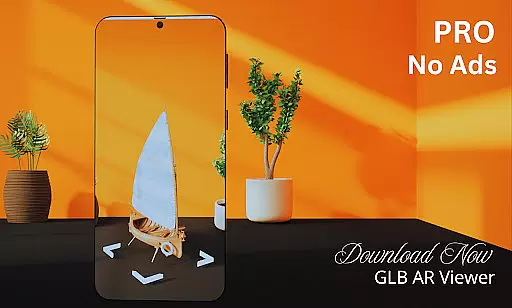
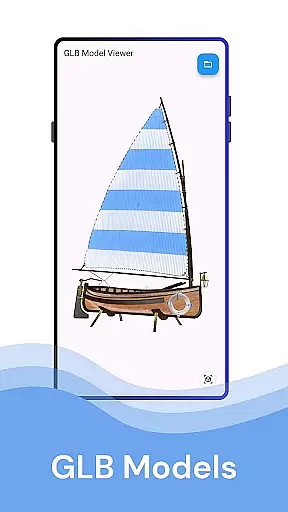
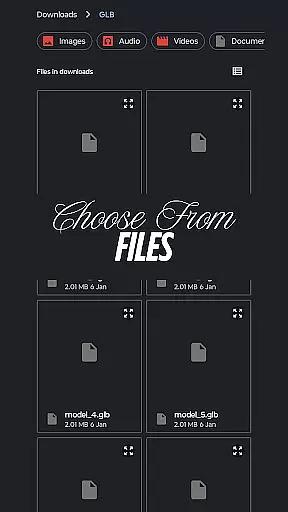
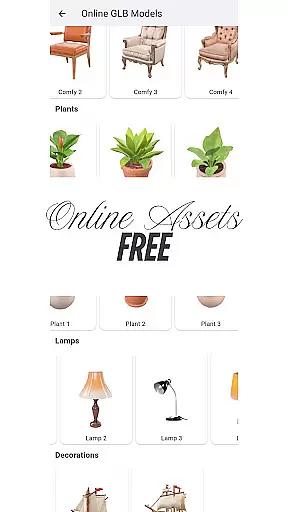
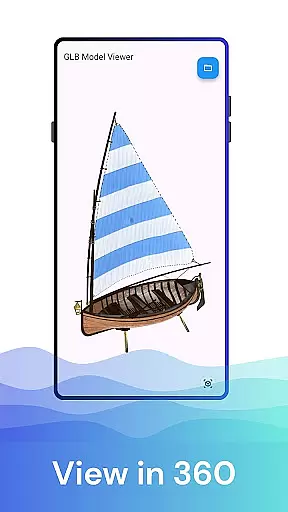
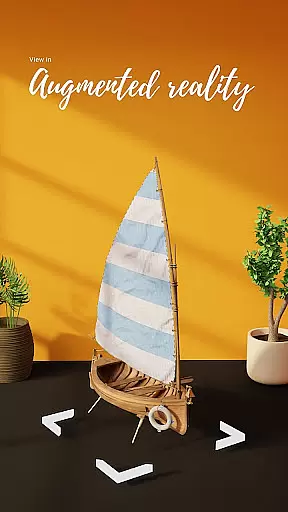

GLB AR Viewer 3D PRO is a powerful tool designed for users who need to visualize and interact with 3D models in both standard and augmented reality modes. This app allows you to open .glb files directly from your device, offering an immersive experience that brings 3D creations into the real world.
The application supports interactive controls such as rotation, zooming, and panning through simple touch gestures, making it easy for designers, developers, educators, and hobbyists to explore every angle of their models. Its clean, user-friendly interface ensures a smooth and intuitive experience without any unnecessary complexities.
Whether you're a professional 3D artist showcasing your work, a developer testing game assets, or simply someone interested in 3D modeling, GLB AR Viewer 3D PRO provides a fast, lightweight solution for viewing GLB files anytime, anywhere.
One of the standout features of GLB AR Viewer 3D PRO is its ability to seamlessly integrate Augmented Reality (AR) technology using ARCore. This functionality enables users to place 3D models within their actual environment, providing a realistic sense of scale and design context that traditional viewers cannot offer.
In addition to AR capabilities, the app includes interactive controls that allow users to manipulate 3D models effortlessly. You can rotate, zoom, and pan models with intuitive touch gestures, ensuring precise examination and presentation of your designs. The app's minimalistic UI enhances usability by focusing on essential functions without overwhelming the user.
Furthermore, GLB AR Viewer 3D PRO is optimized for performance, maintaining a fast and responsive experience even with complex models. Its lightweight nature means quick load times and efficient resource usage, making it ideal for professionals and enthusiasts alike who require reliable access to their 3D content on the go.
When it comes to viewing 3D models in augmented reality, ensuring the authenticity of the model listings is crucial. GLB AR Viewer 3D PRO provides a reliable platform for users to load and preview .glb files directly from their device storage. This means that the 3D models you view are exactly as intended by the creator without any alterations or misrepresentations.
The app leverages ARCore technology to project these models into your real-world environment, offering an immersive experience that accurately reflects the designer's vision. Whether you're a 3D artist showcasing your work, a developer testing models, or an educator using models for teaching purposes, you can trust that the integrity of the original file is maintained.
Furthermore, the interactive controls allow users to rotate, zoom, and pan around the model with touch gestures, giving them full autonomy to explore every angle and detail. This level of interaction not only enhances user engagement but also ensures that all aspects of the property listing u2013 in this case, the 3D model u2013 can be inspected thoroughly, thus verifying its authenticity.
GLB AR Viewer 3D PRO goes beyond just displaying 3D models; it offers comprehensive home management features tailored for efficiency and ease of use. The applicationu2019s clean and minimal user interface is designed to provide a smooth experience while managing your 3D assets. With fast loading times and intuitive navigation, organizing and accessing your library of .glb files becomes effortless.
In addition to viewing capabilities, the app supports various interactions with the 3D content through intuitive touch controls. Users can manipulate the models easily, which is particularly useful when assessing spatial dimensions and design elements within a home setting. These interactive features ensure that whether youu2019re planning interior layouts or visualizing architectural changes, you have all necessary tools at your fingertips.
Moreover, being lightweight and free from unnecessary bloatware, GLB AR Viewer 3D PRO focuses on delivering essential functionalities quickly and efficiently. This makes it perfect not only for professionals like architects and designers but also for anyone interested in exploring 3D designs in augmented reality, thereby enhancing both professional workflows and personal projects alike.
Easy-to-use interface
Fast loading times
Augmented Reality support
Interactive model controls
Ideal for professionals
Limited file format support
No advanced editing tools
AR requires compatible devices
Occasional performance lags
Basic feature set

For all of your Airthings devices
 4.30
4.30
Make Renting Easy
4.40
The official app for Home Assistant. Control your home anywhere in the world.
4.30
Calculate baluster spacing with ease and precision.
4.0
Convert your Phone to HiSense Smart TV Remote Control
4.70
Innovative and budget-friendly housing options
4.60
Book your local plumber 24/7, track your service order & get exclusive coupons
4.00
View houses and apartments for rent, updated daily.
4.80
Connect with reliable pros for maintenance services, plumbing, and home design!
4.80
Find your next home, house, apartment, condo, casa, flat, rental, studio, or bed
4.70
The only mappable smart lights for custom decoration.
4.50
Wobble Fix Tool
4.40
Security App with HD Video, 2-way Audio, and event detection for Home monitoring
4.40
WiZ smart light system
4.40
Fully control your Philips TV with this all-in-one remote control app.
4.20
Smart AI plant care schedules, Real plant experts, support & Thriving community!
4.20
Floor Plan Creator Home Design with 2D interior design and 3d view.
3.90
Find the perfect paint color with advanced tools to explore and visualize color.
3.80
This Fire TV Remote control's your Fire TV Device and Insignia Fire TV Remote
3.70


User Reviews