
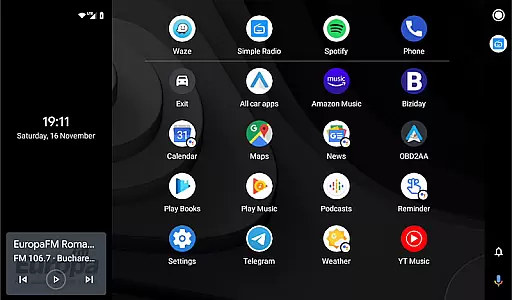
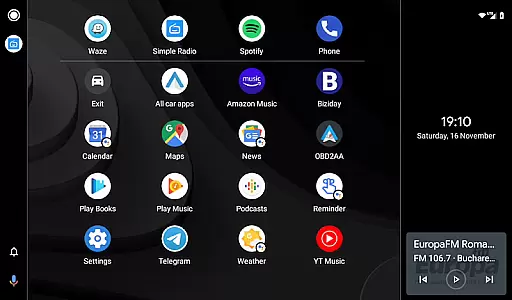
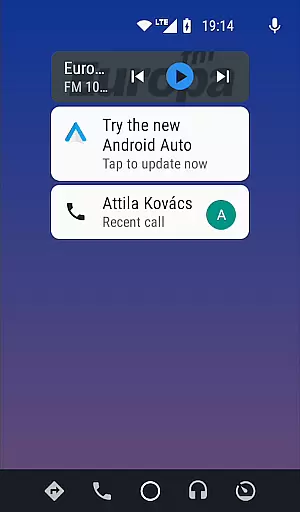
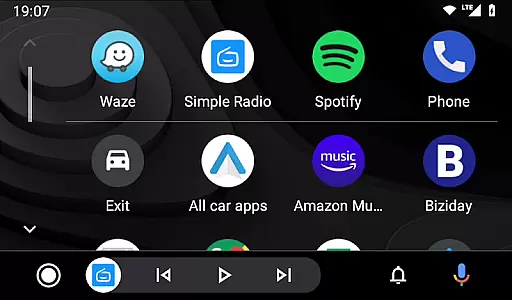

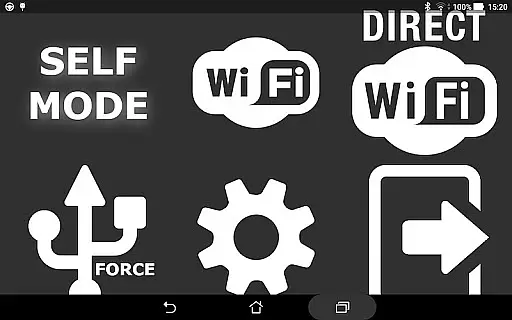
Headunit Reloaded Emulator HUR is a specialized application designed to emulate Android Auto on compatible head units. This app allows users to connect their mobile devices to car infotainment systems, providing an enhanced driving experience through advanced navigation and media controls.
The application supports multiple connection methods including USB, WiFi, and Self-mode for direct device usage. With compatibility across various Android-powered head units like Joying, Xtrons, and PX models, it delivers a versatile solution for integrating smartphone functionality into your vehicle's dashboard system.
Whether you need turn-by-turn directions or hands-free control over your music playlists, Headunit Reloaded Emulator HUR ensures safe and convenient access to essential apps while driving. Its customizable settings and broad hardware support make it an invaluable tool for modern motorists seeking seamless connectivity between their smartphones and cars.
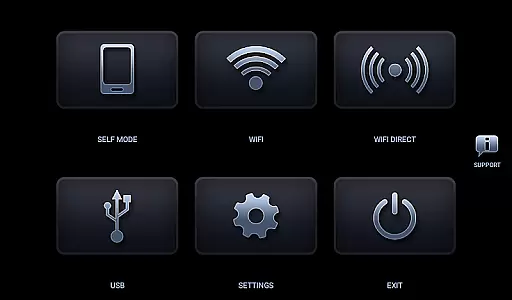
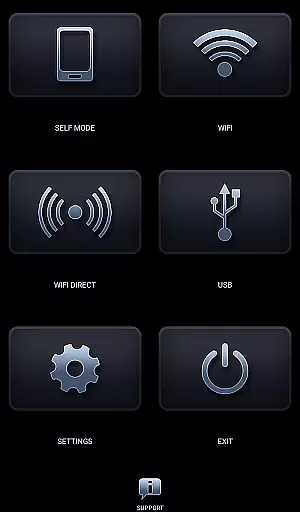
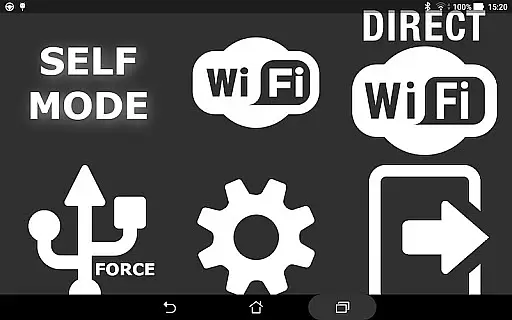
Headunit Reloaded Emulator HUR offers a comprehensive set of features tailored for drivers who demand reliable connectivity with their vehicles' infotainment systems. The app supports three primary modes of operation: USB Mode, WiFi Mode, and Self Mode, each catering to different user preferences and equipment setups.
In USB Mode, users can connect their devices via USB cable (or OTG cable for tablets) and configure the app as the default handler for Android Auto actions. For wireless convenience, WiFi Mode enables users to link their phones to compatible car units using hotspots, allowing automatic startup through Bluetooth triggers from the WiFi Launcher companion app.
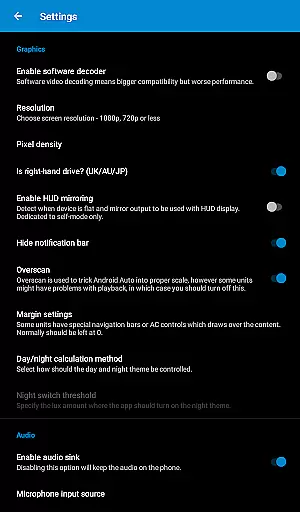
Self Mode caters to scenarios where both Android Auto and HUR run on the same device, ideal for testing purposes or standalone setups without additional hardware. Additionally, the app provides troubleshooting tips such as enabling software decoding for black screen issues and adjusting video playback settings on specific head units, ensuring optimal performance across diverse configurations.
Map accuracy is a crucial feature for any navigation app, and Headunit Reloaded Emulator HUR excels in this area. The application provides precise mapping data that is essential for users who rely on accurate location tracking while driving.
The app supports a wide range of Android-powered head units including Joying, Eonon, Grom Vline, Xtrons, PX5 and PX3 units, ensuring comprehensive compatibility and coverage. This extensive support means that no matter what type of vehicle you have, HUR can deliver reliable map information tailored to your specific hardware.
Users benefit from regularly updated map data which ensures they always have access to the latest road changes and points of interest. With real-time updates and detailed maps, drivers can make informed decisions about their routes, avoid traffic congestion, and reach their destinations efficiently.
Ultimately, the precision offered by Headunit Reloaded Emulator HUR enhances user confidence when navigating unfamiliar roads or challenging terrains. By providing dependable mapping services, it becomes an indispensable tool for both daily commutes and long-distance travels.
Route planning is another standout feature of Headunit Reloaded Emulator HUR, designed to optimize travel experiences through intelligent navigation solutions. This functionality allows users to select from multiple route options based on current traffic conditions, estimated travel times, and personal preferences.
The app integrates seamlessly with various devices via USB mode, Wi-Fi, or Self-mode, offering flexibility in how drivers connect their smartphones to their vehicles' infotainment systems. Whether using an OTG cable for tablets or connecting over Wi-Fi hotspots, HUR ensures smooth connectivity without compromising performance.
One significant advantage of HURu2019s route planning capabilities is its ability to adapt dynamically to changing circumstances such as unexpected road closures or sudden weather shifts. Drivers receive instant notifications prompting them to adjust their paths accordingly, thus maintaining optimal efficiency throughout their journeys.
In summary, Headunit Reloaded Emulator HUR not only simplifies but also enriches the driving experience by delivering sophisticated yet user-friendly route planning tools. These features empower motorists to navigate confidently knowing they possess the most efficient directions available at all times.
User-friendly interface
Multiple connection options
Broad device compatibility
Customizable settings
Comprehensive FAQ support
Requires compatible hardware
Occasional connectivity issues
Limited iOS support
Potential setup complexity
Dependent on third-party apps

Compass is an accurate compass and a great tool for any outdoor activities
 4.0
4.0
The fastest and most convenient way to pay for parking on our lots.
4.40
Discover over 800 points of interest along the canal.
3.70
Complete offline 1:50k South Island topo map including DOC Hunting Permit Areas
4.60
Number locator, real connection map
4.10
LIRR and Metro-North tickets and trips
4.80
Explore Live Earth Map with 3D World Map & locate cites, mountains real time.
3.80
MapQuest is your go-to app for maps, GPS, voice navigation & live traffic.
3.80
Track friends in real-time and explore worldwide live cameras.
4.60
This app is military GPS coordinate systems helper. (MGRS, UTM & DMS Maps)
4.80
Truck Safe GPS Navigation & Maps: Parking, Fuel, Diesel, Weight Station
4.80
Ride or drive at YOUR price
4.70
Park in Chicago, NYC, Boston, SF, Houston & more!
4.70
Find trails, organize your locations and navigate with offline maps.
4.60
Route tracker, Speedometer, Odometer, Fuel, HUD mode, save route as .GPX
4.40
Explore a light pollution map to find suitable dark sky locations for observing.
4.30
Use GPS maps or search by property owner, address or parcel to view parcel data
4.30
Get directions, Maps, GPS navigation & GPS Maps using GPS App
4.10
NJ TRANSIT information and ticketing at your fingertips
3.70


User Reviews