
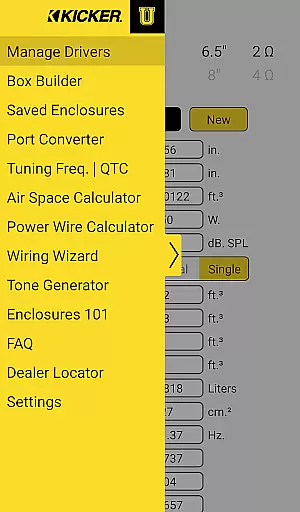
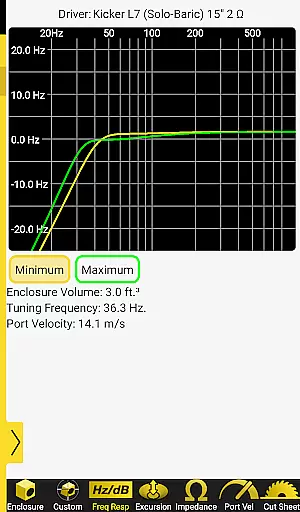
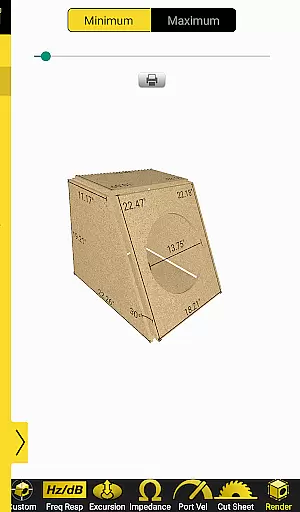
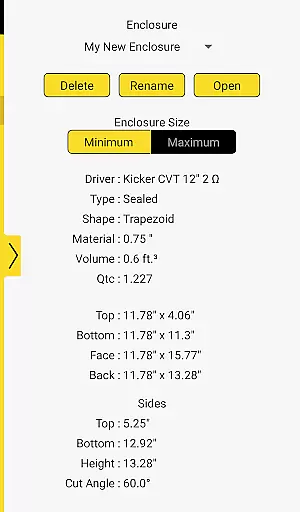
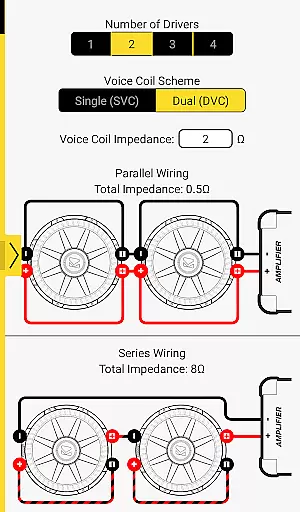
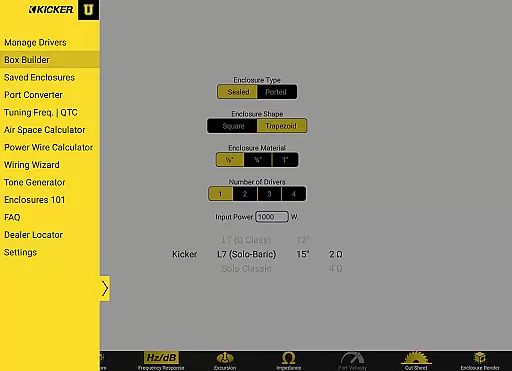
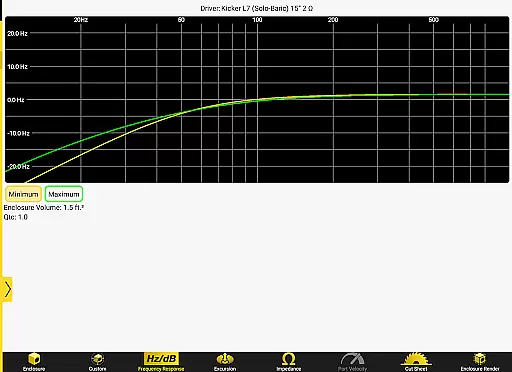


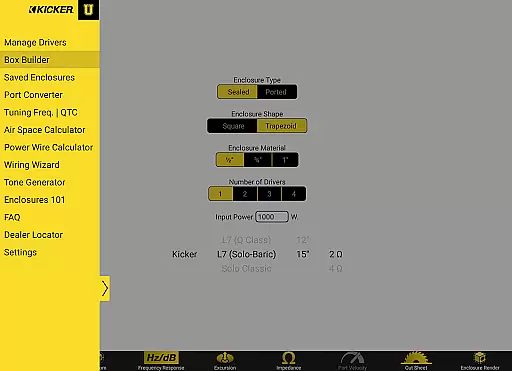
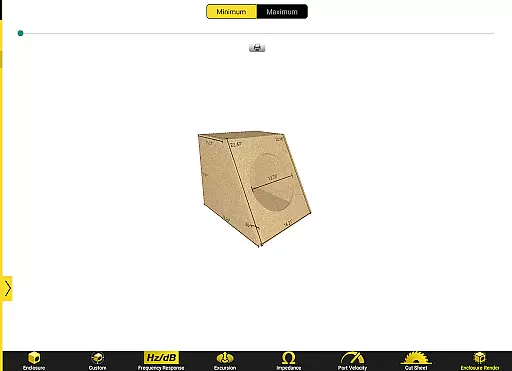
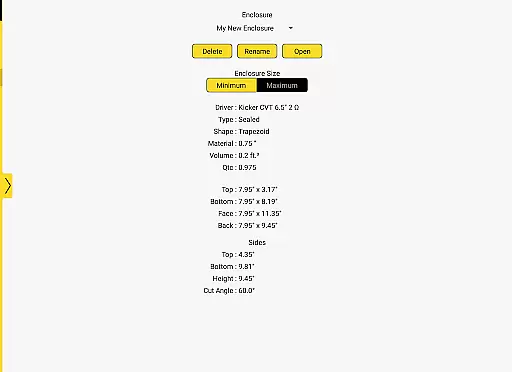
Kicker U is an educational app designed for mobile-audio enthusiasts, providing a comprehensive toolbox for subwoofer enclosure design and wiring. The app serves as your personal audio installation guide, offering calculators for port dimensions and tuning frequencies.
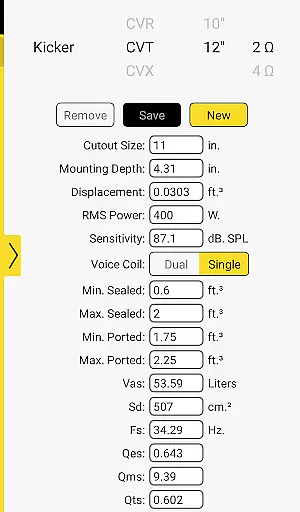
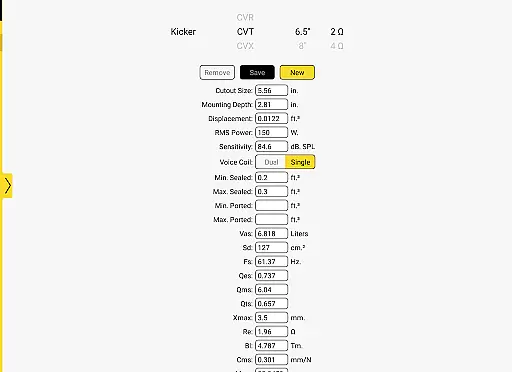
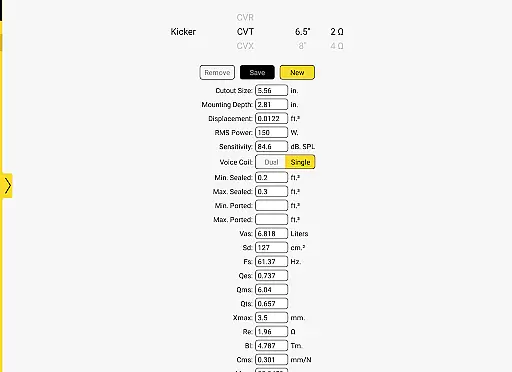
One standout feature is the ability to upload and save Thiele-Small parameters, allowing users to create custom boxes tailored to any driver they own. Whether you're a beginner or a seasoned installer, Kicker U helps optimize your audio setup with professional-grade tools right at your fingertips.
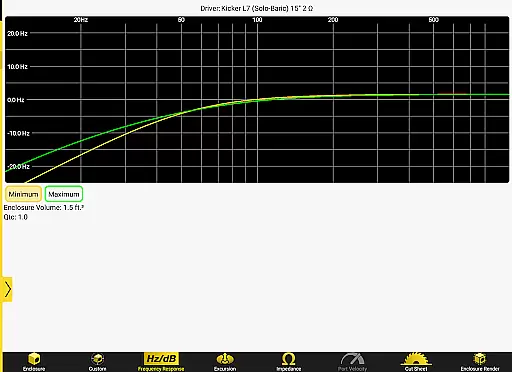
The app boasts several key features that make it indispensable for car audio customization. It includes specialized calculators for precise port dimensioning and tuning frequency adjustments, ensuring optimal subwoofer performance.
Additionally, Kicker U allows users to store Thiele-Small parameters, making it easy to reference and apply these critical specifications when designing enclosures. With network permissions for Facebook and dealer locators, the app also connects users to a broader community and resources, enhancing both learning and practical application.
Kicker U offers a comprehensive approach to the mobile-audio installation lifestyle, providing users with essential tools and knowledge. This application is not just about playing music; it's about creating an immersive audio experience tailored to individual preferences.
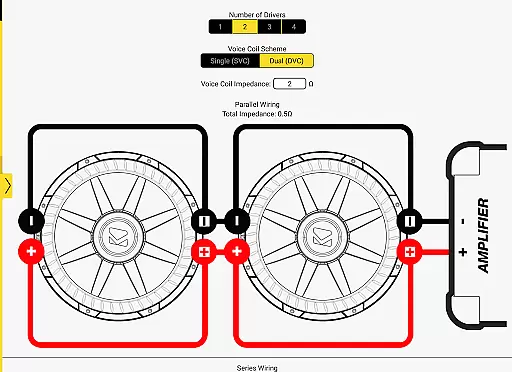
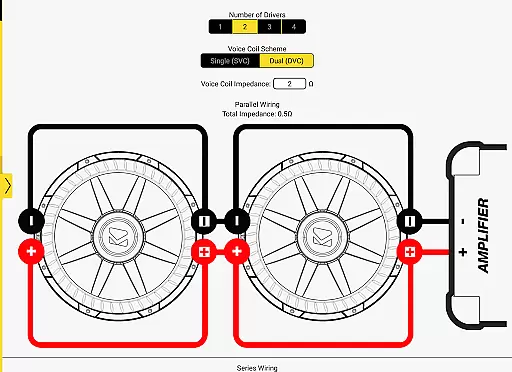
With features like enclosure design assistance, wiring guidance for subwoofers, and calculators for port dimensions and tuning frequencies, Kicker U covers various aspects of audio customization. These tools empower users to modify and enhance their audio systems, ensuring that every element from speaker boxes to subwoofers is optimized for performance.
The ability to upload and save Thiele-Small parameters adds another layer of personalization, allowing users to create enclosures for any driver they own. This level of detail ensures that whether you are an audio enthusiast or a professional installer, Kicker U provides the resources needed to excel in mobile audio customization.
In the realm of mobile audio, content authenticity and expert credibility are paramount, and Kicker U excels in these areas. The app draws on KICKER's long-standing reputation as an industry leader in car audio to deliver reliable and accurate information.
Each tool and calculator within Kicker U is designed based on proven audio engineering principles. Users can trust the data provided for designing custom enclosures and wiring subwoofers because it comes from decades of expertise in the field.
Additionally, network permissions for Facebook and dealer locators ensure that users have access to a community of experts and certified dealers. This connectivity not only enhances user experience but also guarantees that the advice and support received are from credible sources within the audio community.
User-friendly interface
Comprehensive calculators
Save custom parameters
Community integration
Professional guidance
Limited to audio field
Few visual aids
No offline mode
Basic design
Premium features

Design and brew great homebrewing beer, mead, cider and wine recipes on the go!
 3.60
3.60
Big bold weather watch face with dynamic backgrounds and 3 complications
4.2
Cute Adorable Animals now on your wrist with our Wear OS watch face!
4.40
Premium floor cleaning robots
4.50
Get your life organized with My Agenda!
4.30
Bring the warm colors of fall directly to your wrist with Autumn Leaves!
4.3
A unique and customizable watch face which rotates its layout every minute.
4.80
Your store’s deals, where you are.
4.80
Control your Tapo smart devices from anywhere.
4.60
Tap to the beat with interactive videos — warm up your reflexes & have fun
4.70
Smart & Healthy Living
4.60
Vehicle ownership simplified. Get the myChevrolet® app today.
4.60
Discover your Nationality, Family Origin, and Ancestry from one selfie
4.50
Earn money & gift cards when you take surveys, play games, scan receipts & more.
4.50
This minimalist yet classic board design brings a futuristic twist to your wrist
4.20
Unique BIG BOLD TIME with amazing colors and customisations.
3.70
LineLearner, the quick way to learn lines.
2.90
Unique Dark Analog style for Wear OS watches.
4.4
Big bold hybrid watch face with 30 colors, 5 fonts & 5 complications.
4.0


User Reviews