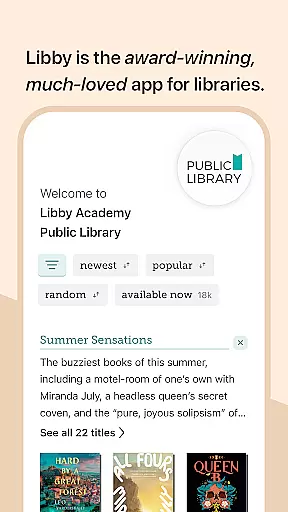
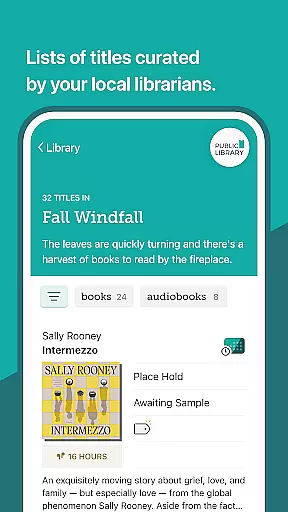
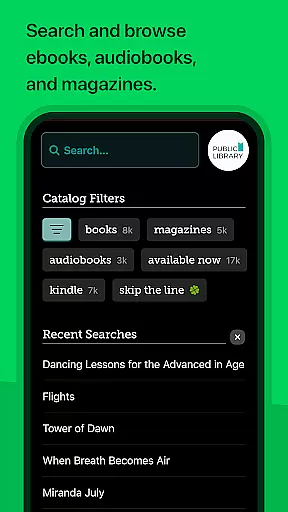
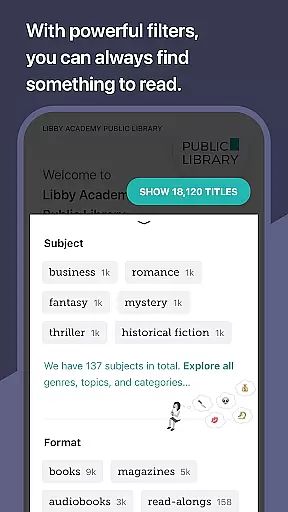
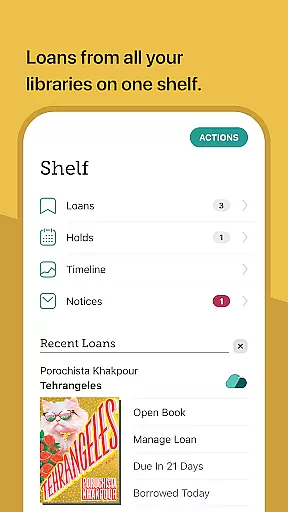
Libby is an award-winning app designed for library enthusiasts who want instant access to millions of ebooks, audiobooks, and magazines. With a simple library card, users can borrow these resources for free, making it an essential tool for avid readers. The app offers a seamless browsing experience with local libraries' digital catalogs, including classics and NYT best-sellers.
In addition to borrowing and enjoying books, Libby allows users to download titles for offline reading or stream them to save space. It supports sending ebooks to Kindle (U.S. libraries only) and listening to audiobooks via Android Auto. Users can also create personalized reading lists using tags and keep their reading position synced across all devices.
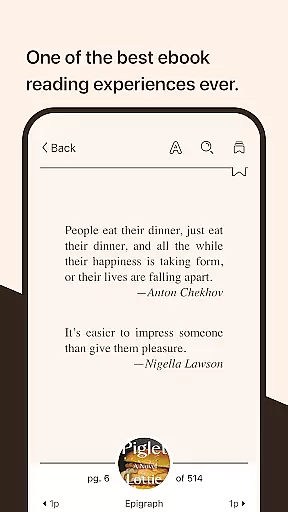
Libby stands out with its beautiful, intuitive ebook reader that lets users adjust text size, background color, and book design. It also includes features like zooming into magazines and comic books, defining and searching for words and phrases, and reading along with kids. Users can add bookmarks, notes, and highlights directly in the app.
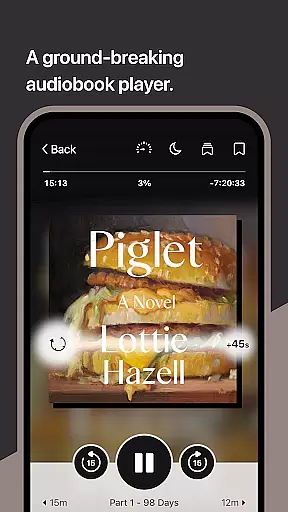
The groundbreaking audio player offers functionalities such as slowing down or speeding up audio playback (0.6 to 3.0x), setting sleep timers, and easily skipping forward and backward with a swipe. These features ensure a customizable and user-friendly experience for both reading and listening to books.
Built by OverDrive, Libby supports local libraries worldwide, providing a comprehensive platform for accessing and managing digital library resources efficiently.
Libby offers an extensive e-book library that includes a wide range of genres and titles from classics to New York Times best-sellers. This vast collection is made available through local libraries worldwide, ensuring users have access to millions of e-books and audiobooks for free.
The app guarantees the authenticity of its content by sourcing directly from libraries, which means all materials are legitimate and copyright-compliant. Users can browse their library's digital catalog with confidence, knowing that every title has been vetted and provided legally.
With Libby, readers can enjoy not only e-books but also audiobooks and magazines, making it a comprehensive resource for various reading preferences. The ability to send e-books to Kindle further enhances accessibility, especially for users in the U.S., thus broadening the scope of literary exploration.
User-friendly interface
Extensive library catalog
Offline reading options
Cross-device syncing
Customizable reading settings
Limited to library availability
Kindle support restricted to U.S.
Requires internet for initial setup
Some features may vary by region
Dependent on library partnerships

Contains the 365 daily readings and everything other thing needed for catholics
 4.70
4.70
The ultimate military vehicle identification (Equipment ID) guide.
4.40
University of North Carolina Herbarium presents the flora of TN, AL, & MS.
4.4
Translate into 100+ languages with the world’s most accurate AI translator.
4.70
Prime novels await! Fantasy & Romance on JoyRead. Immersive reads!
4.20
All in one Calibre libraries on your phones and tablets.
3.80
Holy Bible, a KJIV Bible study, audios & daily verses, talk with God now.
4.80
Read books PDF, EPUB, WORD, KINDLE, MOBI! Your ebook reader among reading apps.
4.80
Read the Quran in Arabic alongside its translation, with color coded Tajweed.
4.50
Daily thoughts, meditations, and prayers for living a sober life in recovery.
4.90
“I am the Lorax. I speak for the trees.”
4.80
The Bible Audio Guide
4.80
Plan of Life that Saint Josemaría recommended
4.80
Daily Prayer, personalized Bible Study, AI-guided Insights, and Spiritual Growth
4.80
"Do you like green eggs and ham?"
4.70
Daily Devotional Widgets & Hourly Verses. Listen to Bible & Watch Holy Stories
4.70
"Five Dr. Seuss titles in one omBook!"
4.60
Read Trending Romance Stories
4.00
Sea tide predictions for all coastal U.S. locations.
4.2


User Reviews