

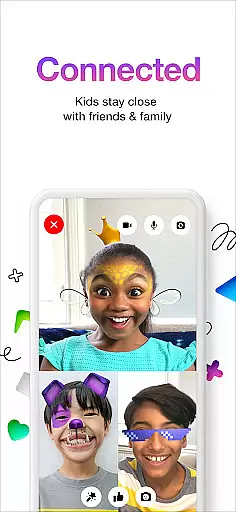
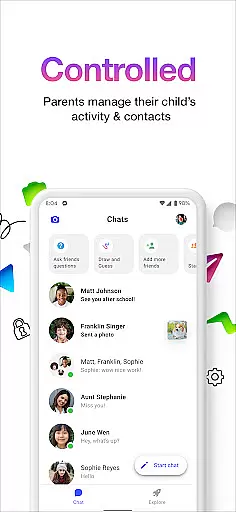
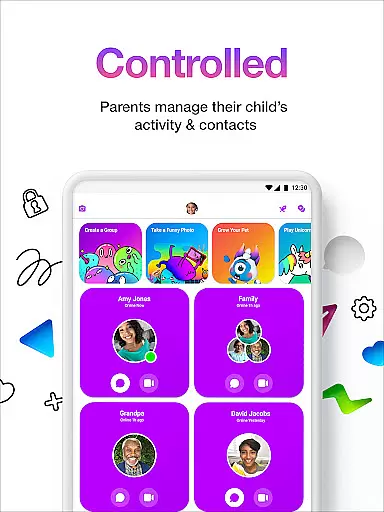

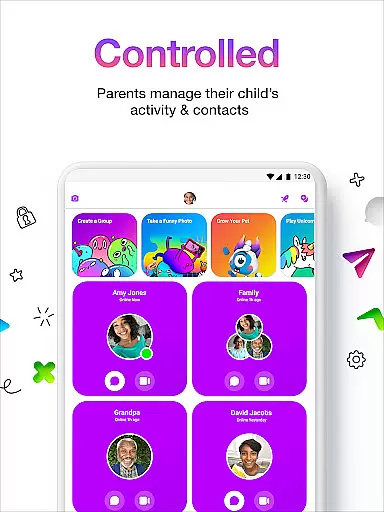
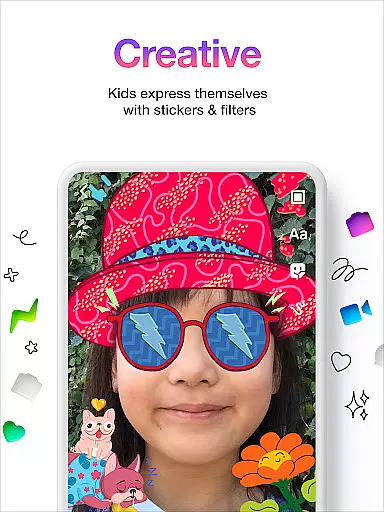
Messenger Kids is a communication app designed specifically for children, offering a safe and controlled environment for messaging and video calls. The app allows parents to manage their child's contact list through a comprehensive Parent Dashboard, ensuring that all interactions are monitored and secure.
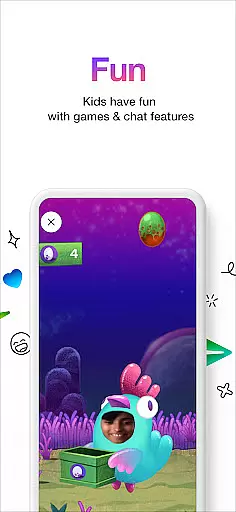
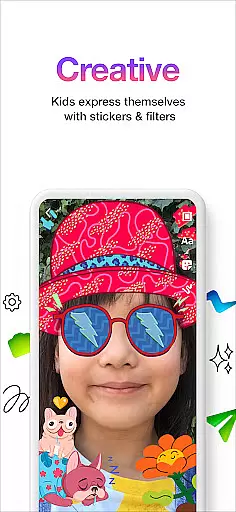
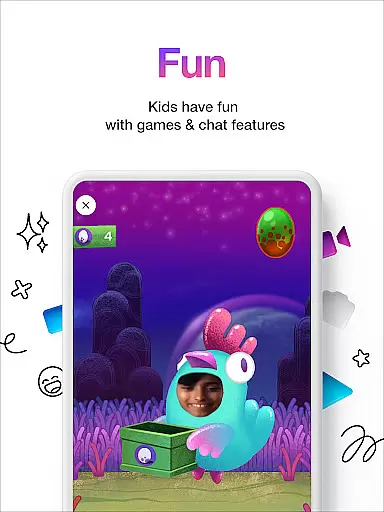
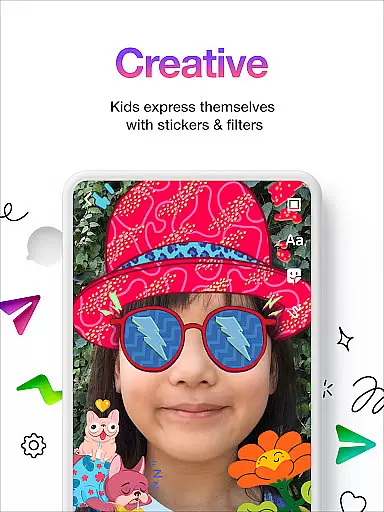
With fun filters, reactions, and sound effects, the app makes video chats more engaging and enjoyable for kids. Parents can also set usage limits to regulate screen time, making bedtime transitions smoother. Additionally, Messenger Kids provides a creative platform for self-expression with stickers, GIFs, emojis, and drawing tools, enhancing conversational experiences without any in-app purchases or advertisements.
This app is ideal for families looking to introduce digital communication to their children in a secure and entertaining manner, fostering connections with friends and family while maintaining parental oversight.
Messenger Kids stands out with its robust Parent Dashboard, allowing parents to oversee and control their child's contact list and monitor messages. This feature ensures a secure communication environment, notifying parents when their child blocks a contact.
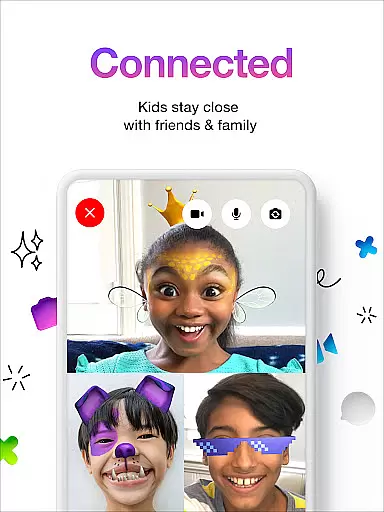
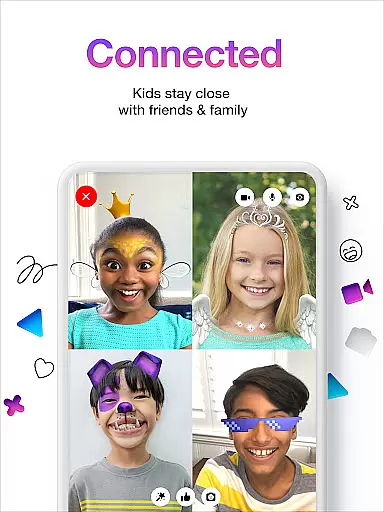
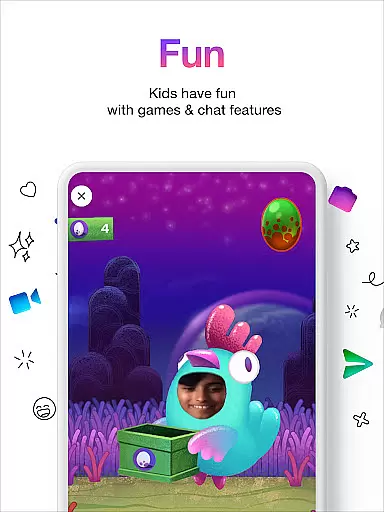
The app incorporates kid-friendly filters, reactions, and sound effects to make video chats lively and fun. These interactive elements enhance the user experience, making digital communication more engaging for young users.
Parents can set usage limits to manage their child's screen time effectively, ensuring a healthy balance between digital and offline activities. With no in-app purchases or ads, Messenger Kids offers a worry-free platform where children can express themselves creatively using stickers, GIFs, emojis, and drawing tools, enriching their communication experience.
Real-time messaging speed and reliability are crucial for any communication app, especially one designed for kids. Messenger Kids ensures that messages are delivered instantly, allowing children to communicate with their friends and family without delays.
The app employs advanced server infrastructure and optimized data transmission protocols to maintain high-speed message delivery. This means that whether kids are sending texts, stickers, or emojis, they can expect their messages to appear in conversations almost instantaneously.
Parents can rest assured that the reliability of message delivery is consistently maintained. The app's robust architecture minimizes the chances of messages failing to send, ensuring a seamless communication experience for its young users.
This focus on real-time interaction not only enhances user engagement but also provides a safer environment where kids can enjoy uninterrupted conversations under parental supervision.
Media sharing support is an essential feature in modern communication apps, enabling users to share photos, videos, and other files effortlessly. Messenger Kids allows children to exchange media files with their contacts in a secure and controlled manner.
The app includes features that ensure all shared media is appropriate for kids. Parents have the ability to monitor and manage the content their children share and receive, maintaining a safe digital environment.
With an intuitive interface, kids can easily select and send media files. The app supports various file formats, making it versatile for different types of media sharing needs while keeping the process simple and straightforward for its young audience.
By providing reliable media sharing capabilities, Messenger Kids enriches the communication experience, allowing children to express themselves creatively and connect with loved ones through multimedia interactions.
Parental control features
Kid friendly design
No in app purchases
Fun interactive elements
Secure communication
Limited to parental oversight
Requires parent involvement
No phone number needed
Restricted feature set
Age specific audience

We’re taking the yada yada out of wireless—now we’ve taken it out of your app.
 4.70
4.70
Use this Dialer app alone or as a TREK: Total Interface companion.
4.70
Connect and browse the internet with a fast VPN proxy server and IP blocker.
4.50
Messenger, an MMS & SMS messages app with Blockers, Driving mode & Private box
4.60
TeamSpeak - Secure Chat for Gaming & Business
3.10
A softphone app with seamless SIP calling and an intuitive VoIP dialer
3.50
FolderSync enables easy sync of files between cloud storage and Android devices.
4.60
Threema is the messenger with the most consistent focus on security and privacy.
4.00
Stay in touch with the people who matter most.
4.60
A browser that does more than load page, like keeping your privacy safe.
4.70
Identify unknown numbers, block spam calls, customize calls with cool themes.
4.60
Welcome to the future of phone service.
4.60
Simple tool for businesses to talk to their customers.
4.40
BE PRIVATE
Anonymous. No Trace. Fast.
4.20
Federated instant messaging for your mobile device (Jabber, XMPP, Snikket)
4.10 3.90
3.90
Tether to Windows, OS X, Linux PCs or Android tablets. No root. No tether fees.
3.90
Message and video call your family and friends in HD!
3.80
Watchgram for Telegram: Experience seamless Telegram messaging on your watch
1.80


User Reviews