
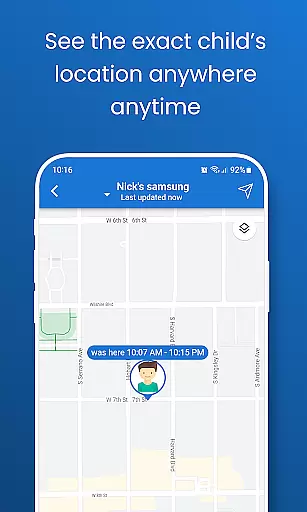
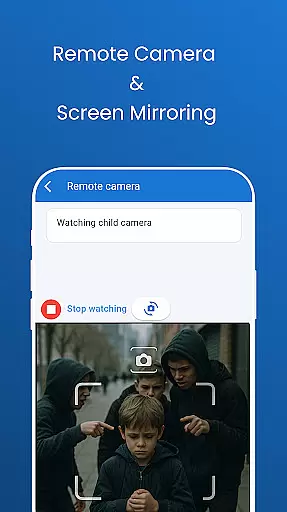
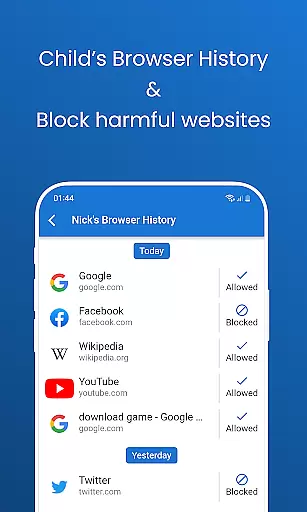
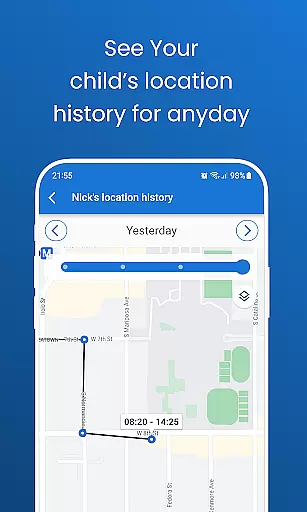
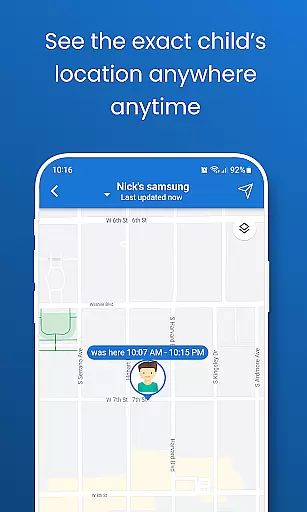
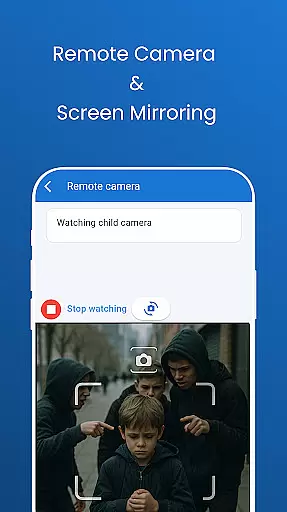
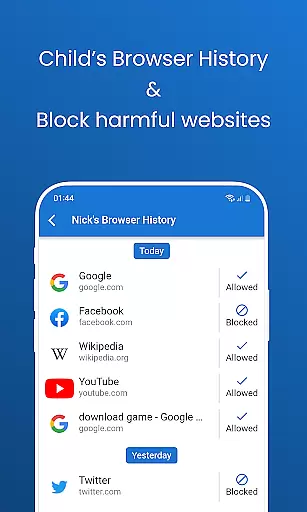
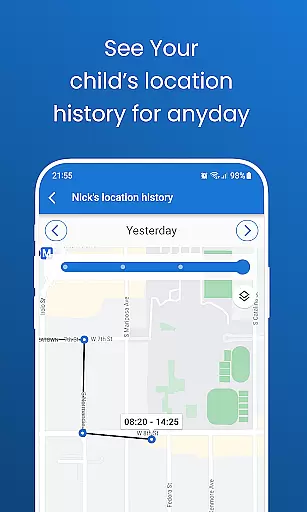
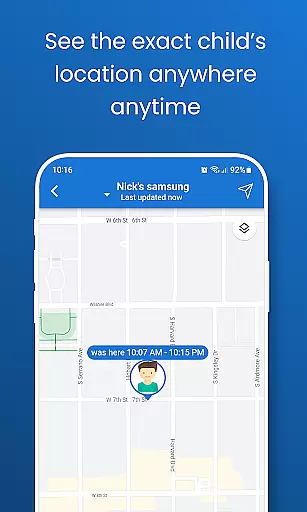
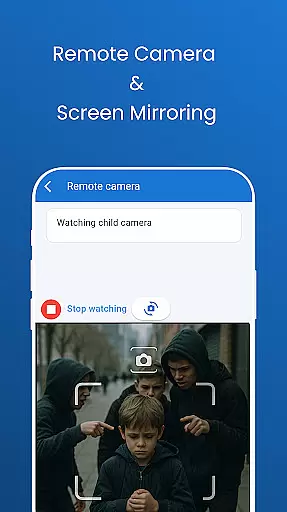
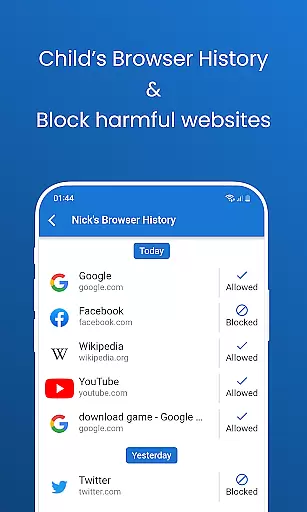
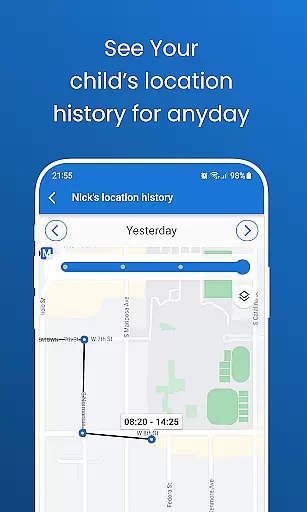
Pinardin: Parental Control is a comprehensive safety and monitoring solution designed for parents who want to ensure their children's well-being in the digital world. The app offers powerful features such as real-time location tracking, app usage monitoring, and sensitive content detection. Parents can track their child's location with high-precision GPS, review past routes, and set up geo-fencing alerts. Pinardin also allows parents to monitor digital habits by viewing live phone screens, checking browser history, and receiving real-time app notifications.
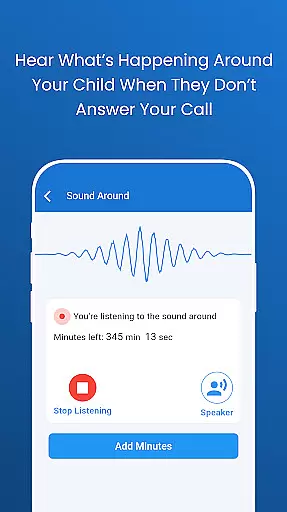
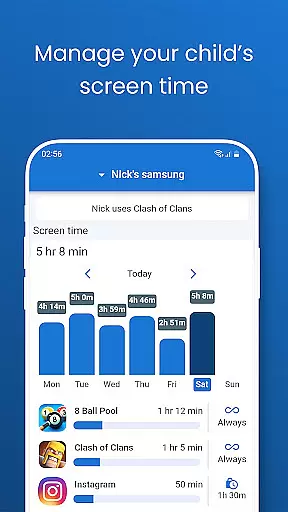
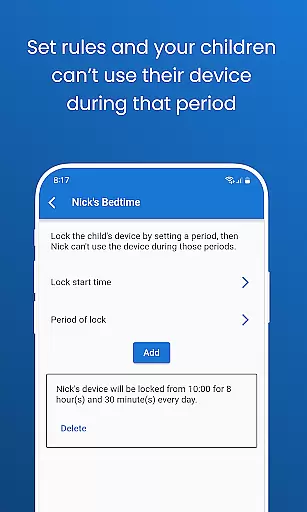
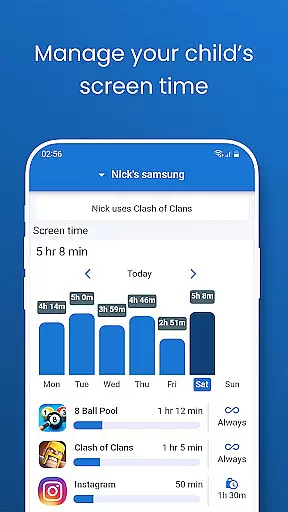
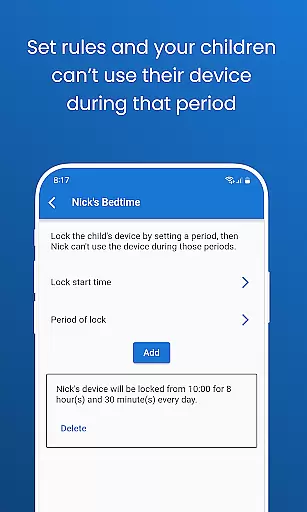
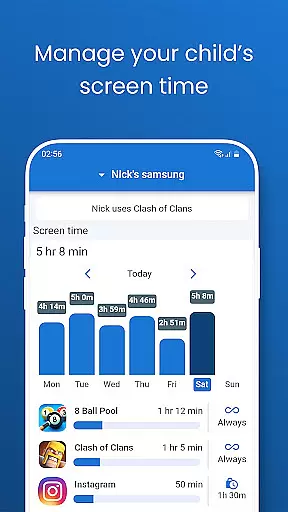
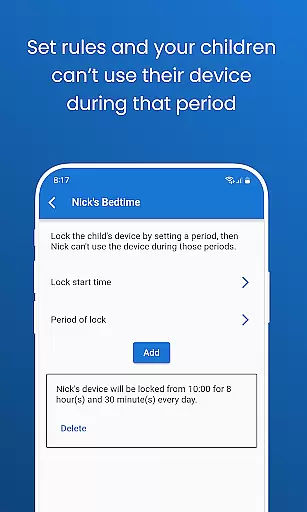
Beyond basic monitoring, Pinardin fosters healthy digital habits through screen time management and bedtime mode. These features help reduce distractions during school hours and ensure restful sleep by locking devices at night. With Pinardin, parents can remotely access their child's environment via the camera and one-way audio, providing peace of mind in emergencies. The app emphasizes privacy and security, requiring the child's consent for installation and adhering strictly to GDPR policies. Pinardin is more than just a monitoring tool; it's a partner in promoting responsible digital behavior within families.
Pinardin stands out with its robust feature set tailored specifically for parental control. One of its key innovations is Live Monitoring, which includes remote camera access and one-way audio functionality. This allows parents to see and hear what's happening around their child in real-time, providing immediate awareness of any emergencies. The app also offers automated screenshots of the child's phone screen, enabling parents to monitor app usage patterns and identify potentially unsafe applications.
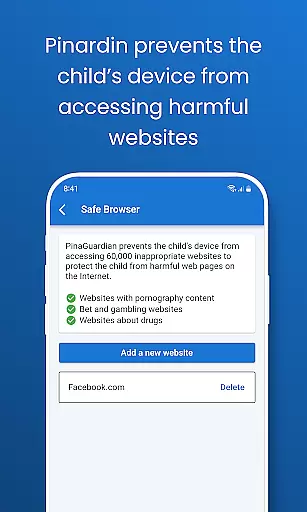
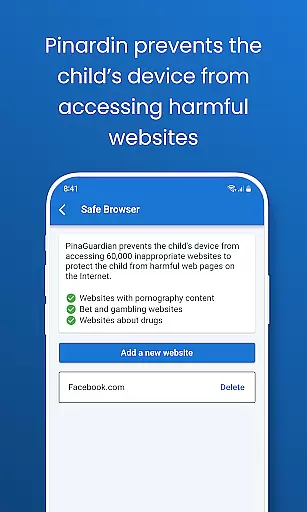
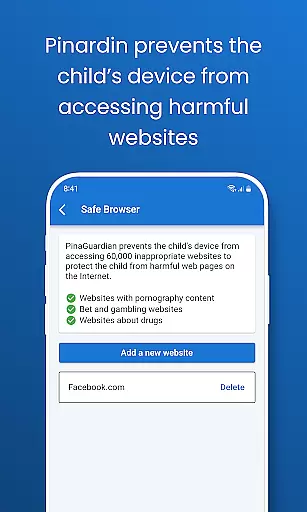
Another significant feature is the comprehensive location tracking system. Using high-precision GPS technology, Pinardin provides real-time location updates and historical route tracking. The customizable geo-fencing feature sends instant alerts when the child enters or leaves designated areas. Additionally, the app includes social media monitoring across major platforms like TikTok, YouTube, and Instagram, helping parents detect sensitive content and protect their children from online threats. The website blocker and app notification sync further enhance digital safety by filtering inappropriate content and monitoring communication patterns. These features collectively create a secure digital environment while promoting healthy device usage habits.
Pinardin offers a comprehensive suite of parental control features that are designed and validated by child safety experts. The app's functionalities, including Live Monitoring, App Block, and Sensitive Content Detection, have been crafted to ensure maximum protection while promoting healthy digital habits.
The credibility of Pinardin's content is backed by its adherence to privacy laws and GDPR policies. This ensures that all monitoring activities are transparent and consent-driven, fostering trust between parents and children. By providing tools like remote camera access, one-way audio, and social media monitoring, the app empowers parents with reliable information about their child's digital environment.
Parents benefit from Pinardin's expert-validated features that help detect potential online threats across platforms such as TikTok, YouTube, and Instagram. With automated screenshots and real-time app notification sync, caregivers can stay informed about their child's online interactions without compromising privacy or security standards.
Ultimately, Pinardin stands out through its commitment to family safety and responsible digital parenting. By choosing this service, parents gain access to a trusted ally in managing their children's screen time effectively while safeguarding them against cyber risks.
Pinardin excels in providing accurate growth tracking for children's digital habits through advanced monitoring tools. Features like Live Location Tracking and geo-fencing allow parents to precisely monitor their child's movements and receive instant alerts when boundaries are crossed.
The app's Automated Screenshots feature enables parents to view their childu2019s phone screen in real time, ensuring they can accurately track app usage patterns. This helps identify unsafe applications or behaviors early on, allowing for timely intervention and guidance towards healthier choices.
With Screen Time Limits and Bedtime Mode, Pinardin allows precise scheduling of device usage. Parents can set specific times for study, rest, and leisure activities, helping maintain a balanced lifestyle for their children. These features contribute significantly to tracking the development of disciplined digital habits over time.
By combining high-precision GPS data with detailed activity reporting, Pinardin ensures that parents have an accurate picture of their child's daily routines and progress. This level of detail supports informed decision-making regarding their overall well-being and growth trajectory within the digital landscape.
Real-time location tracking
Comprehensive social media monitoring
Remote camera and audio access
Automated screenshot functionality
Strict adherence to privacy laws
Premium features require subscription
Child's consent needed for installation
Limited free trial period
May be perceived as intrusive
Requires technical setup knowledge

AI Motion Video Maker & Ideas
 4.4
4.4
With BabyCam you can monitor your baby using your mobile phone, tablet, PC or TV
4.40
All-in-one pregnancy app, contraction timer, kick counter & due date calculator
4.40
Cherish every beat - capture your baby's heart sounds with our app
4.30
Track your pregnancy, kick & contraction counter, baby & mom's heartrate monitor
4.60
3D Baby size, Fruit comparisons, Smart Checklist, Trending Names & Training.
4.90
Live Location, Alerts & 2-Way Voice for Kids and Adults with Special Needs
4.60
Track pregnancy health and wellness with pregnant tracker from healthcare advice
4.4
Advanced baby tracking, expert sleep help & parenting support for every stage.
4.80
FamilyAlbum helps you share, save, and remember your child's special moments.
4.80
All-In-One Pregnancy Tracker, Your Baby's Milestones, Growth Stages & Parenting
4.70
Block apps, set screen time limits, and customize usage schedules
4.50
Real-time family location with consent, check-ins & SOS—private by default.
4.40
Family parental control app: limit screen time, block apps, GPS tracker.
4.20
Findnumber: Real-time location tracker for ultimate family security
4.20
Monitor screen time and build healthy habits with Family Safety
3.90
Little loved one's monitoring, Sleep tracking and Parenting content.
3.80
The Baby’s Bounty App is your hub to register for our diaper banks in Nevada
3.70
Play activities, milestones, expert-led classes, baby tracker, and more!
3.00


User Reviews