
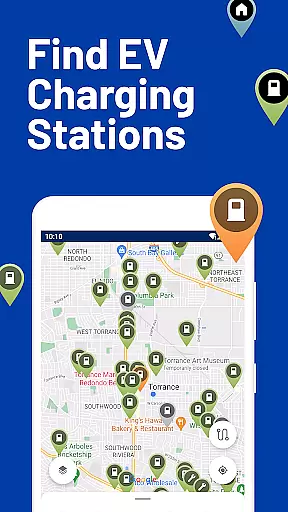
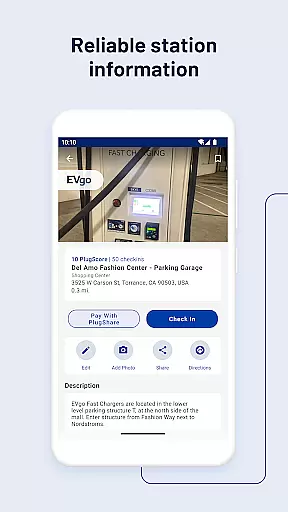
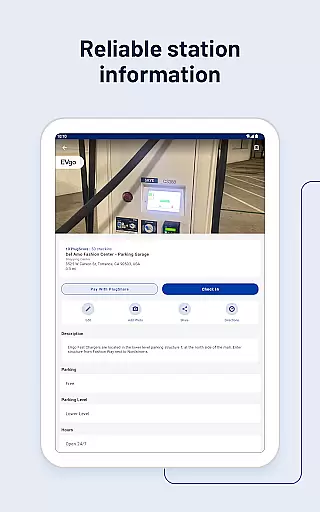
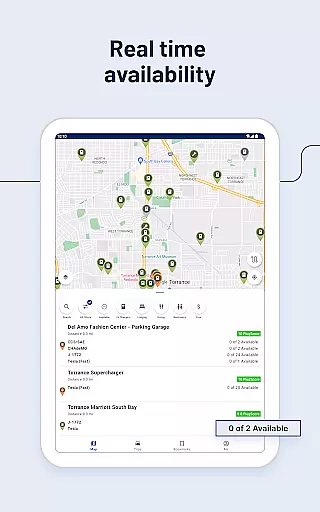
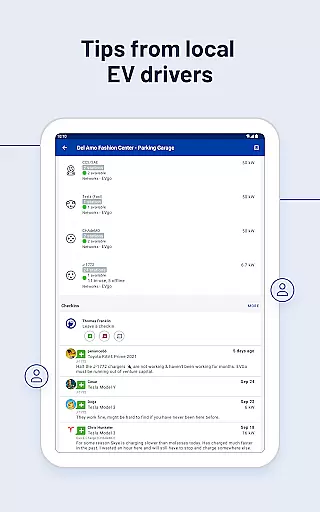
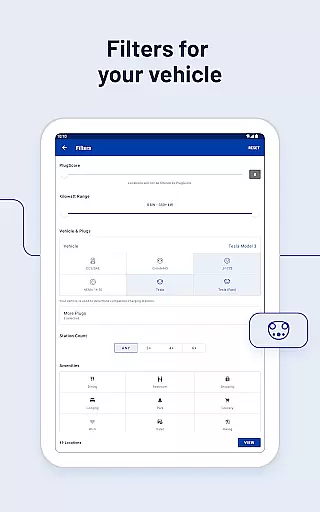
PlugShare is the world's largest EV driver community, offering the most accurate and comprehensive map of EV and Tesla charging stations globally. With detailed station information contributed by drivers, including reviews and photos, PlugShare helps users make informed charging decisions. The app supports all major EV charging networks across North America, Europe, and beyond.
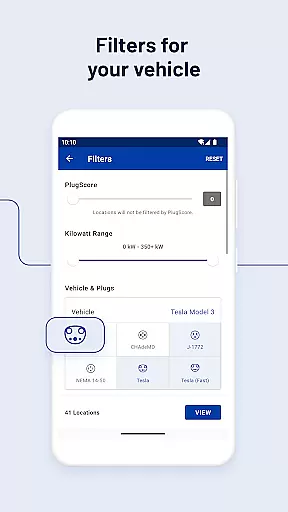
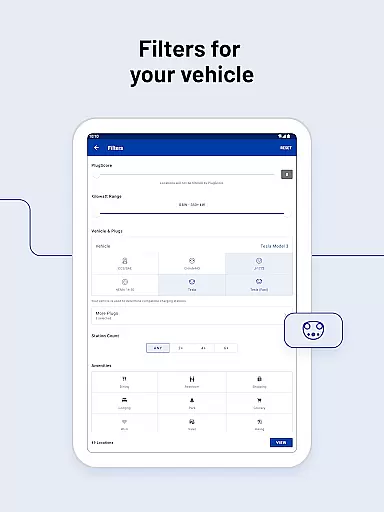
Users can filter the map by plug type (CHAdeMO, SAE/CCS), charging speed (Level 1, Level 2, DC Fast Chargers), and charging providers such as ChargePoint, Tesla Superchargers, and Electrify America. PlugShare also provides real-time functionality checks, navigation integration, and payment options through its Pay with PlugShare feature at participating locations.
Whether you own a Tesla Model 3, Ford Mustang Mach-E, or any other EV, PlugShare ensures you can find compatible chargers nearby, complete with amenities like food and restrooms. It also supports Android Auto for seamless in-car use and sends notifications about newly installed chargers in your area.
PlugShare stands out with its extensive filtering capabilities, allowing users to search for charging stations by connector type, charging speed, and specific amenities. This ensures drivers can locate the most suitable charging options for their electric vehicles. The app covers every major EV charging network, providing detailed station information from ChargePoint, Tesla Destination, Electrify America, and more.
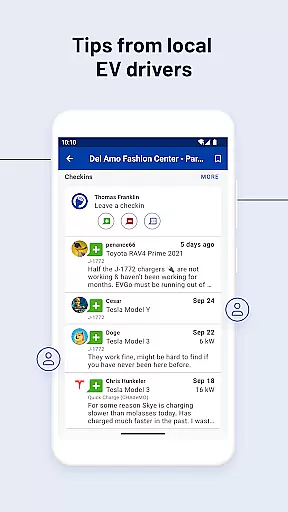
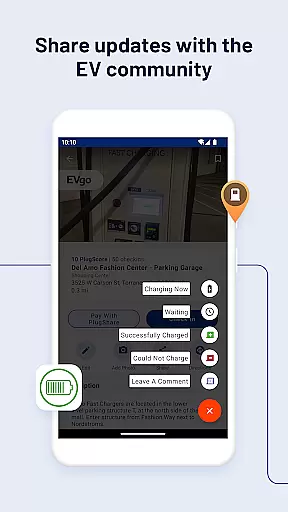
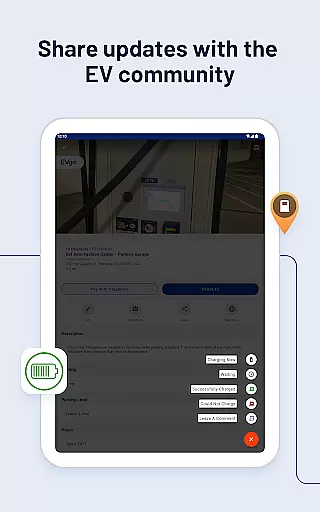
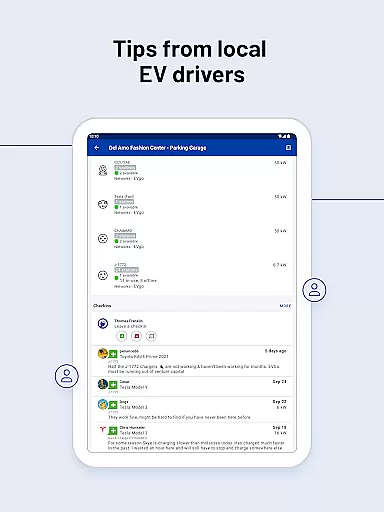
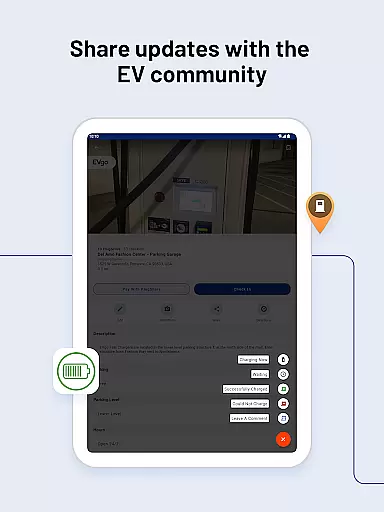
A key feature is the community-driven content, where EV drivers contribute valuable station reviews and photos. This crowdsourced data enhances the accuracy and reliability of charging station information. Additionally, PlugShare offers integrated navigation, enabling users to link their favorite navigation apps for seamless directions to selected chargers.
The app also includes innovative features like Pay with PlugShare for streamlined charging payments, Android Auto compatibility for in-car browsing, and real-time notifications about new charger installations. These functionalities create a comprehensive and user-friendly experience for EV drivers worldwide.
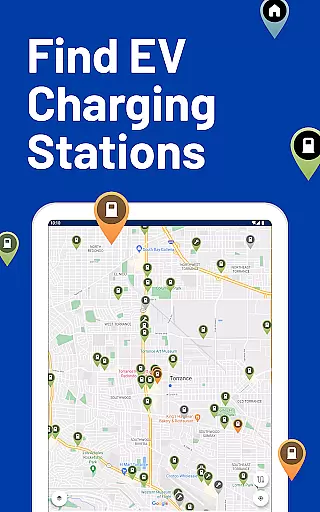
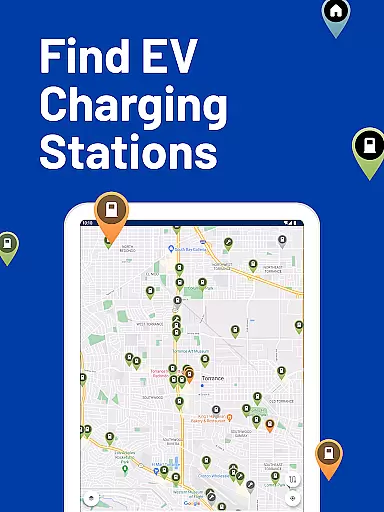
Map accuracy is crucial for electric vehicle (EV) drivers who rely on precise location data to find charging stations. PlugShare excels in this area by offering the most accurate EV and Tesla charging station map available. The platform aggregates data from multiple sources, including driver contributions, ensuring comprehensive coverage across North America, Europe, and much of the world.
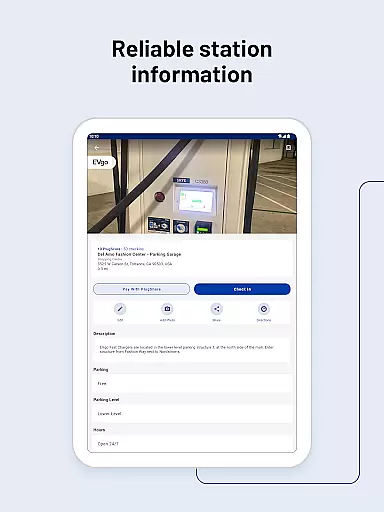
The app provides detailed station information for every major EV charging network. This includes specifics such as plug types like CHAdeMO and SAE/CCS, and charging speeds ranging from Level 1 to DC Fast Chargers, including Tesla Superchargers. Users can filter the map based on these criteria, ensuring they locate the most suitable charging stations for their needs.
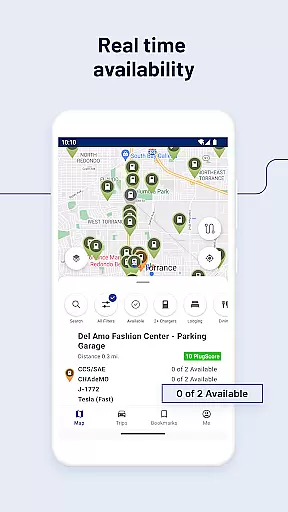
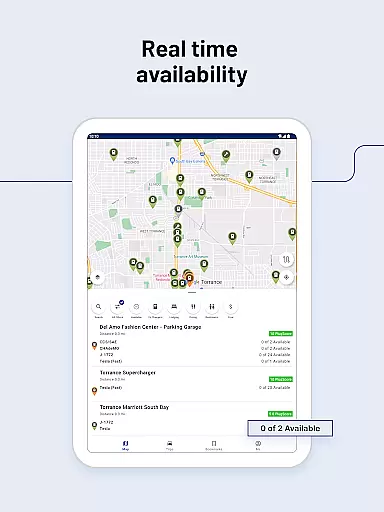
PlugShare's commitment to accuracy extends to real-time functionality and availability checks. Drivers can see if a station is currently operational and available, which is vital for planning trips without the anxiety of running out of charge. With frequent updates and an engaged community contributing reviews and photos, PlugShare ensures that its map data remains reliable and up-to-date.
By focusing on precision and reliability, PlugShare helps EV drivers make informed decisions, enhancing their overall driving experience while reducing range anxiety associated with finding charging stations.
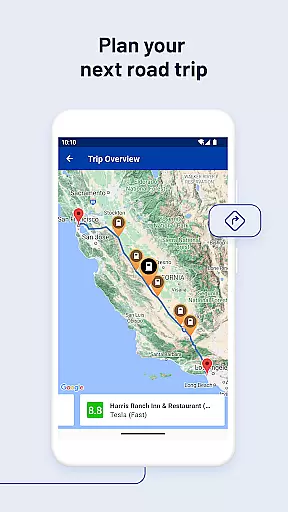
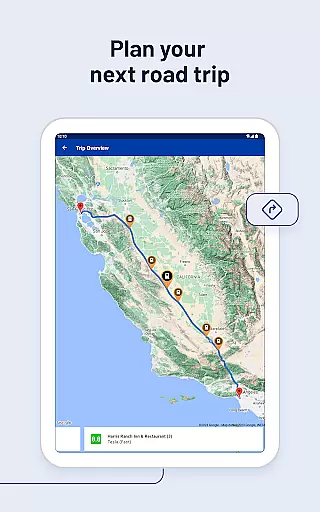
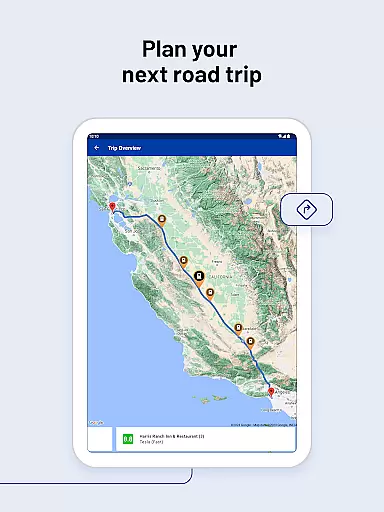
Effective route planning is essential for electric vehicle (EV) drivers to ensure they can reach their destinations efficiently and with minimal charging stops. PlugShare supports this need by integrating advanced filtering options that allow users to tailor their search for charging stations according to specific requirements such as connector type, charging speed, and nearby amenities like food or bathrooms.
One of the standout features of PlugShare is its ability to link directly to favorite navigation apps, providing seamless directions to selected chargers. This integration simplifies the process of incorporating necessary charging stops into a journey, making long-distance travel more manageable for EV owners.
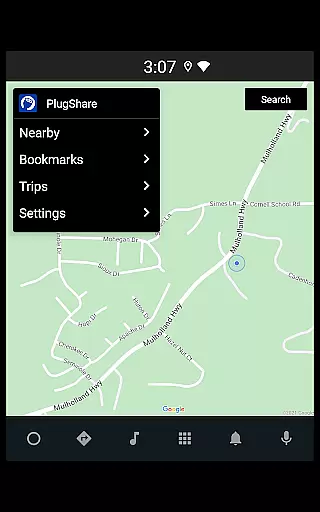
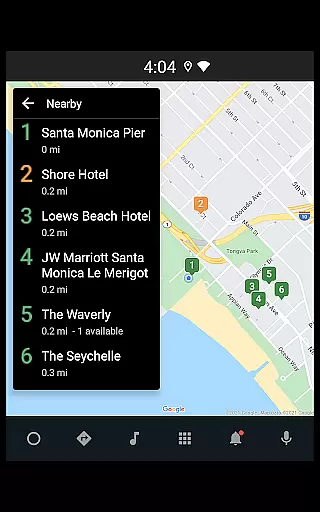
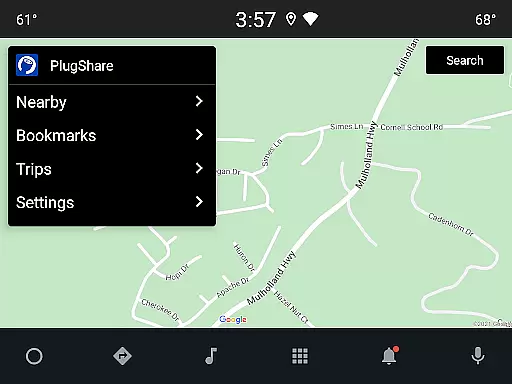
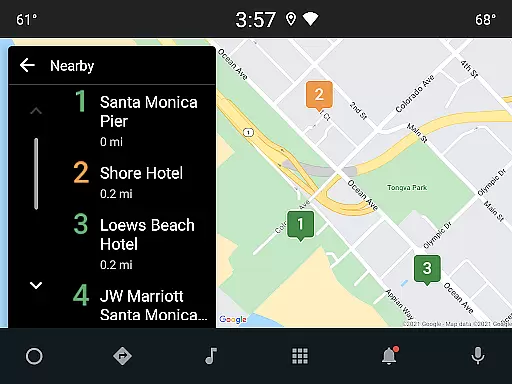
Additionally, PlugShare enhances route planning through its compatibility with Android Auto. This feature allows drivers to browse nearby charging locations, bookmarked spots, and planned trips directly from their vehicleu2019s built-in display. Such convenience ensures that drivers can access critical information without needing to handle their phones while driving.
By combining detailed station information with user-friendly navigation tools, PlugShare empowers EV drivers to plan their routes confidently, knowing they can find compatible and functional charging stations along the way.
User-friendly interface
Extensive charging network coverage
Real-time station availability
Community-driven reviews
Integrated payment system
Occasional outdated information
Limited rural area coverage
Premium subscription required
Variable customer support
Ad-heavy free version

Start your next adventure confidently using our Accurate Compass App
 3.70
3.70
Offline maps & GPS for hiking, travel, fieldwork & outdoor adventures
4.70
Play in the outdoors with Android as your Handheld GPS and offline topo maps!
3.50
Number locator, real connection map
4.10
Navigate via GPS Maps of GPS Voice Navigation, driving directions to find routes
3.60
Gas Station & Fuel Rewards Points
3.70
Explore offline maps with radar, satellite view, and real-time alerts.
3.60
Get real-time bus and train schedules for easy, hassle-free city transportation.
3.90
Navigate MTA, NJ Transit, MBTA, SEPTA, BART, MARTA, CTA & 900+ cities
4.60
Navigate confidently with our precise Digital Compass app & Direction Compass!
4.70
Track friends in real-time and explore worldwide live cameras.
4.60
CamSam PLUS - The speed and red light camera warning system!
4.40
Route tracker, Speedometer, Odometer, Fuel, HUD mode, save route as .GPX
4.40
Use GPS maps or search by property owner, address or parcel to view parcel data
4.30
TACNAV-X: Precision MGRS navigation, built specifically for the military.
4.00
Discover over 800 points of interest along the canal.
3.70
Get route map navigation with 3D satellite view, and live earth camera streaming
3.70
Explore Earth with live GPS, satellite view & street navigation
3.60
Your guide to the recreational opportunities of the Bureau of Land Management!
3.40


User Reviews