
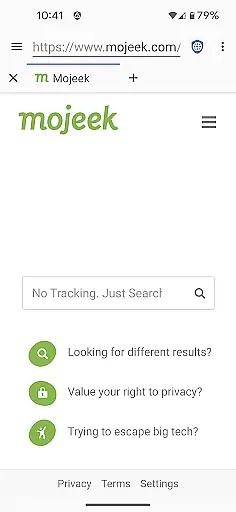
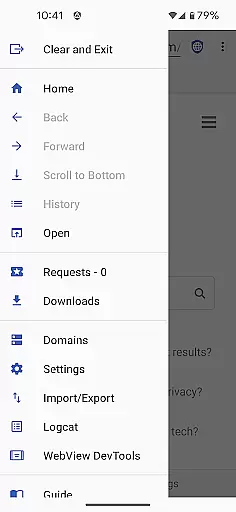
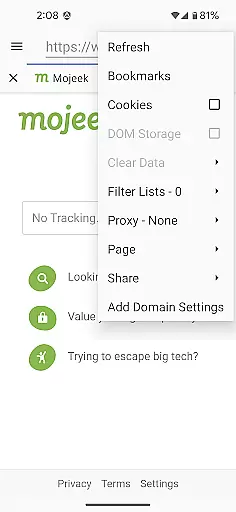

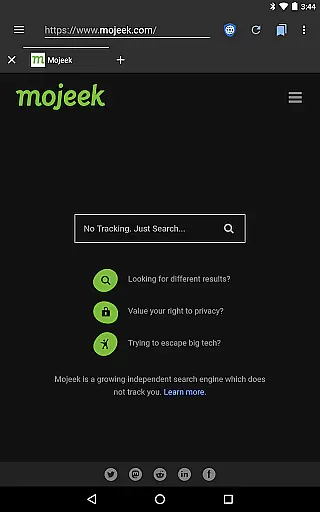
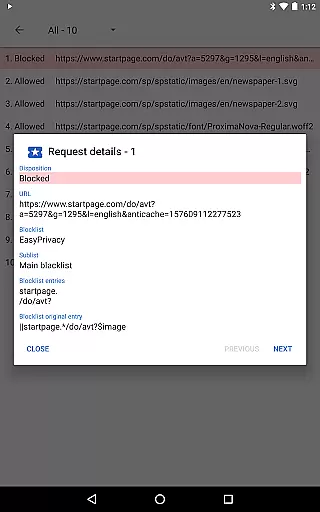
Privacy Browser is a communication-focused app designed to protect user privacy by minimizing data collection both online and locally. Its primary function is to block invasive tracking technologies like JavaScript, cookies, and DOM storage that are commonly used by websites to monitor user activity. By disabling these features by default, the app ensures users only enable them temporarily when necessary, significantly reducing their digital footprint.
In addition to its privacy safeguards, Privacy Browser integrates advanced tools such as EasyList ad blocking, Tor Orbot proxy support, and SSL certificate pinning. These features provide an enhanced layer of security while browsing. The app also plans to introduce Privacy WebView in its 4.x series, which will further empower users with greater control over their privacy settings. Whether for personal or professional use, Privacy Browser offers a secure solution for maintaining confidentiality in your online interactions.
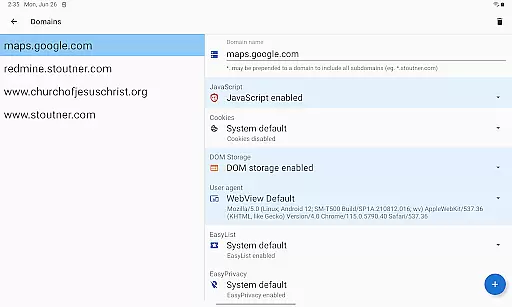
Privacy Browser stands out due to its robust privacy-centric architecture. One of its key features is the ability to disable tracking technologies by default, allowing users to enable specific functionalities on a per-visit basis. This selective approach ensures that websites cannot silently collect user data without permission. Additionally, domain settings can be configured to automatically toggle certain features for frequently visited sites, streamlining the user experience while maintaining strict privacy controls.
The app includes advanced capabilities such as integrated EasyList ad blocking, which filters out intrusive advertisements, and Tor Orbot proxy support for anonymous browsing. SSL certificate pinning adds another layer of protection against man-in-the-middle attacks. Furthermore, users can import and export settings and bookmarks, making it easy to manage configurations across devices. With plans to adopt Privacy WebView, Privacy Browser aims to deliver even more sophisticated privacy features in future updates, solidifying its position as a leader in secure communication tools.
Privacy Browser excels in providing real-time messaging speed and reliability by focusing on minimizing data transmission while maintaining optimal performance. The browser ensures that only essential information is sent over the internet, reducing latency and enhancing message delivery speed.
By disabling privacy-invasive features like JavaScript and cookies by default, Privacy Browser minimizes the amount of data exchanged during a browsing session. This approach not only protects user privacy but also streamlines communication processes, resulting in faster load times and interactions with websites.
Moreover, when users enable specific features for website compatibility, Privacy Browser employs domain settings to automatically manage these permissions. This selective feature activation ensures that real-time communications remain fast and reliable without compromising security or privacy.
Privacy Browser offers robust media sharing support while adhering to its core principle of minimizing data collection. Users can share media files directly from their devices without exposing themselves to unnecessary tracking mechanisms commonly found in other browsers.
The browser's integration with Androidu2019s built-in WebView allows it to handle various media formats efficiently. With the upcoming switch to Privacy WebView in the 4.x series, advanced privacy features will further enhance media sharing capabilities by incorporating technologies like SSL certificate pinning and Tor Orbot proxy support.
Additionally, Privacy Browser includes features such as EasyList ad blocking and secure import/export options for settings and bookmarks. These functionalities ensure that media sharing remains secure, private, and free from intrusive advertisements or unauthorized access.
Enhanced privacy controls
EasyList ad blocking
Tor Orbot proxy support
SSL certificate pinning
Import/export functionality
Requires manual feature enabling
Limited compatibility with some sites
No built-in password manager
Dependent on WebView updates
Advanced features need technical knowledge

Fast and simple walkie talkie app
 4.20
4.20
Manage BoostMobile Account
4.60
Block spam calls & scam - no more annoying calls with the call blocker function
4.30
Send SMS and chat messages easily with a fast text messaging app for Android.
4.10
Simplify texting with Messages SMS, offline messaging, themes & smart tools!
4.30
Manage your mobile phone plan, check unlimited 5g data usage and track rewards
4.50
A customizable phone number in the cloud
4.20
BE PRIVATE
Anonymous. No Trace. Fast.
4.20
Enhance browsing with AI-powered features and Copilot.
4.70
Say “hello” to privacy.
4.60
Experience real private browsing without tracking, surveillance, or censorship.
4.50
Talk & text free with a second phone number plus unlimited 5G data, no fees.
4.50
Fast and mini browser with Ad Blocker,Video Downloader and Video Player
4.40
Caller ID App! Add names & photos to unknown calls & Call Recording
4.40
Call Forwarding is easy and simple application to use.
3.80
Pure modern IRC experience for Android
3.70
A softphone app with seamless SIP calling and an intuitive VoIP dialer
3.50
Comprehensive and powerful scan tool app with enhanced functions
3.00
Chat on the Jabber network (XMPP protocol); support for SMS and other gateways
2.10


User Reviews