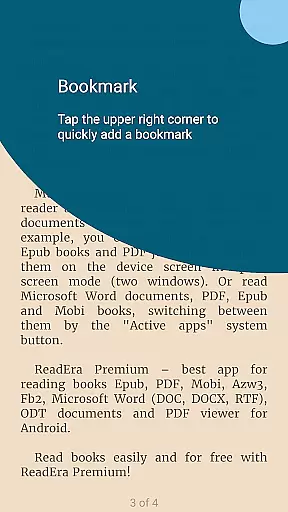
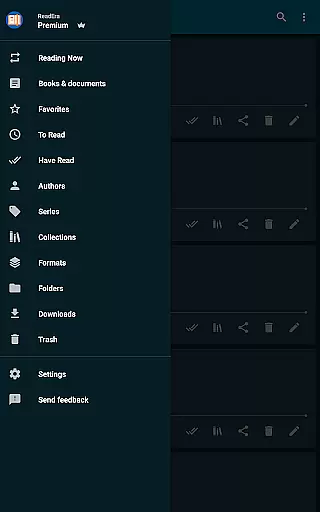
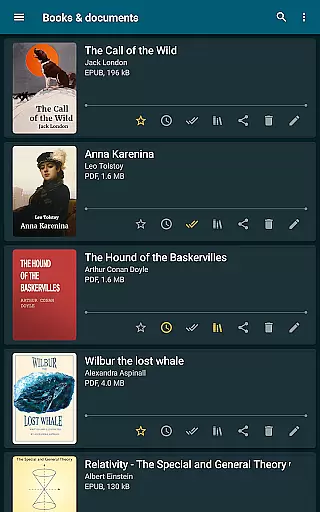
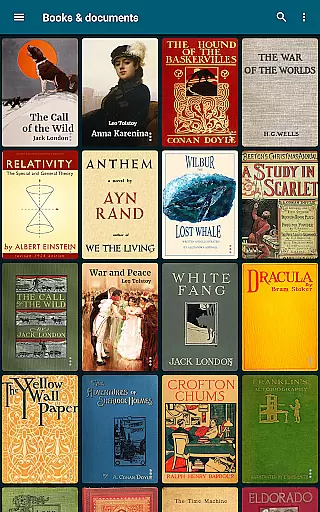
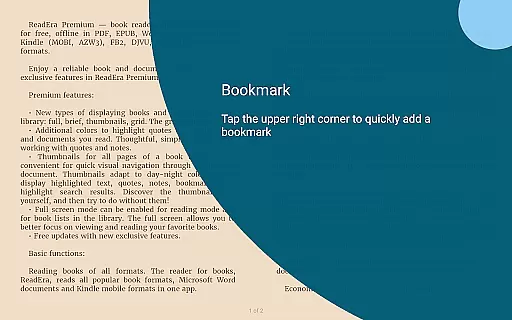
ReadEra Premium is a comprehensive eBook reader and document manager designed for book enthusiasts who require advanced features to manage their digital libraries. The app supports multiple formats including PDF, EPUB, Microsoft Word, Kindle, Comic, DJVU, FB2, TXT, ODT, and CHM, allowing users to search, read, and organize books effortlessly.
One of the standout features of ReadEra Premium is its synchronization capability with Google Drive, ensuring that your reading progress, bookmarks, and notes are consistently updated across all devices. Additionally, the app offers customization options such as personalized fonts, color themes, and library views, making it adaptable to individual preferences and enhancing the overall reading experience.
Whether you're commuting or relaxing at home, ReadEra Premium's text-to-speech functionality allows you to listen to your favorite books in the background, even with the screen locked. This feature, combined with its powerful file management tools, makes ReadEra Premium an indispensable tool for anyone looking to create a personalized and efficient digital library.
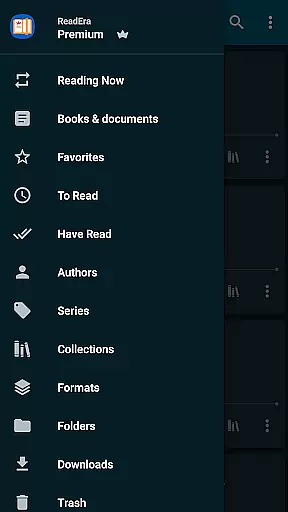
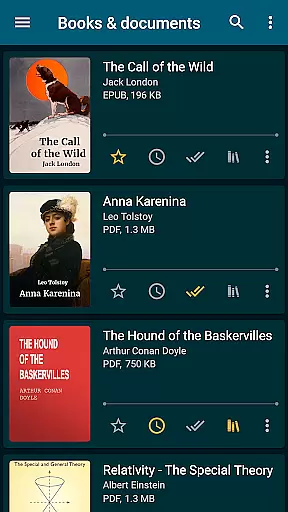
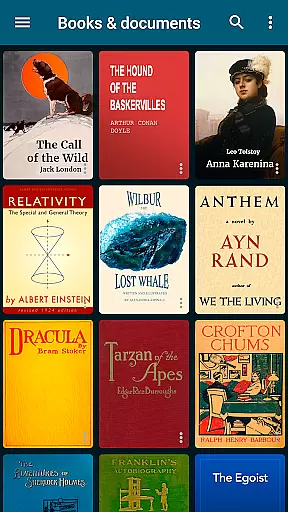
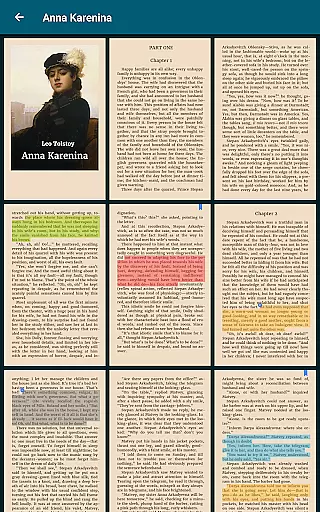
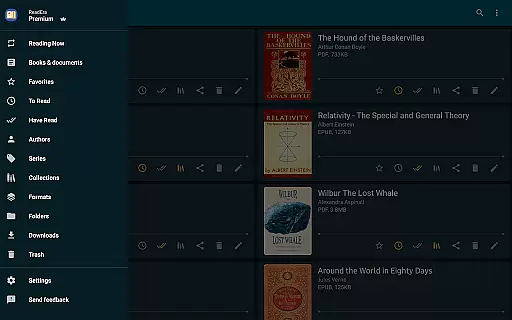
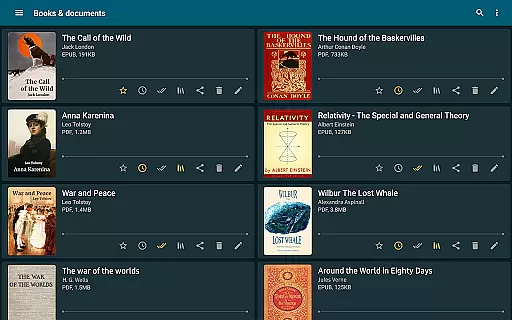
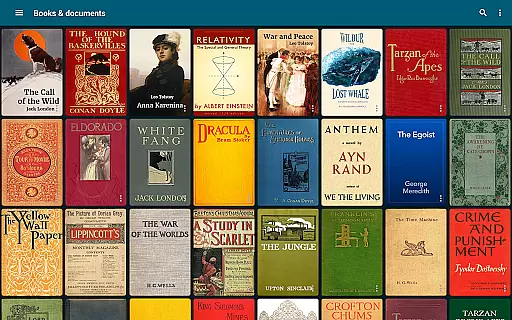
ReadEra Premium boasts an array of sophisticated features tailored for avid readers and document managers. The app's automatic detection system locates all compatible books and documents on your device, organizing them by title, author, series, and format. This ensures quick access and easy navigation through your digital library.
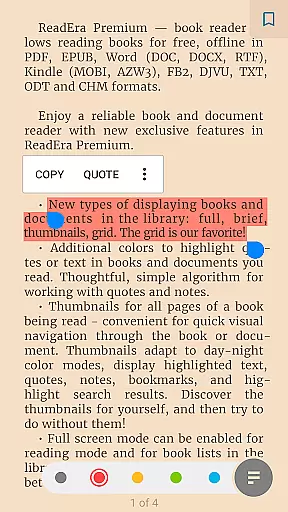
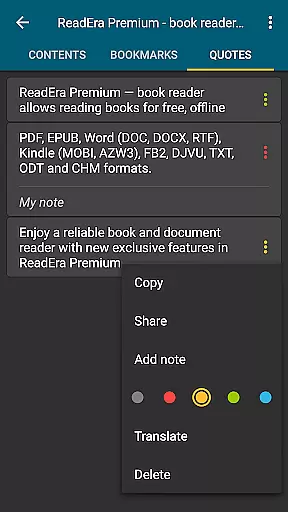
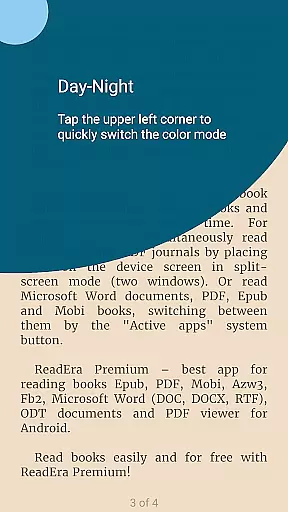
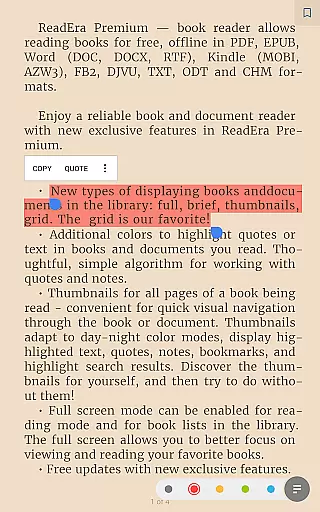
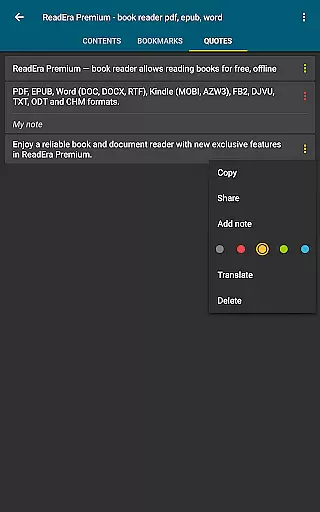
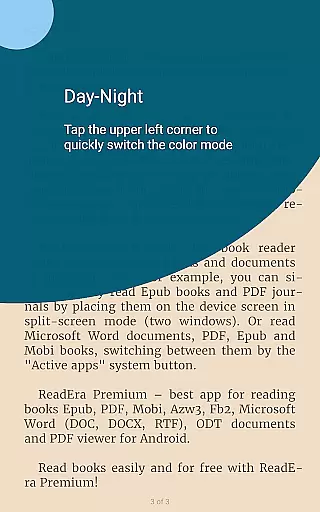
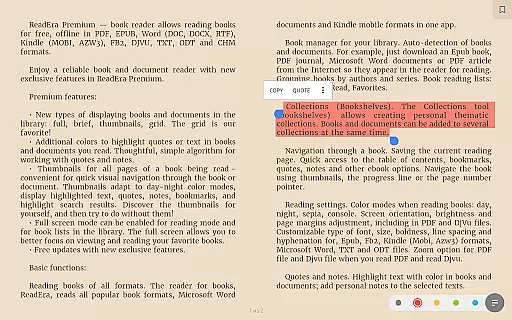
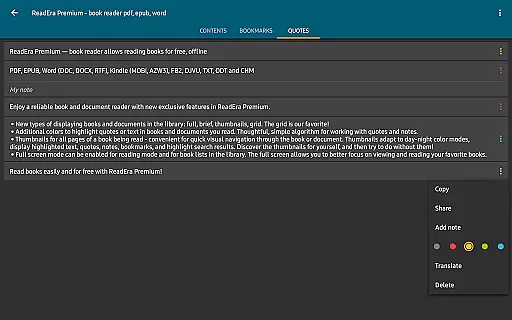
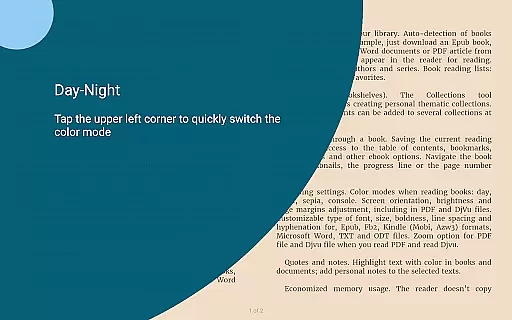
For those who appreciate customization, ReadEra Premium offers extensive personalization options. Users can adjust reading settings such as color themes, orientation, screen brightness, font size, type, boldness, line spacing, and hyphenation. Furthermore, the app provides unique sections for quotes, notes, and a dictionary, consolidating all annotations and vocabulary from your reading materials into one accessible location.
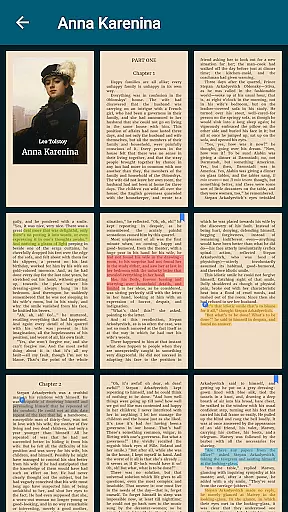
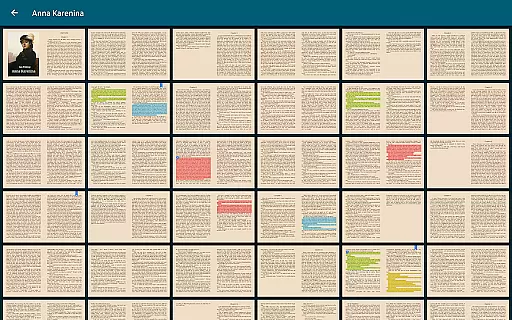
Advanced file management capabilities set ReadEra Premium apart from other eBook readers. With functions to view, rename, move, copy, delete, and share files, users have complete control over their document organization. The app also includes page thumbnails for visual navigation and tools to identify and manage duplicate files, ensuring a streamlined and clutter-free library.
ReadEra Premium offers an extensive e-book library that supports a wide range of formats including PDF, EPUB, Microsoft Word, Kindle, Comic, DJVU, FB2, TXT, ODT, and CHM. This ensures users have access to a vast collection of reading materials in their preferred format.
The app's automatic detection feature scans the device for all compatible books and documents, making it easy to build a comprehensive personal library. With support for various file types, users can consolidate their reading materials into one convenient location.
Regarding copyright authenticity, ReadEra Premium respects intellectual property rights by allowing users to manage only those books and documents they legally own. The app does not provide or distribute copyrighted content but rather serves as a tool for organizing and reading personal collections.
This approach provides readers with flexibility and peace of mind, knowing they can curate their digital libraries while adhering to legal and ethical standards in book management.
One of ReadEra Premium's standout features is its exceptional format compatibility. The application supports an impressive array of document types, including PDF, EPUB, Microsoft Word (DOC, DOCX, RTF), Kindle (MOBI, AZW3), Comic (CBZ, CBR), DJVU, FB2, TXT, ODT, and CHM formats.
This broad compatibility enables users to access and manage virtually any document or e-book format they encounter. Whether it's professional documents in Word format or various e-book standards, ReadEra Premium ensures seamless reading experiences across different file types.
The app maintains formatting integrity when displaying documents, preserving original layouts and structures. This feature is particularly valuable for technical documents, academic papers, and graphic-rich materials where maintaining visual accuracy is crucial.
By supporting such extensive format compatibility, ReadEra Premium establishes itself as a versatile tool for both casual readers and professionals who need to manage diverse document collections.
User-friendly interface
Extensive format support
Powerful synchronization
Customizable reading settings
Comprehensive file management
Premium subscription required
Occasional performance lags
Limited free features
Complex for beginners
No cloud storage included

Discover Stars and Planets: Live Map Shows Current Constellations in Full Detail
 4.70
4.70
Read and study the Bible and other content in over 1,000 languages.
4.80
Enjoy your favorite books
3.50
“It is fun to have fun, but you have to know how!”
4.40
Manage collectibles, survey and treasure maps in Elder Scrolls Online.
4.40
King James Bible read offline, AI Priest, Bible Quiz, Guiding Prayers & Plans
4.80
Enjoy daily devotionals, Bible verses, audio courses, and more.
4.80
Daily Bible app: King James Version with verses and audio for studying&prayer
4.40
A lightweight reader for comics and mangas files (.cbr, .cbz, .cbt, .pdf, ...)
4.80
Audiobook player with cross-device progress sync, playlists, and widget support.
4.80
Universal Zoom, learn about sizes & distances of the universe and microcosmos
4.80
Learn Thai with 195,000+ entries, crisp Thai sounds, big text; works offline.
4.80
This is the pro version King James bible Offline that we have
4.70
Read the KJV Bible with Strong’s offline: reading plans, audio Bibles, and more.
4.70
Find, discuss, and organize your world of books and shows.
4.60
Bilingual dictionary with English translations of Modern Standard Arabic words.
4.30
Read the romance stories on the go. Take my breath away, The Spoiled Girl
4.30
Holy Bible with verses and audio for studying and prayer
4.30
Knots 360 Pro ( 3D ) shows you animated 192 knots in 3D perspective
4.10


User Reviews