
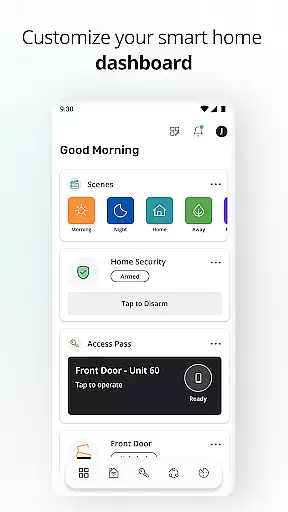
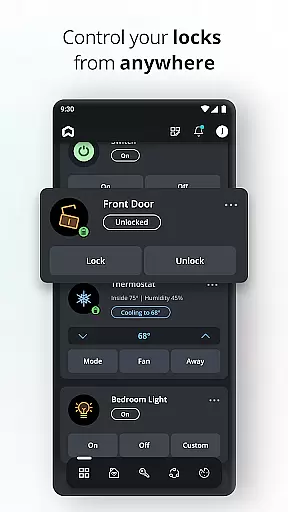
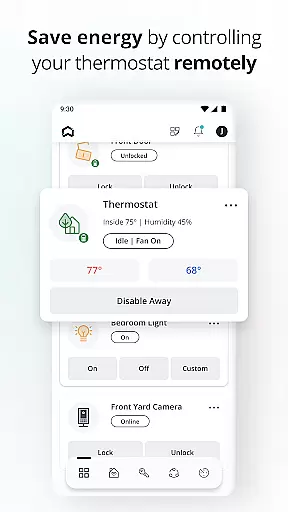
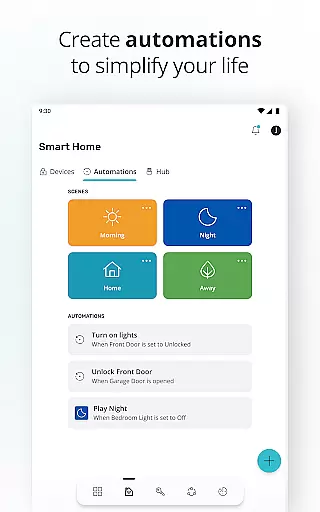
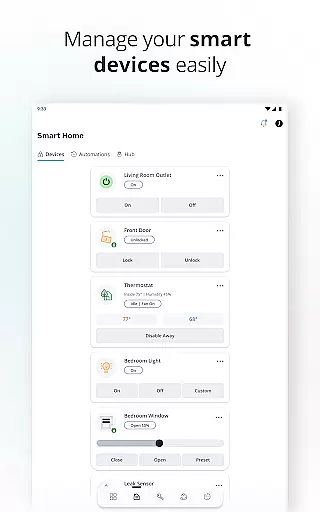
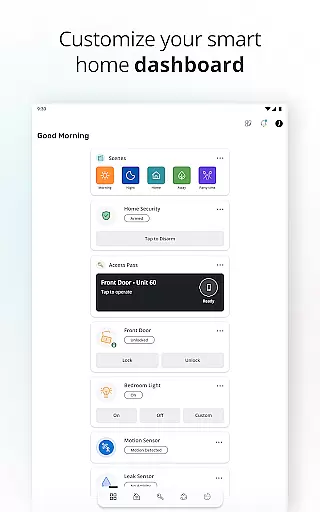
SmartRent is a comprehensive smart home management application designed to enhance comfort, control, and convenience for homeowners. The app allows users to remotely manage various aspects of their homes, including door locks, thermostats, and access codes. With features like custom scheduling, energy savings, and integration with voice assistants such as Amazon Alexa and Google Assistant, SmartRent ensures that your home remains secure and efficient at all times.
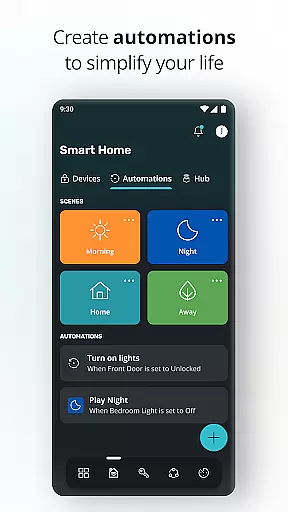
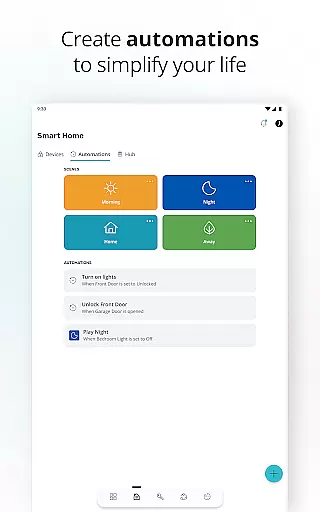
In addition to basic controls, the app provides advanced functionalities such as setting up automations to simplify daily routines, receiving instant alerts for potential leaks, and reviewing lock activity history. By linking with other smart home devices like Ring, SmartRent minimizes the need for multiple applications, offering a unified platform for managing your smart home ecosystem.
This app is particularly useful for individuals who frequently travel or wish to optimize their home's energy consumption. Its ability to grant time-bound access codes to guests and service providers adds an extra layer of security and convenience, making it ideal for modern households seeking seamless home automation solutions.
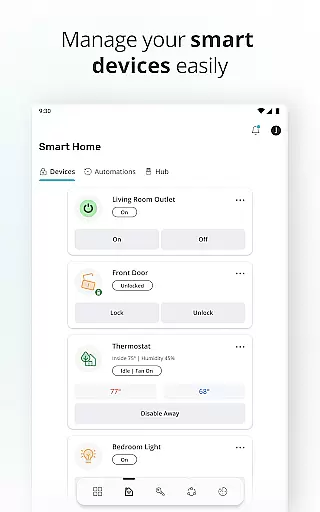
SmartRent offers a wide array of features tailored to provide maximum control over your smart home environment. One of its standout capabilities is the remote locking and unlocking of doors, which can be done from anywhere using your smartphone. This feature not only enhances security but also provides peace of mind when you're away from home.
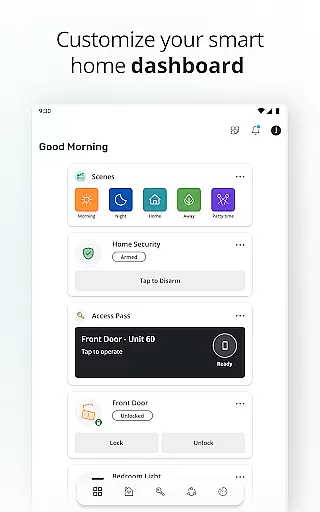
The app also enables users to create custom schedules for their thermostats, allowing them to save money and energy by adjusting temperatures based on their daily routines. Additionally, SmartRent supports integration with popular voice assistants like Amazon Alexa and Google Assistant, enabling hands-free control through simple voice commands. Users can set up automations to streamline tasks such as turning off lights or adjusting the thermostat when leaving the house.
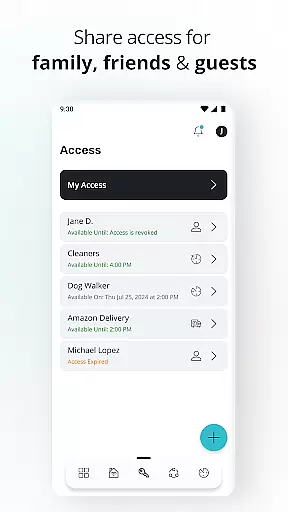
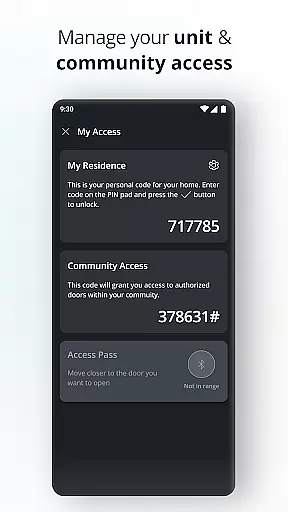
Another significant feature is the ability to issue unique, time-bound access codes to family members, friends, or service providers. This functionality ensures that only authorized individuals can enter your home during specified periods. Furthermore, SmartRent sends immediate alerts if potential leaks are detected, helping prevent costly damages. Overall, these features combine to offer a robust and user-friendly smart home experience.
When it comes to managing your home through SmartRent, the authenticity of property listings is paramount. The app ensures that all connected devices and properties are verified through a secure system, providing users with peace of mind. This verification process guarantees that residents have accurate information about their living space.
SmartRent achieves this by integrating directly with property management systems, ensuring real-time updates and accuracy in the details provided. Users can be confident that any changes to their property's status, such as maintenance updates or security alerts, are genuine and require attention. This level of transparency strengthens trust between tenants and property managers.
The benefit for users is significant; they can manage their homes with confidence, knowing that all data is reliable and up-to-date. Whether it's receiving notifications about potential leaks or reviewing lock activity, SmartRent provides an authentic and dependable source of information. This empowers residents to take control of their living environment effectively.
SmartRent offers a comprehensive suite of home management features designed to simplify daily routines and enhance convenience. Residents can remotely control essential aspects of their home, including locking and unlocking doors, adjusting thermostats, and creating custom schedules. These capabilities not only improve comfort but also contribute to energy savings and cost reduction.
In addition to basic controls, SmartRent allows users to set up automations that streamline household tasks. For instance, you can create time-bound access codes for guests or service providers, ensuring secure and monitored entry. Integration with voice assistants like Amazon Alexa and Google Assistant further enhances usability, allowing hands-free operation of various functions within the home.
Ultimately, these home management features provide residents with unprecedented control over their living spaces. By linking accounts such as Ring for additional security measures, SmartRent becomes a central hub for managing all aspects of modern home life. This holistic approach ensures that users enjoy a seamless and efficient living experience.
User-friendly interface
Remote home control
Energy-saving options
Voice assistant integration
Customizable access codes
Limited device compatibility
Occasional connectivity issues
Premium subscription required
Steep learning curve
Dependent on internet connection

Control your Daikin, Amana & Goodman heating & cooling systems from anywhere
 4.40
4.40
Our app allows Sunrun customers to monitor systems, pay bills, and get support.
3.80
AI-powered home design, interior design, home decor, and room design solutions
4.50
Rent on-the-go with TurboTenant’s app made just for renters
4.50
Real estate app to find homes for sale or rent in the right neighborhood for you
4.70
Control your thermostat, comfort, and home monitoring from your phone
4.30
3D House Design and AI Room Planner - from floor plans to full interior design.
4.40
Samsung remote app helps control all Samsung Smartthings TVs. Fast and Stable!
4.10
Houses for Sale & Homes for Rent: Buy Homes, Rent Apartments & Sell Real Estate
4.80
View houses and apartments for rent, updated daily.
4.80
Convert your Phone to HiSense Smart TV Remote Control
4.70
Search for Homes, Rentals, Agents & Schools
4.70
Map-based search app for apartments and homes for rent.
4.60
Looking for the perfect apartment finder app? Find beautiful rental homes here!
4.60
AI Home Designer & Room Planner: Decorate your interior space with AI
4.40
Security App with HD Video, 2-way Audio, and event detection for Home monitoring
4.40
Set up your devices, customize settings, and monitor your home—from anywhere
4.40
Universal TV remote Control for Roku TV brands via WiFi remote
4.2
Calculate baluster spacing with ease and precision.
4.4


User Reviews