
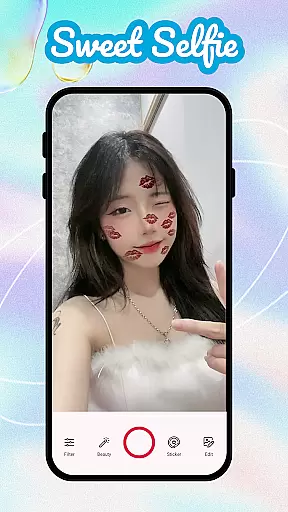
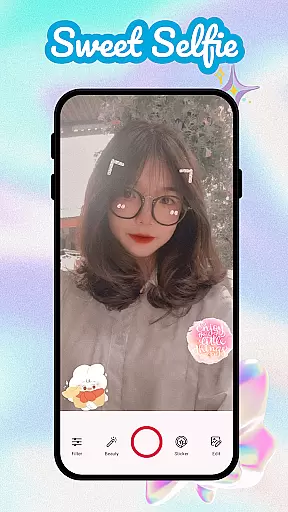
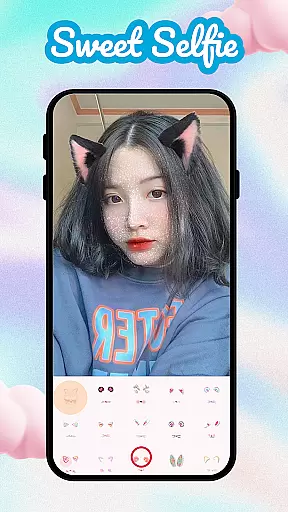
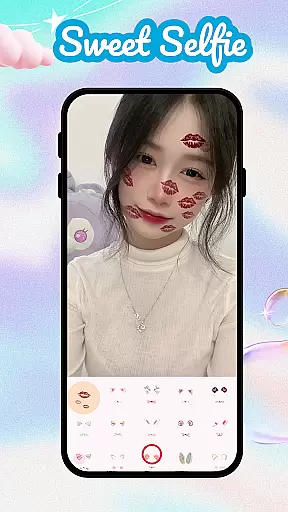
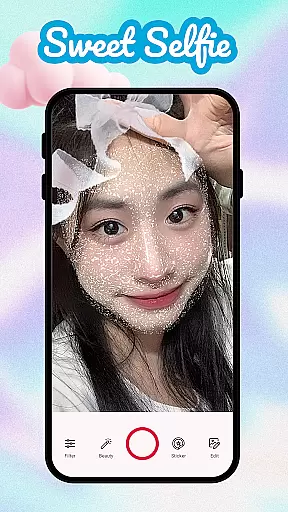
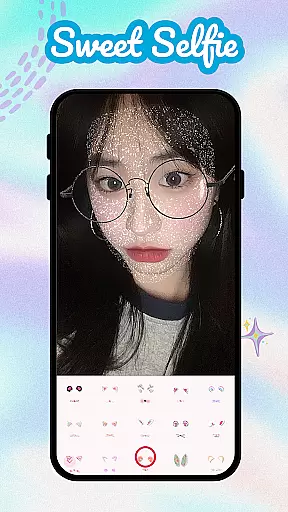
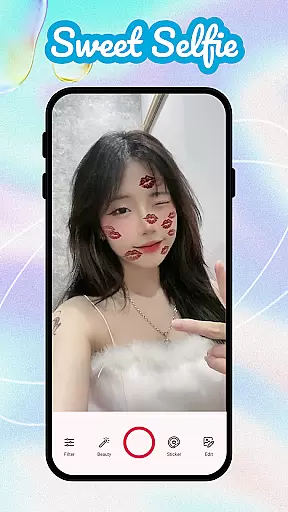
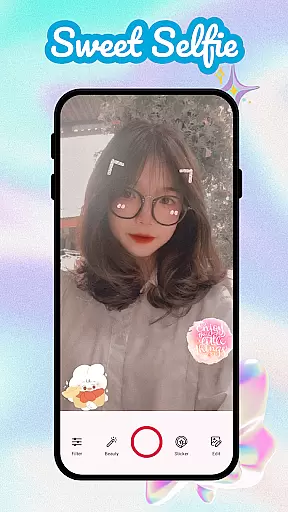
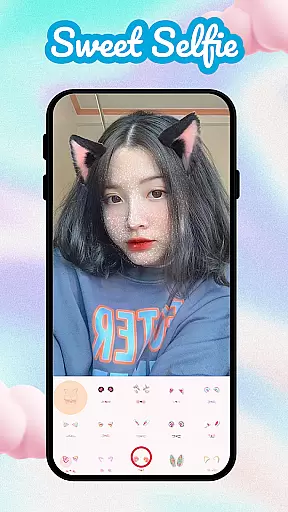
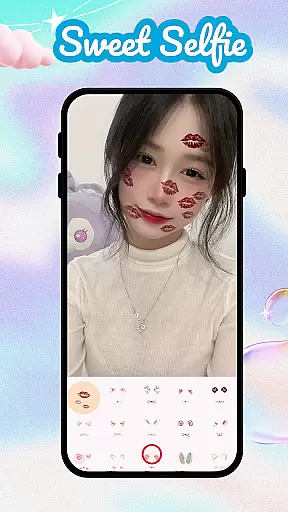
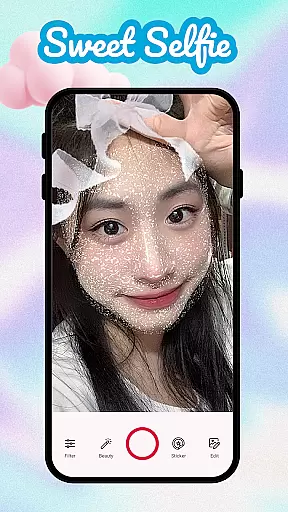
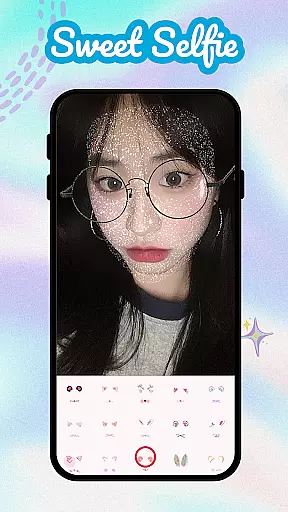
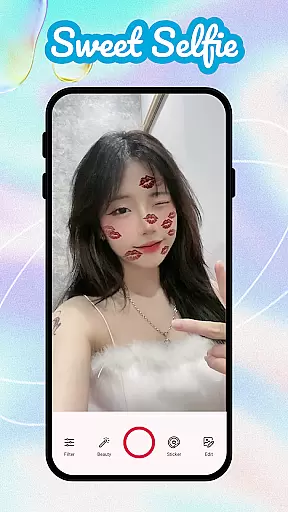
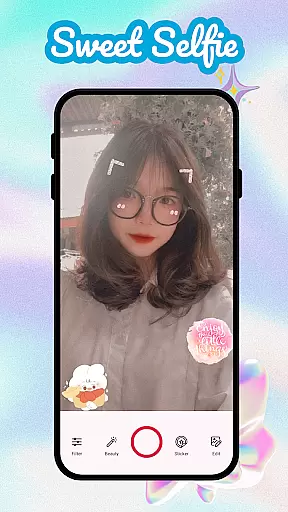
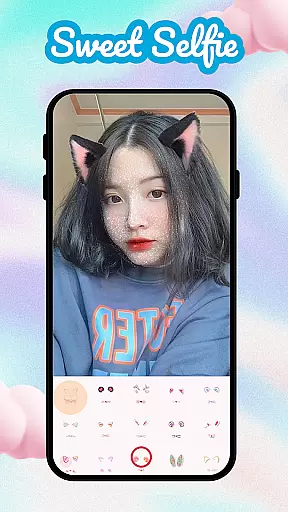
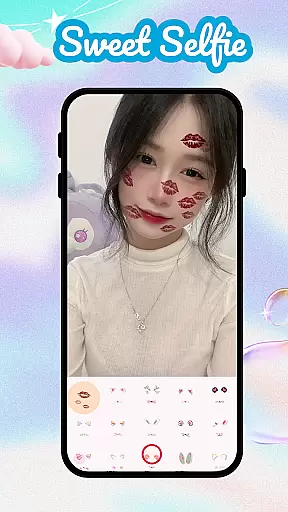
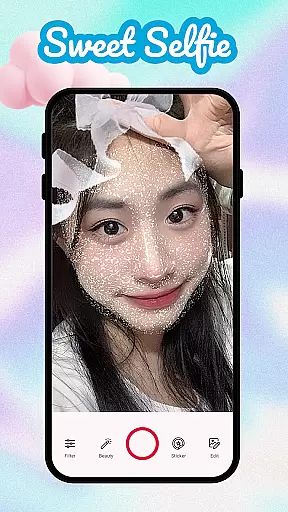
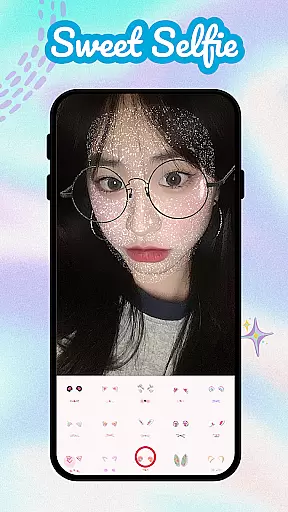
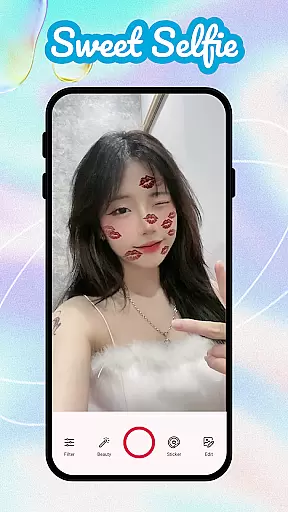
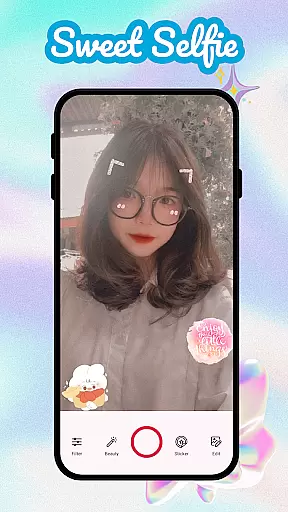
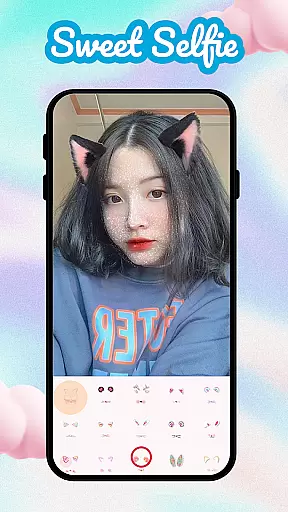
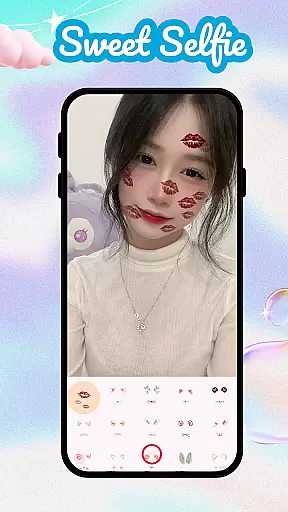
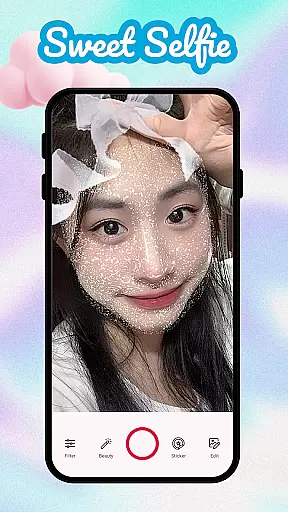
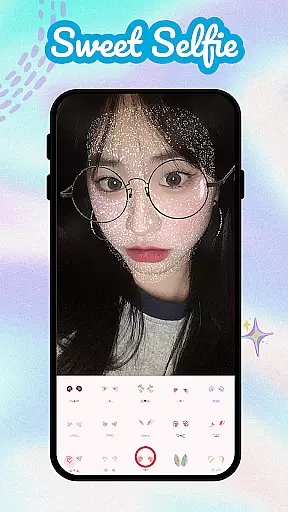
Sweet Camera Selfie is a feature-rich beauty camera app designed to enhance your selfie game with creative filters and effects. The app offers advanced tools like face tuning, makeup options, and intelligent recognition technology that automatically applies natural-looking enhancements. Whether you want to retouch skin, add playful stickers, or experiment with trendy effects, this app provides everything you need for flawless photos.
One of the standout features is its collection of cute and playful filters, including heart crowns, cat ears, angel wings, and more. These customizable options allow users to personalize their selfies while maintaining a professional finish. With Sweet Camera Selfie, capturing stunning and fun moments has never been easier.
This app is perfect for social media enthusiasts who want to elevate their photo quality before sharing on platforms like Instagram or Snapchat. Its powerful editing suite includes resizing, trimming, blurring, and cutout options, ensuring every image meets high aesthetic standards. By combining functionality with creativity, Sweet Camera Selfie ensures users always look their best in front of the lens.
Sweet Camera Selfie stands out due to its comprehensive set of features tailored for modern selfie lovers. At its core, the app provides a Beauty Selfie Camera equipped with face tune, makeup, and filter options. This allows users to achieve a polished appearance effortlessly. Additionally, the intelligent recognition technology ensures that all enhancements are applied naturally without over-processing.
The app also includes an extensive library of stickers and effects, such as bunny ears, sunglasses, and angel wings, which can transform ordinary selfies into eye-catching works of art. For those seeking more control over their edits, the built-in Photo Editor offers advanced tools like resizing, trimming, blurring, and precise cutouts. These capabilities make it easy to refine images down to the smallest detail.
Another notable aspect is the variety of creative modes available, including the Face Filter Camera and Cute Filters Sweet Camera. These modes enable users to experiment with different aesthetics, from whimsical animal-themed filters to elegant beautification effects. With these robust features, Sweet Camera Selfie empowers users to express themselves fully through their photography.
When it comes to beauty applications like Sweet Camera Selfie, the depth of the product database plays a crucial role in delivering an exceptional user experience. A comprehensive database ensures that users have access to a wide range of beauty filters, effects, and tools.
Sweet Camera Selfie offers an extensive collection of options including face tune features, makeup choices, and various stickers such as heart crowns and cat ears. This vast selection allows users to express their creativity and personalize their selfies according to their preferences.
The benefit for users is clear: with more choices at their disposal, they can create unique and stunning images that reflect their individuality. Whether it's enhancing natural features or adding playful elements, this app provides the resources needed for endless customization.
Ultimately, the depth of Sweet Camera Selfieu2019s product database enhances its value by empowering users to transform ordinary photos into extraordinary works of art, making every selfie capture an opportunity for self-expression.
Personalization precision in beauty apps refers to how accurately and effectively the application can tailor its features to suit individual user needs. For Sweet Camera Selfie, this means offering highly customizable filters and effects that adapt seamlessly to different facial structures and skin tones.
This app utilizes intelligent recognition technology within its Sweet Selfie Camera feature to apply natural makeup looks and adjust beautification settings accordingly. Users can fine-tune their images with specific adjustments for flawless results every time they take a selfie.
For the end-user, this level of personalization translates into a more satisfying experience where each photo reflects their true self with enhanced beauty. The ability to tweak details ensures authenticity while still achieving desired aesthetic enhancements.
In summary, Sweet Camera Selfie excels in personalization precision, providing users with powerful tools that not only meet but exceed their expectations for creating personalized and attractive self-portraits effortlessly.
User-friendly interface
Wide range of filters
Advanced editing tools
Intelligent enhancement tech
Fun sticker options
Occasional ads
Premium features locked
Heavy on storage
Learning curve for tools
Battery consumption

Your Personal Stylist for Smart Shopping, Beauty & Styling Outfits.
 4.0
4.0
Beauty Camera - Selfie Camera with beauty editing tool, makeup, filter, sticker
4.60
Get Smart About Your Skin with Fully Personalized Beauty Tech!
4.80
Unique selfie filter camera! Upload live sticker & face filter every week!
4.70
Salon appointment booking and scheduling software for beauty pros and barbers.
4.80
HD Camera, Selfie Camera, Camera filters, is a fully featured 4K camera
4.60
Seasonal color palette, my personal color, hair color changer, makeup, wardrobe
4.20
For businesses, Booksy Biz allows you to manage your schedule & more on the go.
4.60
Mirror app that shows your image with photo editor, zoom and light!
4.70
Blushify is a beauty camera for makeup, face editing, and glowing selfies!
4.70
Monthly Perfume Subscription
4.70
All-in-one solution for independent beauty pros to manage & grow their business
4.30
True mirror app with zoom, LED light, for makeup & shaving anywhere!
4.20
Glow up with science: cosmetics, ingredients scanner, tracking & face analysis
4.10
Healthier, more beautiful with Medicube Digital Clinic AGE-R!
4.10
Try on different hairstyles and hair colors, glasses and jackets | Cartoon face
4.10
The all new Cosmo Prof app offers exclusive pro products, deals, and training.
4.00
The Official Voting App
3.90
Intelligent Beauty calculator tool! Face scale and face symmetry in one app!
3.80


User Reviews