
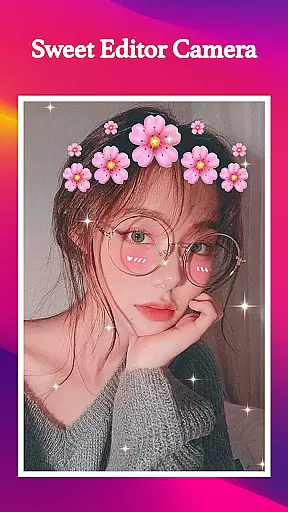
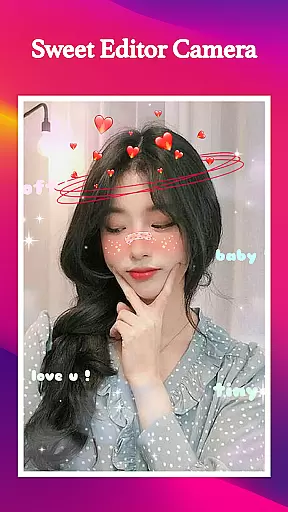
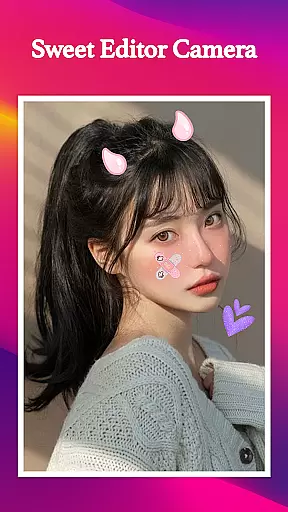
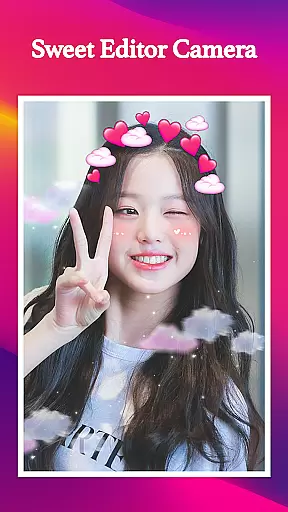
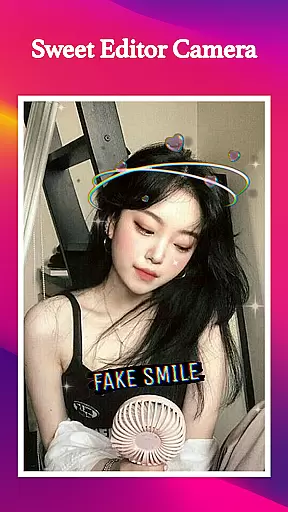
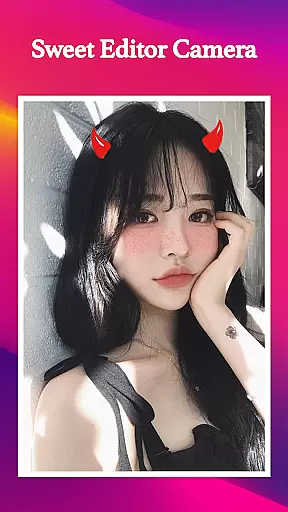
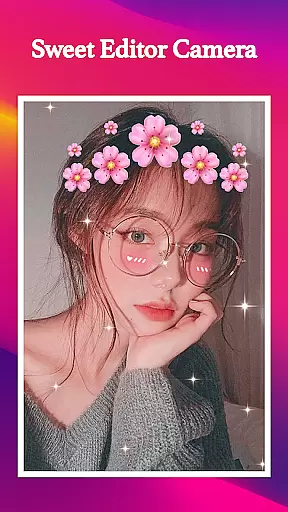
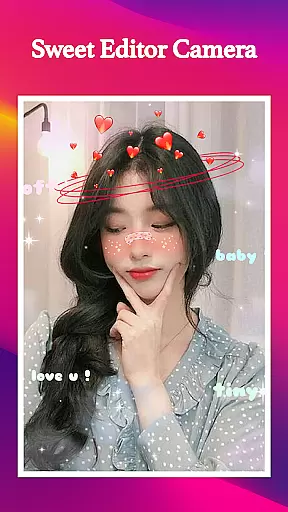
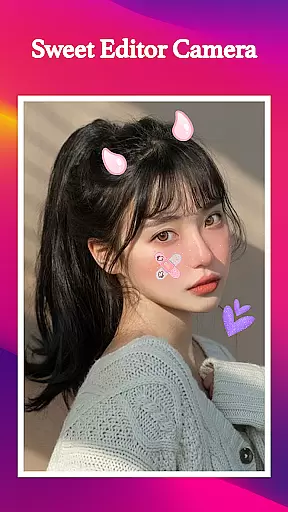
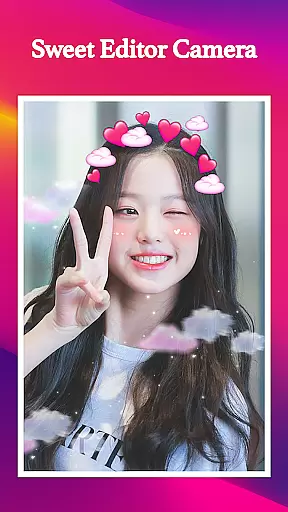
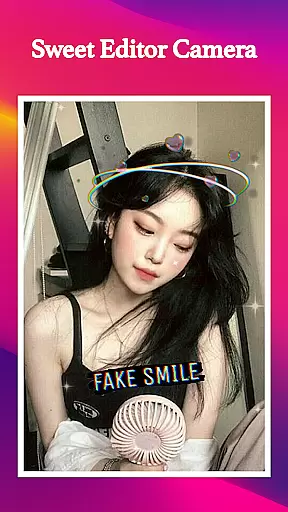
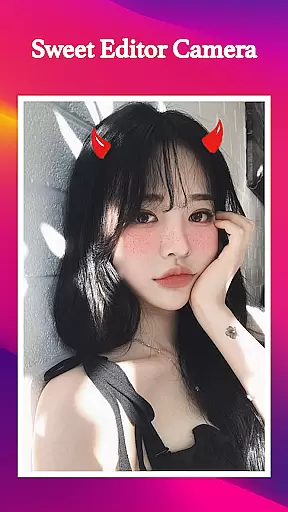
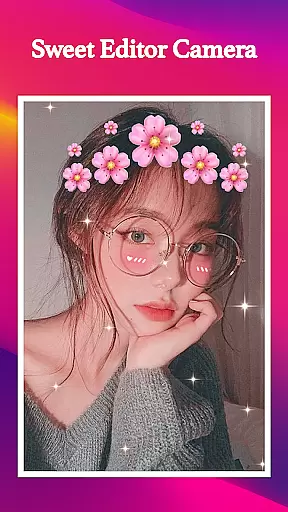
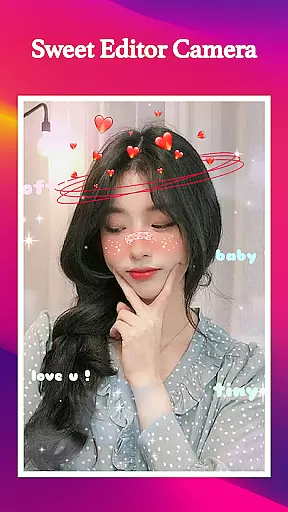
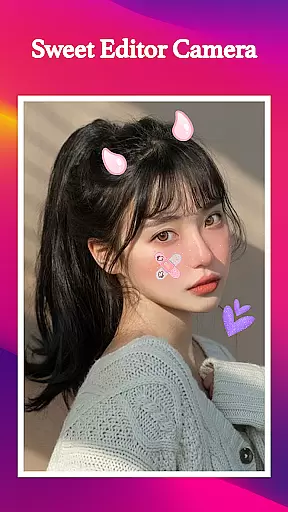
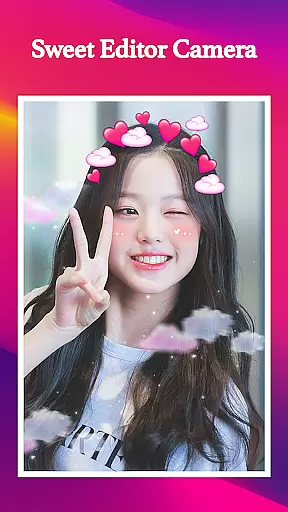
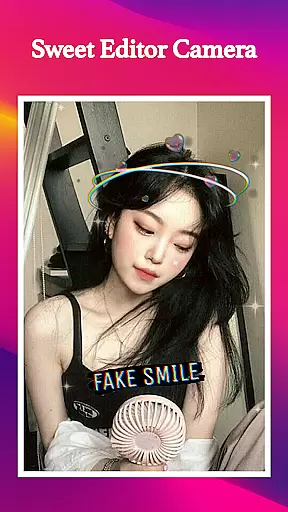
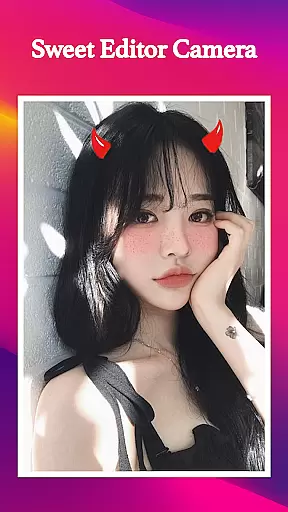
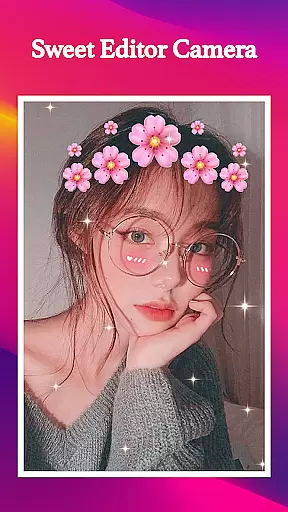
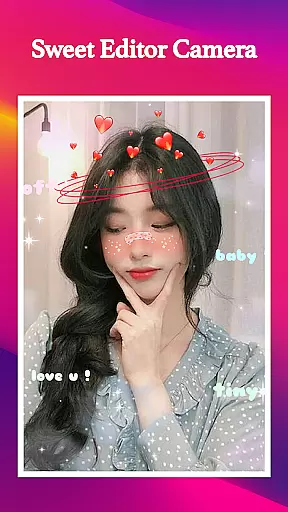
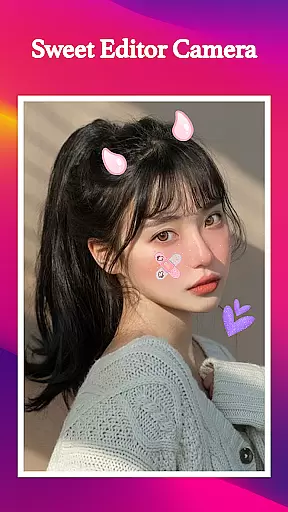
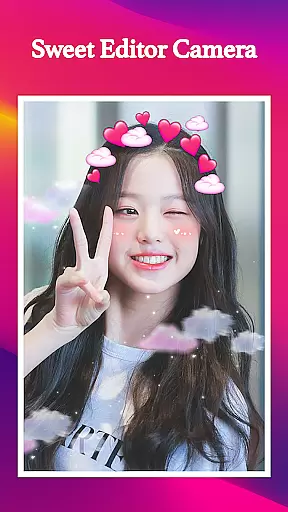
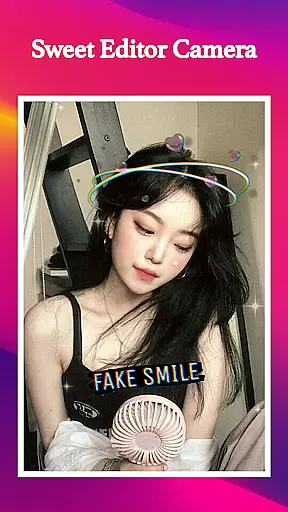
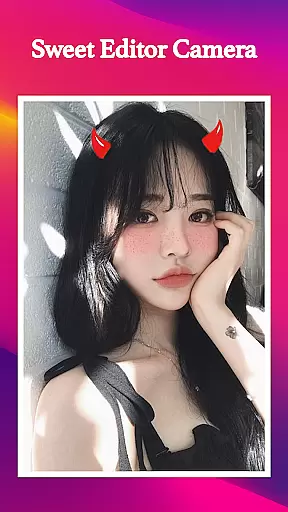
Sweet Editor Camera Lite is a feature-rich photo editing app designed to enhance your selfie game. This Beauty category app offers advanced tools like smart beauty enhancers, skin smoothing, teeth whitening, and face retouching, making it the ultimate choice for creating flawless photos. With its intuitive interface and powerful features, users can effortlessly capture their best moments.
The app includes innumerable cute filters suitable for any occasion, along with adorable stickers such as dog ears and cat faces that add playful elements to pictures. Its professional-grade editing tools allow adjustments of brightness, contrast, and saturation, while the unique hair color changer provides vibrant shades for a fresh new look. Whether you're aiming for natural beauty or fun creativity, Sweet Editor Camera Lite delivers everything you need.
Sweet Editor Camera Lite stands out with its comprehensive suite of photo editing features. The app's smart beauty tools automatically detect facial features to apply natural enhancements, including skin smoothing and teeth whitening. Its collection of cute filters ranges from subtle enhancements to dramatic transformations, ensuring there's something for every user preference and occasion.
One of the app's key strengths is its powerful editing capabilities. Users can fine-tune their photos with precise controls for brightness, contrast, and saturation. The innovative hair color changer offers various vibrant shades, allowing users to experiment with different looks without commitment. Additionally, the app works offline, making it convenient for use anytime, anywhere.
The user-friendly interface ensures seamless navigation through all features. Quick share options enable easy distribution across social media platforms, while the adorably designed stickers add extra fun to photos. These comprehensive features make Sweet Editor Camera Lite an essential tool for anyone looking to elevate their photo-taking experience.
In the realm of beauty applications, having a comprehensive product database is crucial for user satisfaction. Sweet Editor Camera Lite offers an extensive collection of filters and beauty tools that act as the backbone of its service. This includes options for skin smoothing, teeth whitening, and face retouching, which are essential for users looking to enhance their selfies with a natural touch.
The application's vast array of features does not stop at basic editing. It extends to providing vibrant hair color changes and a plethora of stickers such as dog ears and cat faces, allowing for creative expression in a fun and engaging way. These elements collectively contribute to a rich database that supports diverse user needs and preferences.
For users, this depth in the product database translates to an enhanced ability to experiment with different looks and styles without the need for multiple applications. Whether it's trying out a new hair color or adding playful elements to photos, Sweet Editor Camera Lite ensures that users have all they need at their fingertips.
Ultimately, the depth and variety offered by Sweet Editor Camera Lite empower users to express themselves more freely and creatively. By offering a one-stop solution for selfie enhancement, it significantly enriches the user experience, making every photo opportunity a chance to shine with personalized beauty enhancements.
Personalization is at the heart of user engagement in beauty apps, and Sweet Editor Camera Lite excels in delivering precise personalization options. The app provides smart beauty tools that cater to individual preferences, allowing users to adjust skin tone, whiten teeth, and even reshape facial features with accuracy. This level of customization ensures that each user can achieve their desired look with professional-quality results.
Beyond basic adjustments, the app offers a selection of cute filters and stickers that can be tailored to fit various occasions and moods. From subtle enhancements for a natural appearance to bold changes for artistic expression, the personalization capabilities of Sweet Editor Camera Lite enable users to craft unique images that reflect their personality.
This precision in personalization also extends to the app's editing tools, which allow for fine-tuning of brightness, contrast, and saturation. Such detailed control over photo editing empowers users to create visually stunning images that stand out on social media platforms.
By focusing on delivering high personalization precision, Sweet Editor Camera Lite not only meets but exceeds user expectations. This dedication to personalized experiences fosters deeper user engagement and loyalty, setting the app apart in the competitive beauty sector.
User-friendly interface
Powerful editing tools
Vibrant hair color options
Offline functionality
Quick social sharing
Limited advanced options
Occasional performance lag
Basic filter variety
Ads between usage
Premium feature costs

Photo enhancer 360, image enhancement, restore old photos, colorize photo ai
 4.70
4.70
Professional HD Camera App: Capture Bright HD Selfie & Record Stunning Moments
4.40
The Official Voting App
3.90
Your future self face age old or young from camera selfie into beautify videos
4.2
All-in-one solution for independent beauty pros to manage & grow their business
4.30
AI Stylist, Try On Millions Of Clothes In Any Brand & Style, AI Clothes Changer
4.70
Beauty Camera & Selfie Camera snap Beauty selfie with filter, makeup, stickers
4.80
Mirror app that shows your image with photo editor, zoom and light!
4.70
Book your appointments
4.90
Book beauty salon, hair or health and wellness experiences in an instant
4.90
Monthly Perfume Subscription
4.70
Wacky mirror filter, waves effect & wavy effect to make your own funny videos.
4.60
Transform your sweet selfies with Selfie Beauty Camera Filters And Effects!
4.60
Glow up with science: cosmetics, ingredients scanner, tracking & face analysis
4.10
Try on different hairstyles and hair colors, glasses and jackets | Cartoon face
4.10
Enhance Your Look with Face Analysis, Hair Style Changer, Beauty Score, Rating
3.90
Change your hairstyle and color instantly with AI-powered virtual makeovers.
3.90
Intelligent Beauty calculator tool! Face scale and face symmetry in one app!
3.80
Design unique tattoos and preview them on your body image using Tattoo Maker App
3.30


User Reviews