
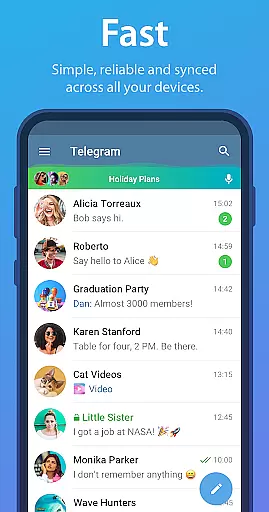
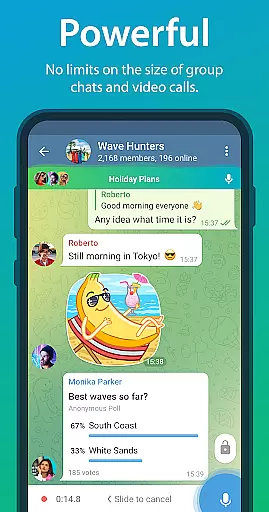
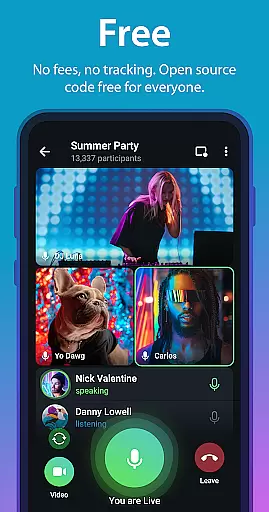
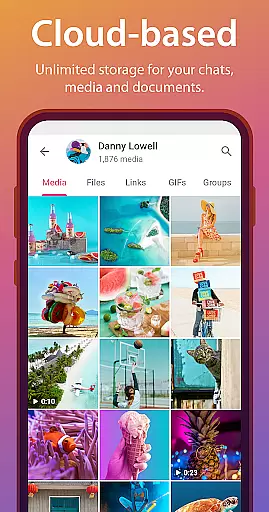
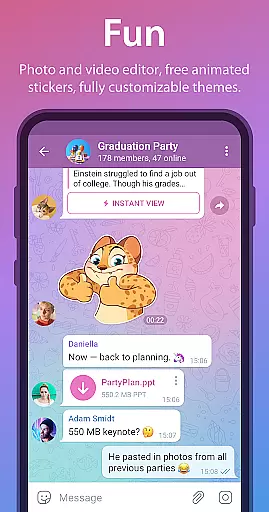
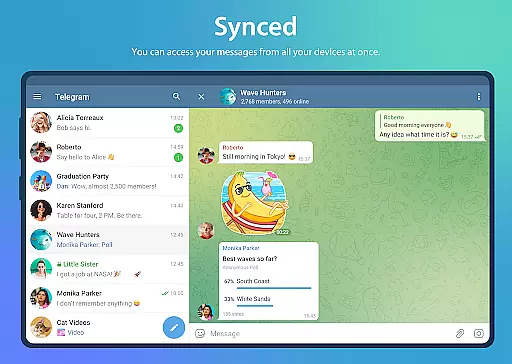
Telegram is a leading instant messaging app that offers fast, secure, and unlimited communication across all devices. It stands out as one of the top 5 most downloaded apps globally, with over 1 billion active users. Telegram's distributed network of data centers ensures rapid connectivity, while its cloud-based storage system allows seamless access to messages and media from any device without consuming local storage.
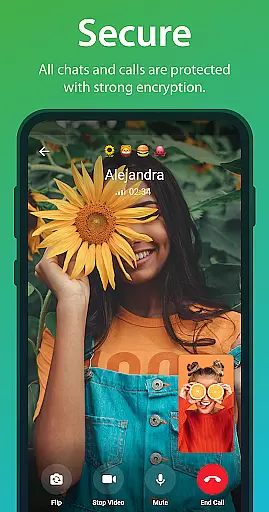
The app provides robust security features, including end-to-end encryption for Secret Chats and a combination of AES, RSA, and Diffie-Hellman encryption protocols. Telegram also supports large file sharing (up to 2 GB), group chats with up to 200,000 members, and customizable themes. Its lightweight design ensures reliable performance even on weak mobile connections, making it an ideal tool for both personal and professional use.
Telegram boasts a variety of powerful features designed to enhance user experience. The app supports synchronized messaging across multiple devices, enabling users to start conversations on one device and continue them on another. With no limits on file type or size, Telegram allows users to share documents, videos, and other files effortlessly. Additionally, its cloud-based architecture ensures that chat history is securely stored and accessible at any time.
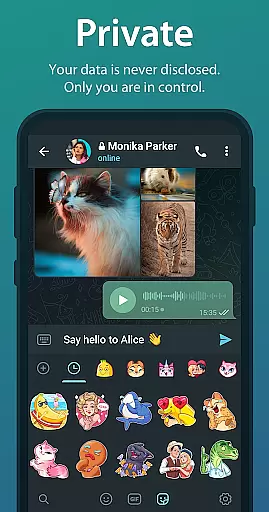
For privacy-conscious users, Telegram offers Secret Chats with self-destructing messages and end-to-end encryption. The app also includes fun and creative tools such as animated stickers, customizable themes, and advanced photo/video editing options. Telegram's open API and verifiable builds make it a transparent and developer-friendly platform, while its reliability on low-bandwidth connections ensures uninterrupted communication.
Telegram is engineered to deliver messages with minimal data usage, ensuring reliable communication even on the weakest mobile connections. This makes it one of the most dependable messaging systems available today.
The app utilizes a unique, distributed network of data centers around the globe, which not only speeds up the messaging process but also ensures that your communications are synced across all devices in real-time. Whether you're typing on your phone, tablet, or computer, you can pick up where you left off without missing a beat.
For users, this means uninterrupted conversations and the ability to stay connected regardless of location or network conditions. Telegram's infrastructure is built to adapt to various internet speeds, providing consistent performance that users can count on.
Telegram allows you to send media and files of any type and size, without imposing limits commonly found in other messaging apps. From large videos to extensive documents (.DOCX, .MP3, .ZIP, etc.), each file can be up to 2 GB in size, offering unparalleled freedom in sharing.
Beyond just sending files, Telegram provides a seamless experience for sharing content within group chats that can host up to 200,000 members. This feature is particularly beneficial for online communities and collaborative work environments where resource sharing is frequent and diverse.
Moreover, the entire chat history is securely stored in the Telegram cloud, meaning your shared media doesn't consume local storage space. Users can access their data from any device at any time, enjoying both convenience and peace of mind regarding their digital assets.
Fast and reliable messaging
End-to-end encrypted Secret Chats
Unlimited file sharing capabilities
Fully synchronized cross-device access
Highly customizable user interface
No default end-to-end encryption for regular chats
Feature complexity may overwhelm new users
Limited native video calling functionality
Occasional reports of account suspension issues
Heavy reliance on cloud storage for message history

Call Forwarding is easy and simple application to use.
 3.80
3.80
SMS Messenger ensures that communication become effortless and accessible.
3.80
Save 10% automatically on your first international mobile top up.
4.60
SMS & MMS Messaging App to easily send messages or schedule SMS on Chat
4.10
2nd Phone Number Line for Anonymous Texting, Calling, and Picture Messages
4.30
An agentic AI browser for Android, built by Perplexity
4.50
Bringing the functionality of Winlink to your Android device
4.1
Threema is the messenger with the most consistent focus on security and privacy.
4.00
A browser that does more than load page, like keeping your privacy safe.
4.70
We’re taking the yada yada out of wireless—now we’ve taken it out of your app.
4.70
Useful. Social. Expressive.
4.70
Get through your inbox faster with the mail app designed to simplify your life.
4.40
Manage your data, talk & text - affordable phone plans & data usage made simple
4.30
BiP is a fast, secure, free messaging and HD video calling app!
4.10
Send SMS and chat messages easily with a fast text messaging app for Android.
4.10 3.90
3.90
Manage and Fund Calling Accounts and Schedule and Join Video Sessions
3.60
Fast, Simple And Secure Application That Provides SMBv3 Server On Your Device
3.30
Manage Phone Calls, call history, and contacts easily with Phone Pro.
4.1


User Reviews