

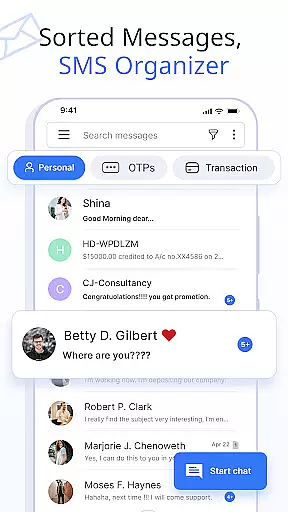
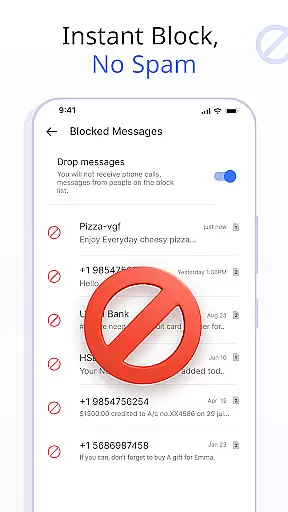
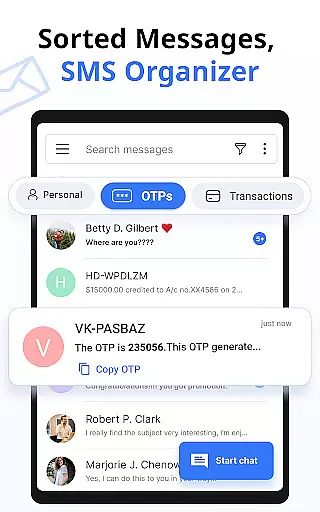




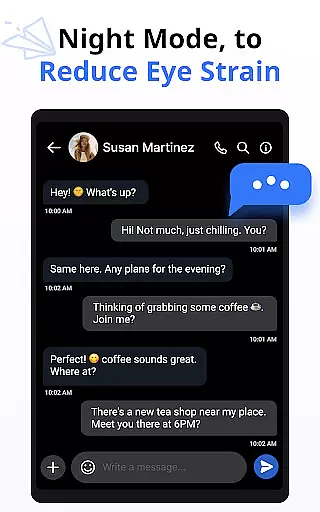
Messages is a feature-rich SMS and MMS messaging app designed to provide users with a secure, fast, and smart communication experience. The app offers advanced functionalities such as automatic message organization into categories like Personal, Transactions, OTPs, and Offers, enhancing user convenience. With over 16 million users, it stands out through its comprehensive features including customizable notifications, scheduled messages, and delivery confirmations.
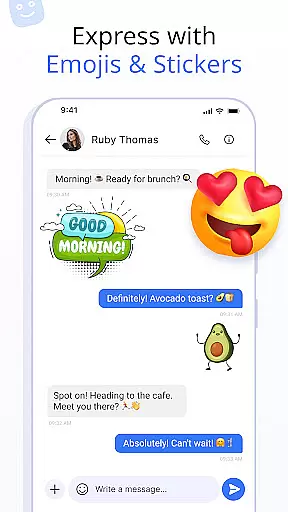
In addition to core messaging capabilities, Messages supports multimedia sharing with emojis, stickers, and GIFs, allowing for more expressive conversations. The app also includes practical tools like SMS backup and restore, auto-delete conversations, and swipe actions for better inbox management. Compatible with all major Android devices and versions, this app ensures a seamless experience across Samsung, Xiaomi, Google, and other popular brands. Whether for personal or professional use, Messages delivers a reliable and enriched texting experience.
Messages distinguishes itself through an array of innovative features tailored to optimize the messaging experience. One standout functionality is the customizable notification alerts, which allow users to personalize settings for individual contacts, including preview options, ringtones, and vibrate patterns. This granular control ensures that users never miss important messages while minimizing distractions from less critical ones.
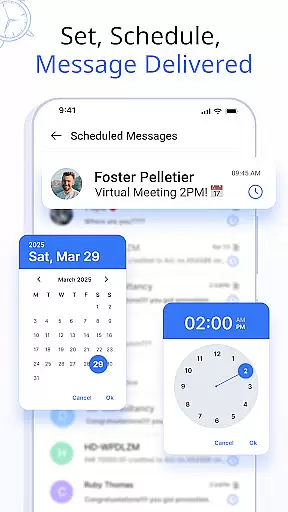
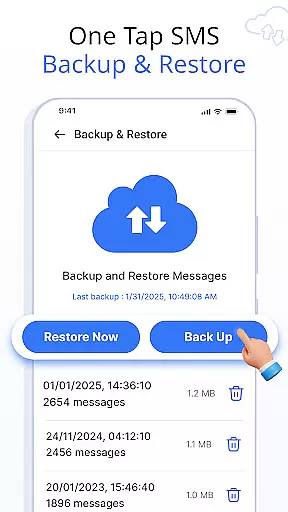
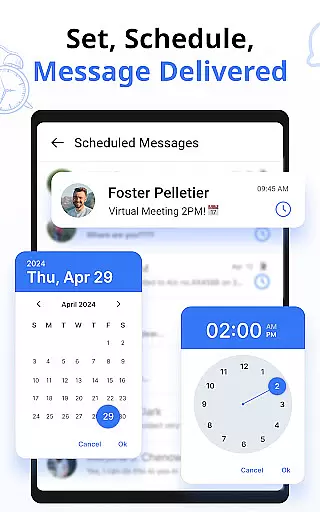
The app also excels in providing scheduling capabilities for messages, enabling users to draft texts in advance and have them delivered at a specific date and time. This feature is particularly useful for sending timely reminders or greetings. Additionally, Messages incorporates robust security measures such as delivery confirmation, ensuring that every sent message reaches its intended recipient. For those concerned about storage, the built-in SMS backup and restore function allows effortless data management, safeguarding valuable conversations against accidental loss.
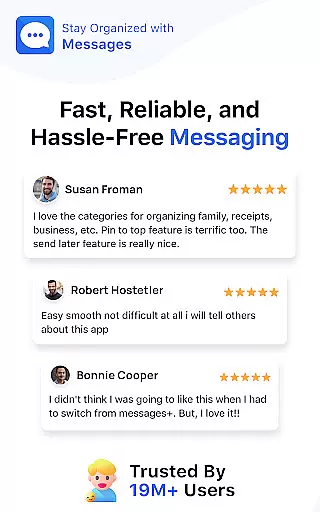
Real-time messaging speed and reliability are crucial for maintaining seamless communication in any messaging app. The Messages app ensures that your texts are delivered instantly, regardless of network conditions.
This application uses advanced data transmission protocols to maintain high-speed message delivery. Even during peak usage times, users can expect minimal delays, ensuring conversations flow naturally.
For users, this means no more awkward waiting periods or dropped messages. Whether you're sending important work-related information or casual chats with friends, the Messages app provides a dependable platform for all your communication needs.
The app's infrastructure is designed to handle millions of simultaneous users without compromising speed. This reliability makes it an ideal choice for those who require consistent connectivity throughout their day.
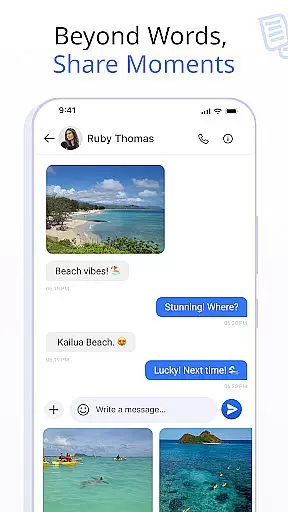
Media sharing support is an essential feature in modern messaging apps, allowing users to exchange photos, videos, and documents effortlessly. The Messages app offers comprehensive media sharing capabilities that enhance user interaction.
This app supports various file formats, including JPEG, PNG, MP4, and PDF, ensuring compatibility across different media types. Users can send high-resolution images and lengthy videos without worrying about format restrictions or size limitations.
Additionally, the app optimizes media files for quick uploading and downloading. This optimization reduces wait times while maintaining acceptable quality levels, providing a smooth sharing experience.
With built-in preview functionalities, users can view media before opening it fully. This feature not only saves time but also helps in managing storage space efficiently by allowing selective downloads.
User-friendly interface
Advanced customization options
Secure message delivery
Wide device compatibility
Rich media support
Limited iOS support
Occasional sync issues
Ads in free version
Large app size
Requires constant updates

Tether to Windows, OS X, Linux PCs or Android tablets. No root. No tether fees.
 3.90
3.90
Pure modern IRC experience for Android
3.70
Radio communication simulator for gaming communities
4.3
Adblock & VPN Browser: Blocks banners, pop-ups and video ads, fast downloader!
4.60
Official NDI app: turn your phone into a professional live-streaming IP camera.
3.20
Call Blocker app: Identify unknown callers, block spam calls, fraud & robocalls
4.30
Fun, free app that lets kids video call and message family and close friends.
3.80
Simple tool for businesses to talk to their customers.
4.40
Share the moment!
4.10
Manage your mobile phone plan, check unlimited 5g data usage and track rewards
4.50
Experience real private browsing without tracking, surveillance, or censorship.
4.50
2nd Phone Number Line for Anonymous Texting, Calling, and Picture Messages
4.30
Use this SMS app standalone or as a TREK: Total Interface companion.
4.30
Group Chat That’s Fun & Games
4.30
SMS Messenger ensures that communication become effortless and accessible.
3.80
Quickly and easily identify and block unknown callers
3.70
Weargram is an unofficial Telegram Client for Wear OS.
3.50
Watchgram for Telegram: Experience seamless Telegram messaging on your watch
1.80
Manage Phone Calls, call history, and contacts easily with Phone Pro.
4.0


User Reviews