
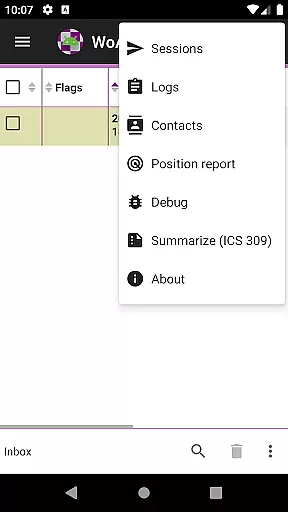
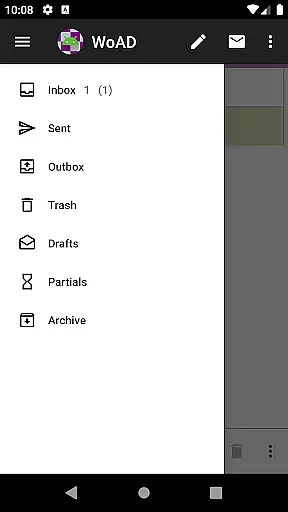
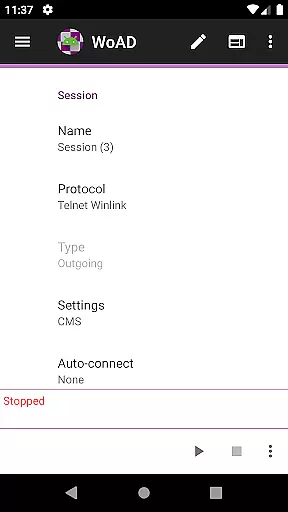
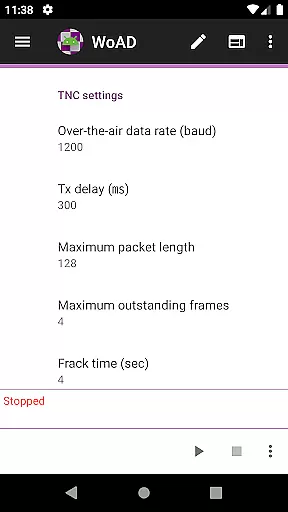
WoAD is a specialized communication application designed for licensed amateur radio operators. It serves as a client for the Winlink Global Radio Email system, enabling users to send and receive emails through radio waves without relying on traditional internet connectivity. The app supports both peer-to-peer connections via VHF/UHF AX.25 packet connection and internet-based communication, making it versatile for various scenarios including emergency situations where conventional networks may be unavailable.
One of WoAD's key features is its ability to cater to technically inclined users who are familiar with packet radio and the Winlink system. While it offers powerful tools for those with the necessary expertise, beginners might face a steep learning curve. To assist users, extensive documentation is available online, covering setup guides, troubleshooting tips, and best practices. This ensures that even those new to the platform can gradually learn to utilize its full potential.
For licensed amateur radio enthusiasts, WoAD provides an invaluable tool for maintaining communication in remote areas or during emergencies. Its robust architecture and compatibility with existing systems make it a reliable choice for staying connected when it matters most.
WoAD stands out due to its integration with the Winlink Global Radio Email system, allowing users to communicate seamlessly over radio frequencies. This feature is particularly beneficial in environments where internet access is limited or non-existent. Users can establish direct peer-to-peer connections using VHF/UHF AX.25 packet technology, ensuring reliable communication channels even in challenging conditions.
The app also emphasizes user support and community engagement. Comprehensive documentation is readily accessible, offering detailed insights into setup procedures and operational guidelines. Additionally, users can join a dedicated support group comprising fellow WoAD enthusiasts, providing a platform for sharing knowledge and resolving issues collaboratively. For technical glitches, a bug report page is available, encouraging users to contribute to the app's continuous improvement by reporting any encountered problems.
Furthermore, WoAD facilitates feature requests, empowering users to suggest enhancements that could make the app more user-friendly or efficient. This feedback loop not only aids in refining the current version but also helps shape future updates, ensuring that WoAD remains at the forefront of amateur radio communication technology.
Real-time messaging speed and reliability are crucial for effective communication, especially in scenarios where timely information exchange can be a matter of urgency. WoAD offers robust capabilities as a client of the Winlink Global Radio Email system, ensuring that messages are transmitted swiftly and reliably over the internet or through VHF/UHF AX.25 packet connections.
The application is designed with the understanding that communication systems must remain dependable under various conditions. Whether you're connecting peer-to-peer or through a larger network, WoAD maintains a steady flow of information, which is vital for amateur radio operators who require uninterrupted service.
For users with the technical know-how, WoAD provides an environment where they can trust that their messages will reach their destination without delays. This reliability fosters confidence among users who depend on clear and prompt communications, particularly when involved in critical operations or emergency situations.
Overall, the real-time messaging features of WoAD not only facilitate rapid exchanges but also ensure that every message counts, providing peace of mind to its users about the dependability of their communications infrastructure.
Media sharing support is an essential feature for modern communication platforms, allowing users to exchange more than just text-based messages. WoAD facilitates the sharing of various media formats, enhancing the ability of licensed amateur radio operators to communicate effectively and share important data seamlessly.
While using WoAD, operators can transmit images, documents, and other file types that are crucial for comprehensive communication. This capability is particularly beneficial during situations where visual or detailed information needs to be shared quickly and efficiently across networks or directly between peers.
Moreover, by supporting media sharing, WoAD empowers users with a richer communication experience. It bridges gaps between different forms of content, making it easier for teams to collaborate and make informed decisions based on the diverse information received.
In summary, WoAD's media sharing support enriches the communication process by enabling versatile data exchange options, thus catering to a wide array of informational needs within the amateur radio community.
Reliable offline communication
Comprehensive documentation
Active user community
Free to download and use
Versatile connection options
Steep learning curve
Limited to licensed users
Technical expertise required
No instant customer support
Interface may feel outdated

Fast and simple walkie talkie app
 4.20
4.20
Adblock & VPN Browser: Blocks banners, pop-ups and video ads, fast downloader!
4.60
Browse fast on Opera Mini, with Data Saving, News, Football Scores, and Download
4.60
Block spam calls & scam - no more annoying calls with the call blocker function
4.30
WazzapMigrator: transfer your WhatsApp history from iPhone to Android
4.00
Chat on the Jabber network (XMPP protocol); support for SMS and other gateways
2.10
A softphone with crystal clear SIP Calling & Reliable VoIP dialer
4.00
Weargram is an unofficial Telegram Client for Wear OS.
3.50
Telegram is a messaging app with a focus on speed and security.
4.00
Welcome to the future of phone service.
4.60
Create a secure hotspot on-the-go with Portable WiFi - Mobile hotspot.
4.40
Smart and simple anti-wiring application - IMSI-catchers catcher
4.40
Phone Dialer with Caller ID, Address Book & Contacts Manager.
4.30
Use this SMS app standalone or as a TREK: Total Interface companion.
4.30
SMS Messenger is a lightning-fast messaging app.
4.20
Google's fast and secure browser
4.10
Fast Dialer & Contact Manager with Caller ID and Spam Protection
4.00
Secure Messaging App to Enhance Messenger Texting Experience and Organize SMS.
3.50
Watchgram for Telegram: Experience seamless Telegram messaging on your watch
1.80


User Reviews