
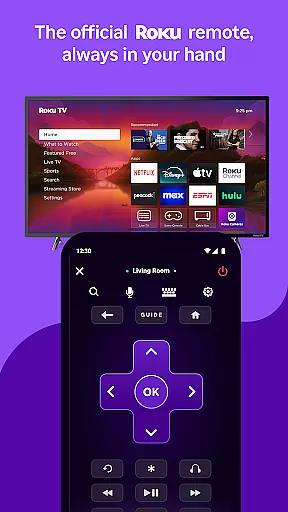
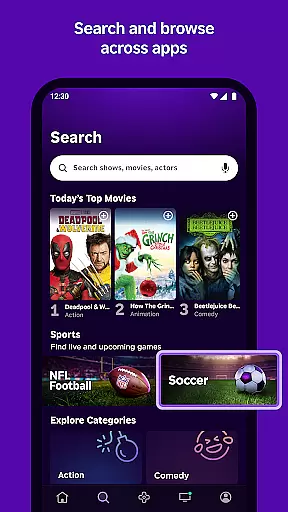
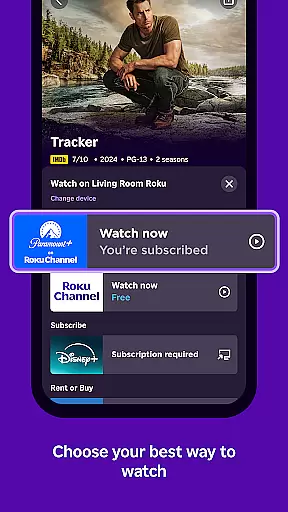
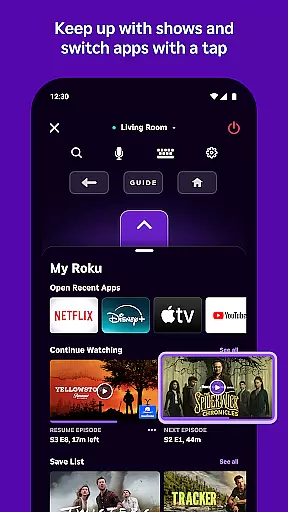
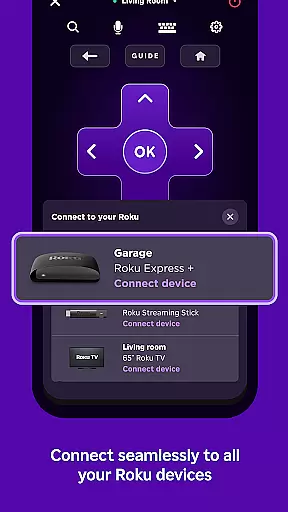
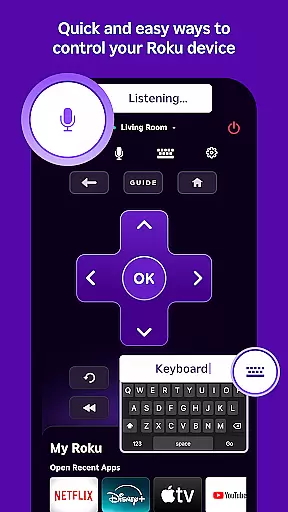
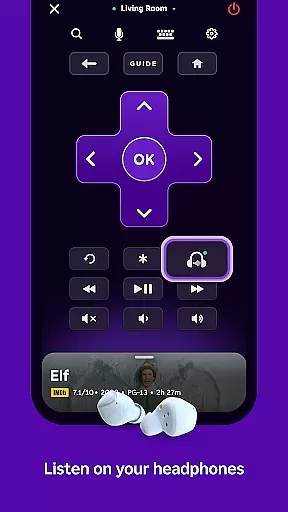
The Roku App is the ultimate streaming companion, designed to enhance your entertainment experience. This versatile application allows you to control Roku devices with an intuitive remote interface, search for content using voice or keyboard, and enjoy private listening through headphones. Available on both Android and iOS platforms, it serves as a comprehensive tool for managing your Roku streaming activities.
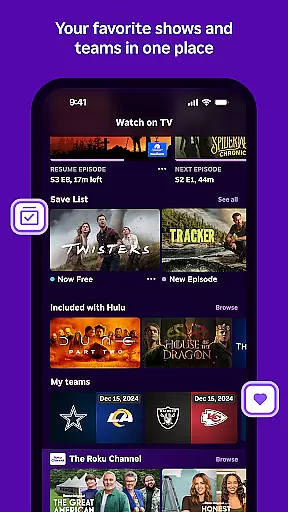
One of the standout features is its ability to stream free movies and live TV via The Roku Channel, while also enabling media casting from your mobile device to your TV. Whether you're at home or on the go, the Roku App provides seamless access to entertainment options, making it an essential utility for Roku users who want centralized control over their streaming content.
The Roku App offers a rich set of features that cater to diverse user needs. With voice search capabilities available in multiple languages and regions, finding your favorite shows is faster and more efficient. The app supports English in the US, UK, and Canada, and Spanish in Mexico and the US, ensuring broad accessibility.
Users can cast personal media files such as videos and photos directly to their TVs, add and launch channels on Roku devices, and utilize the mobile keyboard for easier text entry. While certain functionalities like The Roku Channel are limited to the US, the overall feature set provides significant value, particularly for those who frequently interact with Roku devices and seek a streamlined management solution.
The Roku App offers a diverse range of content, ensuring users have access to the latest and most popular entertainment options. With The Roku Channel, users can stream free movies and live TV directly from their mobile devices.
Users are not limited to just streaming; they can also cast personal media files such as videos and photos from their phone to their TV. This feature adds an extra layer of convenience and personalization to the viewing experience.
In addition to offering various channels that may require payment, the app provides regular updates to keep the content fresh and engaging. These updates ensure that users always have something new and exciting to watch.
While some channels and features might vary by country, the app strives to deliver a consistent experience across different regions. This global approach helps maintain user interest and satisfaction over time.
User engagement is a key focus for The Roku App, which offers features designed to keep viewers entertained for extended periods. The ability to quickly search for entertainment using voice or keyboard enhances the overall user experience.
Private listening with headphones allows users to enjoy their favorite shows without disturbing others, potentially increasing the time spent on the app. This feature is particularly useful in shared living spaces or during late-night viewing sessions.
By allowing users to add and launch channels directly on their Roku devices, the app encourages continuous exploration and interaction. This seamless integration between mobile and TV screens promotes longer usage sessions.
Furthermore, entering text on your Roku device becomes easier with the mobile keyboard, reducing friction and enhancing the overall usability. These thoughtful design elements contribute to better user retention rates.
User-friendly interface
Voice search functionality
Private listening mode
Free movie streaming
Media casting support
Limited regional features
Requires compatible Roku device
Some channels require payment
Network connectivity needed
Feature restrictions apply

Rain and lightning effects for your Philips Hue lights
 4.30
4.30
Journey to the world’s oldest rainforest and meet its Indigenous Custodians.
4.0
Create and play realistic-looking mock Emergency Alert System messages.
4.30
Stream videos to VIDAA & VEWD TVs from Hisense, Sharp, Skyworth, Vestel & TiVo
3.00
See the frequencies! Watch the magic!
4.2
With the Steam Mobile App, you can take Steam with you anywhere.
3.00
Create your Songs. Cover Maker with any Voice, Song Generator
3.30
Everything FOX in one place. Watch FOX News, NFL, MLB, TV shows and more.
4.50
Stream, Watch, Chat. Live.
4.00
SpiritWave is paranormal ITC application.
5.00
Open-source, fast, simple and powerful IPTV app
4.90
Time tracking, lap counting and much more for Carrera® Digital 132/124
4.80
Fun brain twisting challenge with trending Whirlpool Filter.
4.70
Watch short films, dramas, reels, series and movies anytime on Micro Drama.
4.60
Earn gift cards for playing games. Become a real game tester!
4.40
Binaural Brainwave Doses for Every Imaginable Mood
3.60
With the credits you earn play more games
2.90
Ultimate VR movie player for android mobile videos
4.0
Unofficial Game Companion App” “Guides • Builds • Tips • Progression
4.5


User Reviews