

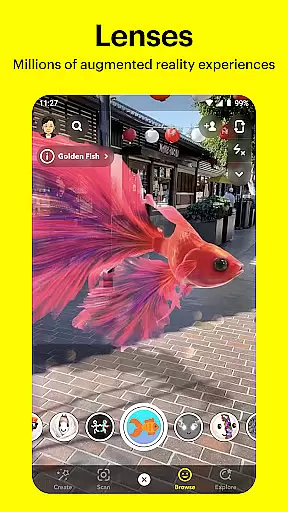


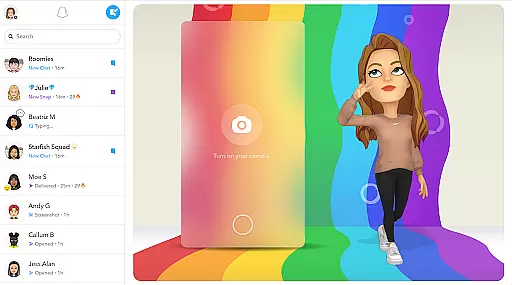
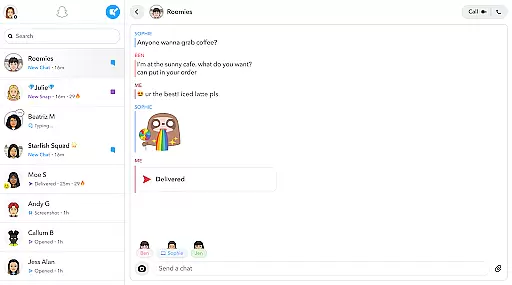
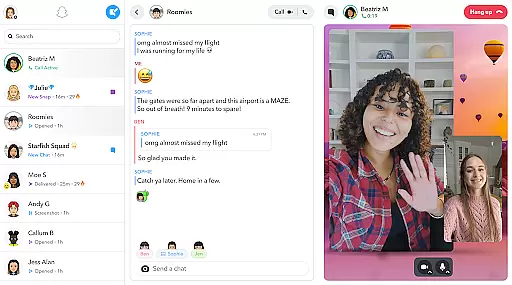
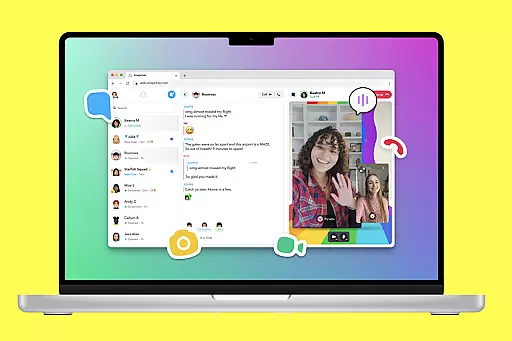
Snapchat is a dynamic communication app that allows users to share moments instantly with friends and family. The app opens directly to the camera, making it easy to capture photos and videos. With creative tools like Lenses, Filters, and Bitmoji, users can express themselves in fun and engaging ways.
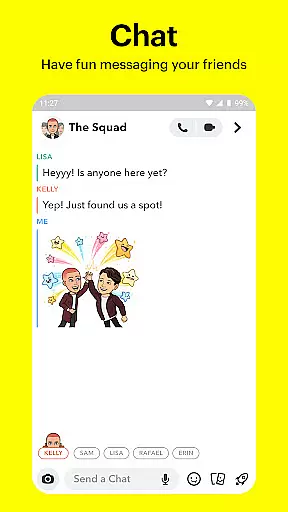
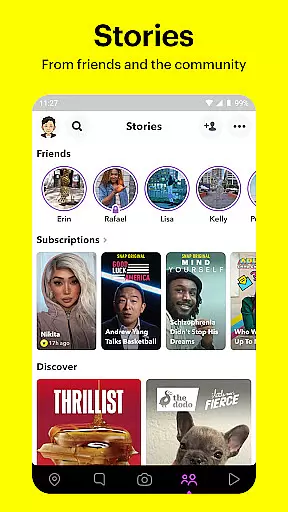
Beyond sharing snaps, Snapchat offers Chat features for live messaging and video calls with up to 16 people at once. Stories allow users to see their friends' day-to-day activities, while Spotlight showcases the best content from the community. Additionally, features like Memories and Friendship Profiles help preserve special moments and strengthen connections.
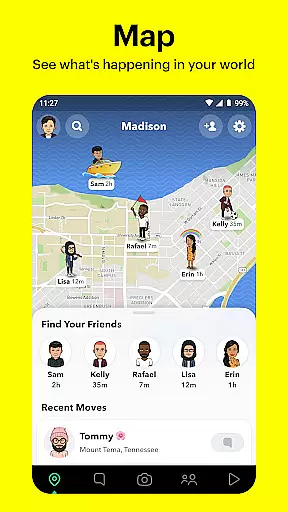
Snapchat provides an array of innovative features designed to enhance user interaction. One standout feature is the Lens Studio, which enables users to create custom AR lenses. Another key aspect is the Map feature, allowing users to share their location with close friends or explore public stories from around the world.
The app also includes a Memories section where users can store unlimited photos and videos, edit past moments, and create new stories. Snapchat's Friendship Profiles offer personalized insights into each relationship, highlighting shared memories and common interests. These features collectively make Snapchat a versatile platform for both communication and creativity.
Real-time messaging speed and reliability are crucial for maintaining seamless communication in any messaging app. Snapchat ensures that messages are delivered instantly, allowing users to stay connected without delays.
The app employs advanced server infrastructure and optimized data transmission protocols to guarantee message delivery even under varying network conditions. This means you can send texts, photos, or videos and be confident they will reach your friends immediately.
For users, this reliability translates into a dependable communication channel where conversations flow naturally without frustrating lags or lost messages. Whether you're sharing a quick update or having an in-depth conversation, Snapchat's real-time messaging keeps you engaged with your contacts effortlessly.
Moreover, the stability of message delivery enhances user experience by ensuring that all interactions, including live messaging and group stories, happen in real time, thus fostering a more dynamic and interactive social environment.
Media sharing support is a vital feature for modern communication apps, enabling users to share various types of content seamlessly. Snapchat excels in this area by allowing users to send photos, videos, and even create Stories that compile their day-to-day experiences.
The platform offers extensive options for personalizing media through Lenses, Filters, and Bitmoji, making each shared item unique and expressive. Users can apply daily updated Lenses created by the Snapchat community, adding an element of fun and creativity to their shared content.
In addition to direct media sharing, Snapchat provides features like Memories, where users can save unlimited photos and videos. These saved moments can be edited and shared later, offering flexibility in how and when content is distributed among friends and family.
Overall, Snapchat's robust media sharing capabilities ensure that users can express themselves fully and maintain engaging, multimedia-rich conversations that enhance their social interactions.
User-friendly interface
Extensive creative tools
Real-time interaction
Engaging community content
Personalized friendship profiles
Privacy concerns
High data usage
Limited search functionality
Potential addiction
Complex settings

Fast and simple walkie talkie app
 4.20
4.20
SMS & MMS Messaging App to easily send messages or schedule SMS on Chat
4.10
Manage BoostMobile Account
4.60
HD Video Meeting app is a fast & unlimited video conferencing app across world.
4.30
Watchgram for Telegram: Experience seamless Telegram messaging on your watch
1.80
Bringing the functionality of Winlink to your Android device
4.4
A customizable phone number in the cloud
4.20
Build your web browser around you with private search, and more.
4.60
Say “hello” to privacy.
4.60
We’re taking the yada yada out of wireless—now we’ve taken it out of your app.
4.70
Fast internet with AI, Adblock & VPN. Browse on a safe, incognito web browser.
4.70
Adblock & VPN Browser: Blocks banners, pop-ups and video ads, fast downloader!
4.60
Save 10% automatically on your first international mobile top up.
4.60
Faster version of Messages. Messenger for your contacts.
4.50
The ultimate productivity solution for all your email communication needs.
4.40
Manage your data, talk & text - affordable phone plans & data usage made simple
4.30
Block spam calls & scam - no more annoying calls with the call blocker function
4.30
SMS Messenger is a lightning-fast messaging app.
4.20
Threema is the messenger with the most consistent focus on security and privacy.
4.00


User Reviews