
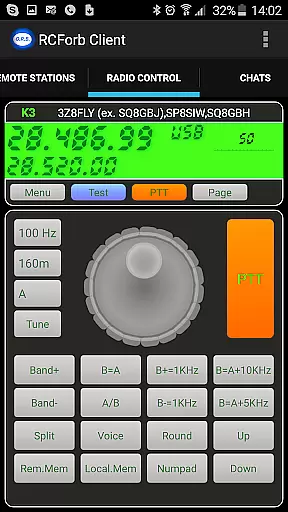
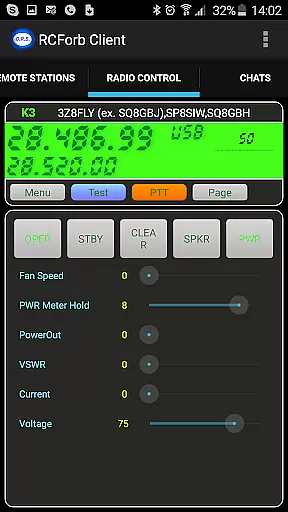
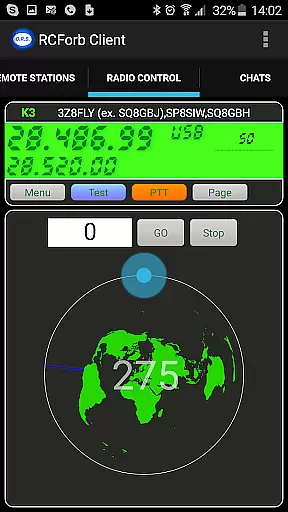
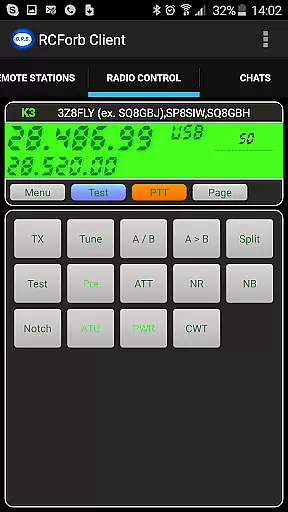
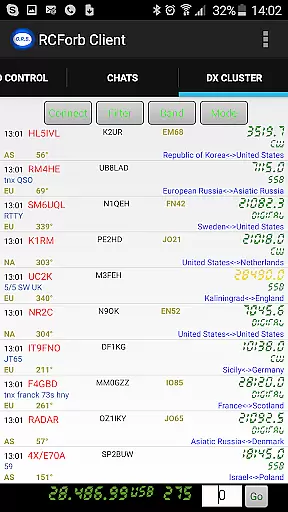
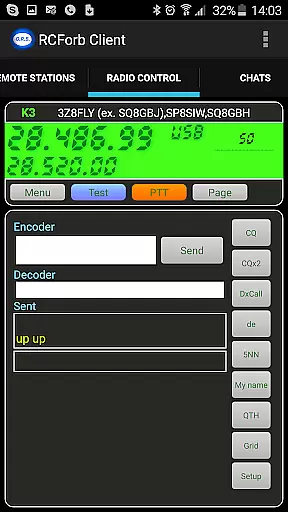
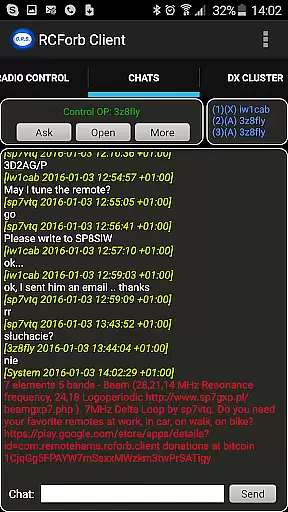
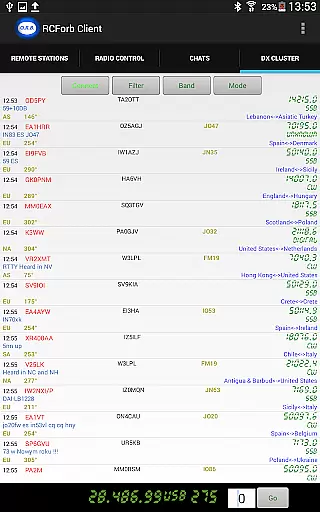
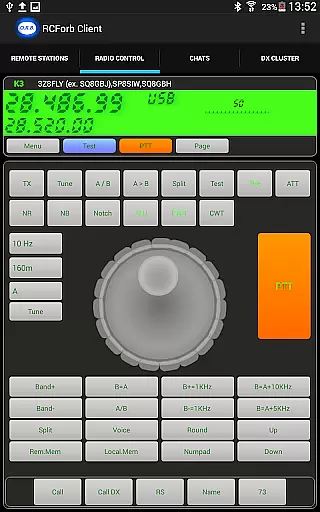
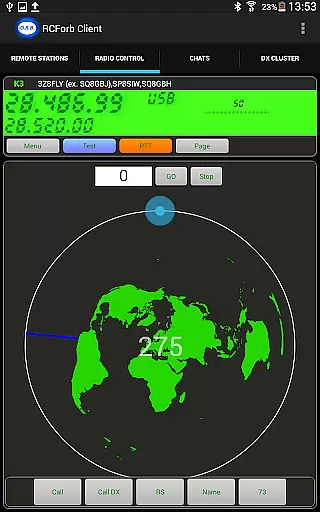
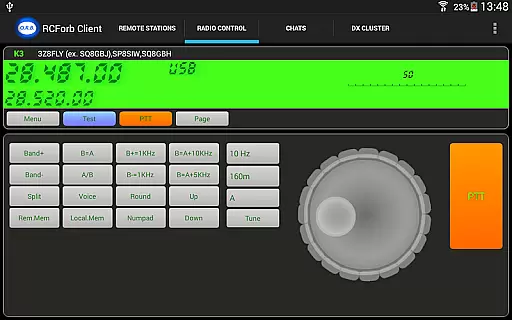
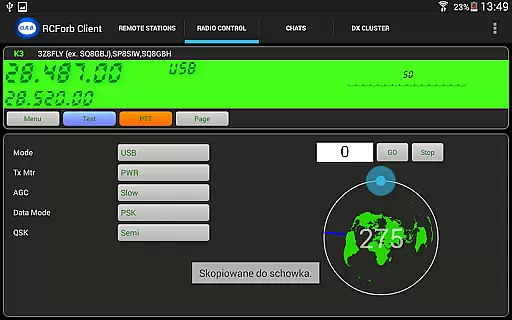
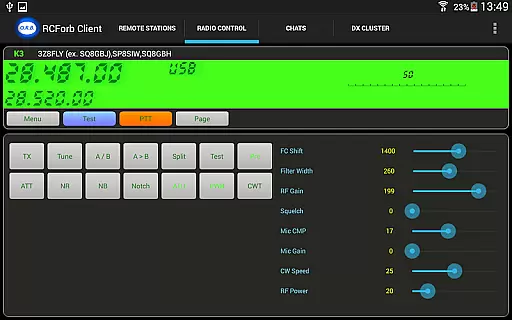
RCForb Client is a communication app designed for amateur radio enthusiasts, enabling remote operation of transceivers. This pre-release version allows users to test signal propagation and participate in DX activities, offering unique opportunities to engage with the global amateur radio community.
The app supports multiple operators, facilitating new methods of contesting and collaboration between RF and REMOTE operators. By joining RemoteHams.com, users can access a platform that bridges traditional radio operations with modern remote capabilities, enhancing both learning and operational efficiency.
RCForb Client offers several innovative features tailored for amateur radio operators. The app enables remote control of transceivers, allowing users to test their signal's reach and quality in real-time. This functionality is crucial for operators aiming to optimize their transmission setups.
Another standout feature is the support for multiple operators, which opens up possibilities for collaborative projects such as contesting and round-table discussions. This makes RCForb Client not just a tool for individual use but a platform for community engagement within the amateur radio space.
Real-time messaging speed and reliability are crucial for seamless communication in any platform. RCForb Client ensures that messages between operators are delivered instantly, allowing for efficient coordination during contests or nets.
The application employs advanced data transmission protocols to maintain stable connections even under varying network conditions. This guarantees that users can rely on the system to send and receive messages without delays or interruptions.
With this reliable messaging system, amateur radio enthusiasts can focus on their activities without worrying about missing important communications. Whether participating in DX operations or coordinating with multiple operators, real-time messaging enhances the overall experience.
Ultimately, the speed and dependability of message delivery contribute significantly to user satisfaction and engagement within the RemoteHams.com community.
Media sharing support is an essential feature for modern communication platforms, enabling users to exchange various types of content beyond plain text. In RCForb Client, media sharing allows operators to share images, audio clips, and other files relevant to their discussions seamlessly.
This capability enriches the interaction among community members by providing visual aids or supplementary information that enhance understanding and collaboration. For instance, exchanging signal propagation maps or equipment photos becomes effortless through integrated media sharing functionalities.
Moreover, supporting diverse file formats ensures compatibility across different devices and operating systems used by the global amateur radio community. Users can confidently share media knowing it will be accessible to all participants regardless of their setup.
By incorporating robust media sharing features, RCForb Client fosters a more dynamic and interactive environment where hobbyists can fully leverage digital tools to augment traditional radio practices.
User-friendly interface
Real-time signal testing
Supports multiple operators
Enhances DX opportunities
Encourages community interaction
Pre-release instability
Limited feature set
Requires registration
No offline functionality
Dependent on internet connection

Fast and simple walkie talkie app
 4.20
4.20
WazzapMigrator: transfer your WhatsApp history from iPhone to Android
4.00
This app enables the phone to receive and send FT8 traffic!
3.80
Fast Dialer & Contact Manager with Caller ID and Spam Protection
4.00
Messages is Private SMS Messenger 2023 with text message, instant messaging.
4.00
Call Blocker app: Identify unknown callers, block spam calls, fraud & robocalls
4.30
Fun, free app that lets kids video call and message family and close friends.
3.80
Say “hello” to privacy.
4.60
Useful. Social. Expressive.
4.70
فیلتر شکن قوی پرسرعت کلید جدید برای اندرویدسریع ترین وی پی ان برای همه اپراتورها
4.70
Messenger for SMS - texting message app, faster, simpler & safer, for you.
4.70
Identify unknown numbers, block spam calls, customize calls with cool themes.
4.60
FolderSync enables easy sync of files between cloud storage and Android devices.
4.60
Our Black Friday sale is here. Unlock special discounts on Proton Mail now.
4.30
A customizable phone number in the cloud
4.20
Federated instant messaging for your mobile device (Jabber, XMPP, Snikket)
4.10
Telegram is a messaging app with a focus on speed and security.
4.00
Caller ID, Spam Call & SMS Blocker
3.80
Fast, Simple And Secure Application That Provides SMBv3 Server On Your Device
3.30


User Reviews