
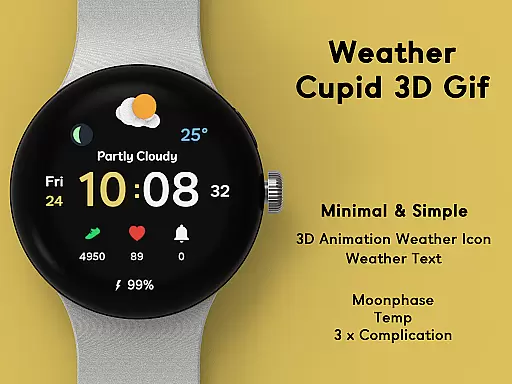
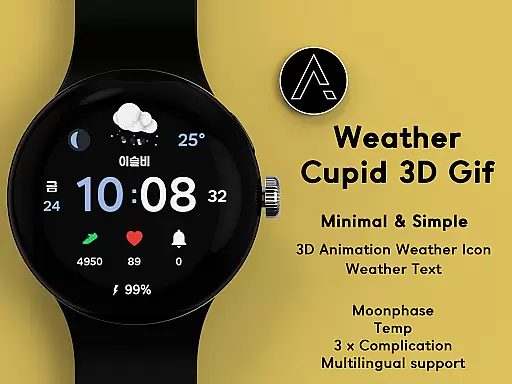
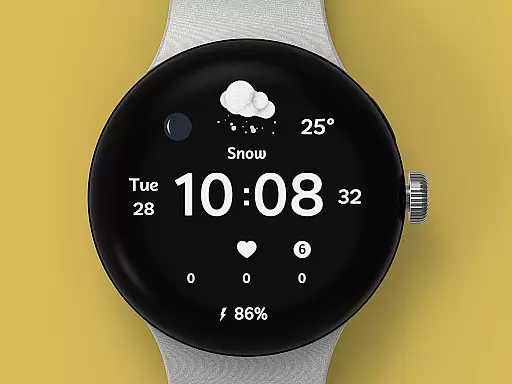
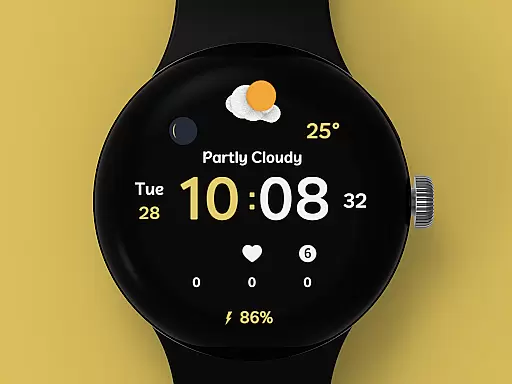
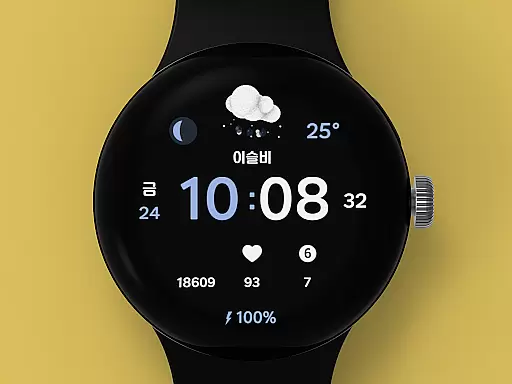
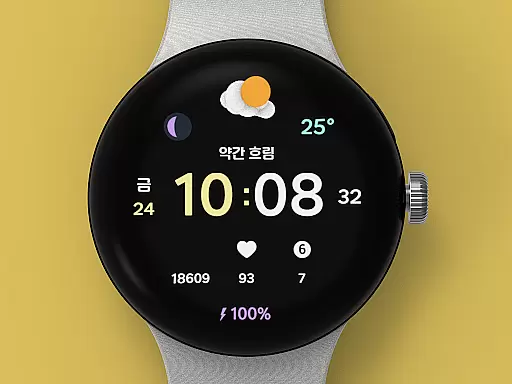
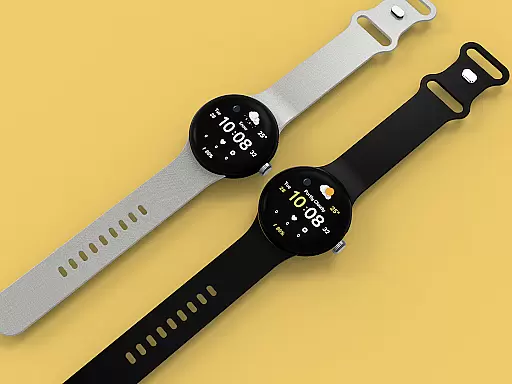
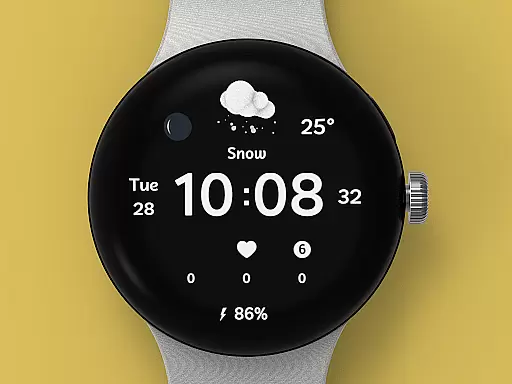
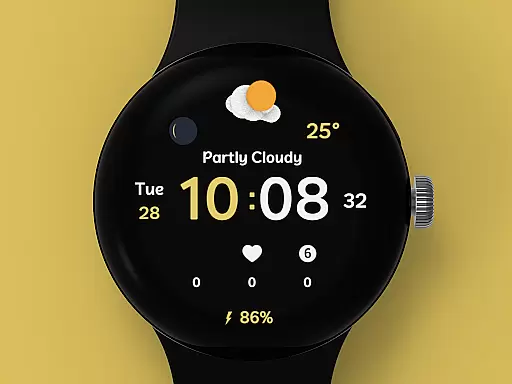
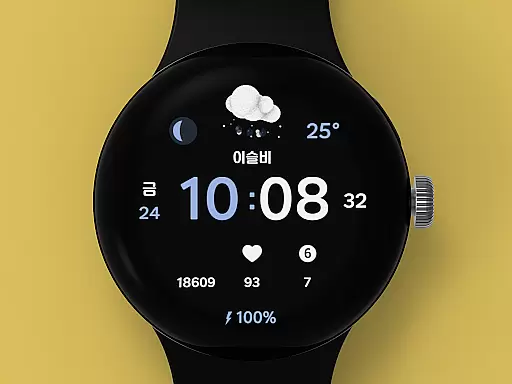
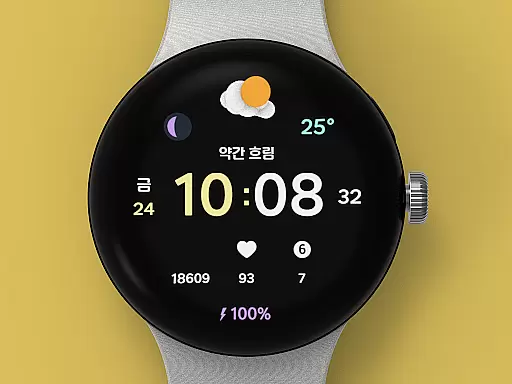
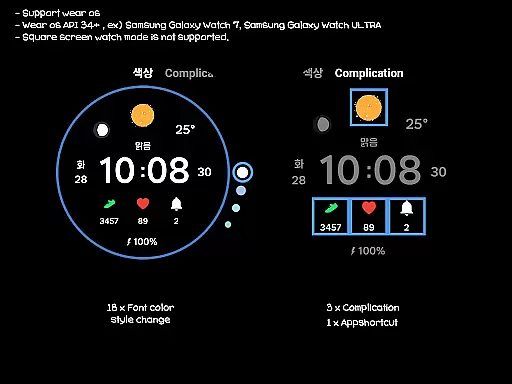
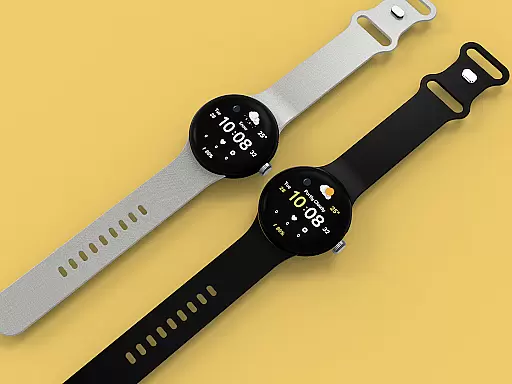
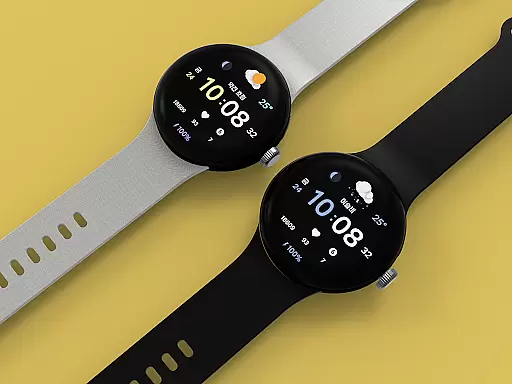
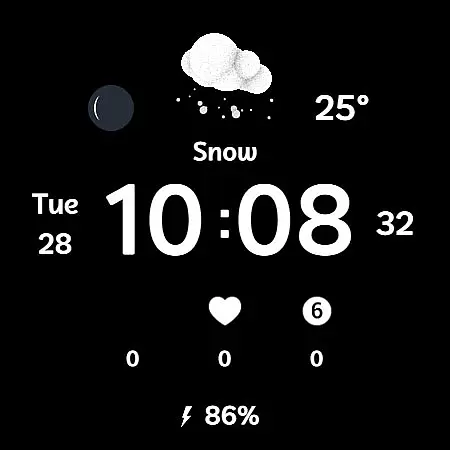
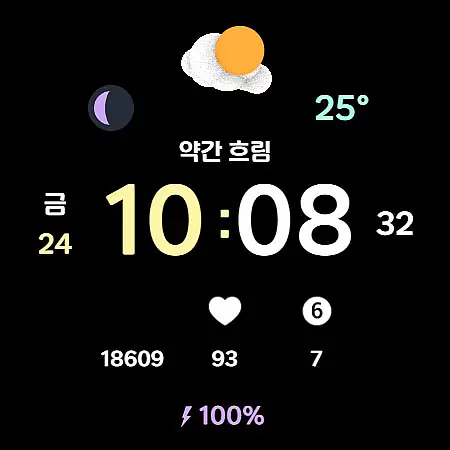
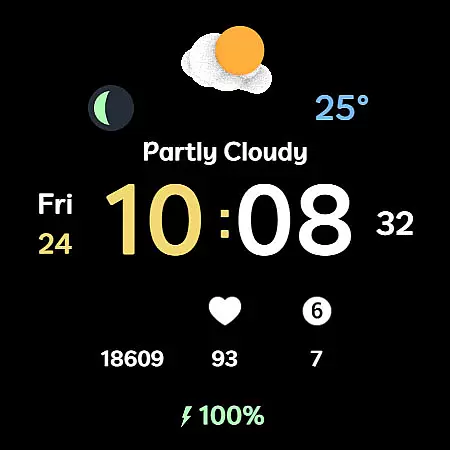
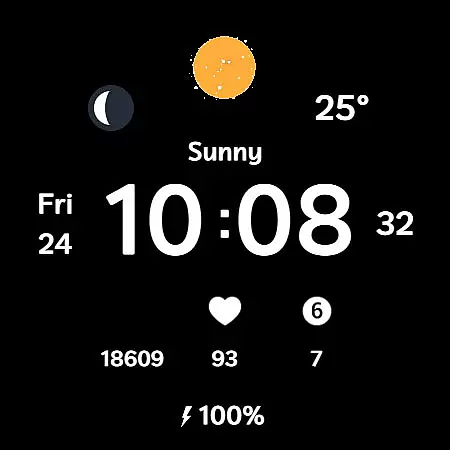
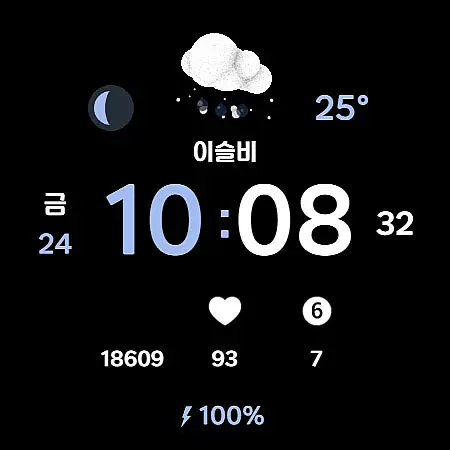
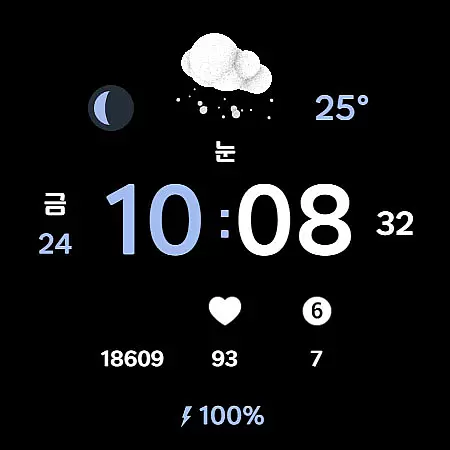
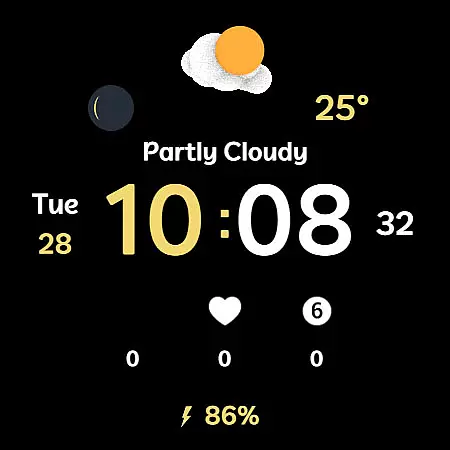
Weather Cupid 3D Gif is a visually appealing Wear OS watch face that combines functionality with aesthetics. This digital watch face features a minimalistic design complemented by lively 3D animated weather icons, making it both practical and engaging. Users can easily check essential information such as temperature, moon phase, and battery percentage directly from their wrist.
The watch face supports multiple languages and offers both 12-hour and 24-hour time formats, ensuring global accessibility. Weather data is updated automatically every 30 minutes, providing users with near real-time information. With customization options like font color styles and complications, users can tailor the watch face to match their personal preferences while enjoying accurate weather updates powered by Samsung's API.
Weather Cupid 3D Gif stands out with its unique combination of features designed for both utility and personalization. The watch face displays temperature in both Celsius and Fahrenheit, includes multilingual support, and shows detailed moon phases. Its intuitive design allows users to effortlessly monitor their health metrics alongside weather conditions.
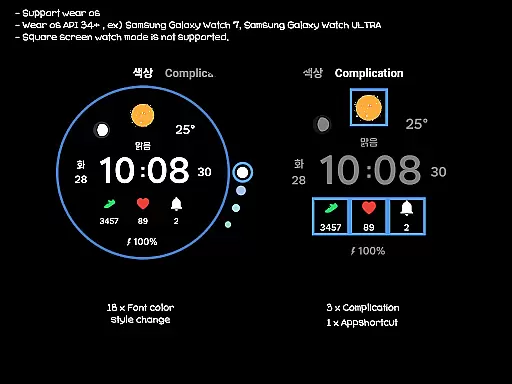
One of the key highlights is the vibrant 3D weather animation that brings the display to life. Users can customize up to 18 different font color styles and choose from three complication options. Despite its rich feature set, this watch face maintains simplicity and ease of use. Note that square screen modes are not supported, and initial setup requires Bluetooth connection between the watch and mobile device.
Weather Cupid 3D Gif provides accurate weather forecasts based on the API provided by Samsung. This ensures that users receive reliable and credible weather information directly on their Wear OS device.
The application updates weather data approximately every 30 minutes, ensuring that users have access to the most current conditions. For those needing immediate updates, a manual update feature is available through the weather or UV complication interface.
Despite the high level of accuracy, it's important to note that there may be slight variations compared to other companies' weather information due to differences in data sourcing and interpretation.
In cases where weather information does not display after restarting the watch, applying the default watch face and then reapplying Weather Cupid 3D Gif can resolve the issue, restoring normal display functionality.
With Weather Cupid 3D Gif, users can easily check weather conditions with an intuitive design featuring lively animated weather icons in 3D. The spatial coverage is broad, catering to various locations as long as the watch is connected via Bluetooth to a mobile phone.
Temperature readings are available in both Celsius and Fahrenheit, accommodating user preferences across different regions. Additionally, the inclusion of moon phase information adds another layer of temporal detail for those interested in longer-term weather patterns.
Beyond just temperature, the app also displays battery percentage and supports multilingual options, making it versatile for international use. However, it should be noted that square screen watch modes are not supported, which might limit its spatial applicability on certain devices.
Overall, Weather Cupid 3D Gif offers a comprehensive temporal forecast range with features like 12h/24h digital time display and automatic weather updates, ensuring users stay informed about upcoming conditions.
User-friendly interface
Real-time weather updates
Vibrant 3D animations
Customizable design options
Multilingual support
Limited square screen support
Weather update delay
Initial setup complexity
Battery consumption concern
Samsung API dependency

Accurate weather forecast and beautiful weather & clock widgets
 4.20
4.20
Room Temperature Thermometer meter shows indoor, outdoor temperature, humidity.
4.40
NOAA radar, weather forecasts, hurricane tracking & customizable alerts.
4.50
Weather - Local weather forecast, weather daily & hourly, weather radar
4.80
My Aurora Forecast is the app for Northern Lights and Aurora Borealis alerts.
4.60
Most precise & accurate compass app give true North South East West directions.
3.00
Storm Radar, Alerts & Live Weather Forecasts Right on Your Home Screen
3.70
Local Weather provides accurate and current hourly and daily forecasts.
4.80
Weather channel forecasts weather daily & hourly, local and national air quality
4.70
Accurate weather forecast, daily weather changes are easy to grasp
4.90
The reliable and trusted global air quality, wildfire, pollen, PM2.5 forecast
4.70
The most accurate weather app, hourly and daily weather, severe weather alerts
4.50
Super-res, real-time weather radar. Be prepared for extreme weather.
4.50
Precision Weather, Right at Your Fingertips
4.40
Local weather forecast, reliable daily weather report
4.30
Know the weather earlier.
3.90
Moon phase calendar with live wallpaper, lunar widget, & 3D simulation.
3.60
Instant weather updates, easy to check anytime on your home screen.
3.50
Digital Weather Watch Face for Wear OS 5+
4.5


User Reviews