
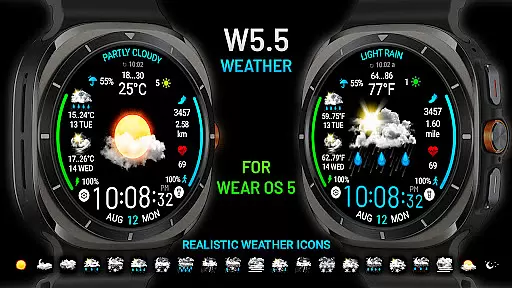
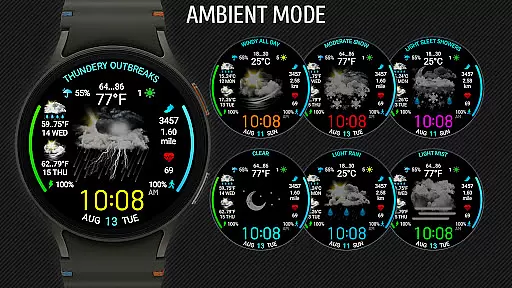
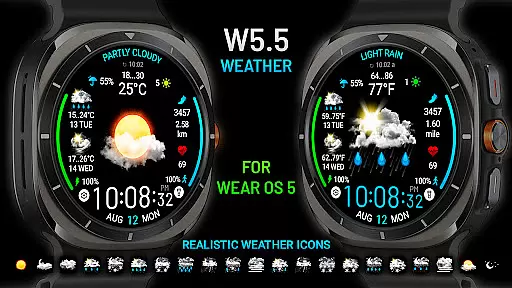
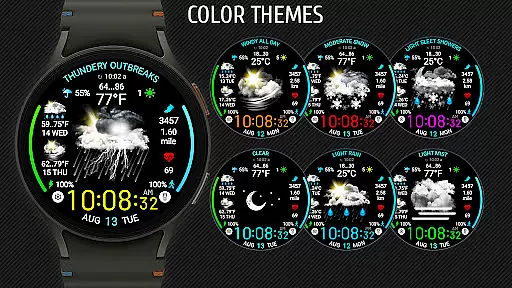
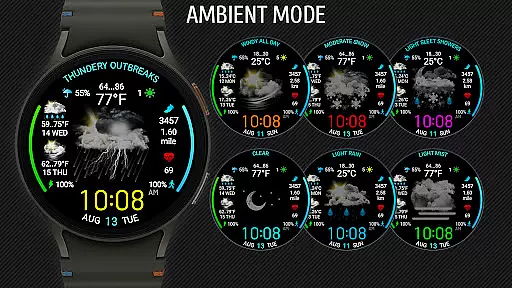
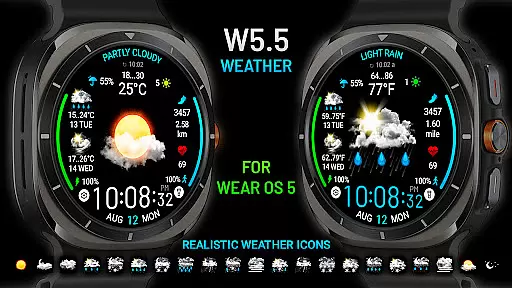
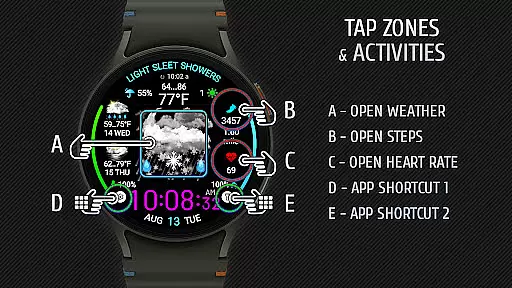
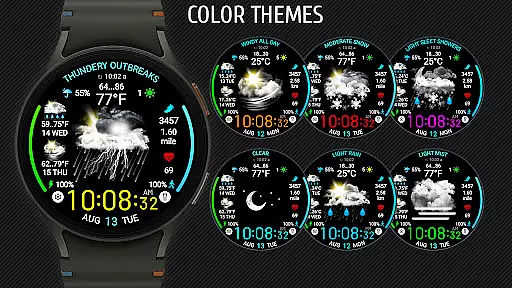
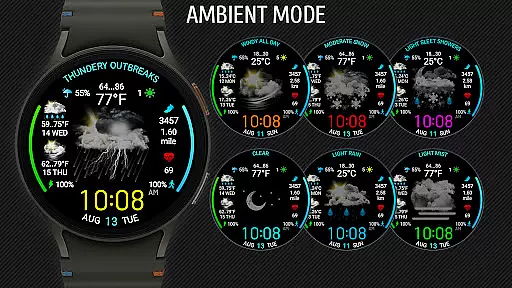
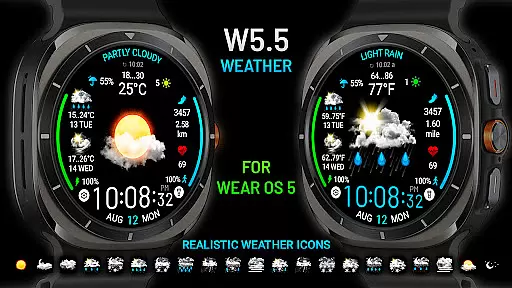
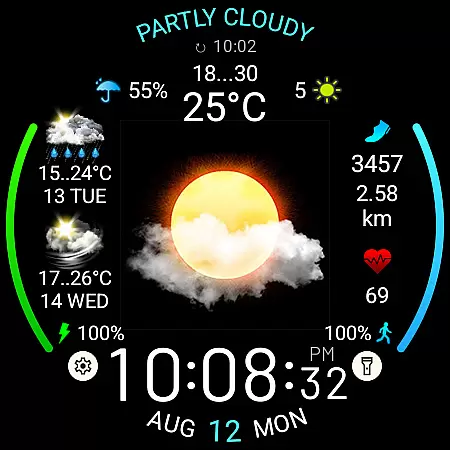
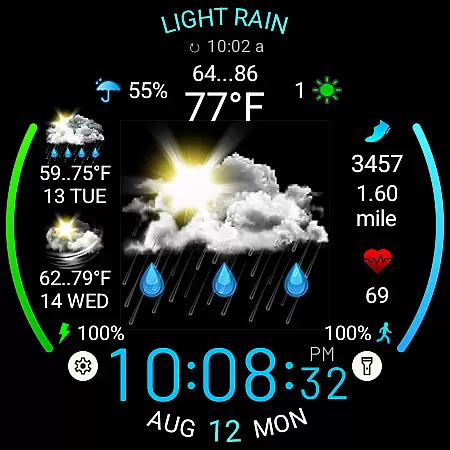
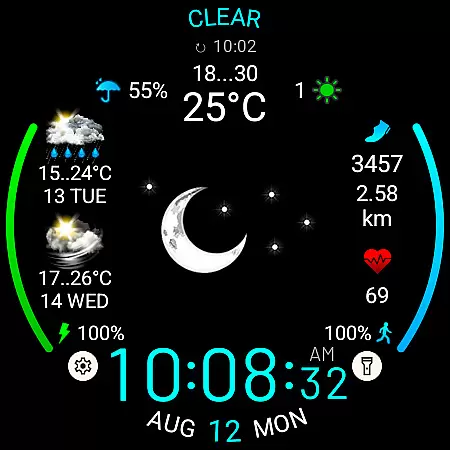
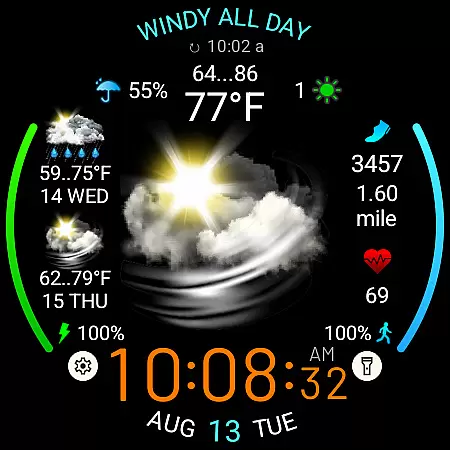
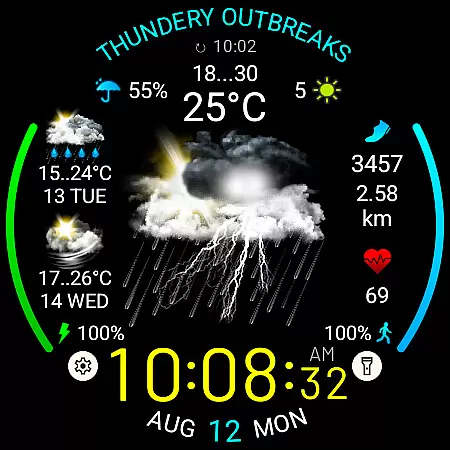
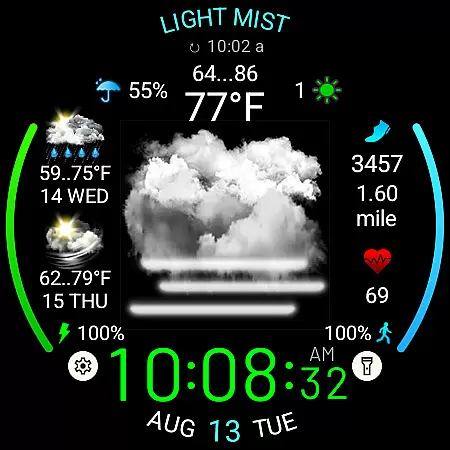
Weather Watch Face W5.5 is a sophisticated watch face designed exclusively for Wear OS 5+ (API 34+), optimized for the latest Galaxy Watch and Pixel Watch models. This app transforms your smartwatch into a comprehensive weather station right on your wrist.
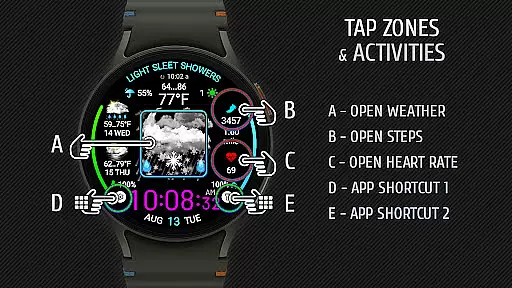
The watch face displays digital time, current weather conditions with large realistic icons, precipitation probability, UV index, and a 2-day forecast. It also tracks health metrics such as heart rate, steps, and distance traveled. With customizable features including color themes and app shortcuts, it offers both functionality and personalization.
Whether you're an outdoor enthusiast needing quick access to weather updates or a professional looking for a sleek, informative watch face, Weather Watch Face W5.5 provides essential data at a glance, enhancing your daily routine.
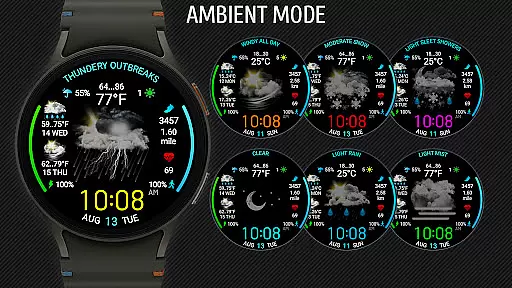
Weather Watch Face W5.5 stands out with its big realistic weather icons and detailed meteorological data. The app supports 15 distinct weather conditions, each represented by vivid, easy-to-understand icons. Users can view digital time, current weather, precipitation probability, UV index, and a 2-day forecast directly on their watch face.
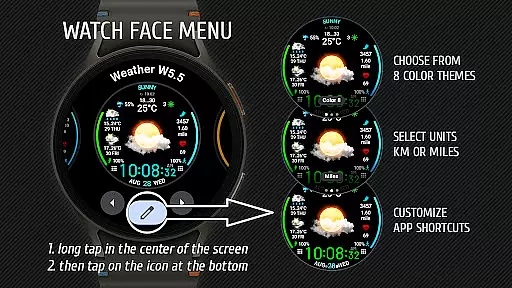
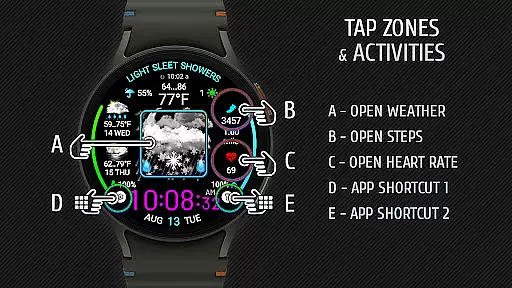
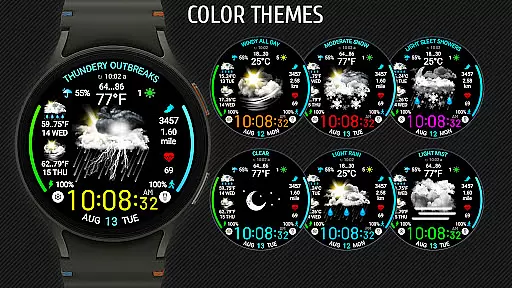
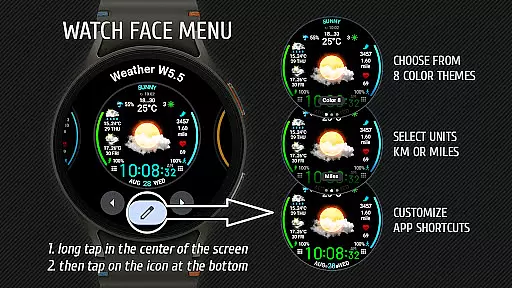
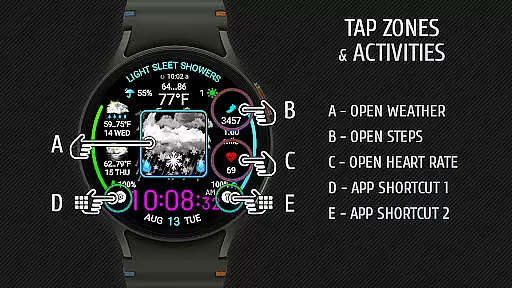
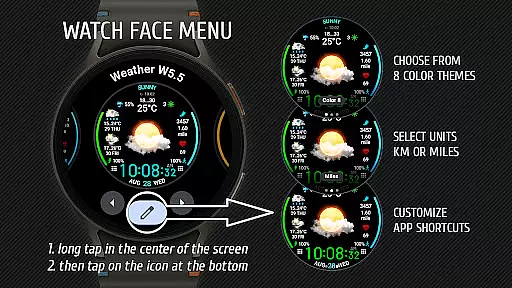
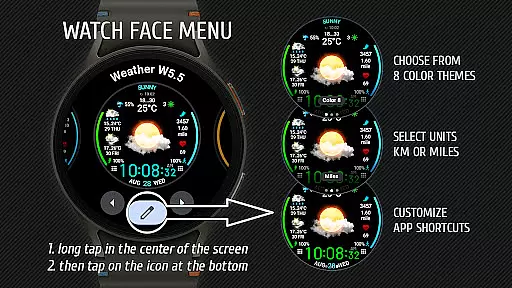
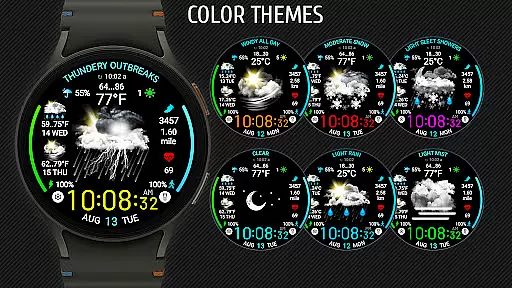
Health tracking features include heart rate, step count, and distance traveled, making it a versatile tool for fitness enthusiasts. Customization options are abundant; users can choose from 8 different color themes and configure two app shortcuts at the bottom of the screen for quick access to frequently used applications.
Additionally, the settings menu allows users to select units of measurement for distance (km or miles) and set up preferred app shortcuts. Weather data is sourced from The Weather Channel or other system weather sources, ensuring accuracy and reliability.
Weather watch face W5.5 delivers precise weather forecasts tailored for Wear OS 5+ users. The application sources its data from reputable providers like The Weather Channel, ensuring that users receive accurate and reliable weather information directly on their smartwatches.
The watch face displays critical details such as current weather conditions, precipitation probability, UV index, and a two-day forecast. With fifteen distinct weather conditions represented by large realistic icons, users can quickly interpret the data at a glance, making it an essential tool for planning daily activities around the weather.
By integrating with trusted weather sources, this app ensures that the displayed forecast is not only timely but also credible. Users can depend on this information to make informed decisions regarding travel, outdoor activities, or simply preparing for the day ahead.
One of the standout features of Weather watch face W5.5 is its ability to provide both temporal and spatial forecast ranges. This means users can access detailed weather predictions that span different time frames and geographic locations relevant to their current position.
In addition to showing real-time weather updates, the watch face offers insights into upcoming conditions over the next two days. This helps users prepare for changes in weather patterns, ensuring they are always one step ahead whether they're traveling or managing day-to-day tasks.
Furthermore, the integration with advanced weather systems allows the app to deliver localized forecasts with impressive accuracy. By focusing on specific regions supported by Wear OS 5+, Weather watch face W5.5 provides a reliable tool for those who demand precision in their weather data.
Realistic weather icons
Customizable color themes
Comprehensive health tracking
Two-day weather forecast
Optimized for latest watches
Not compatible with older Wear OS
Limited to specific devices
No standalone iOS support
Requires internet for updates
Premium features may cost extra

Live local weather updates: various widgets & radar maps & hourly forecast.
 4.70
4.70
Accurate Thermometer: indoor & outdoor temperature, humidity, pressure, and wind
4.50
Live weather forecast for your everyday life
4.60
Hurricane Tracker, Rain Map
4.80
Determine Best Hunting Times for any date, any location.
2.50
Download now and give your smartwatch a fresh, premium look!
4.20
Track lightning strikes with our thunderstorms map, radar and lightning alarm.
4.70
NOAA forecast & radar for your exact location.
4.80
Your Reliable Weather Companion
4.10
My Tide Times Pro is the only tide tables and forecasts application you'll need.
4.80
weather forecast, weather radar, weather widget in one local weather app
4.70
Get the ad-free version of the highly rated WeatherBug app for accurate weather!
4.50
NOAA radar, weather forecasts, hurricane tracking & customizable alerts.
4.50
Weather related custom complications for Wear OS. UV, Hi-Lo, AQI and more!
4.40
Your Trusted Weather Companion
4.40
14-day & 24-hour Forecast | Real-time Alert | Accurate & Fast
4.40
A powerful weather forecast to get real-time weather information
3.60
Magnetic Compass meets smart tech: Get directions and weather alerts seamlessly
3.30
Get instant weather & temperature predictions right on your Wear OS smartwatch!
4.0


User Reviews